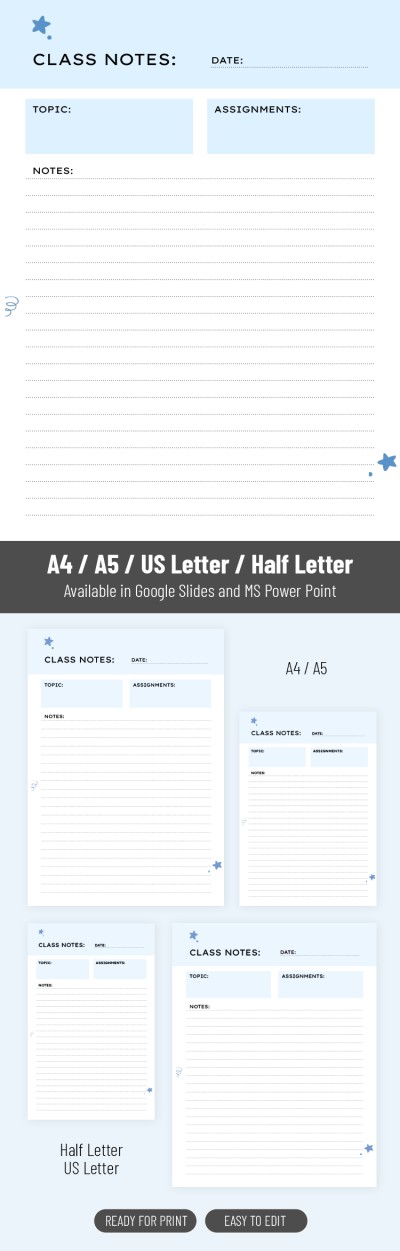
School Note Template For Middle & High School
Use this free template with Google Slides and Microsoft PowerPoint
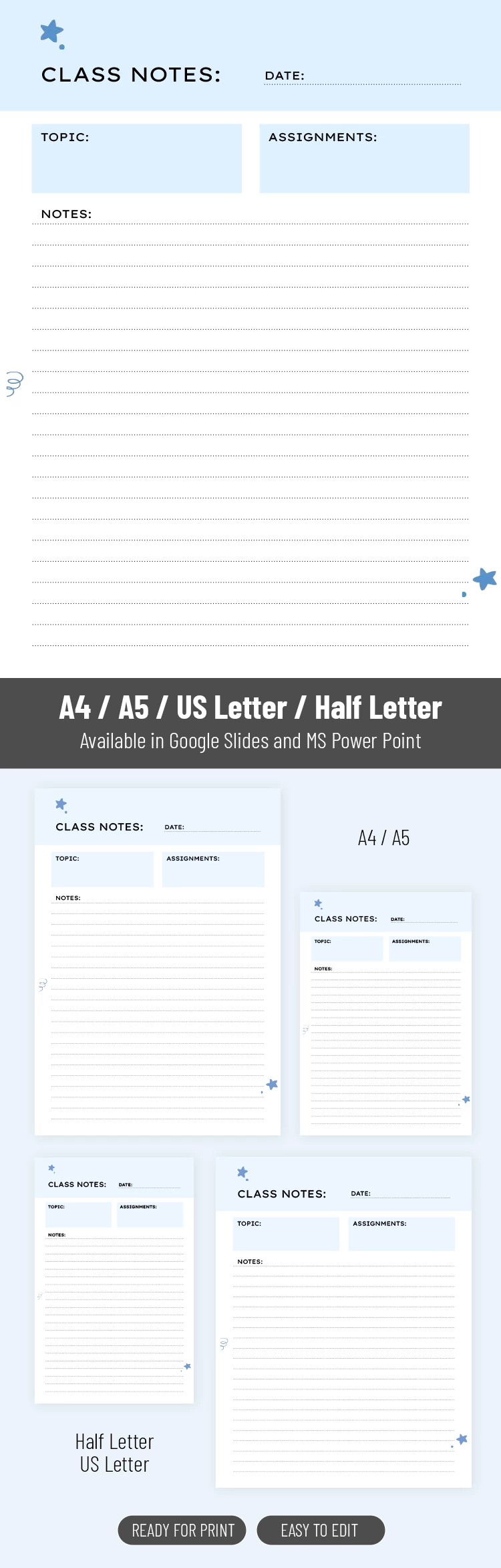
Template Specification
Key Features of This Template
About this template
Say hello to the School Note Template for Middle & High School! It is a modern, sleek, and easy-to-manage digital product. Similar to your books and notepads, it will become an indispensable assistant in the study process.
Best Layout for Education Tasks
The note template adapts to the needs of modern students and college youth. It is concise and includes only vital sections such as date, topic, tasks, and notes. Moreover, it features a clear structure. All fields and note-taking panels are marked with borders to structure all the material.
Modest Design
Along with the bright, beautiful Google Sheets examples, we recommend that you try out our modest and ascetic one. Visually clean and clear, it is colored white and blue. The predominant white background is combined with a blue page header and text panels. Such a color combination feels fresh and is easily recognized. Meanwhile, just a few tiny blue stars on the edges of the sheet infuse spontaneity into the template.
How to Use and Edit This Template

Get Your Document

Customize Everything

Add Your Content

Print, Export, or Share
Related Templates
Recently Viewed