Psychiatric Progress Note Template
Use this free template with Google Docs and Microsoft Word
Template Specification
Key Features of This Template
About this template
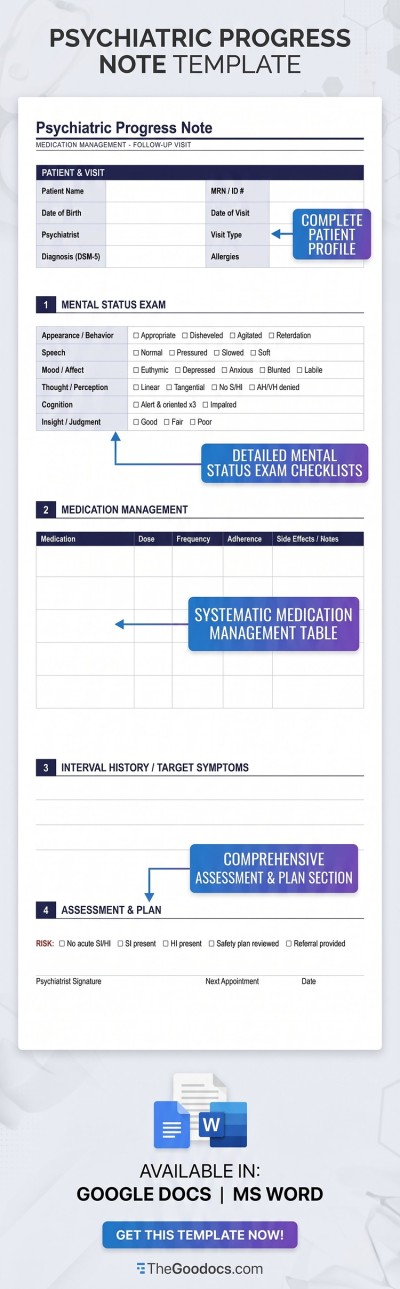
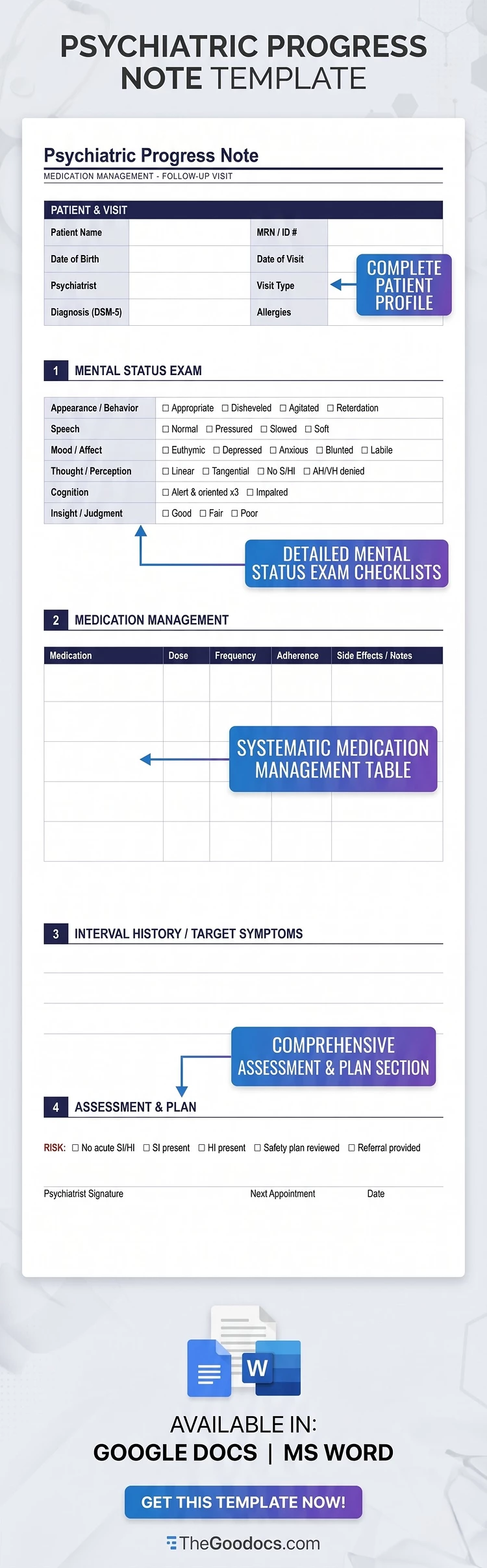
This Psychiatric Progress Note Template consists of four sections for assessing the patient's condition and a header where you can easily enter their details. The clean blue design and structured layout make it much easier to write progress notes after each session. Simply use the default structure, or customize the text in Google Docs or Word.
Use Our Mental Health Evaluation Log for Free
Our psychiatric progress note template is available for free and ready to use. The document features several tables with clear dark blue headers and bulleted lists to help organize your notes. This layout is ideal for daily use during every session.
Use the pre-made form to structure your notes:
- Enter the patient's name, date of birth, ID, appointment date, allergies, and specialist details in the header.
- Conduct a mental health evaluation using the checklist (which can be fully customized for your practice).
- Use the dedicated sections for medication management, interval symptoms, and assessment & plan to record your notes.
Whether you prefer to type your notes on a laptop or print the form, both options work perfectly. The template includes all the necessary margins and settings for both digital use and high-quality printing on A4 or US Letter paper. Find a note-taking template for any other purpose on our website.
How to Use and Edit This Template

Get Your Document

Customize Everything

Add Your Content

Print, Export, or Share
Related Templates
Recently Viewed