Progress Note Template
Use this free template with Google Docs and Microsoft Word
Template Specification
Key Features of This Template
About this template
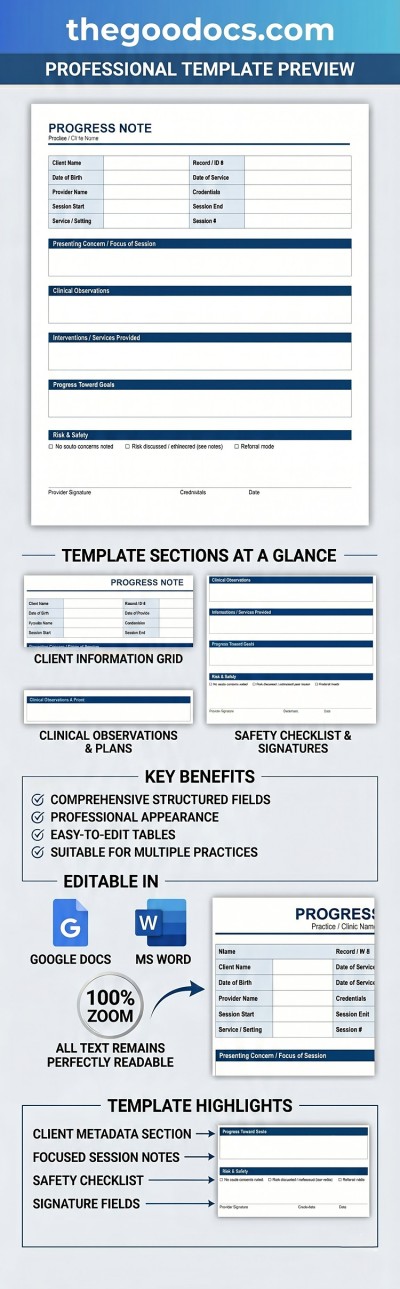
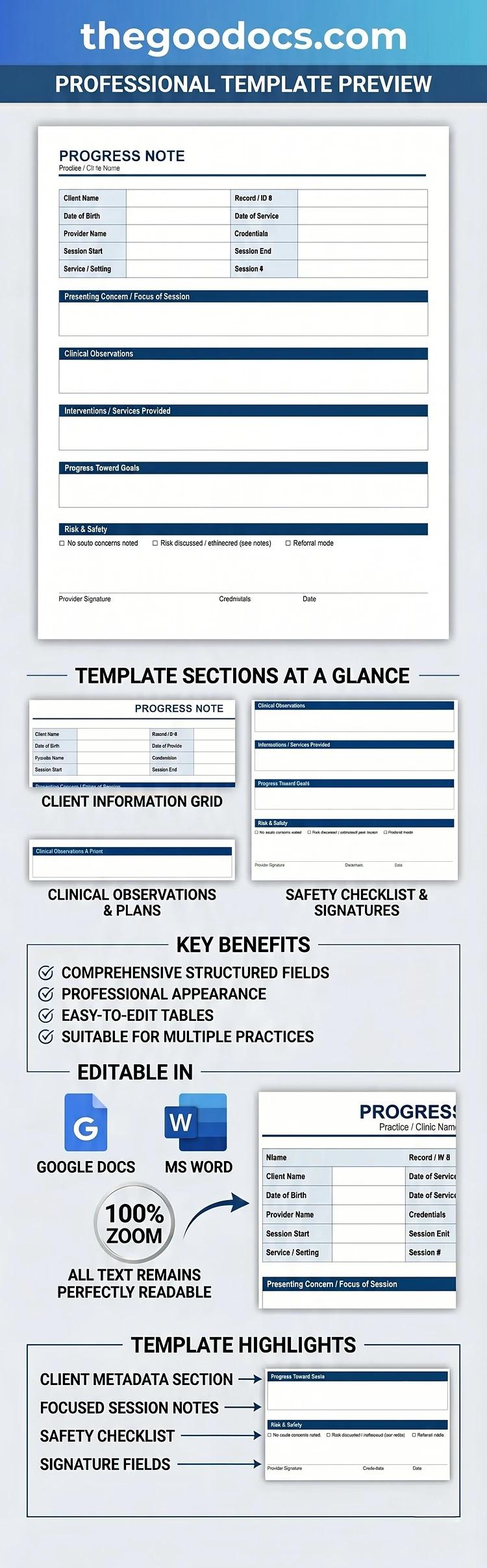
This universal Progress Note Template comes with a preset structure suitable for therapists, counselors, and other healthcare professionals. The design features blue headers for each section, a white background for notes, and easy-to-read fonts. You can use the sample structure or easily convert it to a DAP or BIRP format by replacing the text and headers.
Download This Structured Progress Note Template
You can download or copy our progress note template for free in Word or Google Docs. These formats allow you to quickly replace text, select a new fill color for headings, change fonts, and more. Our template also has all the necessary print settings, can be saved as a PDF in a couple of clicks, and comes in two standard sizes: A4 and US Letter.
More features of our template:
- Use the header section to fill in all patient and session information, including the practice or clinic name.
- Include the session focus, clinical observations, interventions, progress, next steps, and a risk assessment.
- Add the provider's signature, credentials, and the date.
This pre-built structure will save you time and allow for an accurate assessment of the patient's condition, documented on a professional form suitable for reporting and insurance claims. Find a relevant note-taking template on our website.
How to Use and Edit This Template

Get Your Document

Customize Everything

Add Your Content

Print, Export, or Share
Related Templates
Recently Viewed