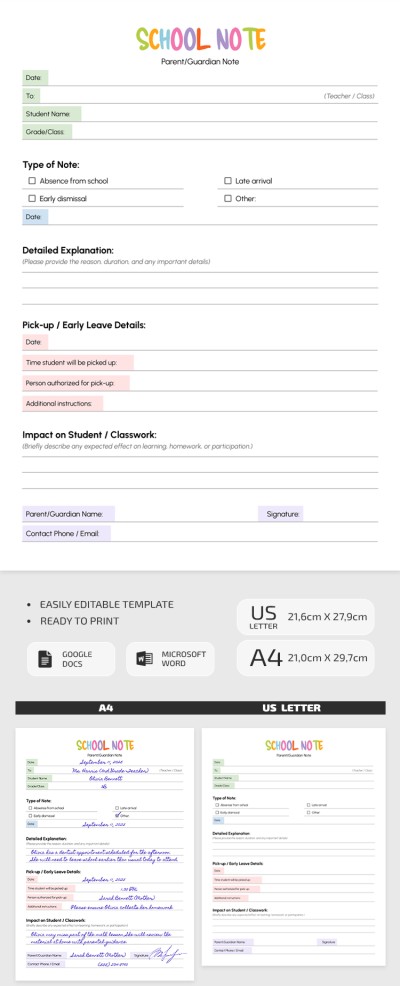
Editable School Note Template from Parents
Use this free template with Google Docs and Microsoft Word
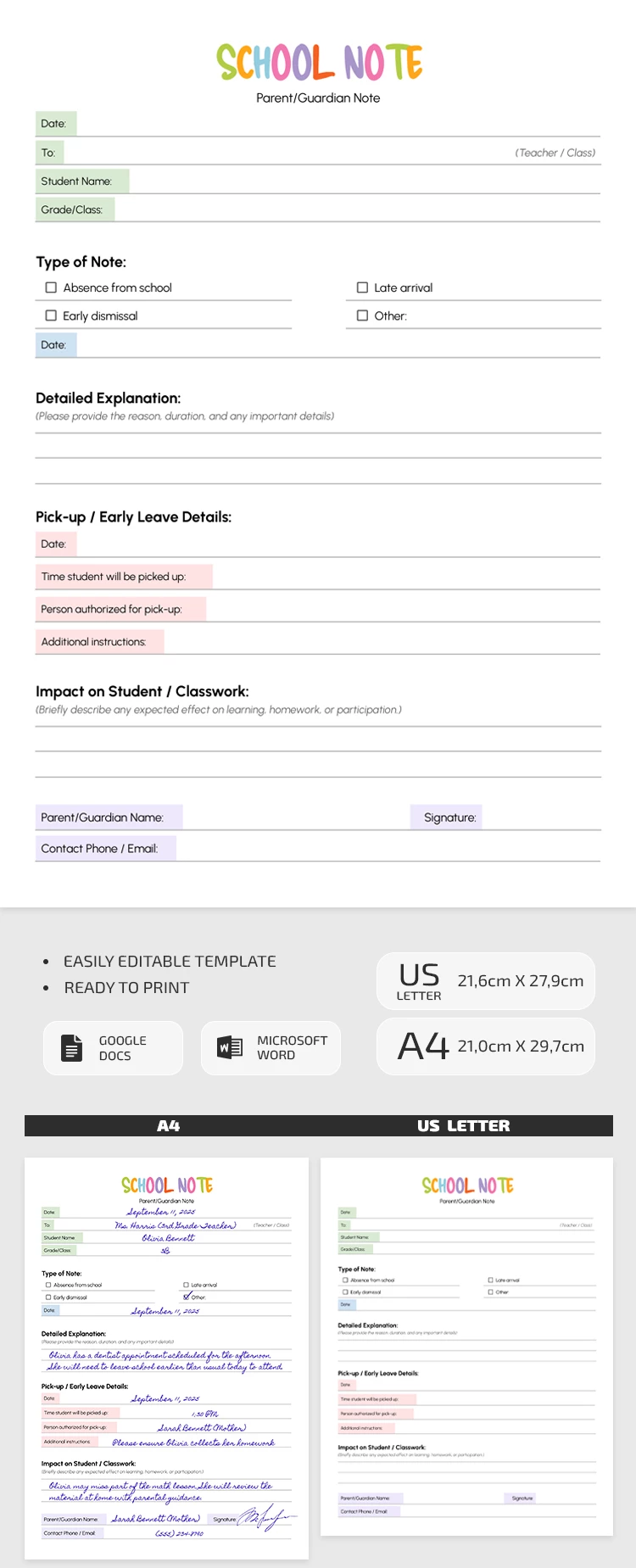
Template Specification
Key Features of This Template
About this template
Standardize formal communication between teachers and parents using our Editable School Note Template. This template is perfect for creating notes of lateness and absences, describing reasons and additional information. A friendly and vibrant design helps streamline communication and keep things professional.
Write School Excuse Notes Fast
This notes for school example is a great time-saver, but that’s not its only feature. Use a pre-made design and structure that includes:
- A header section with fields for the date, teacher and student names, and class.
- Checkboxes to select the note type (absence, early dismissal, late arrival, or other).
- Space to provide a detailed explanation of the reason and duration.
- Sections for pick-up details, any specific instructions, and your contact information.
Our note-taking template is fully editable in Google Docs and Word. You can customize the note type, add all the necessary information, and replace placeholders on any device. Save the completed note as a PDF and print it in A4 or US Letter size, or send it via email or messenger.
How to Use and Edit This Template

Get Your Document

Customize Everything

Add Your Content

Print, Export, or Share
Related Templates
Recently Viewed