Counseling Progress Note Template
Use this free template with Google Docs and Microsoft Word
Template Specification
Key Features of This Template
About this template
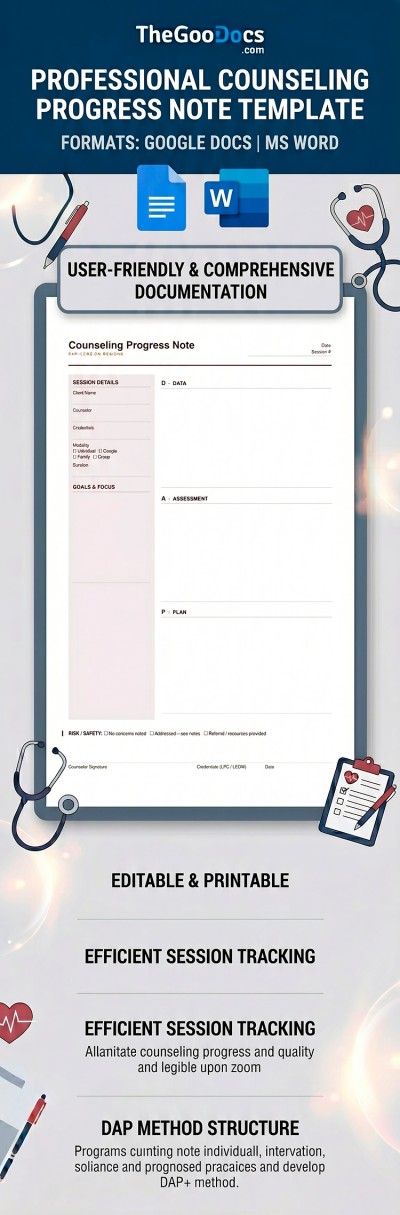
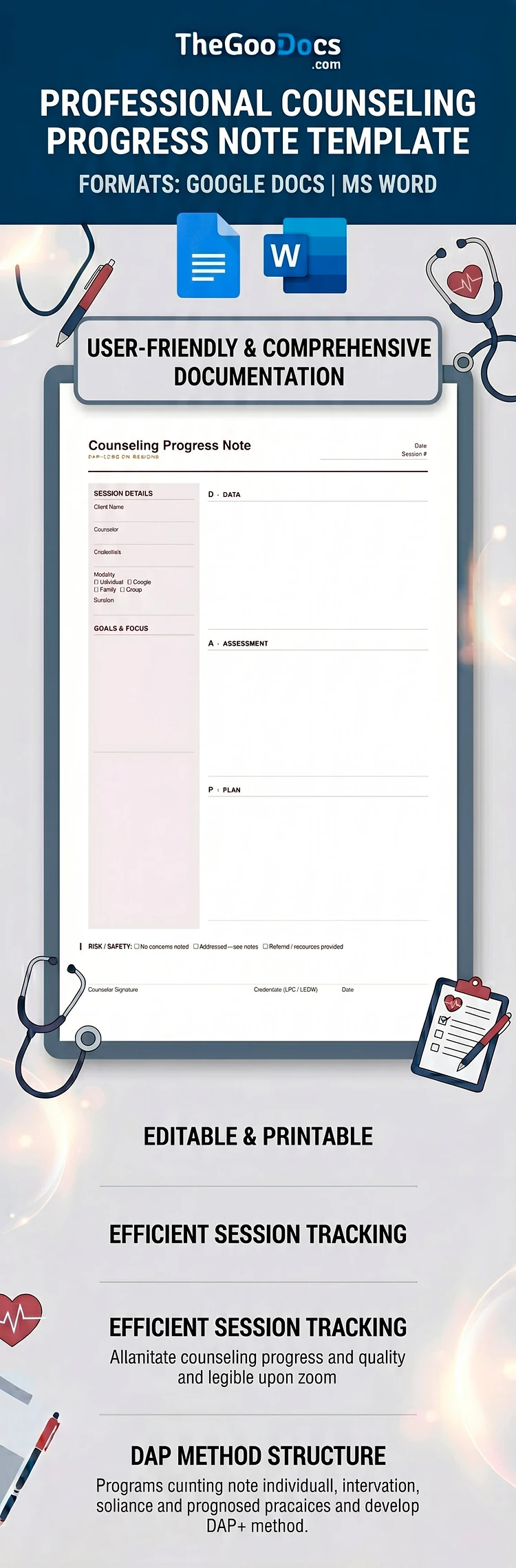
Use our Counseling Progress Note Template as a ready-made option for patient record-keeping. Progress notes are essential for tracking a patient's clinical progress and maintaining mandatory records for insurance and legal compliance. This DAP progress note template allows you to keep your notes in a structured, print-ready layout.
Create Therapy Documentation Easily
Instead of formatting a document from scratch, you can use a ready-made layout with pre-defined fields for your notes. The template features a discreet, professional design with a shaded background for session details, goals, and focus, and a clean white background for your DAP notes.
Start using this template now:
- Download it in Word format or get a copy of the Google Docs file to your Google Drive.
- Fill out the patient information, DAP (Data, Assessment, Plan) fields, risk assessment, and other sections on any device.
- Save the template as a PDF for printing on A4 or US Letter paper.
This template is available for free, and you'll also find a note-taking template for any other purpose on our website.
How to Use and Edit This Template

Get Your Document

Customize Everything

Add Your Content

Print, Export, or Share
Related Templates
Recently Viewed