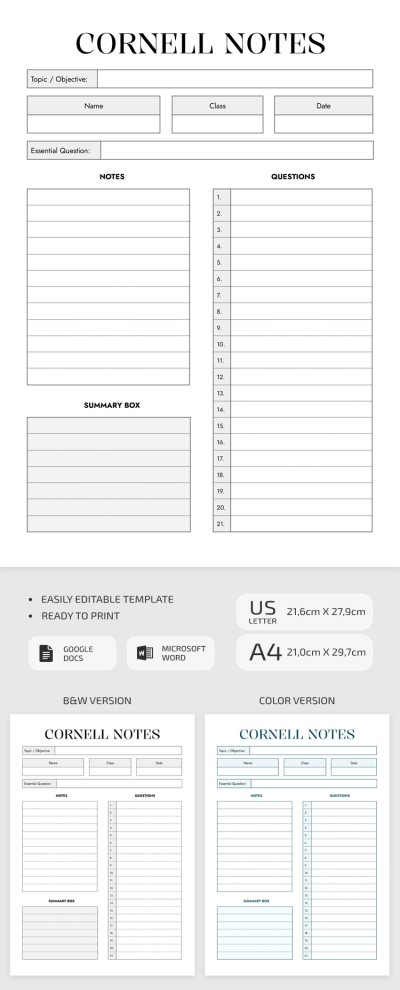
Cornell Notes Worksheet for Class
Use this free template with Google Docs and Microsoft Word
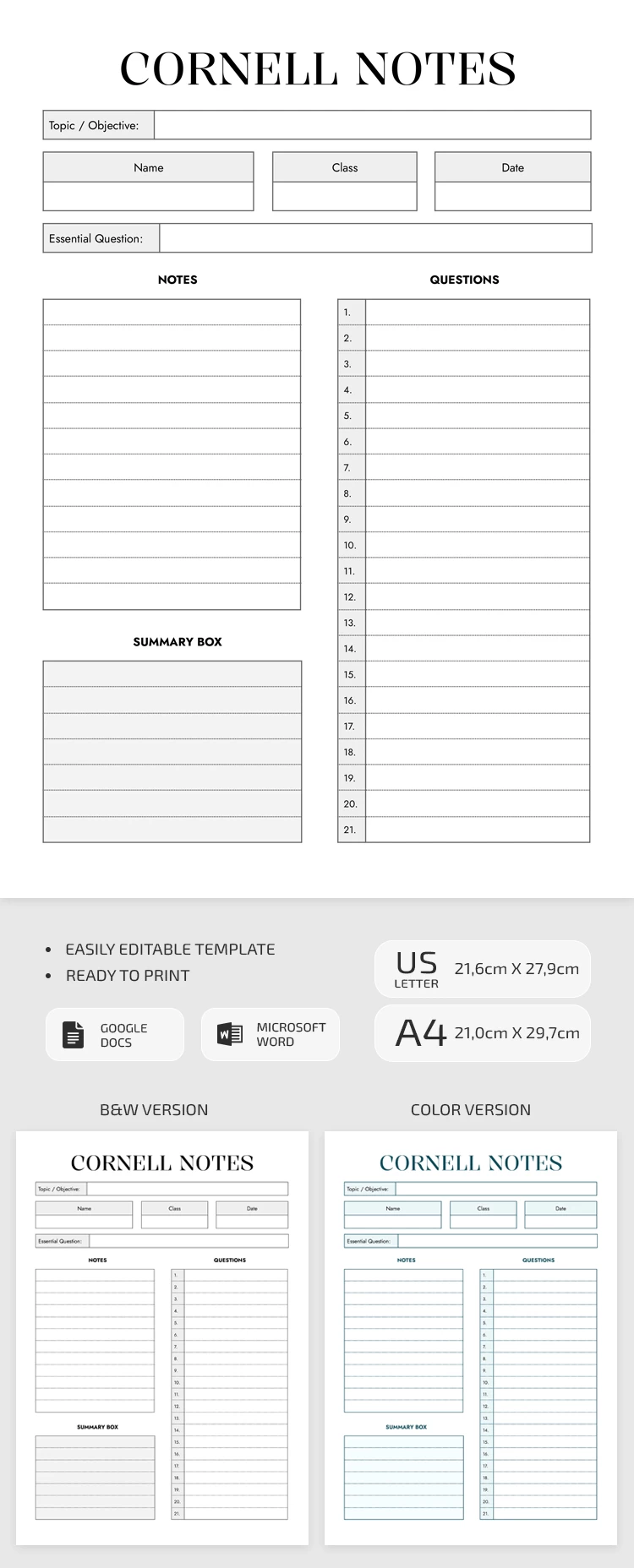
Template Specification
Key Features of This Template
About this template
Are you dreaming of implementing an effective approach to learning new concepts? Our clean and clear Cornell Notes Worksheet for Class is just for you. Encouraging conscious note-taking, it teaches you how to highlight main points and keywords.
External Features
Made in two color schemes - gray and blue - the Cornell notes template is visually understated. The text panels are outlined with black thin lines, some of which are painted in gray and blue shades, relatively. For quick navigation, the template presents a bulleted list. Divided into several functional zones, it features space for name, class, date, and topic. Further zones include notes, questions, and a summary box.
Internal Merits
The advantage of the notes in Google Sheets template is versatility. Thus, it is ideal for students, pupils, and even teachers. The flexible layout is available for online editing. With the help of Word and Google Docs, you can edit both the external parameters and the arrangement of elements.
Keep in mind that our libraries are rich in free note templates you can easily adapt to your projects.
How to Use and Edit This Template

Get Your Document

Customize Everything

Add Your Content

Print, Export, or Share
Related Templates
Recently Viewed