Class Notes Template
Use this free template with Google Docs and Microsoft Word
Template Specification
Key Features of This Template
About this template
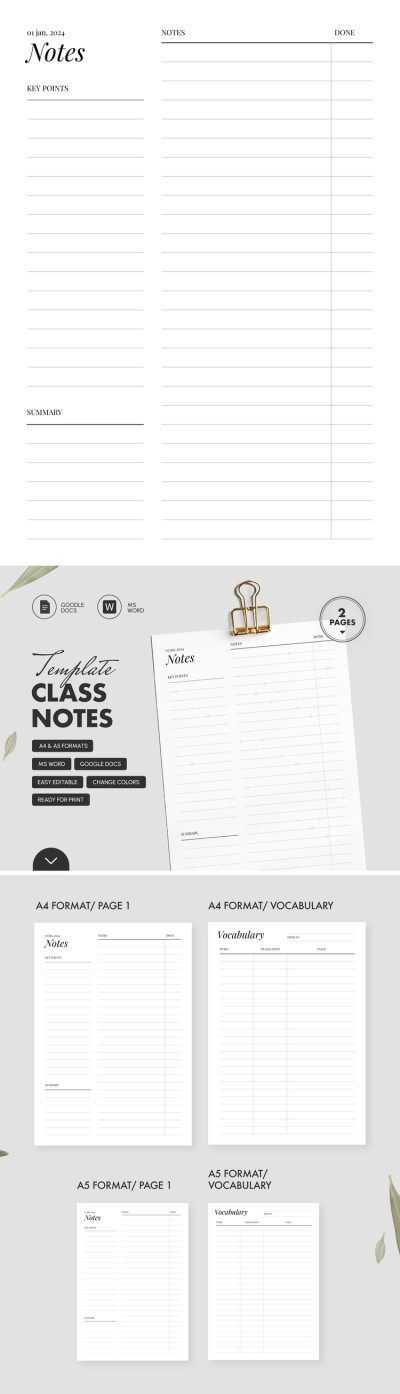
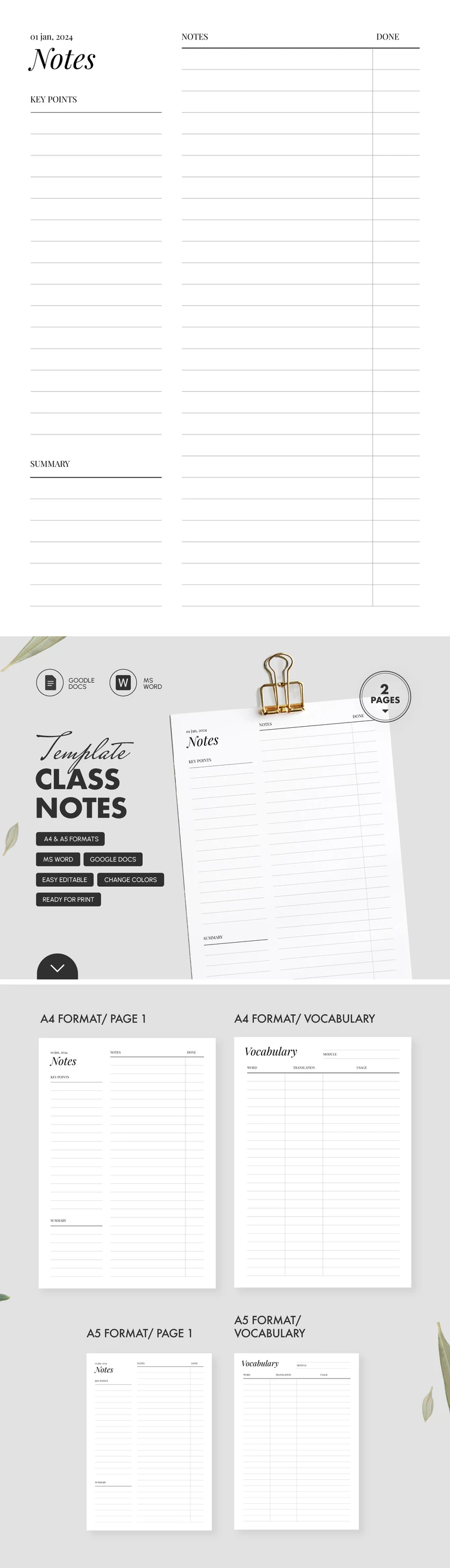
Make a free copy of this Class Notes Template in Google Docs or download it in Word format. The template consists of two pages, including a class note-taking format and a separate vocabulary form. Both sheets offer a lined layout conveniently divided into sections.
Get This Ready-to-Print Class Notes Template
Our printable note template is a universal bundle suitable for foreign language lessons and other subjects. The first page follows a Cornell structure with standard sections. You can write down key points, notes, and summaries for each subject. There is also a dedicated "Done" column for marking covered material.
The vocabulary sheet consists of Word, Translation, and Usage columns. You can also indicate the specific module in the header section of the page.
This template can be used immediately after downloading:
- Save the file as a PDF using Word or Google Docs.
- Print the layouts on A4 or A5 sheets (select your desired paper size before downloading the template).
Use this convenient class note template for free right away. You can find even more relevant options on our website.
How to Use and Edit This Template

Get Your Document

Customize Everything

Add Your Content

Print, Export, or Share
Related Templates
Recently Viewed