Professional Blank Newspaper Template
Use this free template with Google Docs and Microsoft Word
Template Specification
Key Features of This Template
About this template
Our Professional Blank Newspaper Template enables you to create publications that, in terms of design, will look indistinguishable from professional papers. We encourage you to focus on the content: add your news, select appropriate images and quotes, instead of wasting time on design and formatting.
Customize This Blank Newspaper Layout
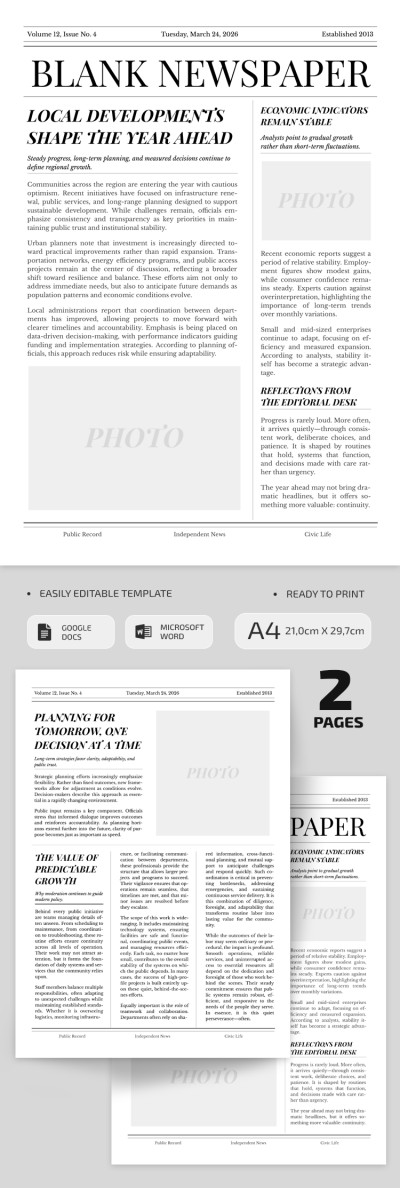
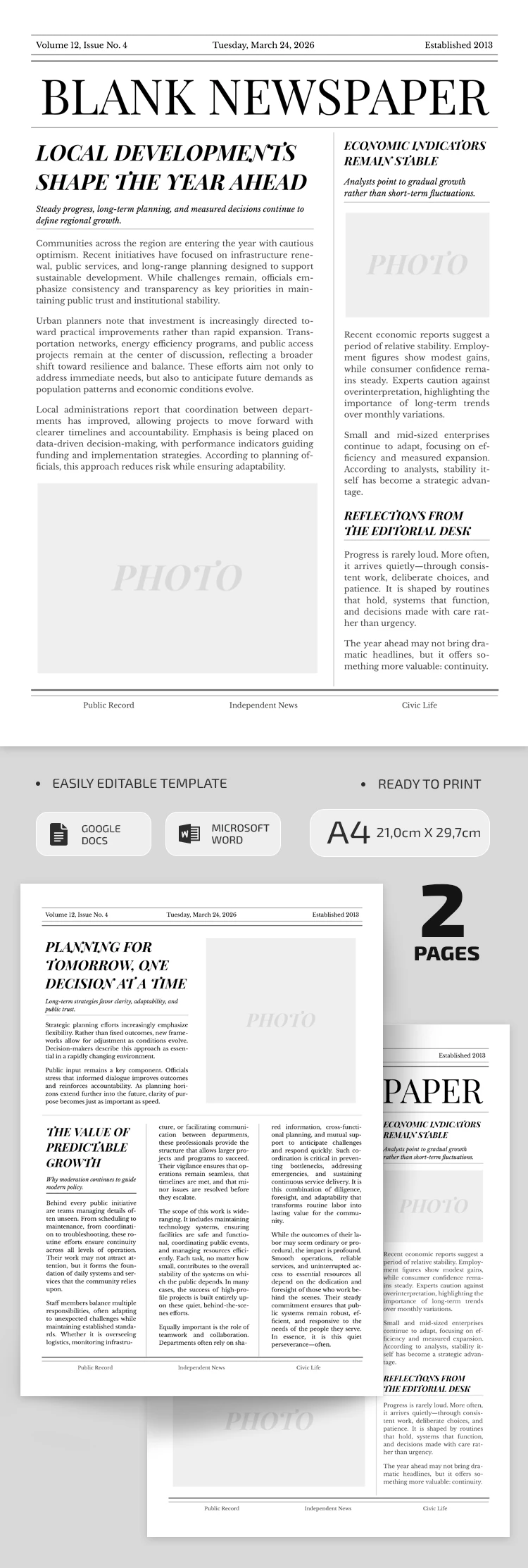
This newspaper template consists of two pages. The first page is your front, with dedicated sections for a header (publication name, date, and volume number), a lead article with a catchy headline, and more. The layout is divided into two columns. On the left is the main article with a photo and plenty of room for text. On the right is a narrow column for additional highlights or issue summaries.
The second page has a slightly different structure. At the top, there's space for a short note or article with a photo. Below, you can present the main information for the issue, divided into three columns.
This template is very easy to use:
- Open it in Google Docs or Word.
- Replace the placeholder text with your own news.
- Use the photo sections to add visuals or simply remove them.
You can save our blank newspaper template as a PDF for printing on A4 sheets; no further adjustments are required. Share your news using professional newspaper designs from TheGoodocs.
How to Use and Edit This Template

Get Your Document

Customize Everything

Add Your Content

Print, Export, or Share
Related Templates
Recently Viewed