Perfect DIY Newspaper Baby Announcement Template
Use this free template with Google Docs and Microsoft Word
Template Specification
About this template
Take advantage of our DIY Newspaper Baby Announcement Template to create a personalized baby reveal publication. Use the pre-made design, placeholders for text columns, photos, and headlines to share this important news stylishly. You can share this announcement online, post it on social media, or print it.
Customize Your DIY Baby News Template
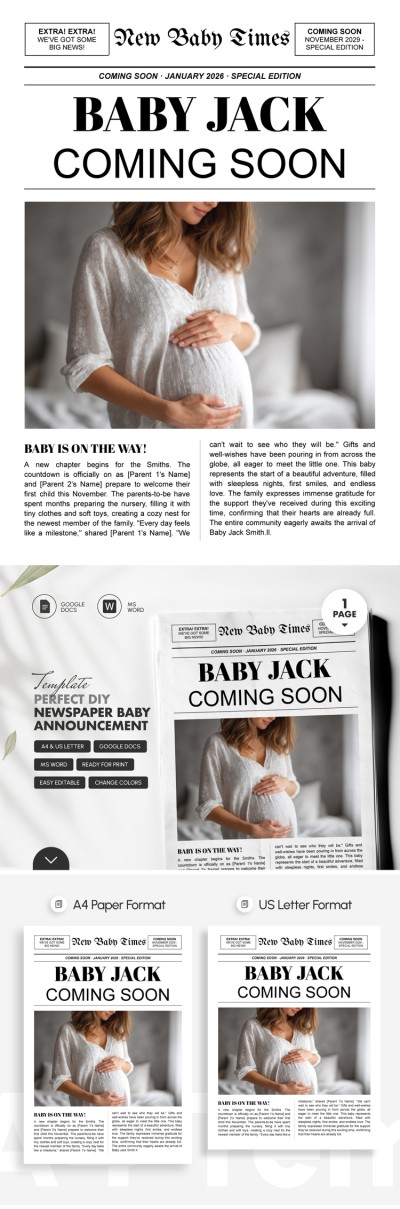
This newspaper template for Google Docs and Word features a stylized design that combines a classic newspaper and announcement structures. It includes a standard newspaper headline with its name, an important announcement (Coming Soon, January), and the main news title (Baby Jack Coming Soon).
The center of the design features a placeholder for a photo of the happy mother-to-be, and a two-column structure for text below.
You decide how your newspaper pregnancy announcement will look:
- Replace headlines with your baby's name and due date, or create your own from scratch.
- Upload a photo of the mother-to-be from your device or the cloud.
- Type in new text with the parents' names, gift wishes, or thanks for your friends' support.
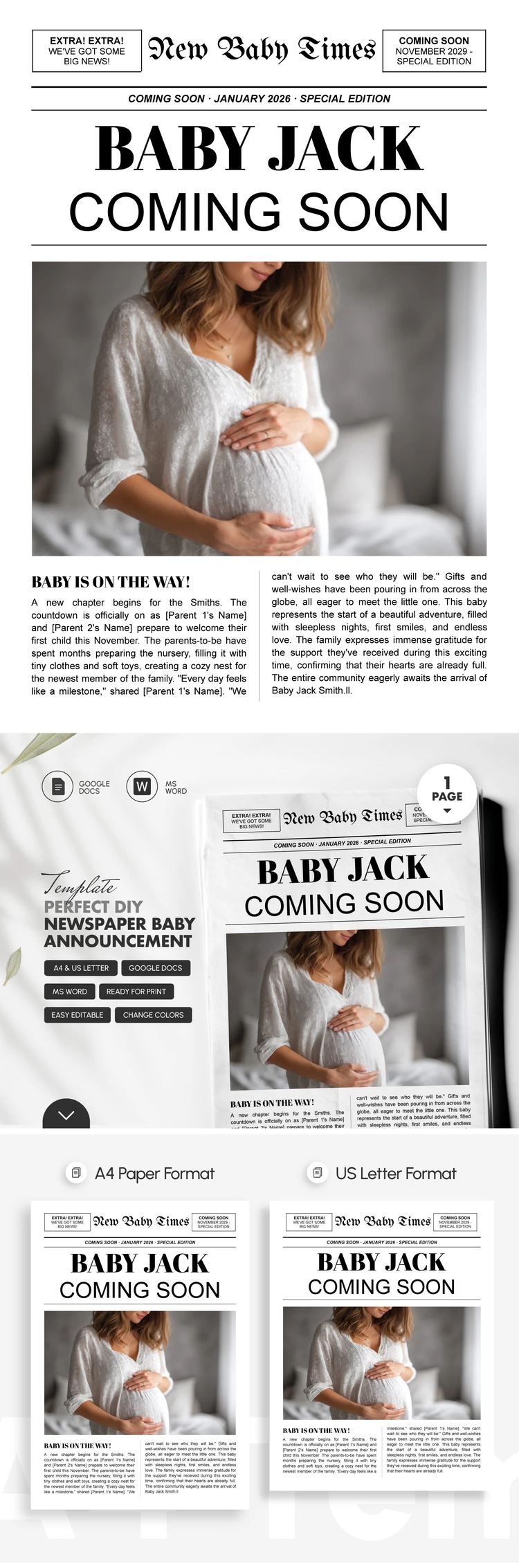
The template is ready to print in A4 and US Letter sizes. Save it as a PDF for high-quality printing or in other formats (JPG, PNG) to post or send it online.
How to Use and Edit This Template

Get Your Document

Customize Everything

Add Your Content

Print, Export, or Share
Related Templates
Recently Viewed