Classic Elegant Newspaper Template
Use this free template with Google Docs and Microsoft Word
Template Specification
About this template
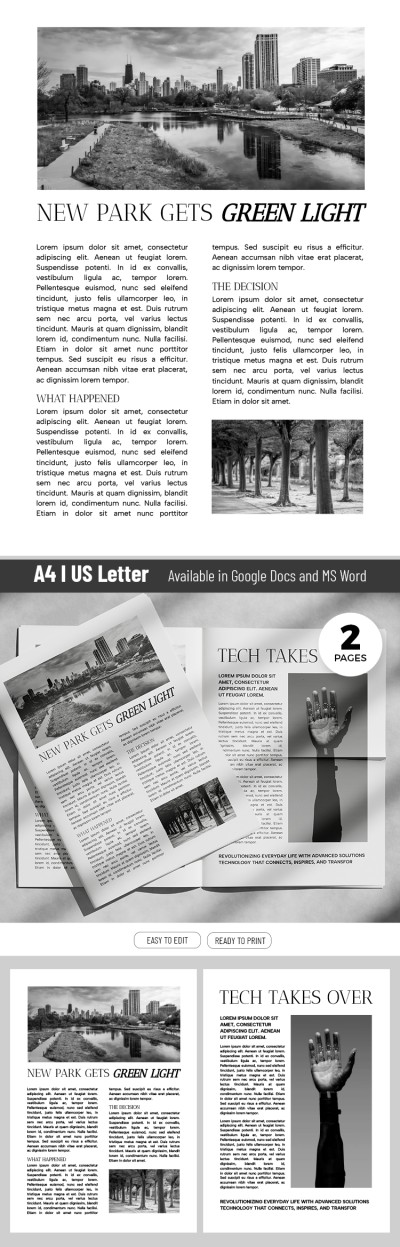
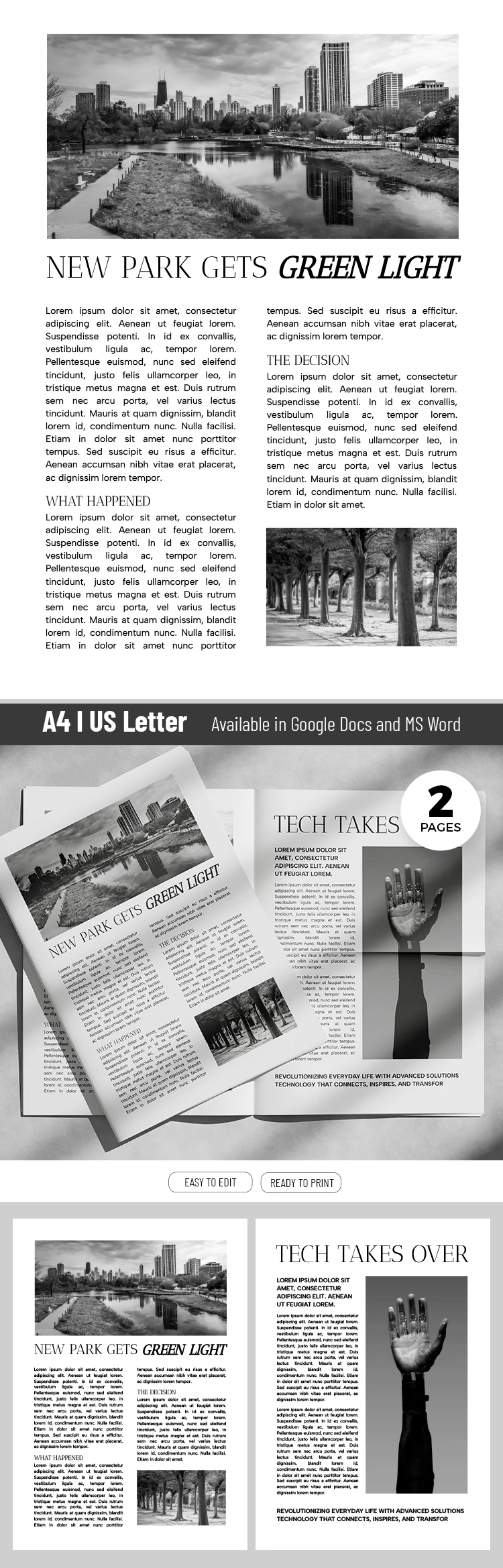
Looking for a Classic Elegant Newspaper Template? This template's name speaks for itself. It features classic 20th-century newspaper formatting, black-and-white photo placeholders, and a two-column structure. Add your own text in Google Docs or Word, then print it or share your newspaper on social media or your blog.
Design a Professional Newspaper in Minutes
With a pre-made design, you won't have to waste time adjusting margins or building a classic newspaper layout from scratch. The text blocks are divided into two columns, and you can easily structure them with subheadings. The front page immediately draws attention with a photo placeholder at the very top and a bold lead headline.
The second page has an even more impressive layout. At the top, there's a placeholder for a title in a font matching the first page. Below, the blank is divided into two parts: a text column on the left and a large vertical placeholder for a photo on the right.
You can customize the template to suit any article:
- Insert your own text and add images.
- Play around with fonts and even backgrounds.
- Move photo placeholders without losing the formatting.
Working with this newspaper template and the other options available at the link is incredibly easy. Grab a free template today!
How to Use and Edit This Template

Get Your Document

Customize Everything

Add Your Content

Print, Export, or Share
Related Templates
Recently Viewed