Blank Kids Newspaper Template
Use this free template with Google Slides and Microsoft PowerPoint
Template Specification
Key Features of This Template
About this template
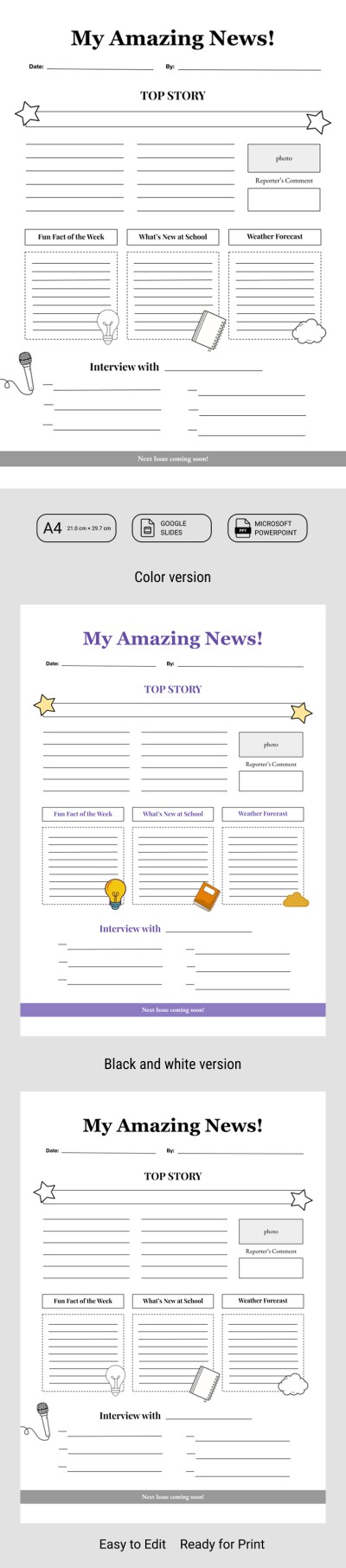
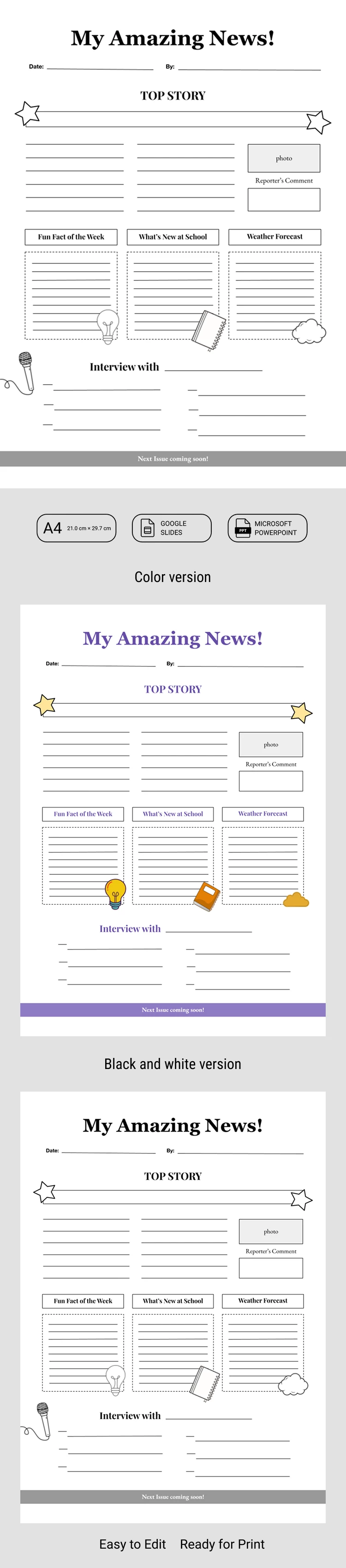
Get our free Blank Kids Newspaper Template, available in both color and black-and-white versions. This blank newspaper template allows children to learn how to create their own publications on any topic using a classic newspaper style.
Create Your Own News with a Kids Newspaper
This template is perfect for teachers looking to spark creativity in their students, as well as for elementary and middle schoolers working on engaging school projects.
The kids newspaper template is simple and features a versatile structure:
- Add the student's name, publication date, and newspaper title in the header section.
- Include a "top story" that deserves a front-page spot.
- Type in fun facts, school news, and the weather forecast.
- Interview parents, students, or teachers and add their key quotes.
The template consists of two versions: one in classic black and white and another with bright, colorful design elements. You can easily rearrange text blocks and image placeholders in Google Slides and PowerPoint. Once you're finished, simply save your work as a PDF and print it out.
Try our newspaper template for free today!
How to Use and Edit This Template

Get Your Document

Customize Everything

Add Your Content

Print, Export, or Share
Related Templates
Recently Viewed