Welcome to My Class - Meet the Teacher Newsletter
Use this free template with Google Slides and Microsoft PowerPoint
Template Specification
Key Features of This Template
About this template
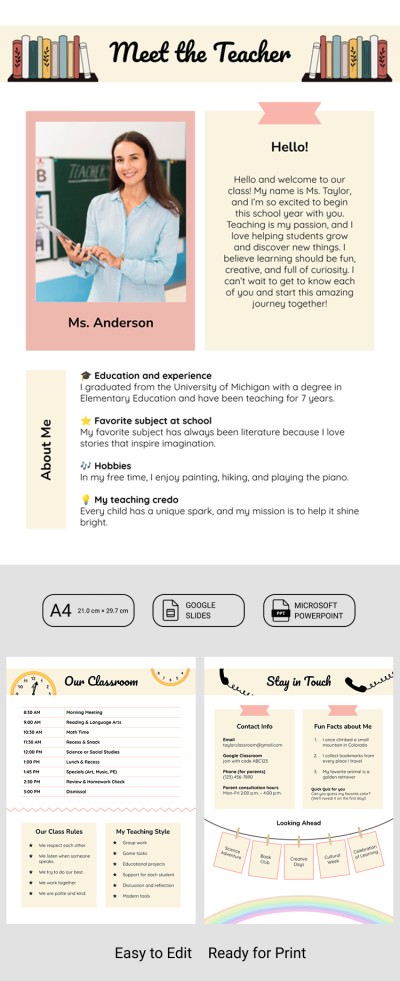
The Meet the Teacher Newsletter will help you create a memorable first impression for students and their families. It's perfect for sending out before the first day of school or when moving to a new school or class. This template will be equally appealing and exciting for both kids and parents.
Start the School Year with Trust
The newsletter template includes sections that make your update not only informative but also interactive. On the first page, you can include your photo, a brief bio, details about your education, favorite subjects, hobbies, and your teaching philosophy.
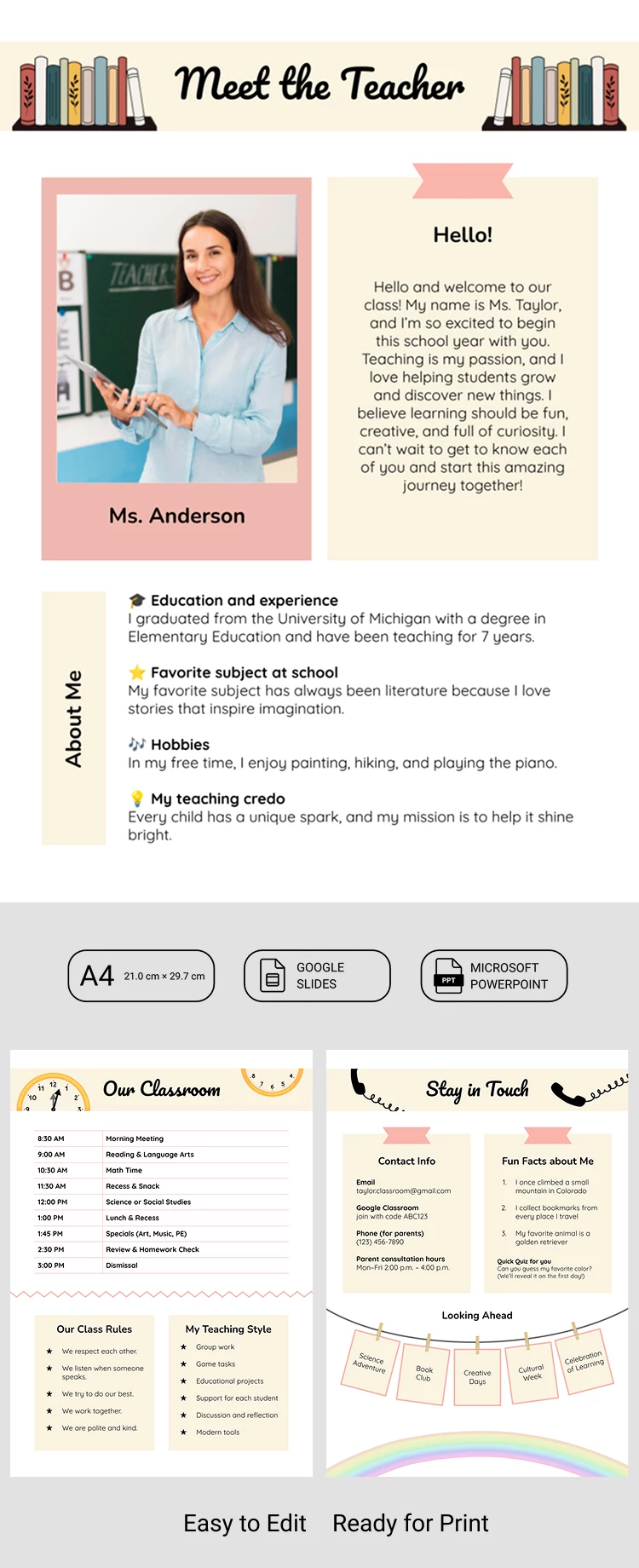
The second page features a built-in classroom schedule, which you can customize to fit your timetable. There are also two separate sections for class rules and a description of your teaching style. On the third page, you can add contact information, fun facts, a quiz, and a list of the classes you'll be teaching.
This and other PowerPoint newsletter templates are easy to use:
- Get a copy or download it to any device.
- Open it in PowerPoint or Google Slides.
- Add your photos and replace the placeholder text.
- Print it or share it online using your preferred channels.
If you want to make a great first impression and showcase your personality in your first update, this template is the ideal choice. Our website also offers other free newsletter templates for teachers for any occasion.
How to Use and Edit This Template

Get Your Document

Customize Everything

Add Your Content

Print, Export, or Share
Related Templates
Recently Viewed