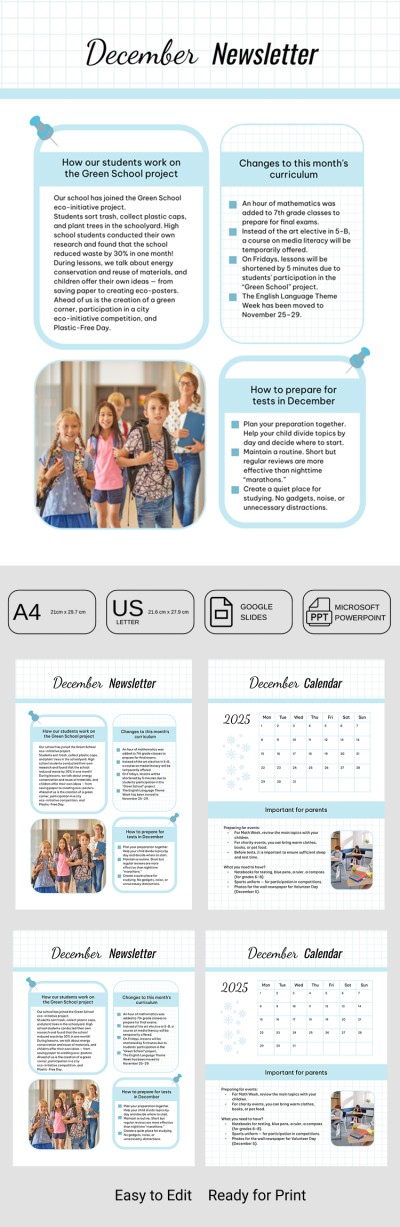
Classroom Newsletter Template – Monthly Teacher-Parent Communication
Use this free template with Google Slides and Microsoft PowerPoint
Template Specification
Key Features of This Template
About this template
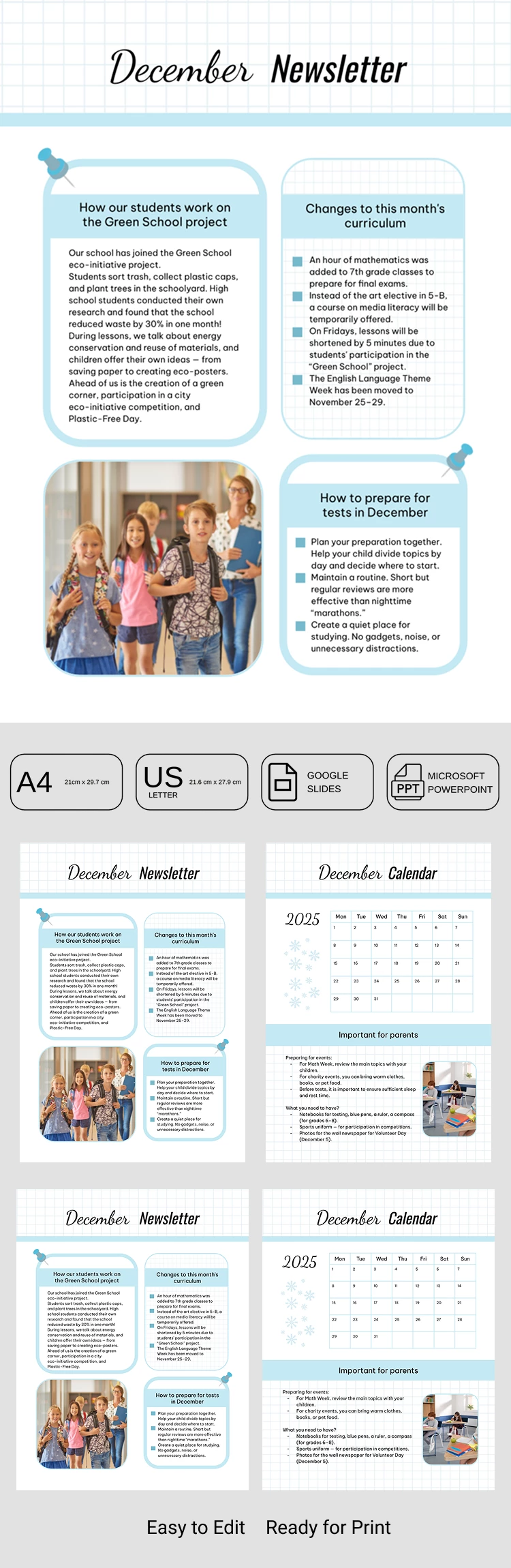
The Classroom Newsletter Template is optimized for monthly use. It allows you to stay connected with parents, sharing details about upcoming events, tests, and classroom news in a modern format. Our classroom newsletter template is incredibly easy to use and can be printed in A4 or US Letter sizes.
Build a Strong School-Home Connection Today
We've prepared a double-sided layout that's perfect for both printing and digital sharing. You can save your completed version as an image or PDF to send to group chats, post on social media, or share with parents through other channels.
Customizing your monthly newsletter template is straightforward:
- Enter the current month at the top.
- Add class highlights, updates, and upcoming tasks to the front page.
- Customize the event calendar and add your notes.
- Include important reminders for parents.
Once you're finished, you can share the template any way you like. Plus, having a consistent monthly structure helps parents know exactly where to look for information.
Choose the best newsletter template on our website!
How to Use and Edit This Template

Get Your Document

Customize Everything

Add Your Content

Print, Export, or Share
Related Templates
Recently Viewed