Classroom Newsletter Template for Parents
Use this free template with Google Slides and Microsoft PowerPoint
Template Specification
Key Features of This Template
About this template
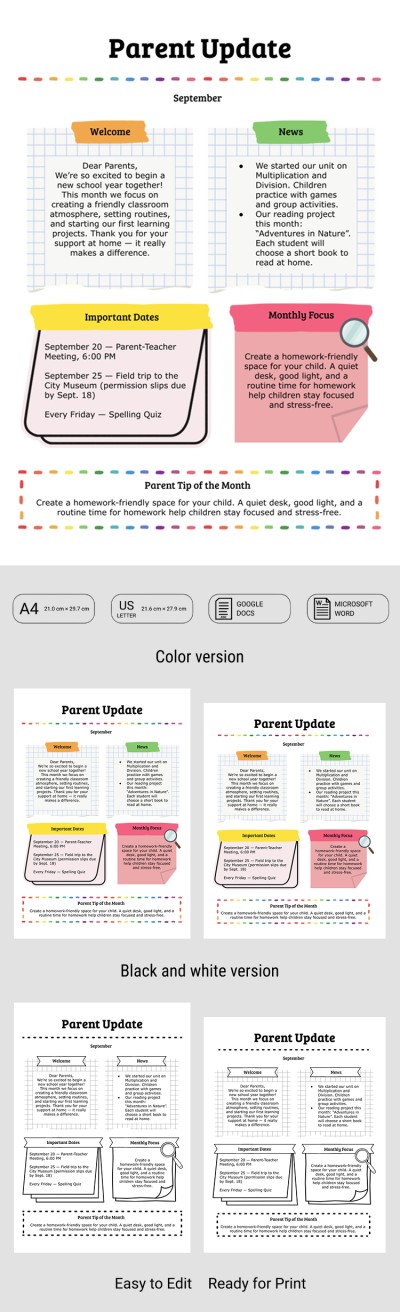
Keep families informed about what their children are learning and achieving with our Classroom Newsletter Template for Parents. For maximum convenience, we've created a modern design with a clear, unique structure. You can also easily customize the class newsletter template to add all your relevant information.
Build a Better Parent-Teacher Connection
Optimized for monthly use, our template consists of five separate blocks. At the top, there's a space where you can enter the month and add a catchy headline. The sections below are styled like grid paper and notepads for a creative look.
With this monthly classroom newsletter, you can:
- Include a welcome message and introduce the main news of the month.
- Add key updates and class achievements.
- List important dates for parent meetings, tests, or class trips.
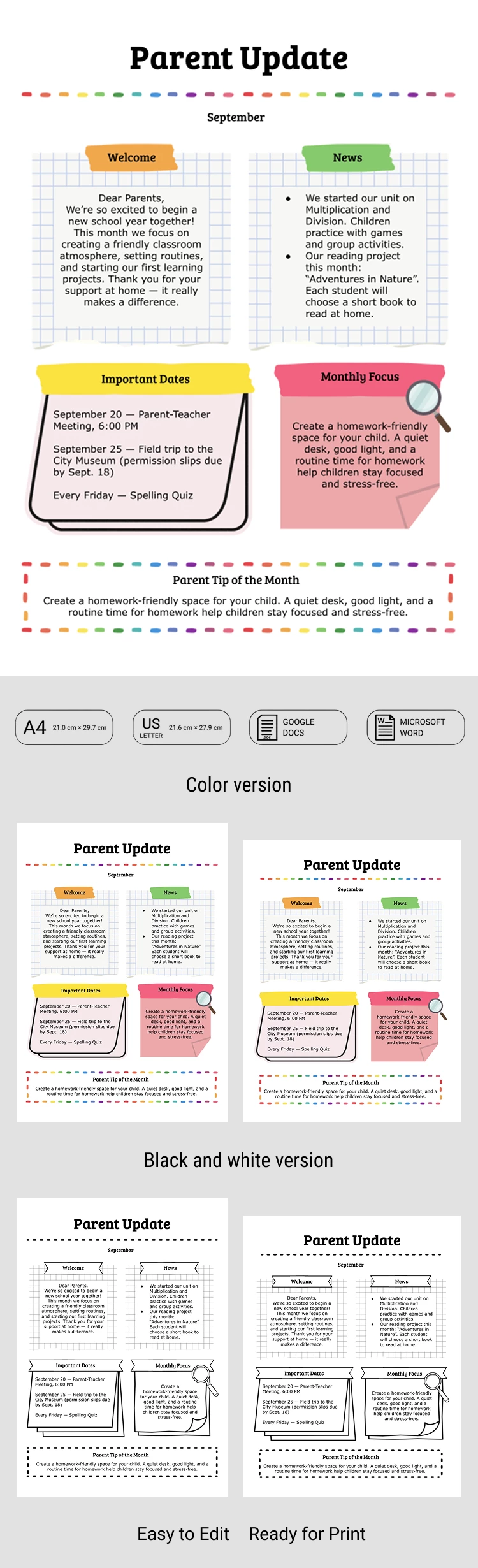
You can also share helpful parenting tips or add a "monthly focus" in the remaining two blocks. The template is ready to print in A4 and US Letter sizes. Customize and fill it out in Google Slides or PowerPoint.
Download free newsletter templates at the link.
How to Use and Edit This Template

Get Your Document

Customize Everything

Add Your Content

Print, Export, or Share
Related Templates
Recently Viewed