Vacation Itinerary Template
Use this free template with Google Docs and Microsoft Word
Template Specification
Key Features of This Template
About this template
Here is the itinerary for summer 2024! We are glad to introduce our new Vacation Itinerary Template in Google Docs. With this itinerary, you can travel without worrying about missing any place, as it allows you to schedule all places to visit and things-to-do.
Now let’s take a closer look!
The Design
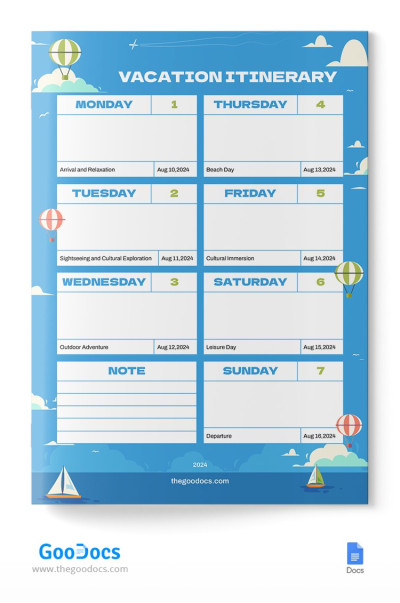
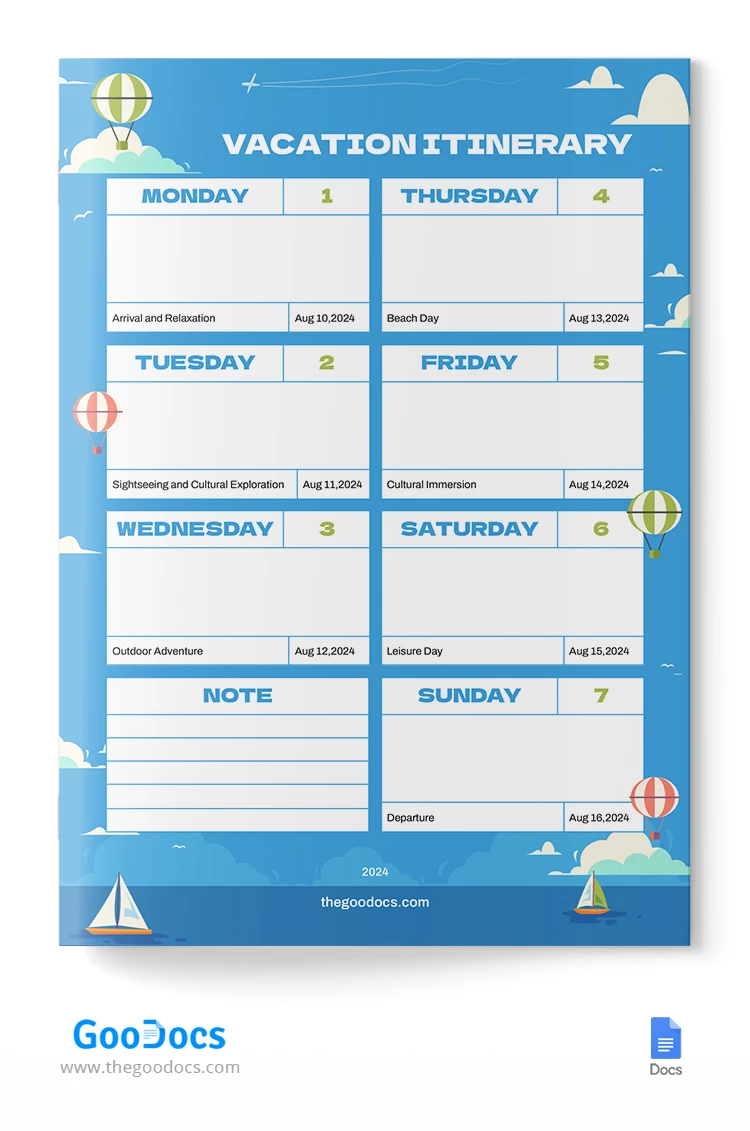
We have designed a soft and eye-pleasant free vacation itinerary in Google Docs that suit any type of trip. The template features a blue background with illustrations of clouds and air balloons that take you on the next journey.
The Planner Table
Now here is the most important part – the table that includes 7 days planner from Monday to Sunday. It’s an ideal combination of days to take a good rest and visit all destinations. At each section, for instance, on Monday, you have a space to write down the main activities and time.
Notes
Of course, we left a place for important notes, maybe to write any phone numbers, as you are arriving in another country with foreign people. Better prepare all necessary information beforehand to avoid troubles with locals.
Finally, you can download our free Google Docs itinerary right now from any device and customize it later. We believe it is very convenient.
We also encourage you to check out our free Google Docs itinerary templates designed for any events and holidays.
How to Use and Edit This Template

Get Your Document

Customize Everything

Add Your Content

Print, Export, or Share
Related Templates
Recently Viewed