Bright Trip Itinerary Template
Use this free template with Google Docs and Microsoft Word
Template Specification
Key Features of This Template
About this template
When going on a fun journey, don’t forget to take our Trip Itinerary Planner template with you! This itinerary template in Google Docs will help you spend an unforgettable vacation and get only pleasant emotions anywhere.
Vivid Gradient and Unusual Design
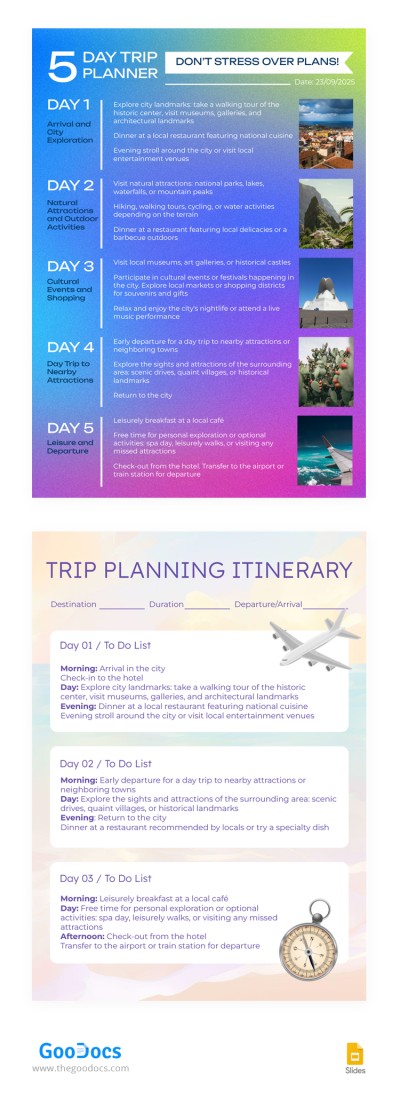
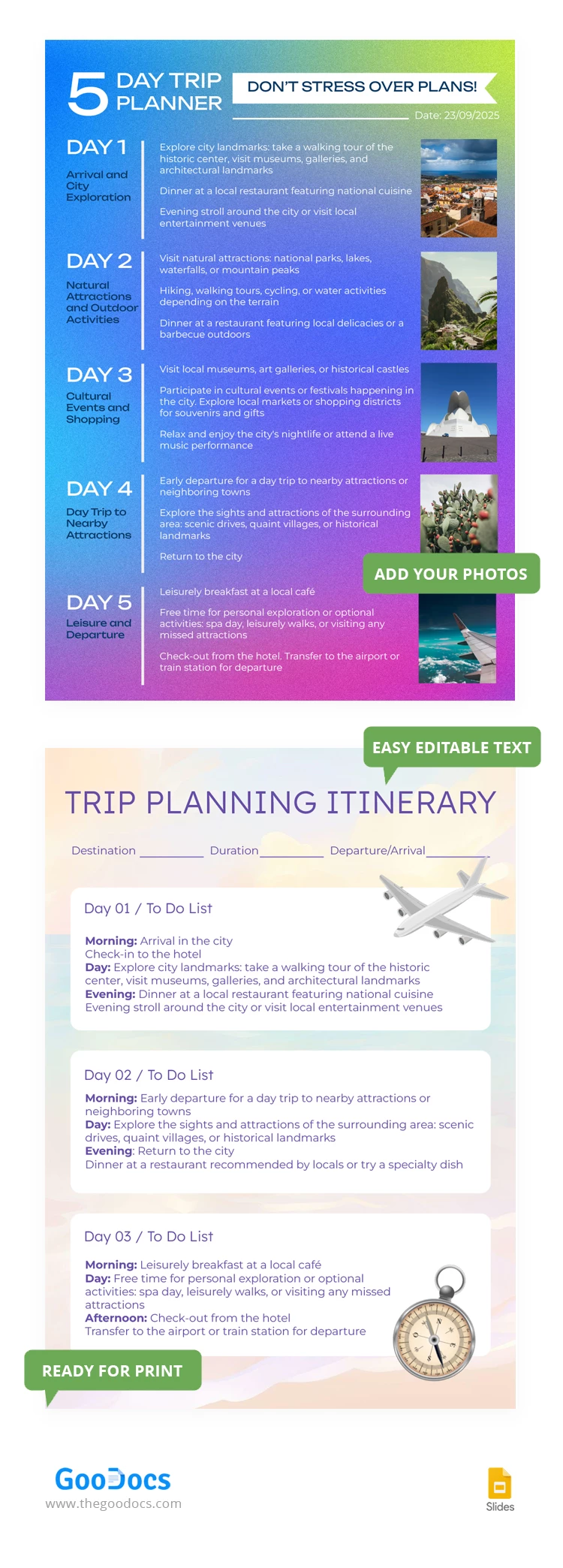
Inside this vacation itinerary template, you will find two pages that are significantly different in their design. Use one or in combination - it's up to you.
The cover page looks bright and catchy and varies in colors from blue to bright pink. The travel itinerary template features relaxing beige, soft green, and peach colors.
Plan Everything from Arrival to Departure
The cover page will serve as a simplified format for the five-day schedule. We have left enough space so that you can enter the most expected activities and not miss a single detail.
The trip planning page features sections for three days, but you can print two or more copies to accommodate an entire trip. You will need this page to enter a more comprehensive to-do list and be sure that you bring the things you need for the journey.
Download or copy any sample itinerary and start customizing easily!
How to Use and Edit This Template

Get Your Document

Customize Everything

Add Your Content

Print, Export, or Share
Related Templates
Recently Viewed