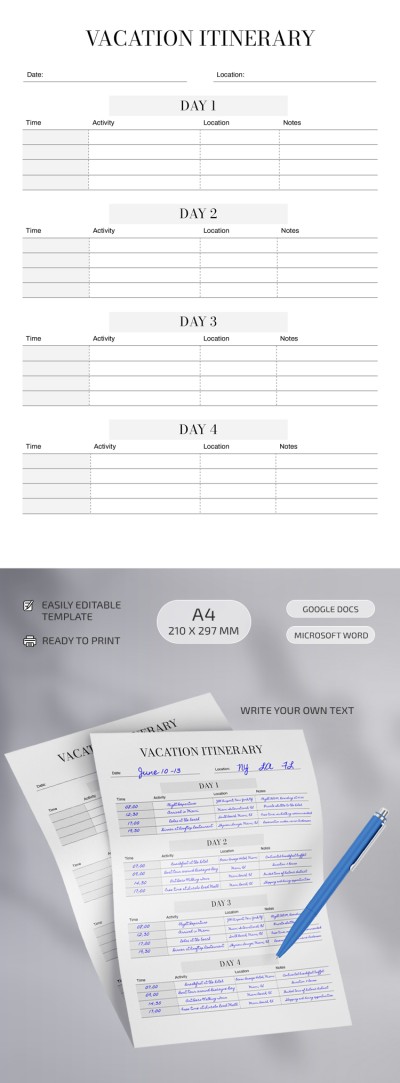
Structured Itinerary Template
Use this free template with Google Docs and Microsoft Word
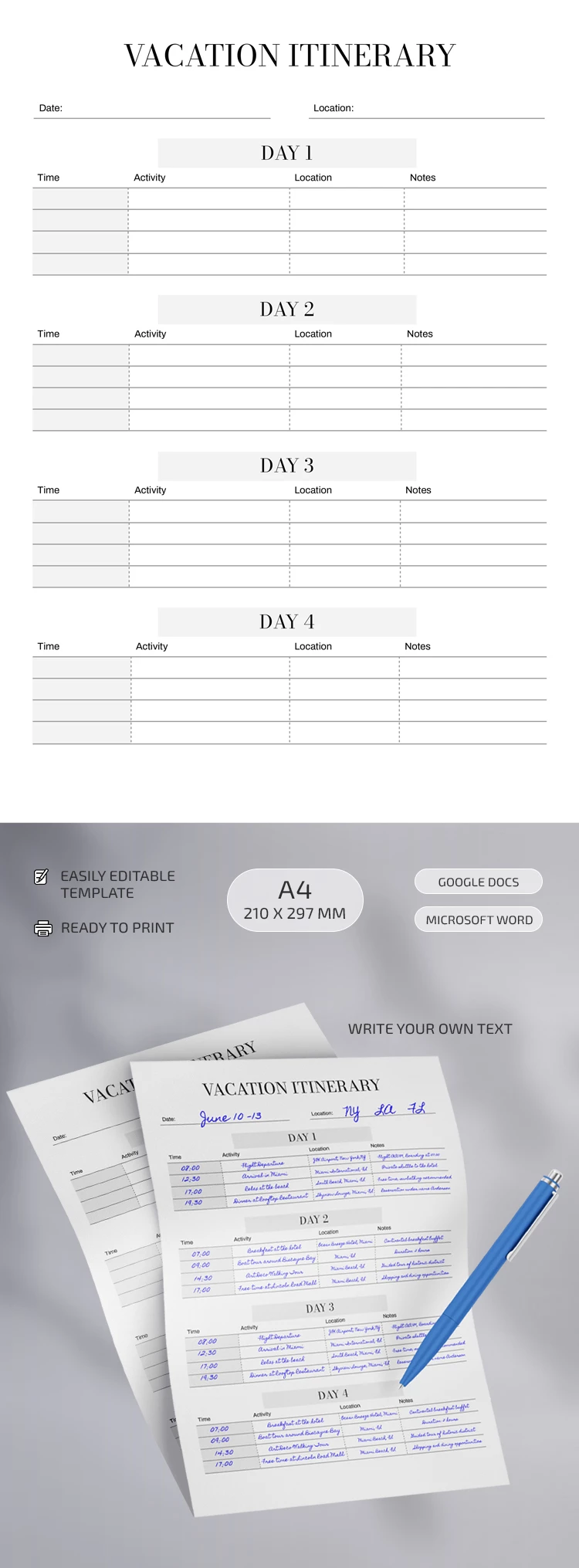
Template Specification
Key Features of This Template
About this template
If you're planning a 4-day trip, take our Structured Itinerary Template with you. It helps you outline all the activities you want to fit into your getaway. Its versatile structure makes it suitable for both leisure trips and corporate use.
Efficient One-Page Itinerary for 4 Days
Our itinerary sample offers a well-structured table for your travel plans. It is divided into four days, allowing you to list the time, activity, location, and notes for each entry. The header section also includes placeholders for the document title, travel dates, and location.
How to use the template:
- Download it or save a copy to your Google Drive.
- Open it in Word or Google Docs to enter all trip details.
- Customize the design, including fonts and even the placement and block sizes.
- Save as a PDF for printing or viewing on any device.
This option will help you get organized in no time, even if your trip requires fast planning. We also offer a specialized vacation itinerary template, which you can find by following the link.
How to Use and Edit This Template

Get Your Document

Customize Everything

Add Your Content

Print, Export, or Share
Related Templates
Recently Viewed