Classy Travel Itinerary Template
Use this free template with Google Sheets and Microsoft Excel
Template Specification
Key Features of This Template
About this template
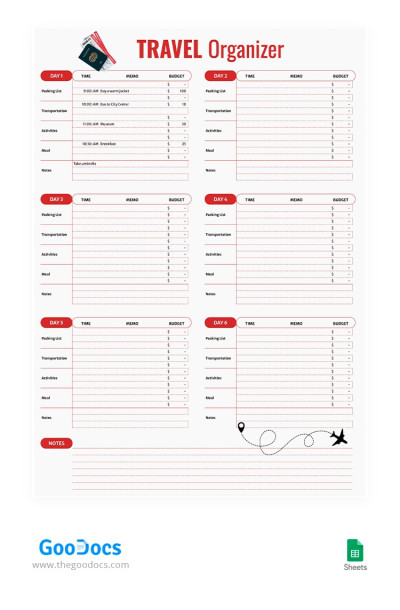
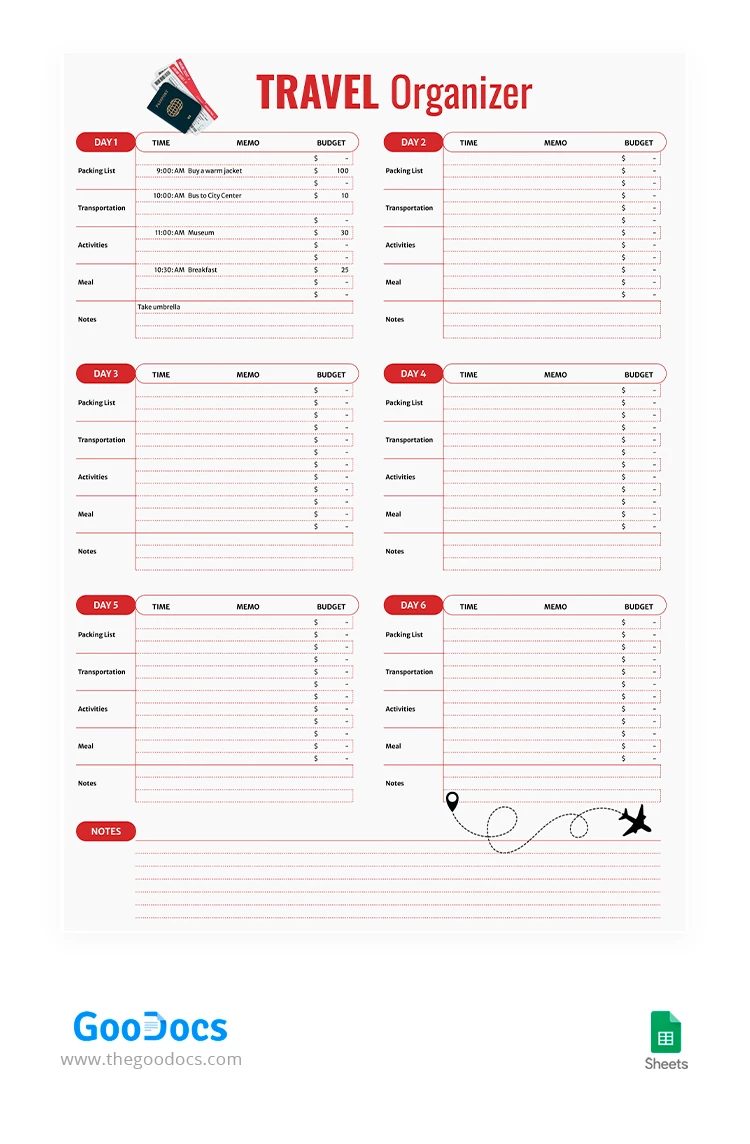
Start using our convenient Daily Travel Itinerary template designed for six-day adventures. This editable design can be configured for longer routes, or you can reduce the number of sections.
Simple and Modern Design
Red and white colors are the main distinctive design elements of this vacation itinerary. It features minimalistic division lines for each day which you can change in a few clicks. The header section includes only the main title, which you can adjust using only the Google Sheets platform.
Convenient and Clear Structure
The entire travel itinerary template in Google Sheets is divided into six days. We have also added a section for notes about the trip, must-have items, and other essential details of your business or vacation travel.
Each day is further divided into several sections so that users can easily find the information they need and stay organized.
- Among them:
- Packing list.
- Transportation.
- Activities and food.
- Notes.
The template also includes a budget section and a memo for each day of your trip. You can easily set up a detailed plan of specific activities to not forget something during your journey.
Embark on Your Next Adventure
Choose from hundreds of unique itinerary templates available on TheGoodocs website. Each of them will help you be more efficient during travels and life's special events.
How to Use and Edit This Template

Get Your Document

Customize Everything

Add Your Content

Print, Export, or Share
Related Templates
Recently Viewed