Simple Travel Itinerary Template
Use this free template with Google Docs and Microsoft Word
Template Specification
Key Features of This Template
About this template
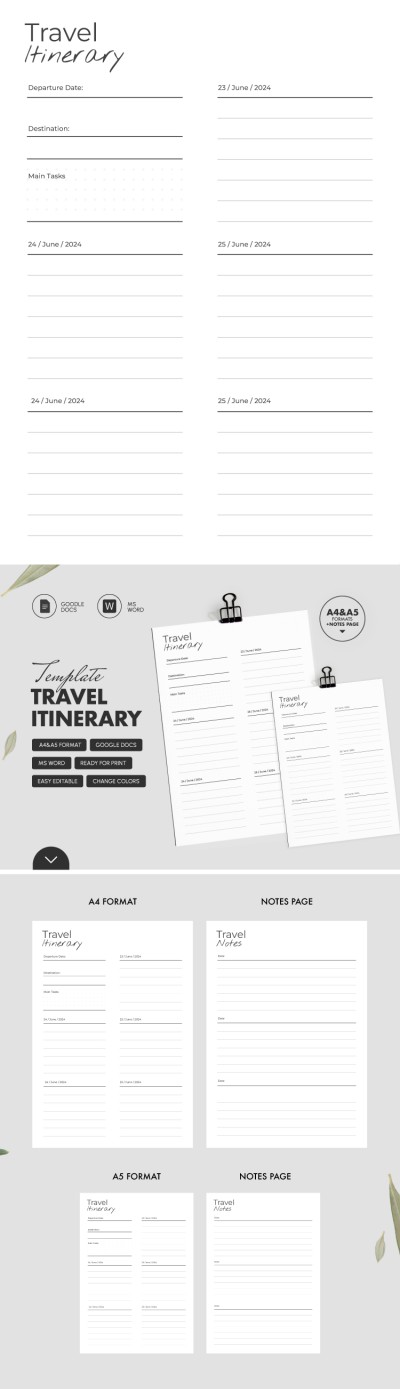
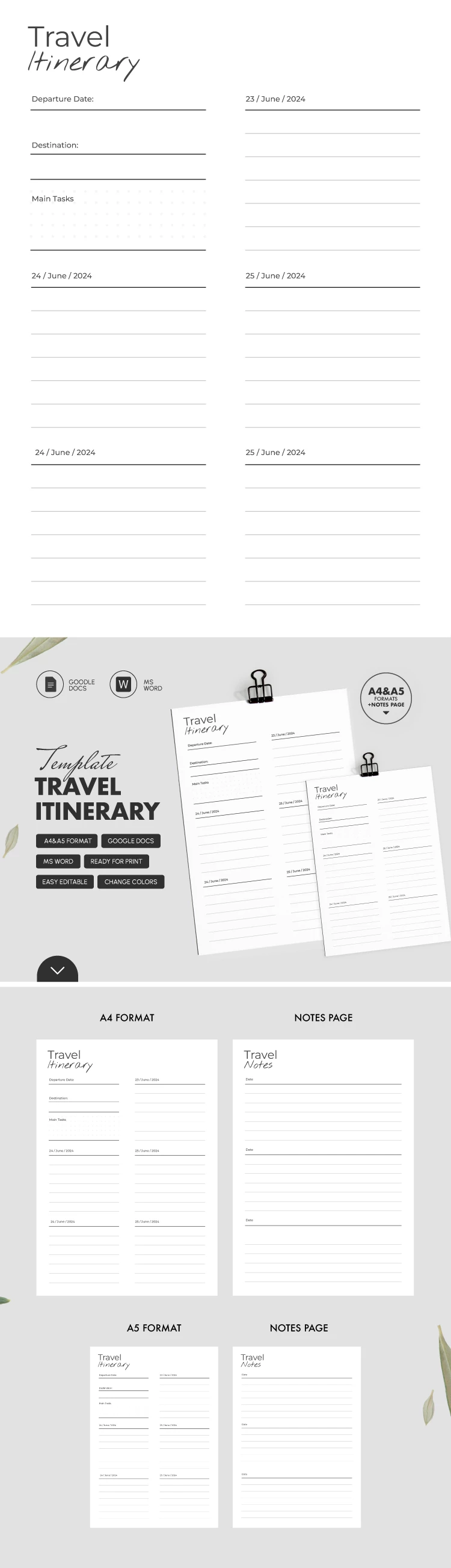
Keep your complete travel itinerary and notes in one place using our Simple Travel Itinerary Template. This template consists of two pages where you can fill in all the details of your trip. While this option is designed for a 5-day travel plan, you can easily extend it by making copies of each page.
Plan Your Journey with Extra Space for Notes
It’s not enough to schedule a flight and write down your departure date. That’s why you can add any notes and activities you want for each day of your trip into this sample. Such a format makes our travel itinerary example perfect for both corporate and leisure travel.
Key features of each page:
- The first page is for basic trip information: from departure dates and destinations to main tasks and a detailed schedule for each day.
- On the second page, you can add extra notes in three separate blocks.
Need to customize the layout, change fonts, headings, or the structure? This template is fully editable in Google Docs and Word. Even better, you can save it as a PDF on any device or choose A4 or A5 sizes for printing.
Download a unique Google itinerary template from our website.
How to Use and Edit This Template

Get Your Document

Customize Everything

Add Your Content

Print, Export, or Share
Related Templates
Recently Viewed