Printable Business Travel Itinerary Template
Use this free template with Google Docs and Microsoft Word
Template Specification
Key Features of This Template
About this template
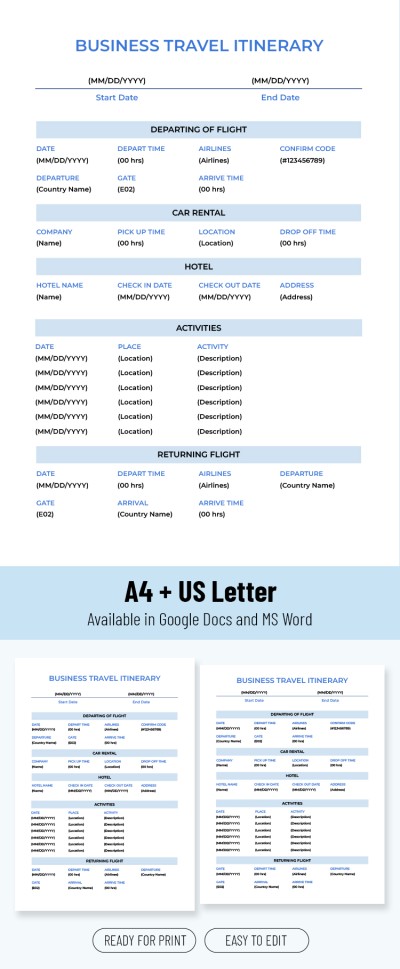
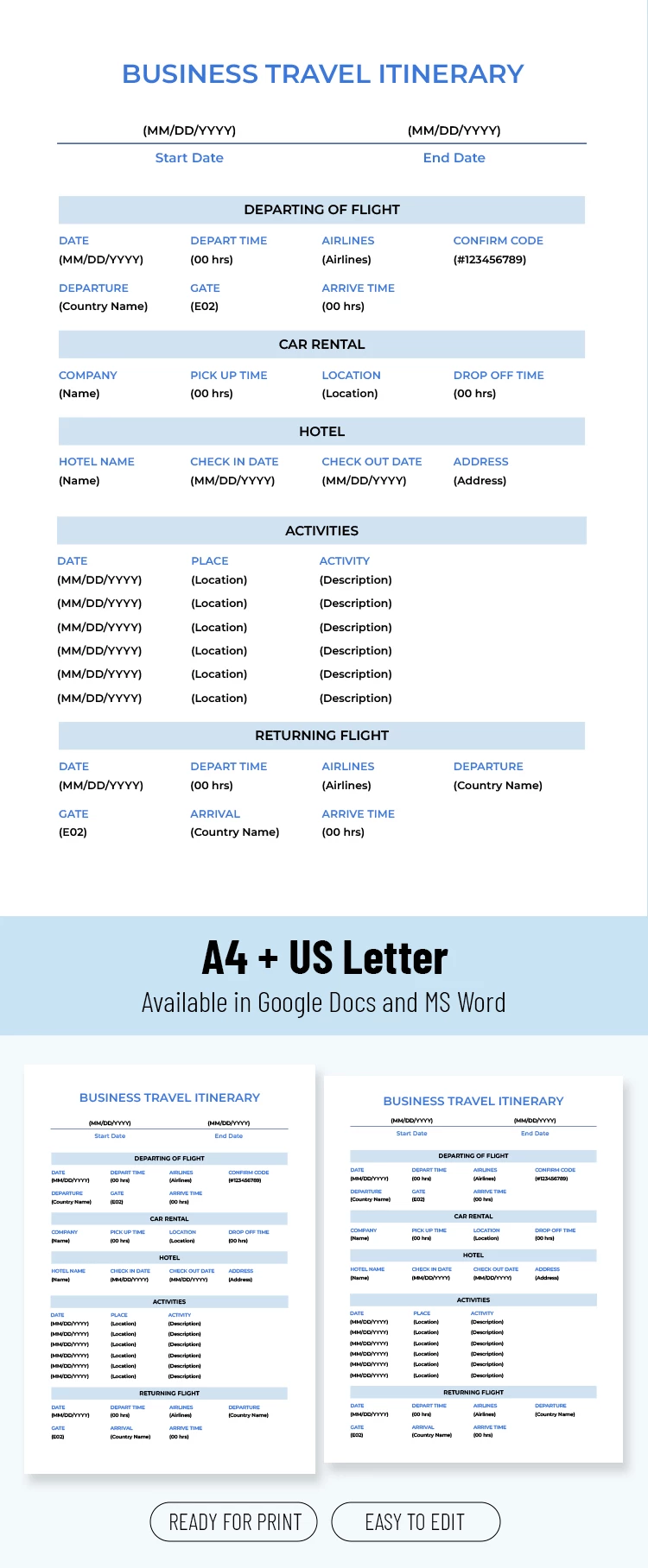
Planning a flawless business trip is much easier with our Printable Business Travel Itinerary Template. This layout allows you to enter all the information about your trip, from departure dates to rental car details. Need to customize the design to suit your company's style or add extra sections? Our Google Doc itinerary template is also fully editable.
Grab Your Free Corporate Travel Schedule
Our template's design keeps the focus on what matters most. We've created a simple and stylish layout with a white background, blue blocks for the main section titles, and bold, easy-to-read fonts.
Use the business travel itinerary template to:
- Add the start and end dates of your trip.
- List all flight and return flight details, from departure times to gates and confirmation codes.
- Include the rental company, pickup time, and car location.
- Add hotel details, including the name, address, and check-in procedures.
- List all the important activities you need to complete during your business trip.
How to use the template? Simply delete the placeholder text and fill in the information about your trip. Save the completed version as a PDF for easy access on your phone or print it in A4 or US Letter size.
Still looking for an itinerary template? Follow the link to see more options.
How to Use and Edit This Template

Get Your Document

Customize Everything

Add Your Content

Print, Export, or Share
Related Templates
Recently Viewed