Classic Trip Itinerary Template
Use this free template with Google Docs and Microsoft Word
Template Specification
Key Features of This Template
About this template
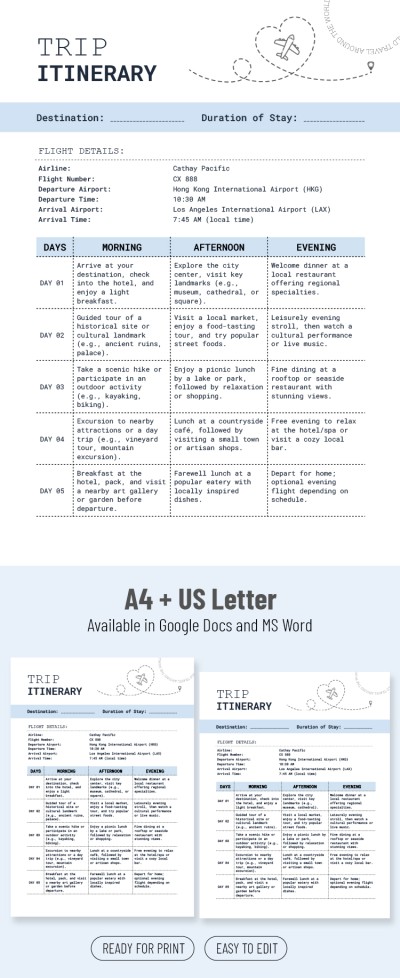
Take advantage of our free Classic Trip Itinerary Template available in Google Docs and Word formats. This simple yet comprehensive itinerary sample provides you with all the needed fields, a premade filling example, and a convenient structure.
Detailed Itinerary Blank
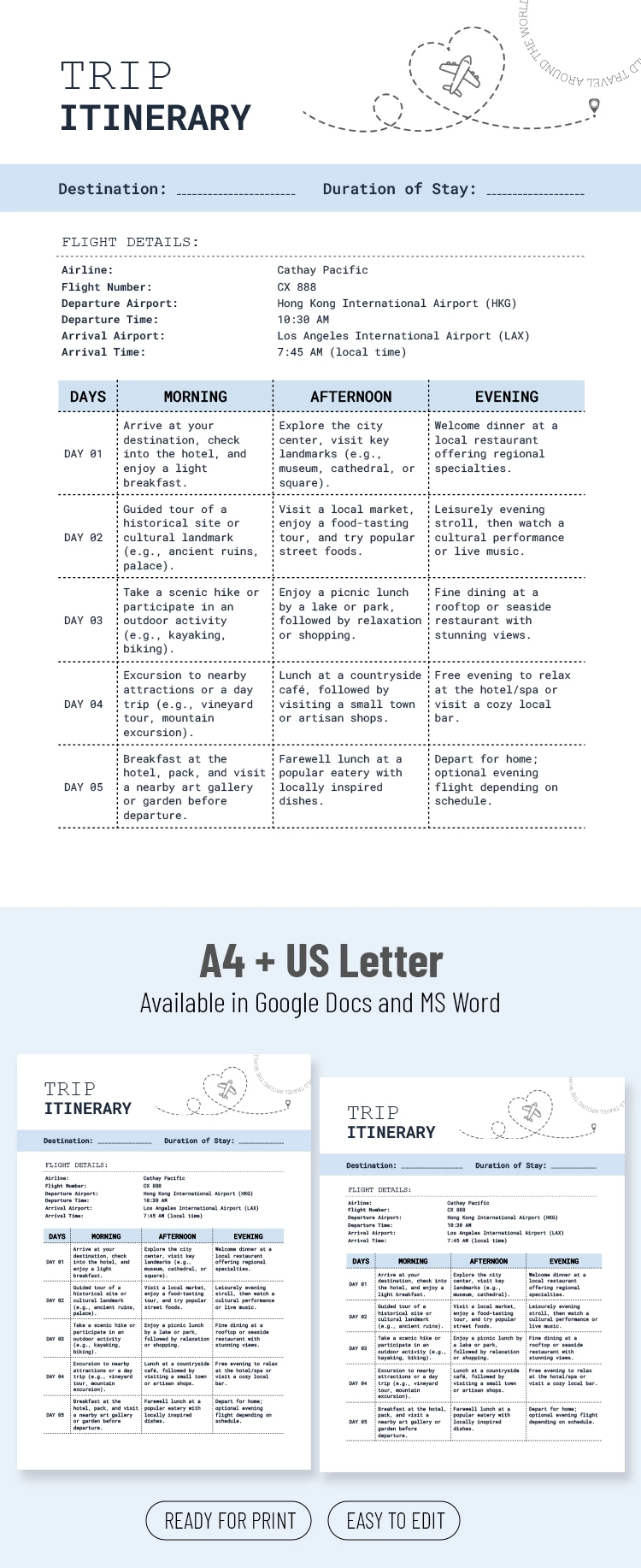
You can customize our Google Docs and Word itinerary template to suit your necessities. This blank includes header, flight details, and table sections.
Type in the destination and duration of your journey in the header, where a customizable title is also located. The flight details section consists of Airline, Flight Number, Departure / Arrival airport, and time. This way, you'll be well aware of your route and schedule.
The main table includes Days, Morning, Afternoon, and Evening columns and a sample text to provide you with an example of a schedule. You can change an itinerary for five days or use copies of this template to include a schedule for a more prolonged stay.
Explore Advanced Features
Print this template out or access it from any device. You'll easily find a perfect trip itinerary template for your business, personal, family, and leisure travels. Try our templates for free right away!
How to Use and Edit This Template

Get Your Document

Customize Everything

Add Your Content

Print, Export, or Share
Related Templates
Recently Viewed