Inventory Log Template
Use this free template with Google Sheets and Microsoft Excel
Template Specification
Key Features of This Template
About this template
Looking for a simple, effective, and easy-to-use inventory log template? This editable example is your go-to choice. It's free of unnecessary columns and cluttered design elements. Use the highly structured layout in your daily work, completely free of charge.
Simple Inventory Log for Google Sheets & Excel
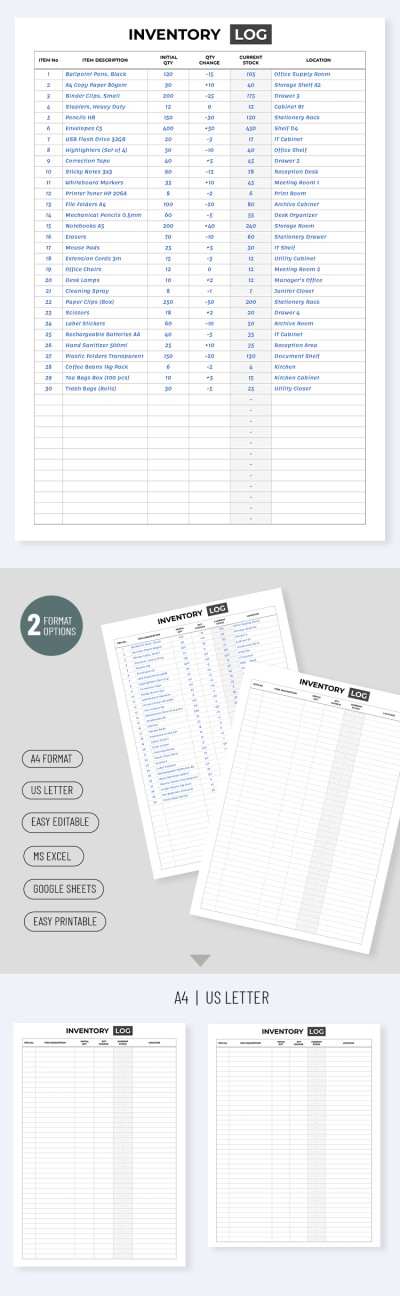
Our inventory template consists of a single pre-designed sheet, laid out as a table. At the top is a header section where you can enter your company name, office or storage location, or other information. Alternatively, you can leave the default "Inventory Log" heading and start filling out the table right away.
Below is the main table featuring six columns, including Number, Item Description, Initial Quantity, Quantity Change, Current Stock, and Location. Fill in the list of items and use the template regularly to review your inventory.
More features of our inventory log template:
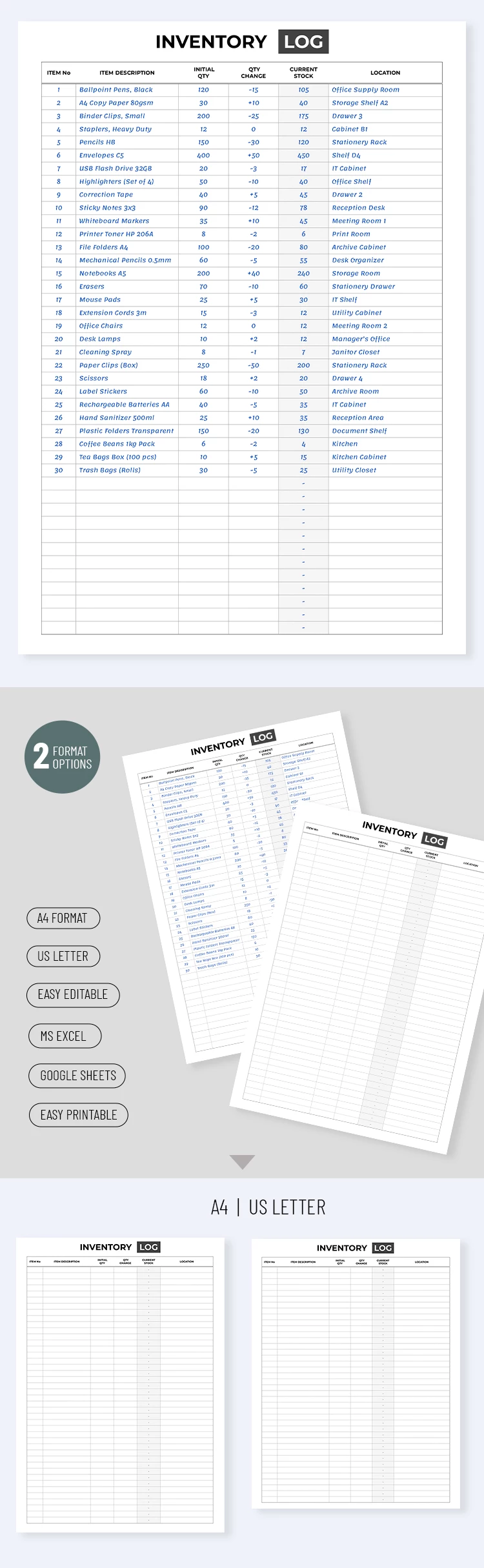
- The template is fully editable in Google Sheets and Excel.
- You can insert SUM or other functions to automatically update inventory.
- Employees from different warehouse locations can fill out a single template in real time, even on different devices.
Convenience and simplicity are the main features of this spreadsheet. It's available for free, and you only need to download it or get a copy to integrate it into your workflow.
Download Free Template
Google Sheets
Opens in browserMicrosoft Excel
.xlsxWHAT’S INCLUDED
Inventory Tips
FAQ
How to Use and Edit This Template

Get Your Document

Customize Everything

Add Your Content

Print, Export, or Share
Related Templates
Recently Viewed