Book Inventory Template – Track Books & Authors & Genres
Use this free template with Google Docs and Microsoft Word
Template Specification
About this template
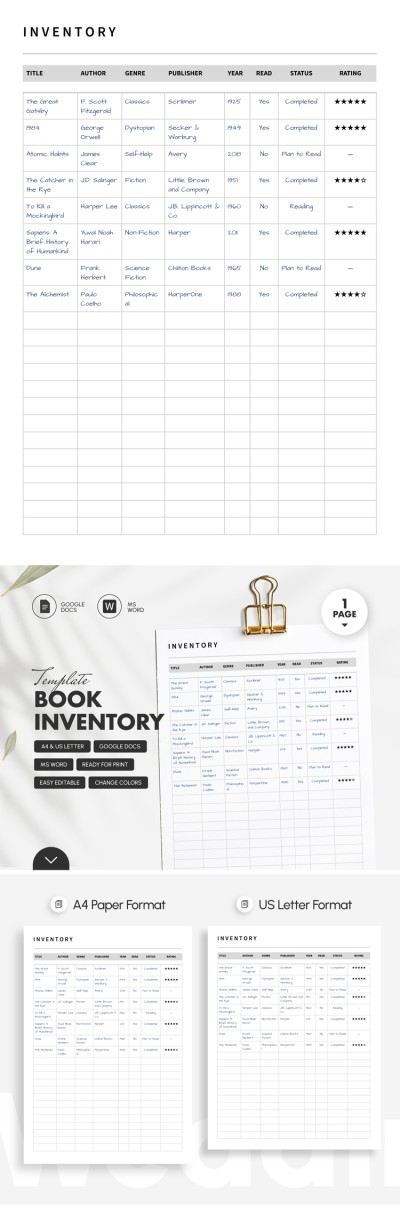
Our Book Inventory Template is organized in a printable table format on a single page. You can make as many copies of the layout as you need to create your own inventory log or store information in the cloud on any device. A convenient and effective book inventory table makes up the bulk of the blank.
Manage Your Library Collection With Ease
This universal inventory template is suitable for both home and professional libraries. It's easy to use, and the clear layout allows you to immediately access all the information about the book you're looking for.
When filling in the table columns, you can specify the title, author name, genre, publisher, publication year, read status, and personal rating. Our book inventory template is also editable in Google Docs and Word, allowing you to:
- Change column names to match the parameters you need to record.
- Make an unlimited number of copies of the form.
- Fill out all the details online or offline, on any device.
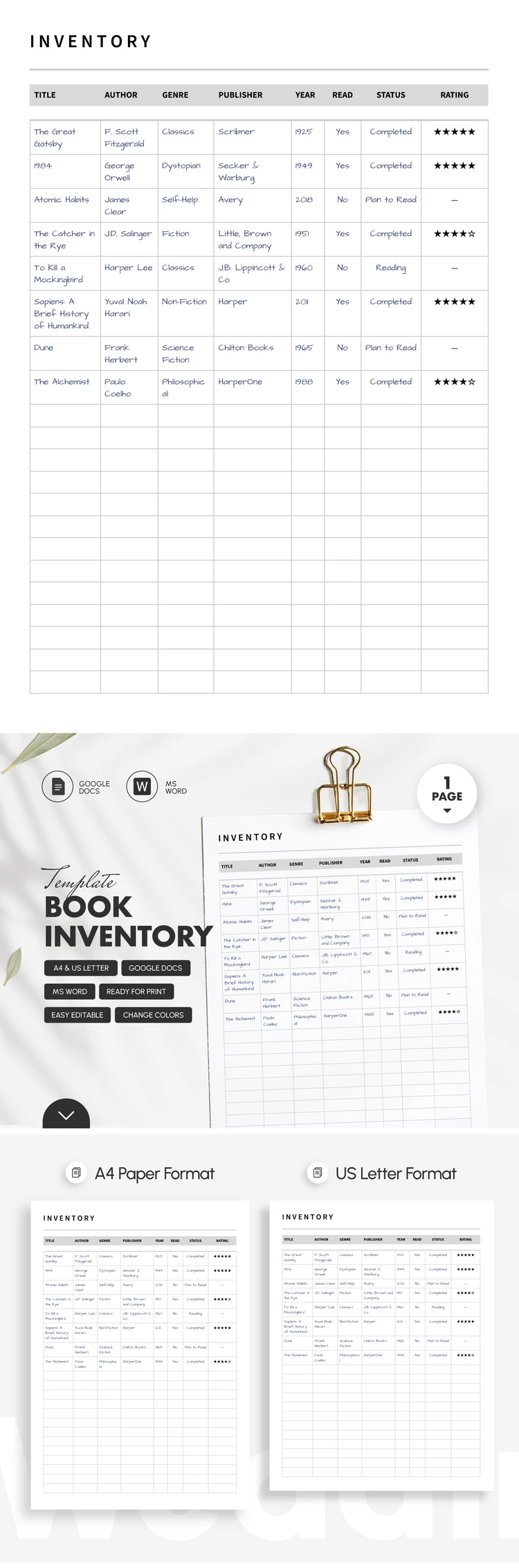
Our inventory list is ready to print in A4 and US Letter sizes, and no extra formatting is needed. Try this free option and evaluate the convenience.
Download Free Template
Google Docs
Opens in browserMicrosoft Word
.docsWHAT’S INCLUDED
Inventory Tips
FAQ
How to Use and Edit This Template

Get Your Document

Customize Everything

Add Your Content

Print, Export, or Share
Related Templates
Recently Viewed