
Modern Certificate Templates
Explore dozens of modern certificate templates on this page. We've prepared a variety of options for IT, online courses, training, and certificates of appreciation. Download or get a copy of versatile or specialized layouts for free to edit in Microsoft Word or Google Docs. Replace logos, text blocks, colors, and other elements in just a few clicks and save the finished version for high-quality printing without extra setup.
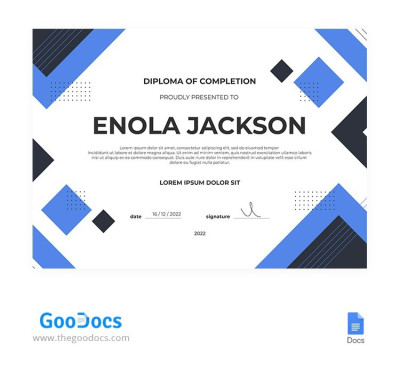
Blue Geometric Diploma Certificate
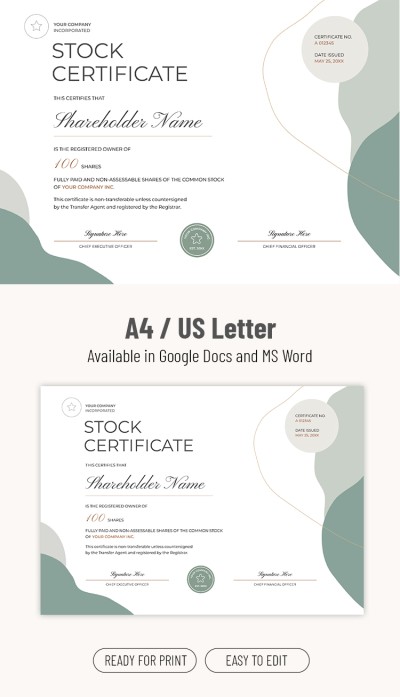
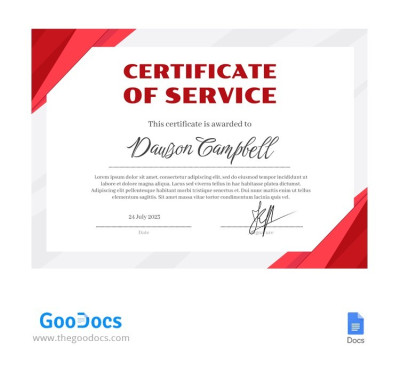
Simple Service Gift Certificate
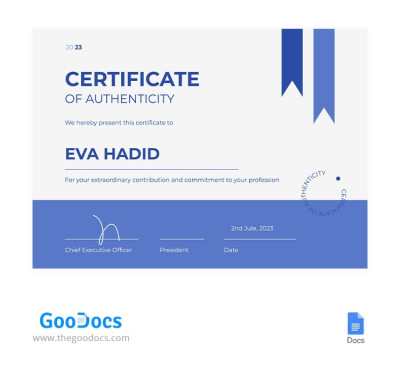
Blue Certificate Of Authenticity
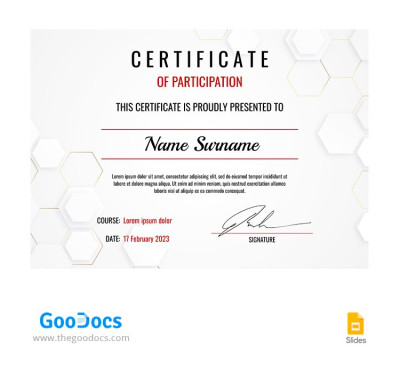
Light Gray Participation Certificate
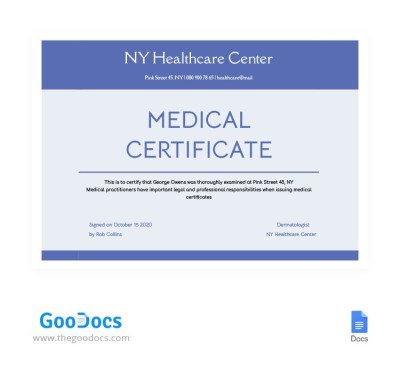
Professional Medical Certificate
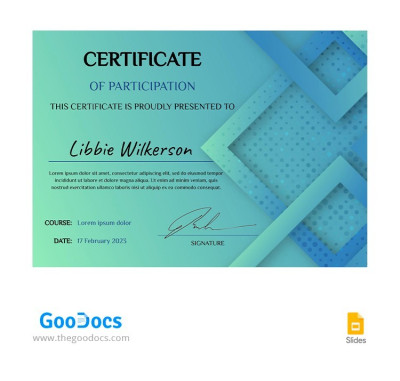
Turquoise Certificate of Participation
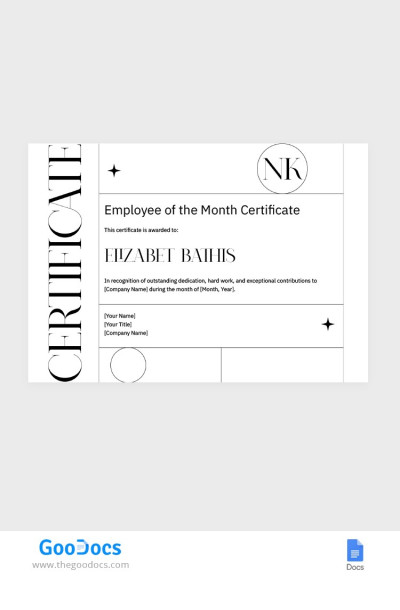
Employee of the Month Certificate
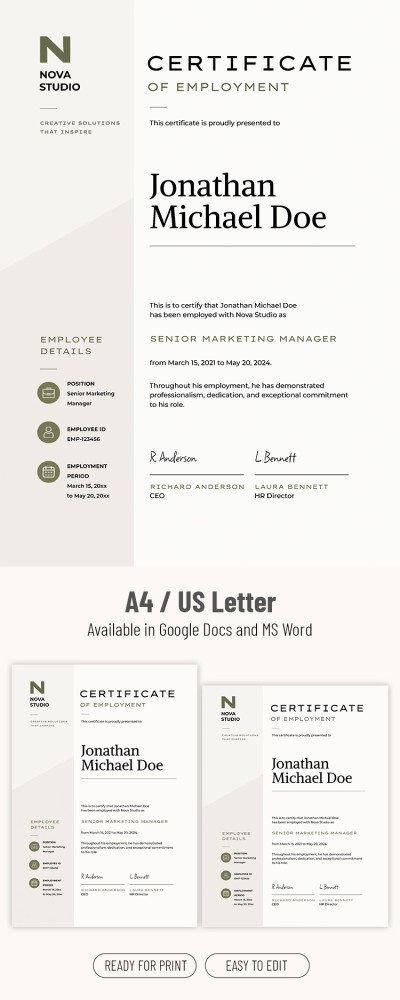
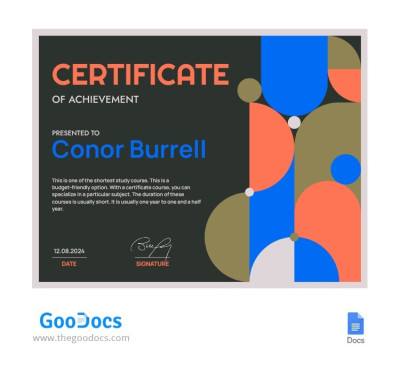
Geometric Certificate of Achievement Template
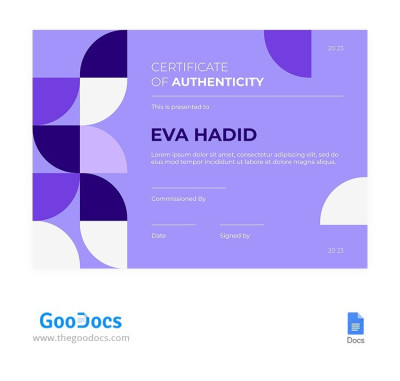
Purple Authenticity Certificate
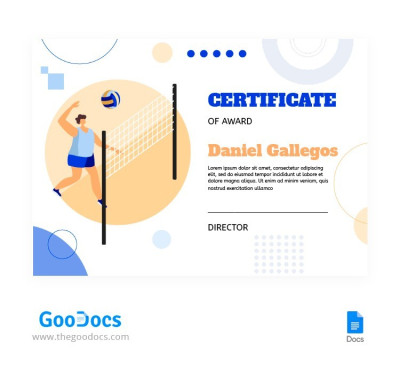
Certificate Volleyball
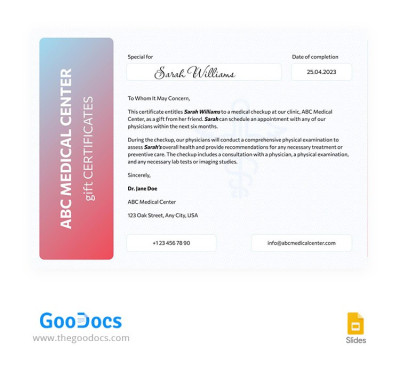
Minimal Medical Certificate
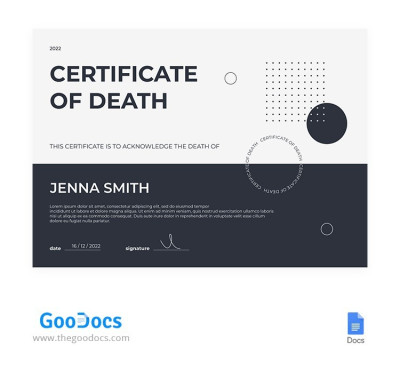
Simple Death Certificate
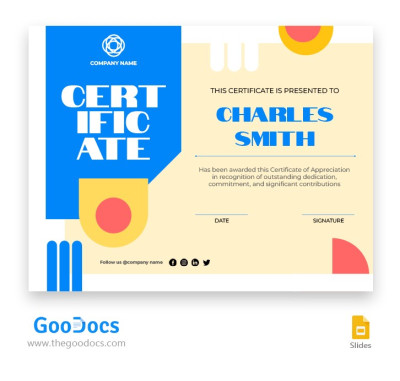
Google Slides Certificate
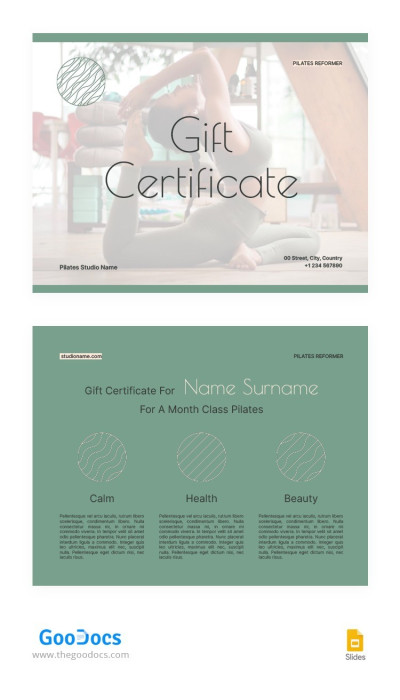
Pilates Reformer Gift Certificate
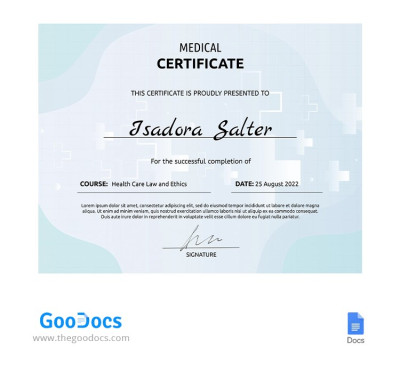
Light Medical Certificate
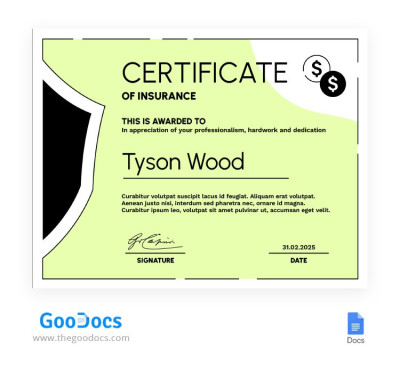
Lime Certificate of Insurance
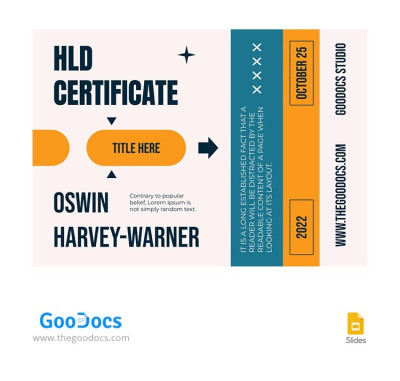
Contemporary Holiday Certificate
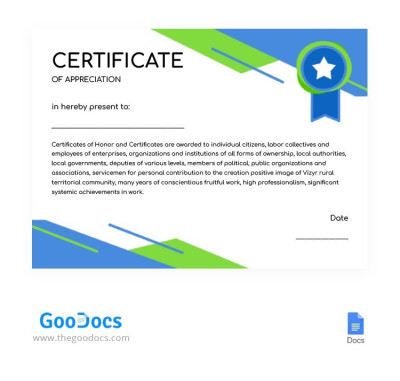
Professional Award Certificate
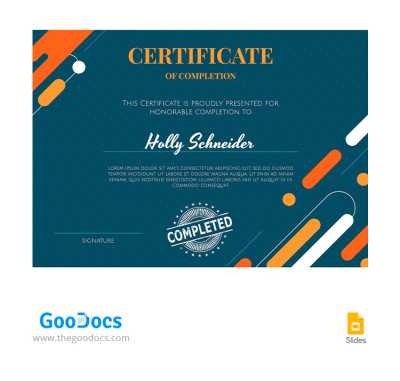
Green Completion Certificate
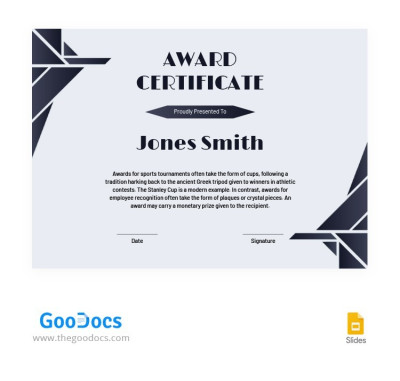
Modern Award Certificates
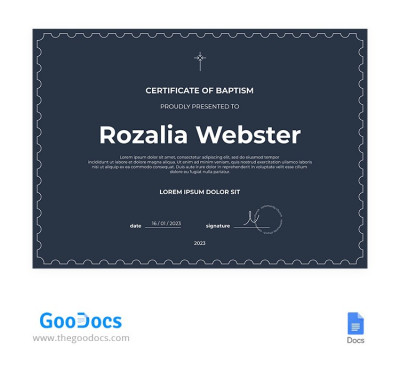
Simple Baptism Certificate
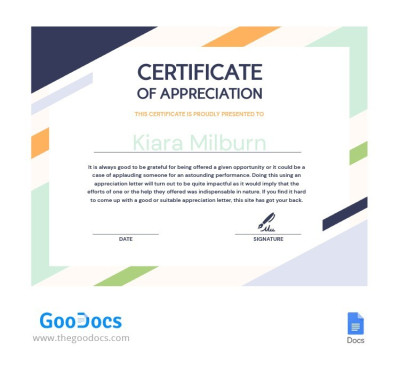
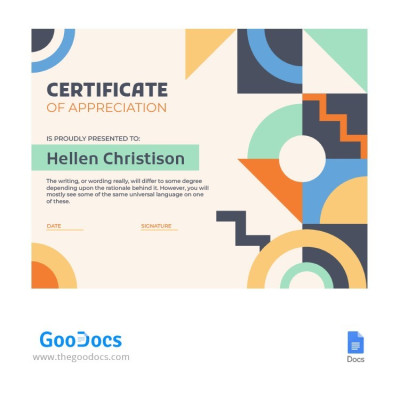
Beige Certificate of Appreciation
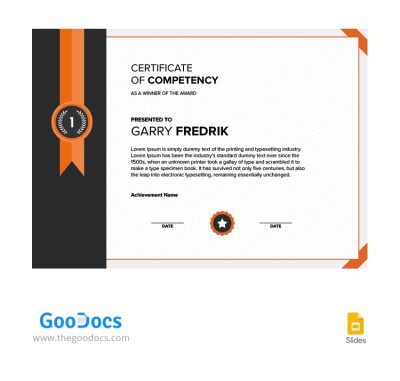
Corporate Сertificate
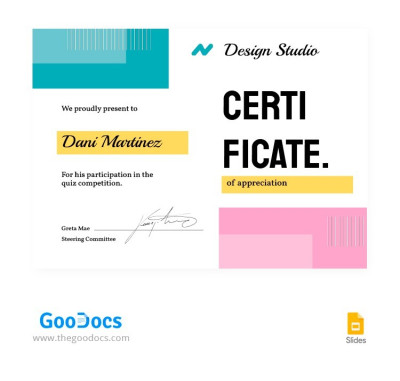
White Modern Award Certificate
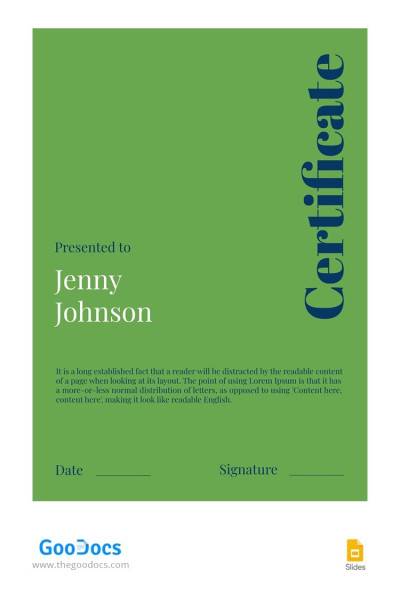
Green Modern Certificate
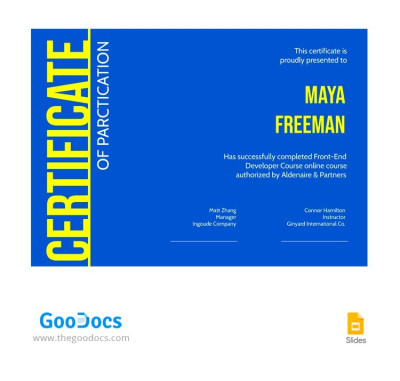
Bright Award Certificate
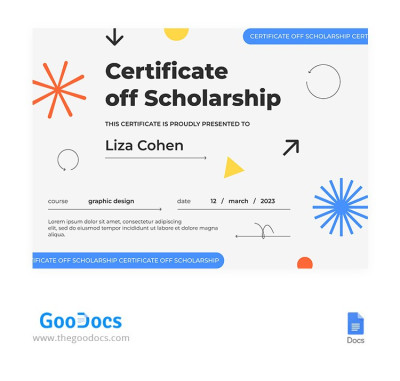
Modern Scholarship Certificate
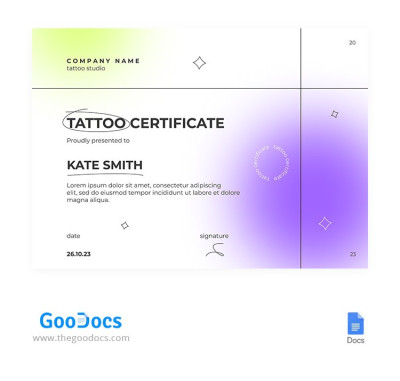
Colorful Tatto Certificate
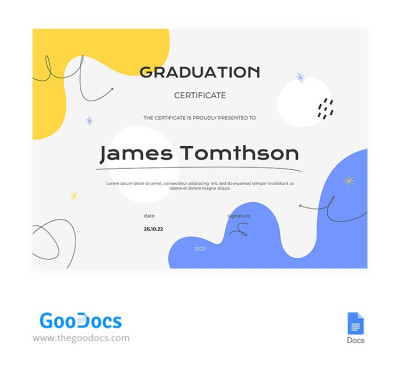
Bright Kindergarten Certificate
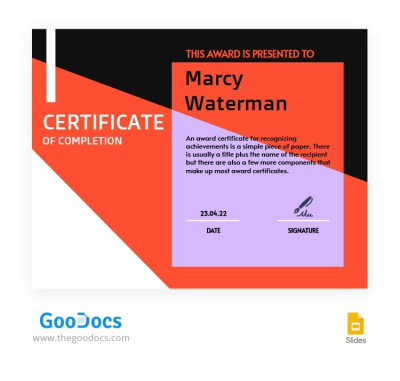
Colored Award Certificate
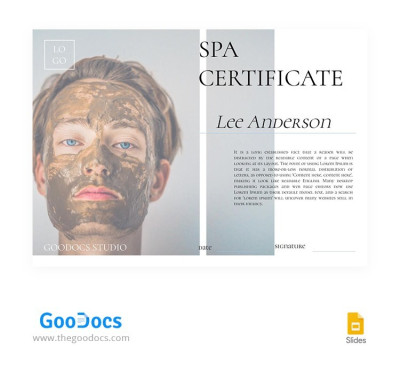
Modern Spa Certificate
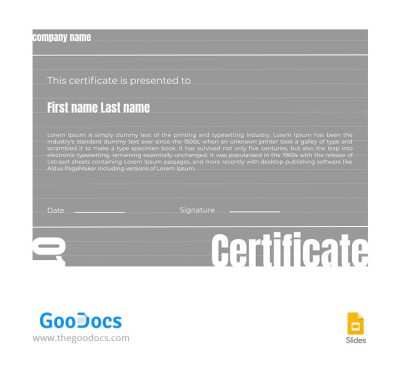
Gray Certificate
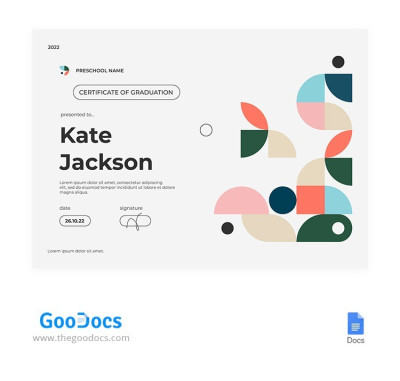
Colored Preschool Certificate
Use our modern certificate templates to create polished certificates in minutes. Find dozens of unique options featuring contemporary design elements, a clear hierarchy of headings and text placeholders, clean layouts, and carefully selected fonts. You'll easily find the perfect match for your IT company, startup, educational platform, design studio, or sports federation.
Discover more benefits of our free modern certificate templates:
- Choose from dozens of trendy designs. This collection consists of vibrant, contemporary-style templates. We've combined soft color gradients, abstract shapes, geometric accents, floating 3D elements, and modern typography with large, easy-to-read fonts. A certificate created using our modern templates will always look fresh and eye-catching.
- Keep the focus on your main content. Unlike classic certificates with heavy frames and ornate fonts, our modern designs highlight your text. The participant's name, course or category title, mastered skills, and key dates are clear and visible at a glance. There are also layouts with ample space for signatures and a QR code for online verification.
- Customize with your favorite tools. Need to brand the template with your logo or adjust graphics? Our templates are available in Google Docs, Slides, Word, and PowerPoint, so you can edit them with ease. Select any element to delete, resize, or move it; add new text, or change the color palette to fit your brand.
Use free contemporary certificate designs today. Download our free modern certificate templates for Word, fill in your details, save as a PDF, and print or share digitally. Discover our entire collection of editable certificate templates at the link.
Modern Certificate Templates FAQ
It's extremely easy to edit our modern certificate templates in Word or Google Docs:
- Download the template as a .docx file or save a copy to your Google Drive. Go to the template page, select your preferred format and page size, and click the format button to automatically download the layout or save a copy.
- Open the certificate template in your editor. You can open the downloaded template in Word directly from your downloads folder or by going to File and selecting Open. In Google Docs, a copy will open automatically in a new tab.
- Fill in the fields and customize the sample text. Click the recipient name placeholder to enter the name, then highlight the award description and replace it with your own text. Add your organization's name and the issuer's details in the same way.
- Brand the template (optional). You can insert a logo from your device by going to Insert and choosing Picture, adjust fonts and text sizes using the top menu, or customize any other design elements.
- Save the final version as a PDF. PDF is the best format for both printing and digital sharing. To save your file as a PDF in Google Docs, go to File, choose Download, and select PDF Document. In Microsoft Word, go to File, choose Export, and select Create PDF or Save as PDF.
Our templates are fully editable and compatible with Google Docs and Word. Try them out today for free.