
9 Panel Comic Strip Templates
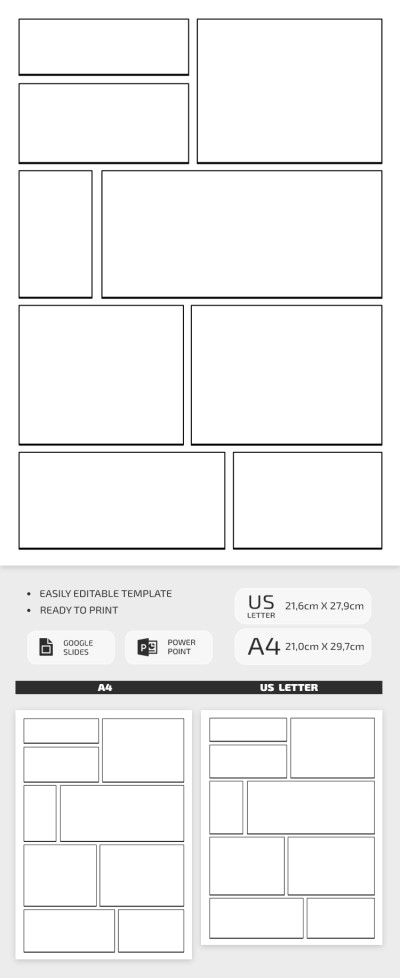
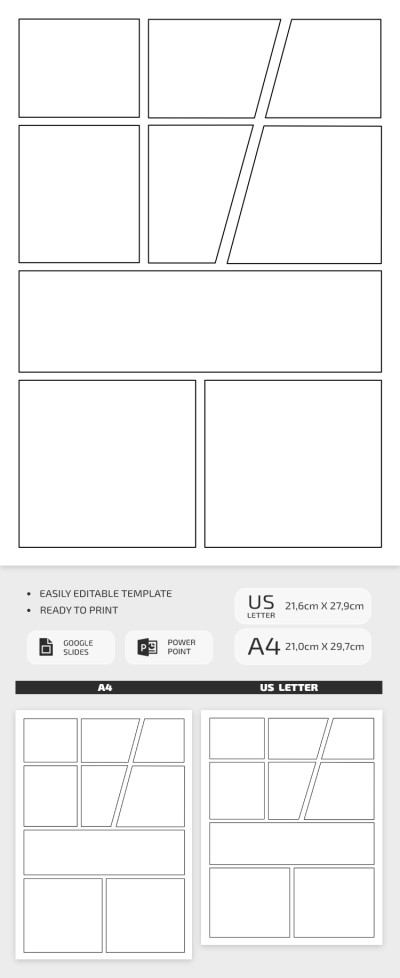
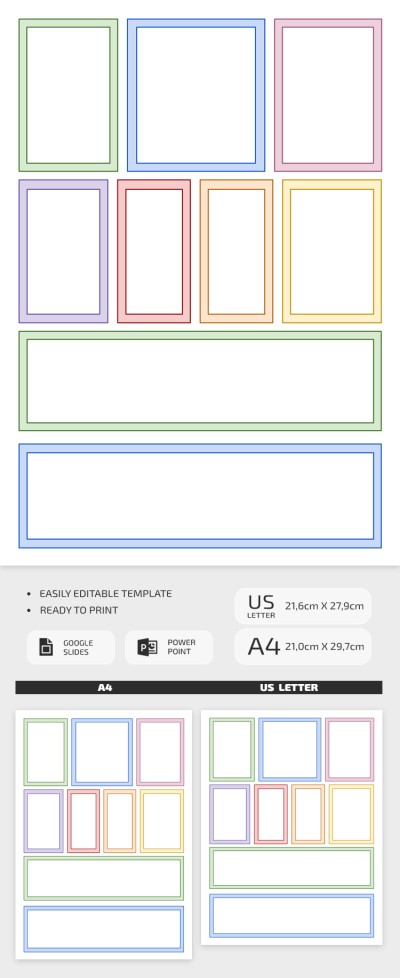
Take advantage of these free 9-panel comic strip templates with a 3x3 grid, perfect for planning your graphic novel, manga, or comic storyboard. Our templates are available in convenient Google Slides, and PowerPoint formats, allowing you to easily customize each panel by adjusting the lines directly on the page. You can combine panels, add your own sketches, and more. Save the template as a PDF for printing or publish it online once your story is complete, with no extra setup required.
Please try different filters or clear all to start over.
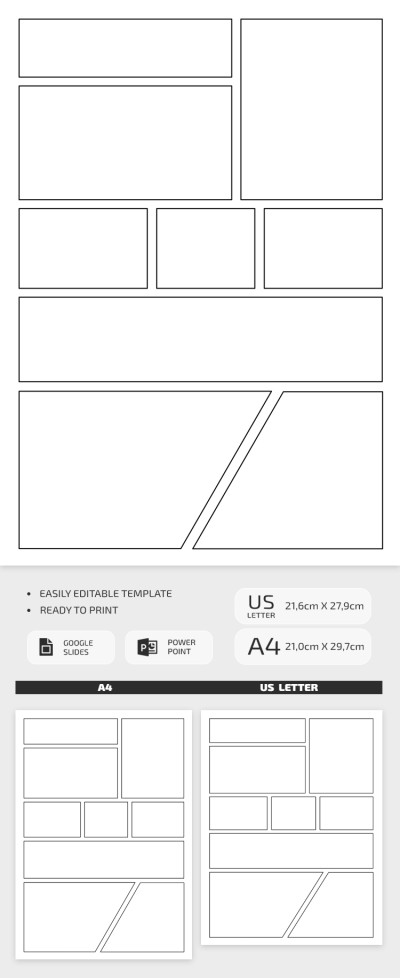
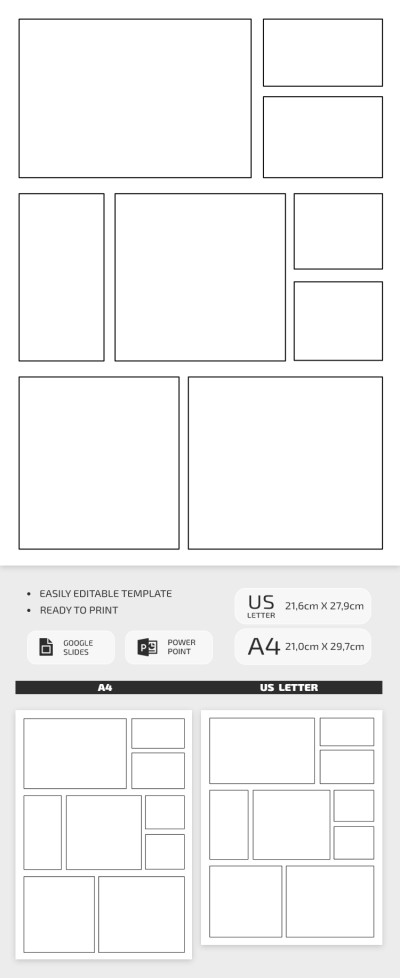
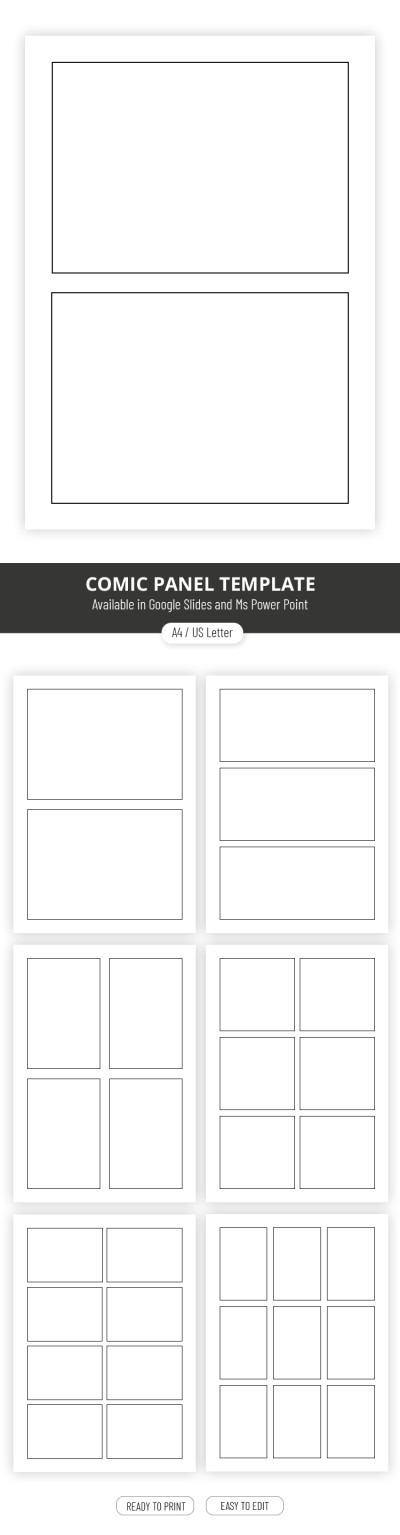
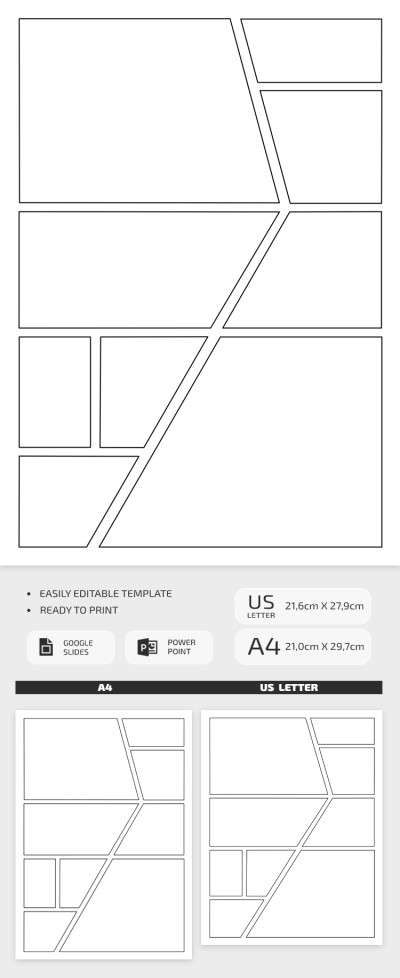
Use free, pre-made 9-panel comic templates to save time formatting pages to suit your narrative. A nine-panel grid in a classic 3x3 format will help maintain tight pacing on every page. With precise proportions for each frame and preset spacing between panels, these layouts are guaranteed to maintain a neat and professional look.
More features of our 9-panel comic strip templates:
- The best option for creating measured pacing. The nine-panel 3x3 grid allows for detailed character expressions, highlighting specific details, and smoothly shifting the reader's focus. This panel count allows for near-real-time action, making it ideal for drama, mystery, or suspenseful stories.
- Complete freedom to customize your strip. We've created comic strip templates in Google Slides, and PowerPoint formats with up to nine panels on a single page. You can choose a suitable default design or customize the layout to fit your vision. Easily stretch frames, move them around the page, delete them, or add new ones.
- Share your work online or in print. Each layout is optimized for both the print and digital versions of your story. You can save your layout as a PDF, import it into a graphics editor, or print it out directly in A4 or US Letter size. No extra margin adjustments or setup are required when printing.
You can fully focus on your artwork and script thanks to our free, ready-made 9-panel comic templates. Import your layout into Photoshop or Clip Studio, or print it directly with no extra setup. More comic strip templates are available on our website.
9 Panel Comic Templates FAQ
A 9-panel comic template is a layout divided into nine grid boxes, perfect for creating comics, storyboards, and visual step-by-step guides. Our templates save you the hassle of building a layout from scratch, so you can jump right in and add your drawings, speech bubbles, and text to each frame.
Our templates come in Google Slides, and PowerPoint formats. You can easily edit them in your preferred application, export them to a graphics editor, or simply print them out when you are done.
To create a nine-panel comic, start by breaking your story into three main parts, such as setup, development, and conclusion. After that, you can assign three panels to each part to keep the story pacing balanced. A standard 3x3 grid with equal-sized panels works great, but you can also get creative with asymmetrical layouts or custom shapes to highlight key scenes. If you need a starting point, you can find editable nine-panel examples right here on this page from TheGoodocs.
Yes, a 9-panel comic template works great as a storyboard. In fact, storyboarding is one of the best ways to map out the narrative for a comic, video, or animation. A 9-panel grid gives you a clean structure to control the pacing of your scenes, so it becomes much easier to organize your ideas before you start drawing or filming.
Portrait orientation is usually the top choice for a 9-panel comic because it easily fits both a classic 3x3 grid and custom layouts. Plus, it is much easier for readers to follow along since this format is what most comic fans are already used to. Taller panels also give you plenty of room for speech bubbles and text at the top or bottom without covering up your artwork.