
6 Panel Comic Strip Templates
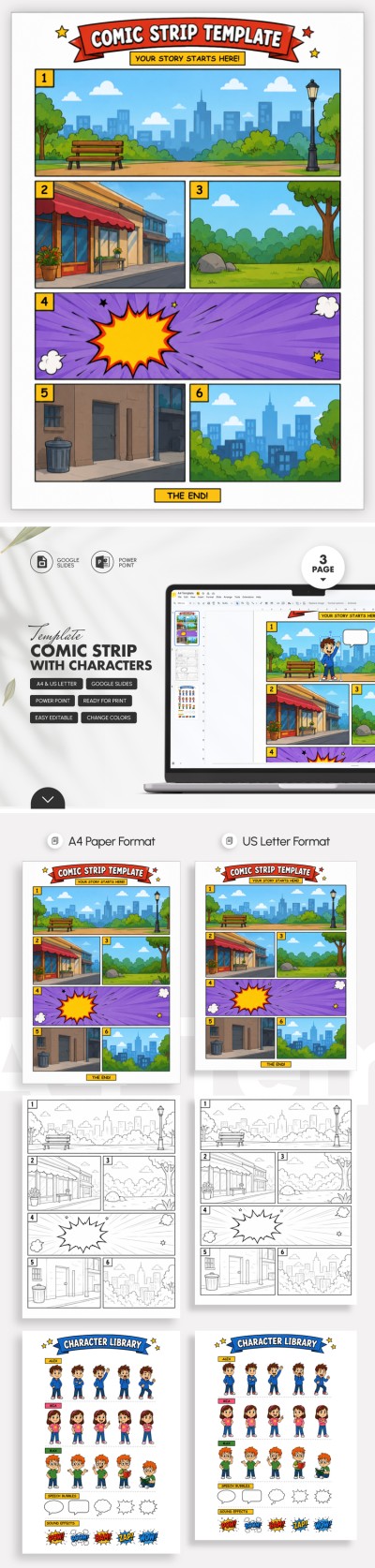
Want to create a unique comic but don't know where to start? Our 6-panel comic strip templates are designed to simplify the process. Use pre-made layouts for educational materials, storyboarding, or any creative project. Each comic page comes with a versatile strip layout, allowing you to add up to six scenes per page. All our templates are fully editable and can be converted to PDF for high-quality printing.
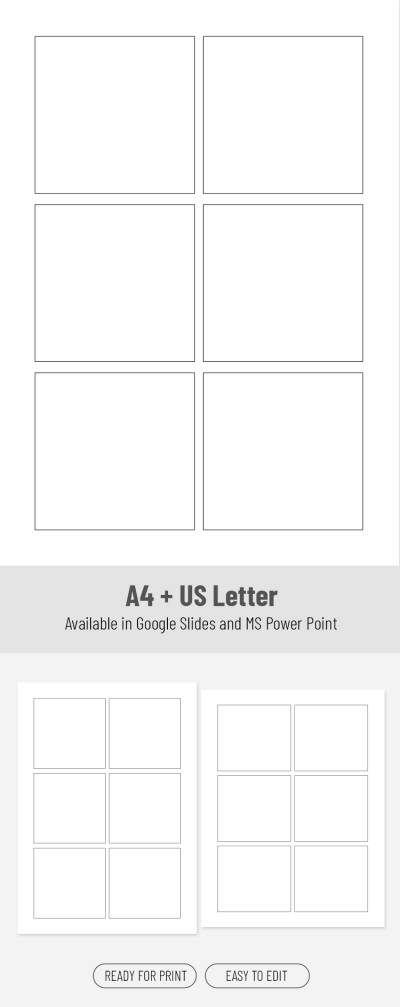
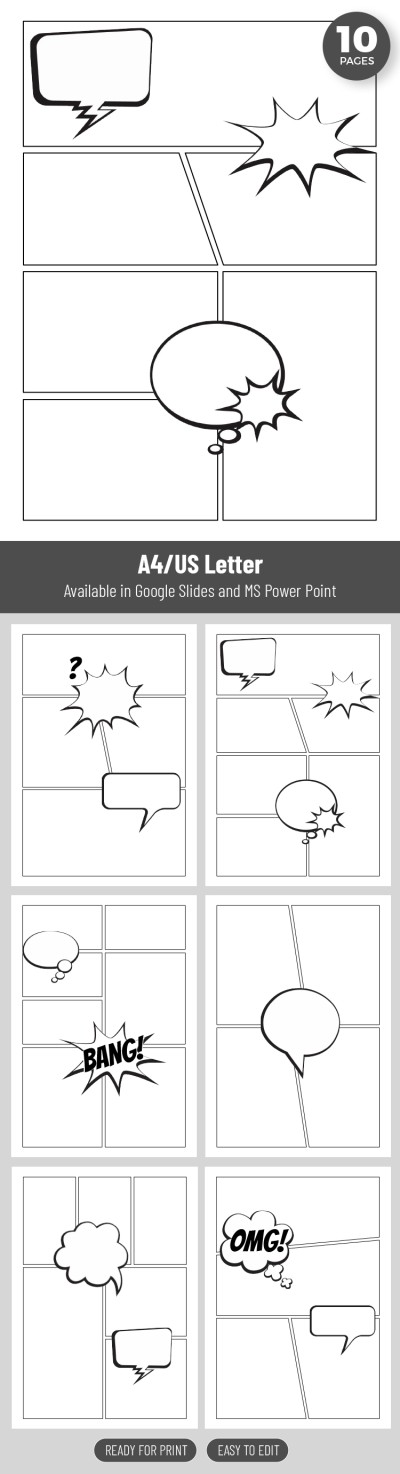
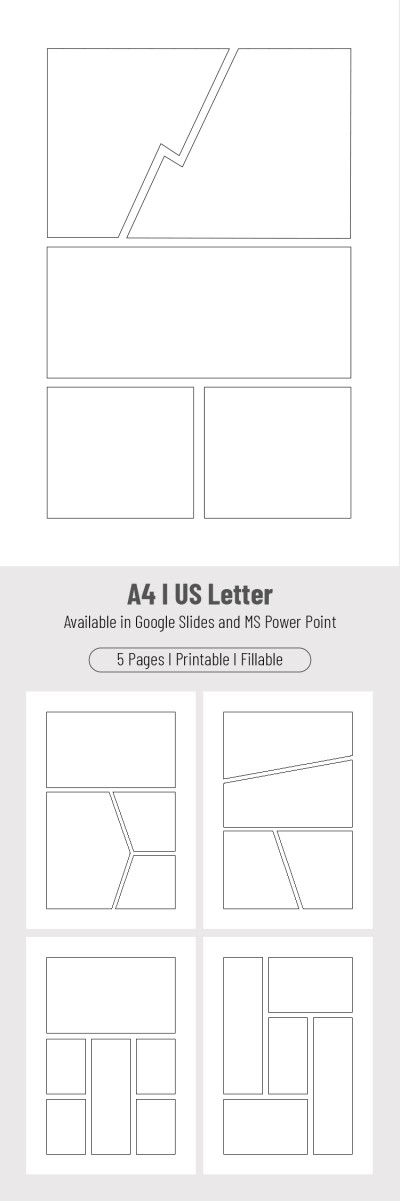
6 Comic Panels
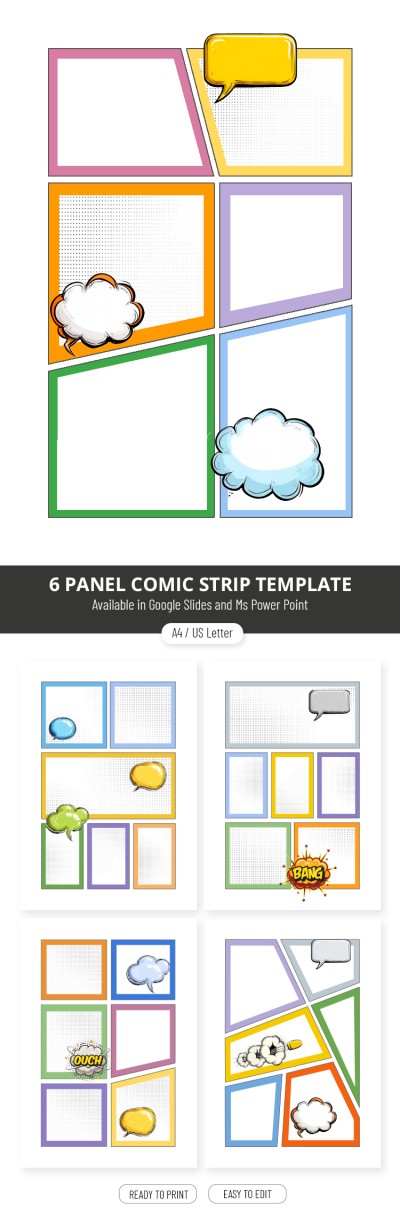
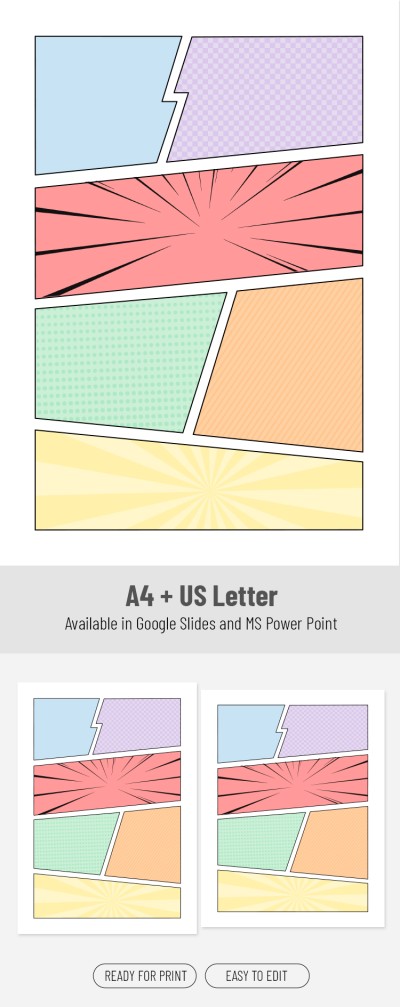
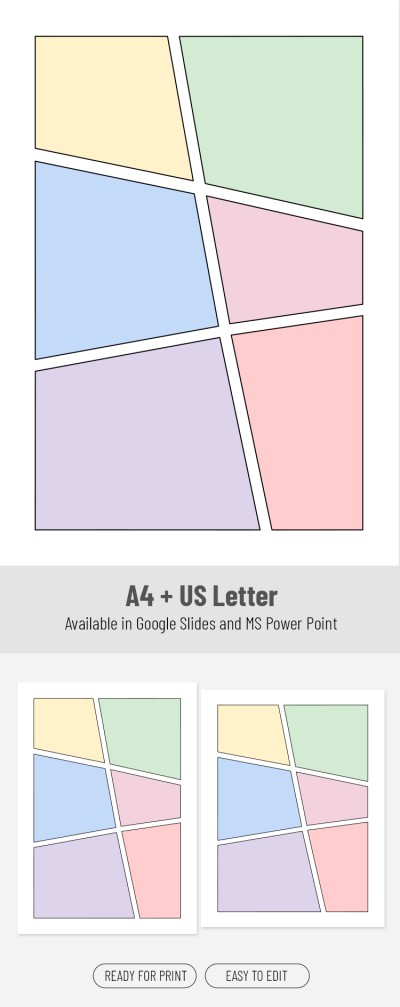
Colorful 6 Panel Comic Strip Template
Please try different filters or clear all to start over.
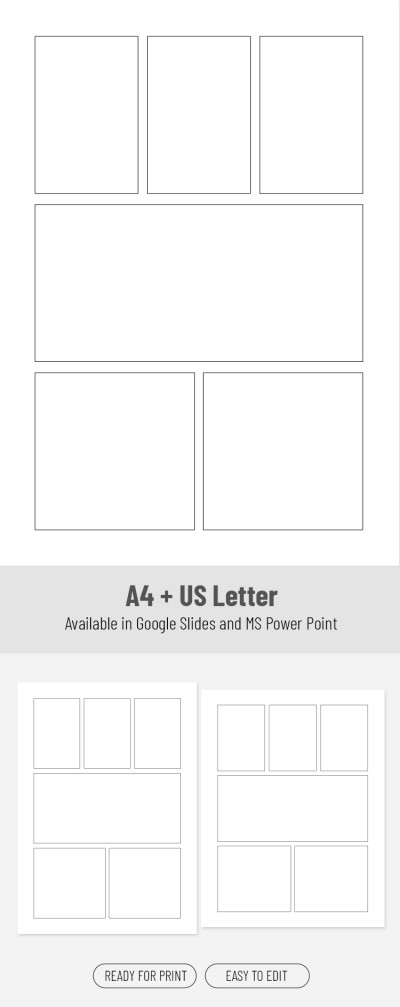
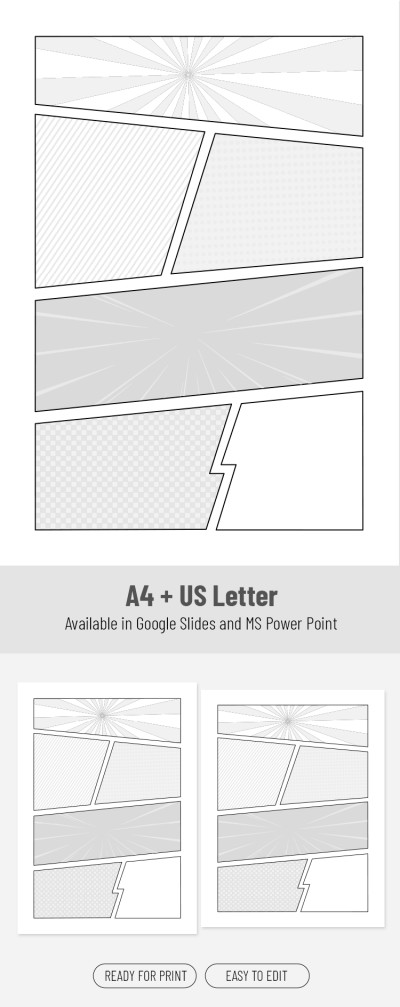
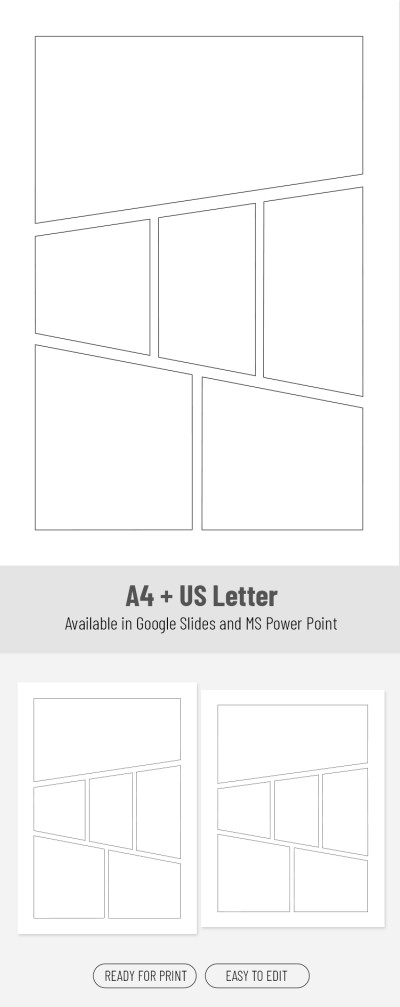
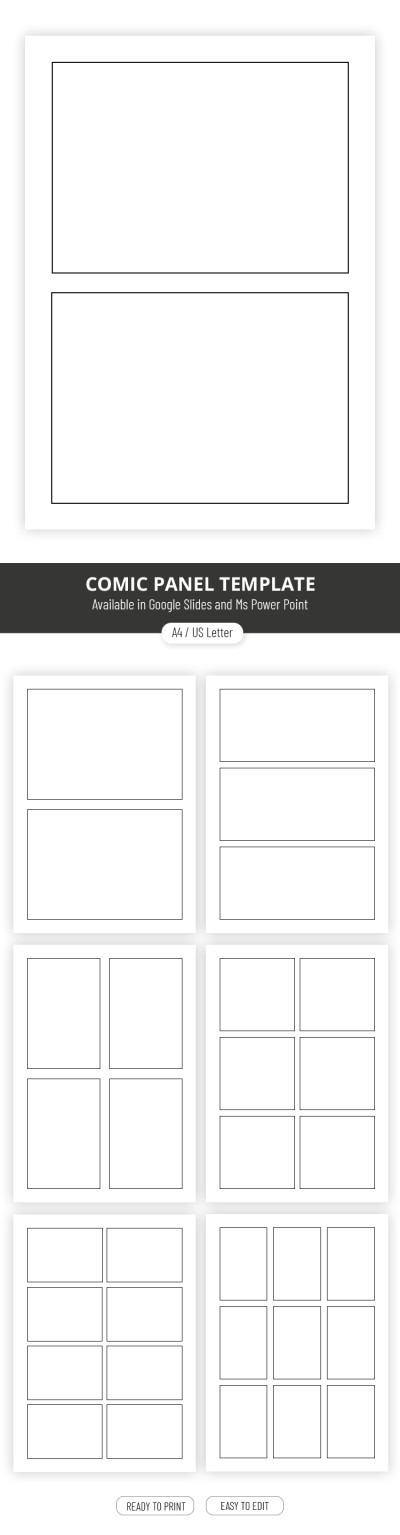
Think a six-panel comic strip isn't canon? Maybe so, but with our 6-panel comic templates, you can change that. Whether you need a perfectly aligned layout with precise margins between panels or a distinctive option with unique shapes, you'll find a variety of editable 6-panel templates on this page.
More features of our templates:
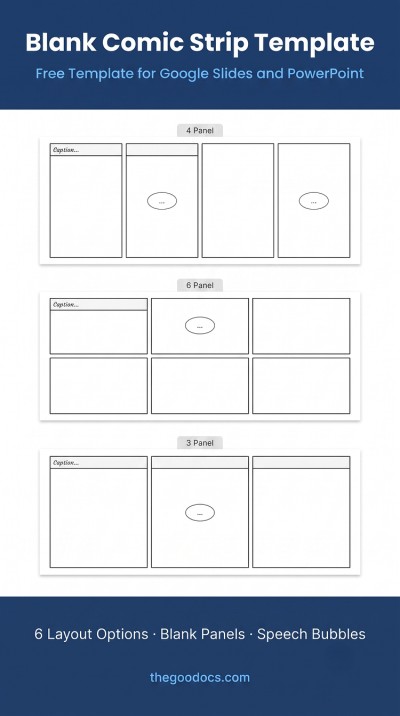
- A variety of layout options. You can use the standard layout with three rows and two panels or choose an innovative design with custom proportions, shapes, and margins. Check out a template preview and get a copy, or download your favorite for free to start editing.
- Fully customizable panels. You can change the shape and size of each panel individually or select an entire group. Google Slides and PowerPoint allow you to use a simple drag-and-drop interface to quickly change the color, thickness, and size of the frames.
- Great for both digital and print. Your final comic will look excellent whether it's on a screen or on paper. No matter which format you prefer, Google Slides, Word, or Google Docs, all templates are pre-set for A4 and US Letter sizes. You can also save your work as a JPG or PNG for easy sharing online.
Try out the features of our pre-made comic panels for free right now. Head over to the page of your favorite template and download it or get a copy to start customizing. More free comic strip templates are also available on our website!
6 Panel Comic Templates FAQ
You can create a standard 6-panel comic strip in Google Docs or Word using tables:
- Click Insert > Table.
- Select a 2x3 or 3x2 grid.
- Right-click the table and go to Table Properties.
- Adjust the border thickness and cell height so the cells look like square panels.
- Insert your images into the cells and add your speech bubbles.
In Google Slides and PowerPoint, this is usually done using shapes or images. However, there's a much simpler and quicker way: using six-panel comic strip layouts from TheGoodocs. To get started, simply select a layout with the panel arrangement and shapes that fit your story.
Then, just download or get a copy of the template and add your illustrations. We offer options in Google Docs, Word, Google Slides, and PowerPoint, so you can work in whichever editor you find most convenient.