
12 Panel Comic Strip Templates
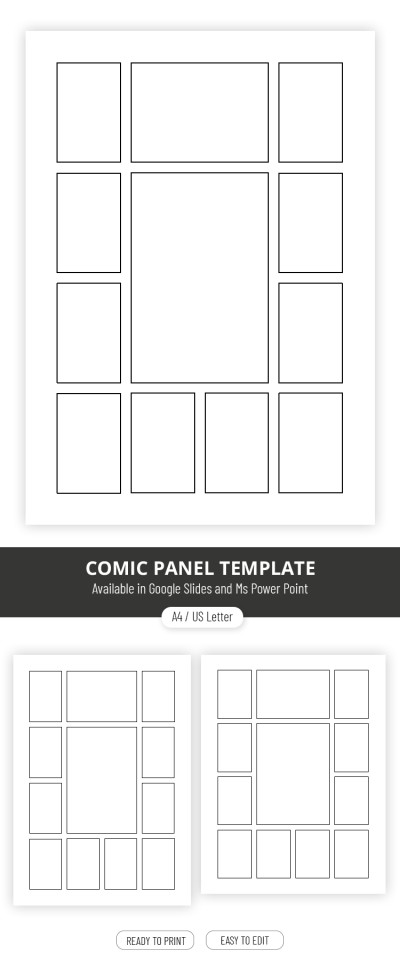
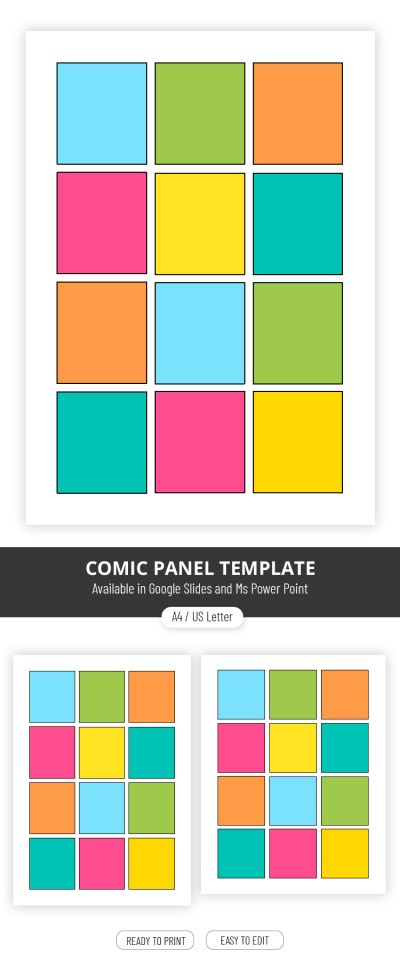
This collection of 12-panel comic strip templates features ready-to-use layouts for comic creators. Our templates provide pre-built, well-structured grids designed for creating detailed visual stories and complex plots. Such a grid is perfect for both developing longer scenes and designing step-by-step illustrated instructions. Best of all, our editable and printable layouts eliminate the need for manual page formatting. Get a copy or download a suitable 12-panel comic strip template for Google Docs, Word, Google Slides, or PowerPoint to work digitally on your graphics tablet or print it out.
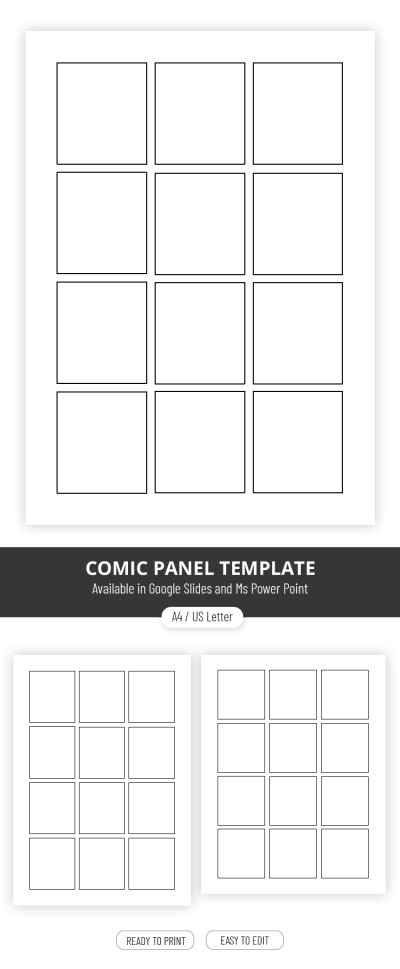
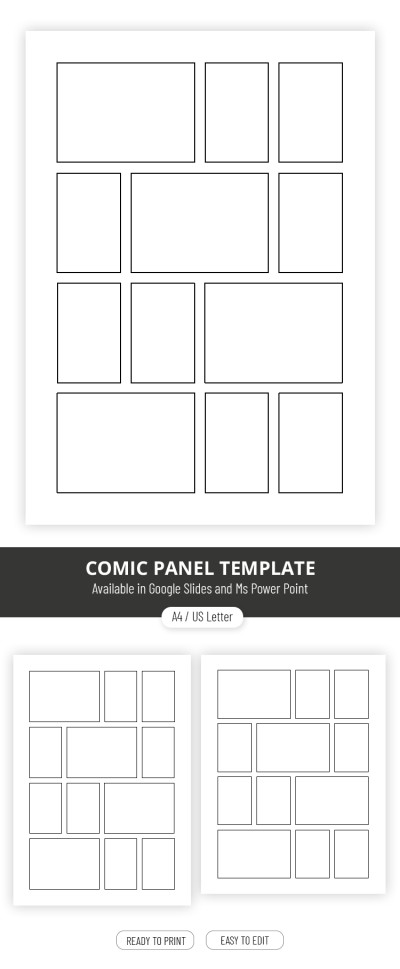
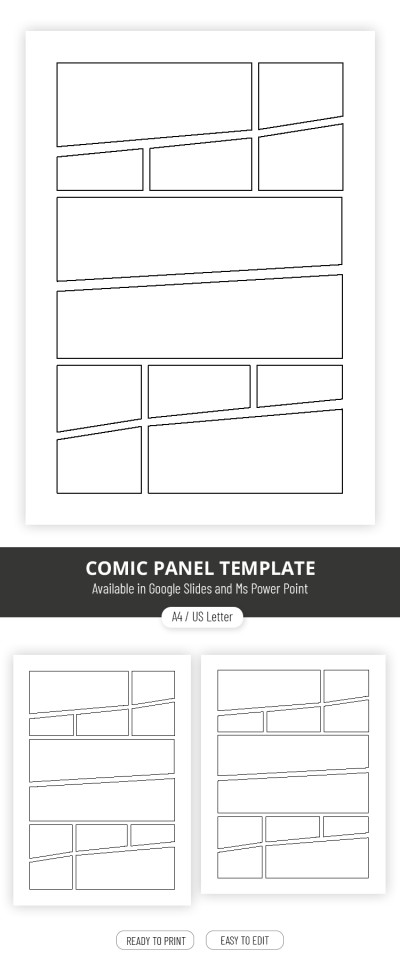
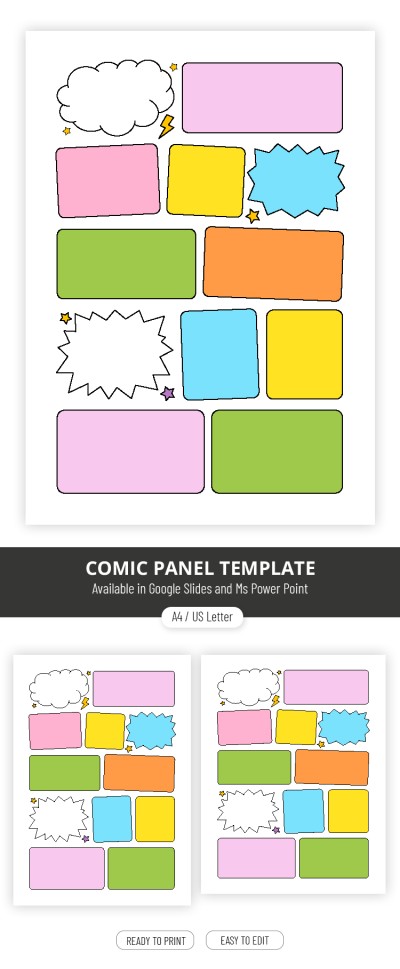
Please try different filters or clear all to start over.
Use our free, ready-made 12-panel comic strip templates to bring your stories and illustrations to life. This page offers a variety of 12-panel layouts designed for both digital editing and printing. On a single sheet, you can easily build a complete story across individual panels, leaving plenty of room for speech bubbles, characters, and dialogue.
Learn more about the benefits of our 12-panel comic strip templates:
- Start adding content immediately instead of creating a grid. Creating a neat grid with identical panels and perfect spacing can take much more time than you think. This page offers a variety of creative options, including layouts with panels of various shapes and sizes, which are even more challenging to draw from scratch.
- Use a convenient editor to customize your panels. Our 12-panel comic templates are available in Google Slides and PowerPoint formats. Using the intuitive interface of these platforms, you can easily scale each frame, adjust line thickness, change background colors, or quickly rearrange the panels on the page.
- Print your blank canvas or the final comic. You can use these layouts digitally in your favorite software or print them out immediately to draw your characters by hand. Our printable templates can be saved as PDFs for high-quality printing without losing line crispness, giving you full flexibility in how you create your stories.
Choose from dozens of free 12-panel comic strip templates with unique layouts today. Get a ready-made canvas that you can customize and print without worrying about margins or technical page formatting. Download your favorite comic strip templates for free on our website today.
12 Panel Comic Templates FAQ
The key to creating a 12-panel comic strip is having a well-thought-out structure. You can also grab a ready-made template from TheGoodocs to jump straight into adding your art and text.
Follow a classic 12-panel structure:
- Use panels 1 to 3 to introduce the setting and main characters.
- Use panels 4 to 6 to build the story and introduce the main challenge.
- Use panels 7 to 9 to bring the story to its climax.
- Use panels 10 to 12 for the resolution and final wrap-up.
With a standard 4-row grid, each row naturally corresponds to a key stage of your plot, from the intro down to the conclusion. Having 12 panels gives you plenty of space to tell a detailed story and even include silent panels for character reactions or dramatic pauses before big moments.
Both portrait and landscape orientations work great for a 12-panel comic. A 3x4 grid in portrait or a 4x3 grid in landscape is standard.
You can choose the right orientation based on your project needs:
- A landscape orientation works best for displaying wider backgrounds, capturing movement, and reading on widescreen monitors.
- A portrait orientation leaves more vertical space to stack dialogue bubbles, helps build depth, and fits phone screens and printed comic formats.
Both options are great choices, so the best pick depends on where your audience will read the comic and the visual style of your story.
Yes, our 12-panel comic templates are great for educational content. They offer a versatile layout with 12 pre-drawn frames that you can use to break down lesson plans, present complex topics, or create handouts for student projects.
All our templates are print-ready and available in Google Docs, Word, Google Slides, and PowerPoint. You can easily print them on standard A4 or US Letter paper, share a direct link, or email the file directly.