Get unlimited access to 5000+ Templates for Google Docs, Slides and Sheets
Unlimited Access
All Templates
ADVERTISEMENT
ADVERTISEMENT

Vintage Family Tree Template

Use this free template with Google Slides and Microsoft PowerPoint
4.22 (2 reviews)
Last updated Updated August 4, 2026
Created by Sofia Allen
Type 4 Generations
ADVERTISEMENT

Template Specification

Format Google Slides
Created March 10, 2023
Last Updated August 4, 2026
Community Added to collections by 15 Users
Usage Stats 4 downloads this month

Key Features of This Template

Suitable For Family

About this template

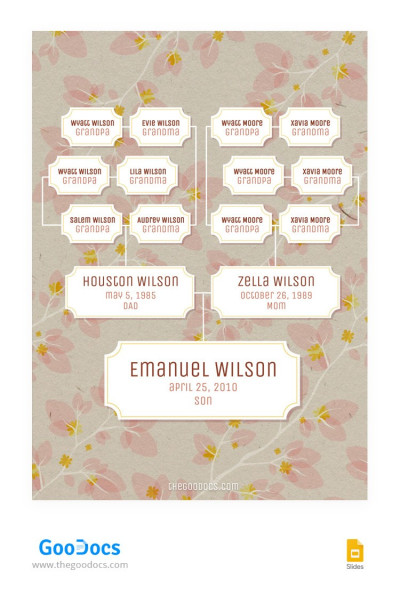
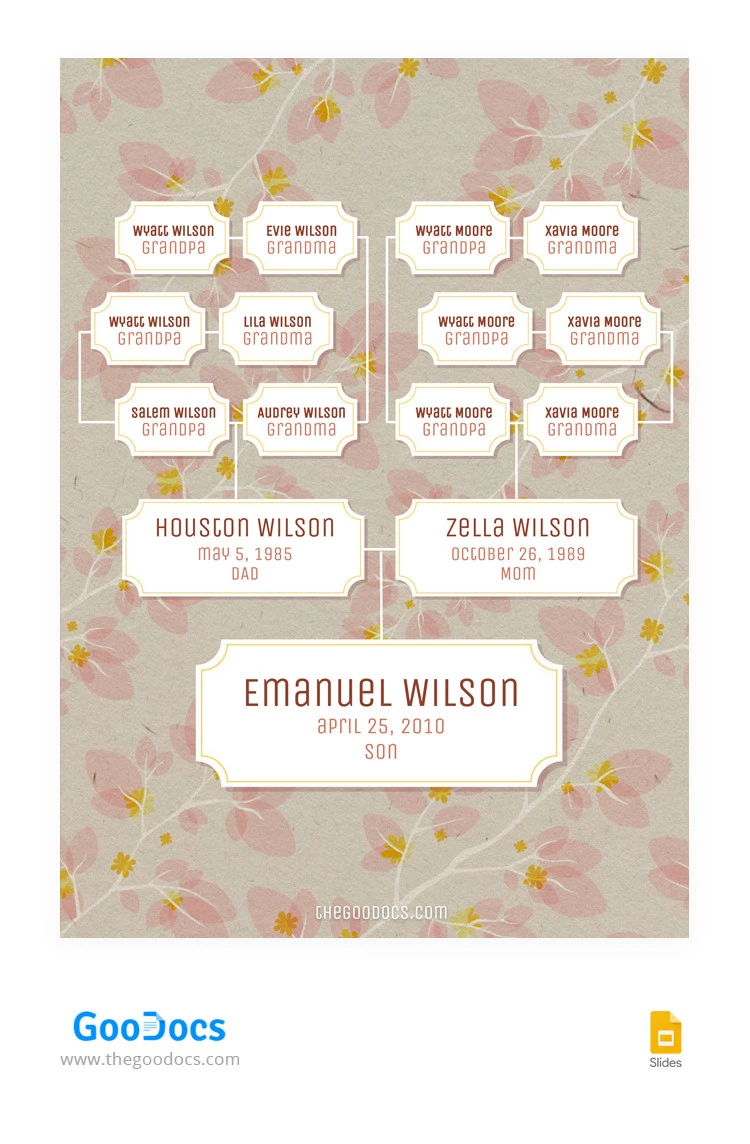
Our vintage family tree template is sure to look stylish framed in your home. Use this template to create a clear, printable family tree chart for four generations. We've thought through the design and added the family relationships, so all you have to do is fill out the template.

Old-Fashioned Family Tree Design

Our genealogy tree template features a pastel background with white branches and pink petals, as if painted with pastel colors. The overall design looks stylish and pairs perfectly with the chosen fonts and text color.

Besides the vintage design, our family tree slides template offers many features:

  • Сustomize any design element in Google Slides.
  • Click inside any placeholder to enter the names and birth dates of your relatives.
  • Print in A4 and US Letter sizes with no additional settings.

Working with the structure and design is also straightforward. For example, you can copy text blocks to add more family members or delete unused placeholders.

Use this template for free, or find another family tree template for 4 generations via the link.

ADVERTISEMENT
Free Template

Download Free Template

Choose your platform and start editing right away
PLATFORM

Google Slides

Opens in browser
PAPER SIZE
A4
US Letter
Google Slides – A4
No account required • Attribution required

WHAT’S INCLUDED

Four-generation family tree layout
Customizable text and color themes
Editable name and date placeholders
Vintage design with floral background

Family Tree Tips

1
Customize colors to match your family theme.
2
Print in high resolution for better clarity.
3
Use bold text for prominent family members.
4
Add additional branches for extended family.

FAQ

Is this template free? Yes, it is completely free to download and use.
Can I customize this template? Yes, you can easily edit it in Google Slides and Microsoft PowerPoint.
What software do I need? You need Google Slides or Microsoft PowerPoint to use this template.
How many generations can it display? It displays up to four generations in the tree.
How can I change the slide theme? Adjust the theme under the 'Design' tab in both apps.
ADVERTISEMENT

How to Use and Edit This Template

Get Your Document

1

Get Your Document

Click the "Edit Template" button to create your own editable copy in Google Slides or download for Microsoft PowerPoint
Customize Everything
2

Customize Everything

Easily change colors, fonts, and layouts to match your unique style or brand identity
Add Your Content
3

Add Your Content

Fill in your data, upload images, and replace the placeholder text with your own information
Print, Export, or Share
4

Print, Export, or Share

Print, export as PDF, or share instantly

Related Templates

Recently Viewed