Get unlimited access to 5000+ Templates for Google Docs, Slides and Sheets
Unlimited Access
All Templates
ADVERTISEMENT
ADVERTISEMENT

Simple Family Tree Template

Use this free template with Google Slides and Microsoft PowerPoint
4.25 (1 reviews)
Last updated Updated August 4, 2026
Created by Vladimir Belyakin
Type 3 Generations
ADVERTISEMENT

Template Specification

Format Google Slides
Created February 24, 2024
Last Updated August 4, 2026
Community Added to collections by 1 Users
Usage Stats 1 downloads this month

Key Features of This Template

Suitable For Family
Style Illustrated

About this template

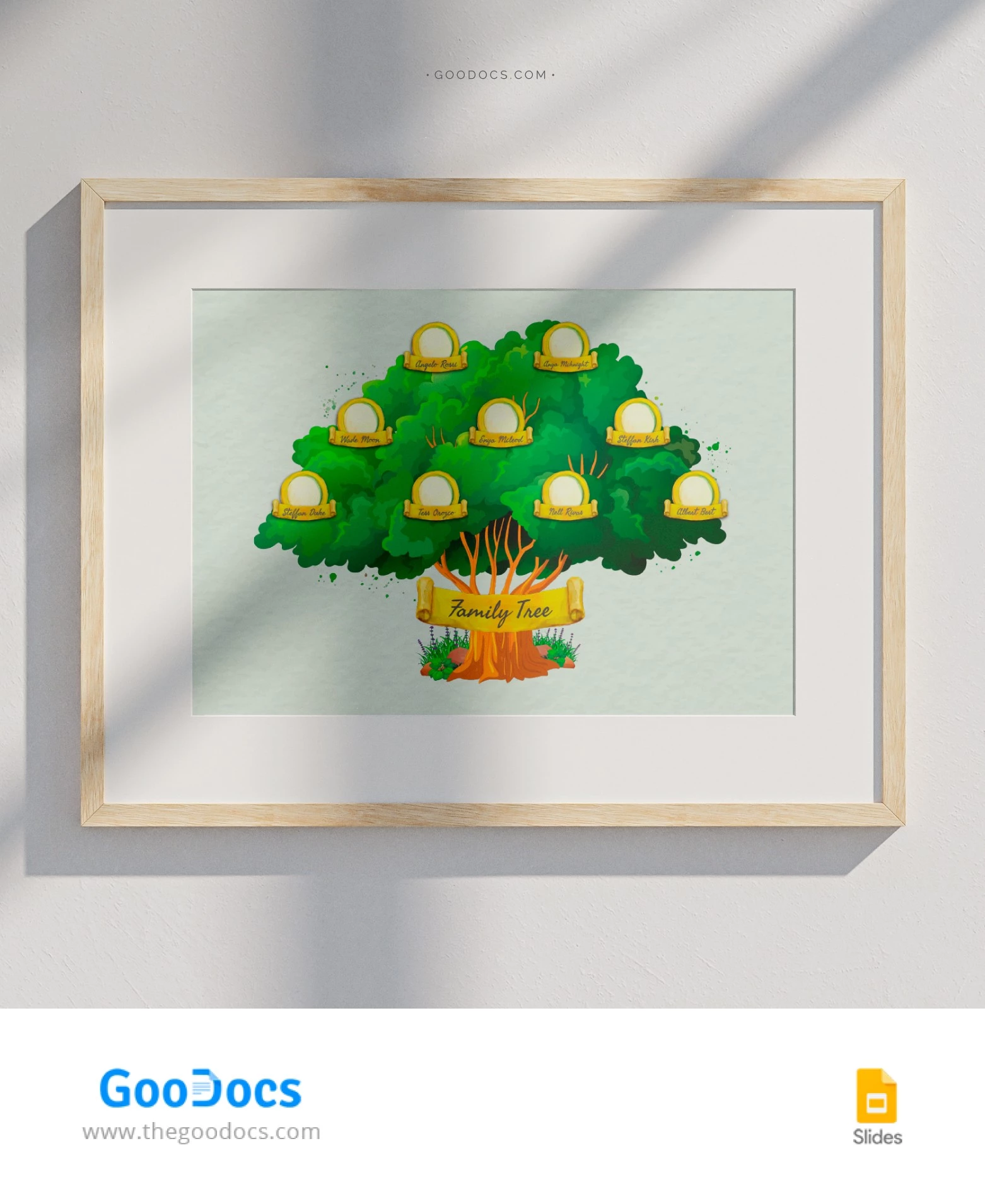
The preview of our Simple Family Tree Template gives you a glimpse of how much warmth it will add to your home. Our template is also completely editable, and you can print it in A3 size without any additional settings.

Printable Simple Family Tree for Beginners

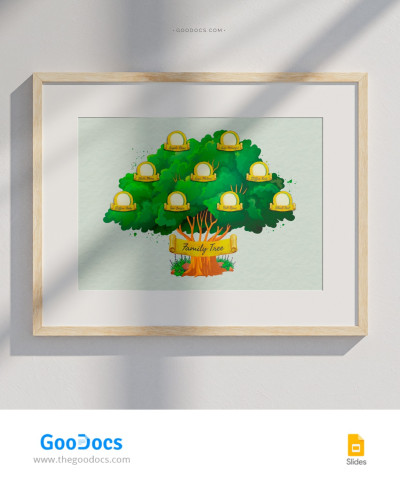
Let's take a look at our family tree sample. The background is a pleasant soft green, and the family tree itself is right in the center.

We recommend making two copies, as this family tree template for 3 generations is designed to cover one parent’s side. The bottom row features you, your siblings, and cousins; above that is your mom or dad and their siblings; and at the very top are your grandparents.

You can customize every element:

  • The placement, number, and size of placeholders.
  • Photos and captions.
  • Background color, fonts, and overall design.

You can also add photos and names of your friends to create a fun collage. All you have to do is change the title.

Find and download your ideal family tree in Google Slides via the link.

ADVERTISEMENT
Free Template

Download Free Template

Choose your platform and start editing right away
PLATFORM

Google Slides

Opens in browser
PAPER SIZE
A3
Google Slides – A3
No account required • Attribution required

WHAT’S INCLUDED

Customizable image and text placeholders
Soft green themed backgrounds
Editable three-generation layout
Printable in A3 size format

Family Tree Tips

1
Add family photos for a personal touch.
2
Use the color theme to match your decor.
3
Double-check names before entering them.
4
Expand placeholders for more family members.

FAQ

Is this template free to download? Yes, it is free to download and use.
Can I use it in Microsoft PowerPoint? Yes, it works with both Google Slides and Microsoft PowerPoint.
How many slides are included? The template includes one fully customizable slide.
Is this template easy to edit? Yes, simply click to add text and images.
How do I change the slide theme? Edit the color theme in Google Slides or PowerPoint settings.
ADVERTISEMENT

How to Use and Edit This Template

Get Your Document

1

Get Your Document

Click the "Edit Template" button to create your own editable copy in Google Slides or download for Microsoft PowerPoint
Customize Everything
2

Customize Everything

Easily change colors, fonts, and layouts to match your unique style or brand identity
Add Your Content
3

Add Your Content

Fill in your data, upload images, and replace the placeholder text with your own information
Print, Export, or Share
4

Print, Export, or Share

Print, export as PDF, or share instantly

Related Templates

Recently Viewed