Get unlimited access to 5000+ Templates for Google Docs, Slides and Sheets
Unlimited Access
All Templates
ADVERTISEMENT
ADVERTISEMENT

Blue Cute Family Tree Template

Use this free template with Google Docs and Microsoft Word
4.22 (2 reviews)
Last updated Updated August 4, 2026
Created by Jane Smith
Type 3 Generations
ADVERTISEMENT

Template Specification

Format Google Docs
Created November 5, 2021
Last Updated August 4, 2026
Community Added to collections by 0 Users
Usage Stats 3 downloads this month

Key Features of This Template

Suitable For Family

About this template

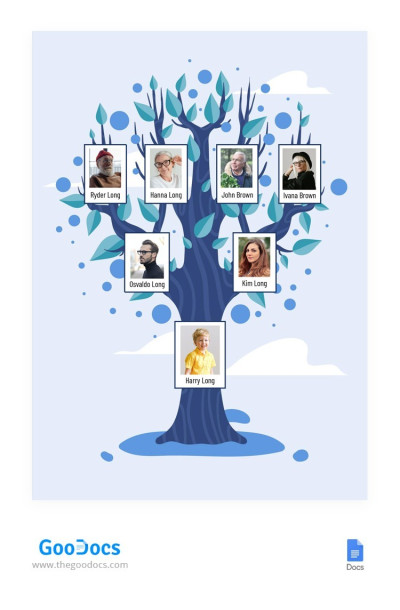
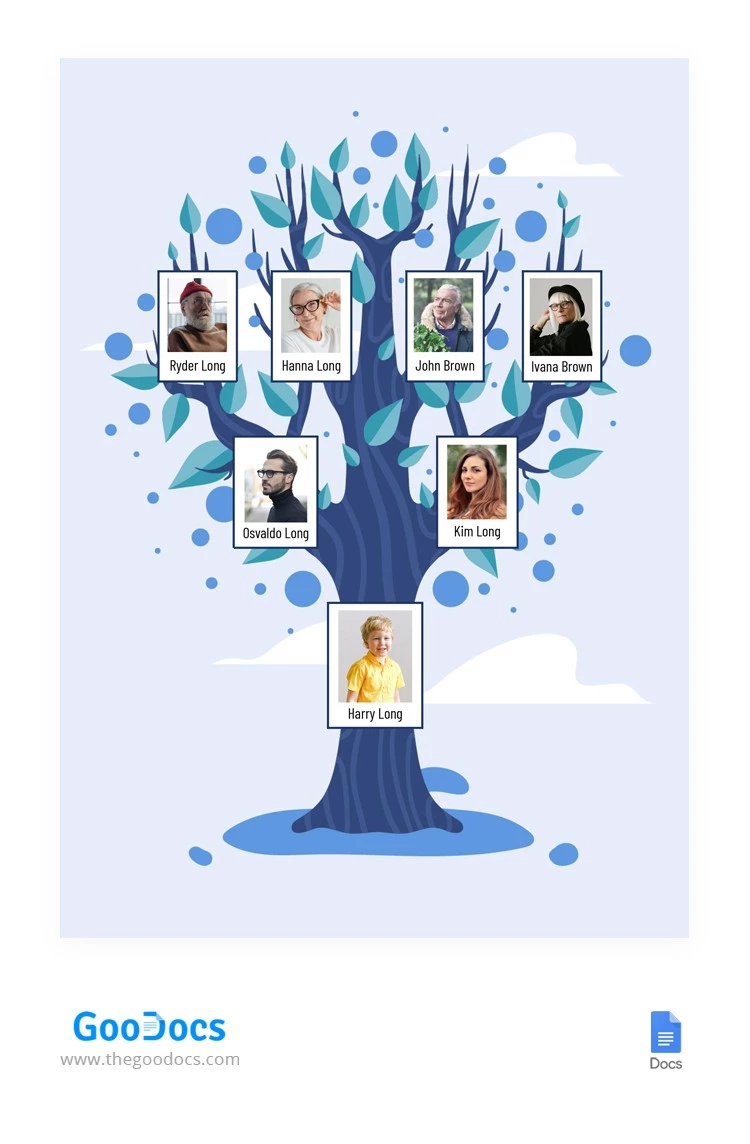
Creating a family tree can be both exciting and easy with our Blue Cute Family Tree Template. It features a simple yet eye-catching design with a pleasant blue background and an illustration of a tree with leaves. This is one of our most straightforward layouts, offering placeholders for the photo and name of each family member.

Soft Blue Family Tree for Kids

Children and their parents can create a family tree with just our fillable family tree. Its charming design and ease of use make it versatile and convenient.

Customize any element of the three-generation family tree template:

  • Add rectangular photos of the child, parents, and grandparents.
  • Add a name to each photo using any font.
  • Resize images and text placeholders.

Are you finished with customization? Now you can share the template online or print it in A4 and US Letter formats (select the needed format before downloading).

Check out our website to find a suitable family tree Google Slides template.

ADVERTISEMENT
Free Template

Download Free Template

Choose your platform and start editing right away
PLATFORM

Google Docs

Opens in browser
PAPER SIZE
A4
US Letter
Google Docs – A4
No account required • Attribution required

WHAT’S INCLUDED

Editable photo and name placeholders
Vibrant design with family tree graphics
Ready-to-print A4 and US Letter formats
User-friendly layout in blue theme

Family Tree Tips

1
Include high-quality photos for best print results
2
Use consistent fonts for a cohesive look
3
Print on thick paper for durability
4
Store digitally to update easily over time

FAQ

Is this template compatible with other applications? No, it is only for Google Docs and Microsoft Word.
How easy is it to customize the template? It's designed for easy customization with simple editing tools.
Is this template free to use? Yes, it is completely free to download and use.
How do I edit the names and photos? Simply click on text or photo areas to replace them.
What page sizes are supported? The template supports A4 and US Letter sizes.
ADVERTISEMENT

How to Use and Edit This Template

Get Your Document

1

Get Your Document

Click the "Edit Template" button to create your own editable copy in Google Docs or download for Microsoft Word
Customize Everything
2

Customize Everything

Easily change colors, fonts, and layouts to match your unique style or brand identity
Add Your Content
3

Add Your Content

Fill in your data, upload images, and replace the placeholder text with your own information
Print, Export, or Share
4

Print, Export, or Share

Print, export as PDF, or share instantly

Related Templates

Recently Viewed