Yellow Structural Audit Checklist Template
Use this template with Google Slides and Microsoft PowerPoint
Template Specification
About this template
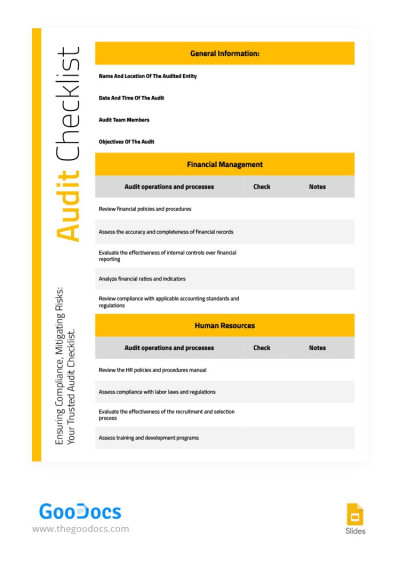
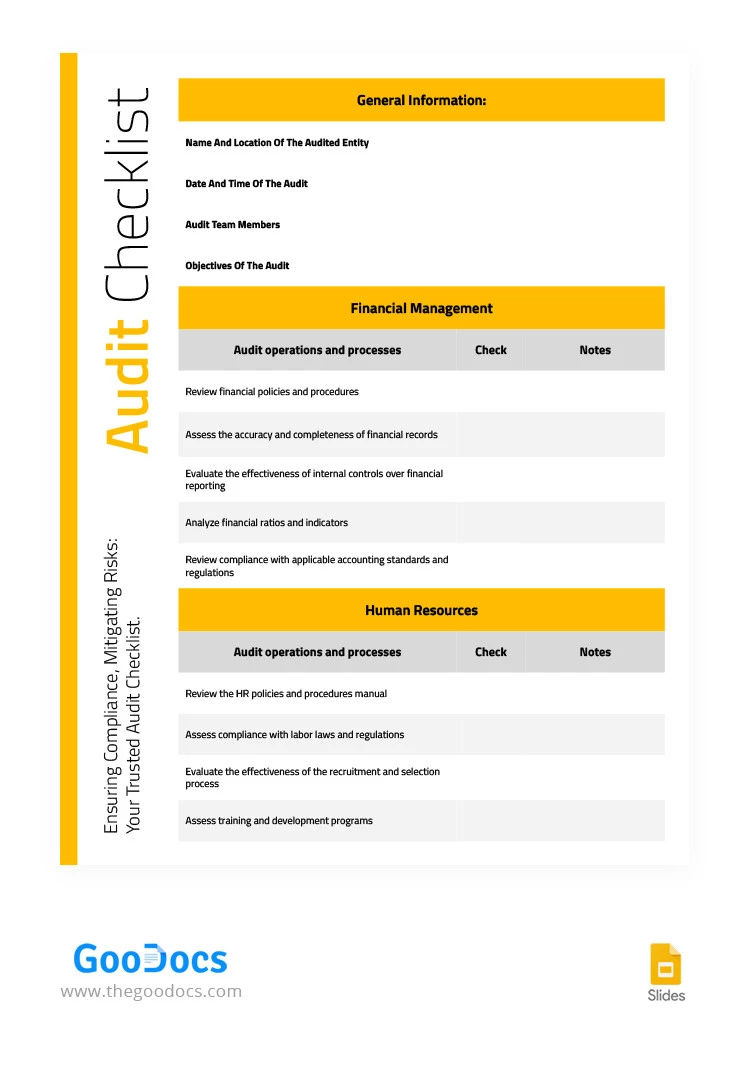
Our Structural Audit Checklist Template allows you to plan your audit steps before beginning the practical phase. It's ideal for regular use and for specialized projects. The structure allows you to divide the entire audit into two main sections and add general information about the entity being audited.
Simple Yellow Audit Form
Our audit template is designed for printing in A4 and US Letter sizes. You can choose your preferred size before getting a copy or downloading it to your device.
Then, you can customize the template in Google Slides or PowerPoint:
- Add the name and location of the entity, the audit time and date, team members, and objectives.
- Enter specific operations and processes for the departments being audited (financial management and human resources are set by default).
- Add checkmarks and notes after each process review.
We've also prepared sample checklists that you can easily replace. The design, including fonts and the yellow boxes for section separation, can be customized to match your company's brand colors.
Download a checklist template for any occasion on our website.
How to Use and Edit This Template

Get Your Document

Customize Everything

Add Your Content

Print, Export, or Share
Related Templates
Recently Viewed