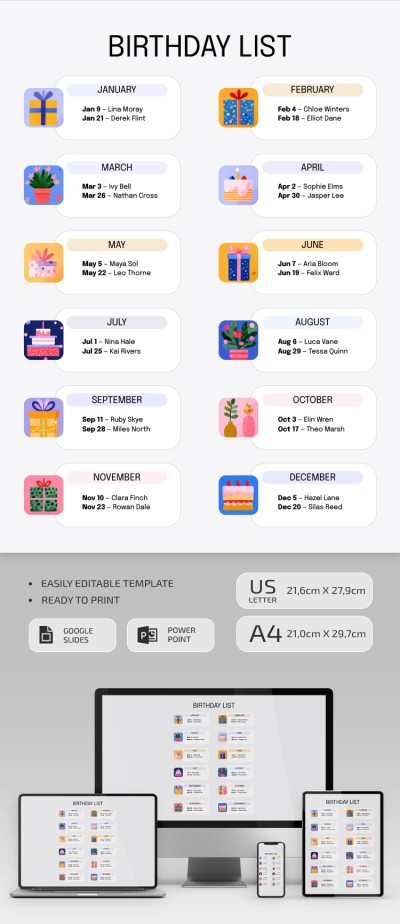
Illustrated Birthday List Template
Use this free template with Google Slides and Microsoft PowerPoint
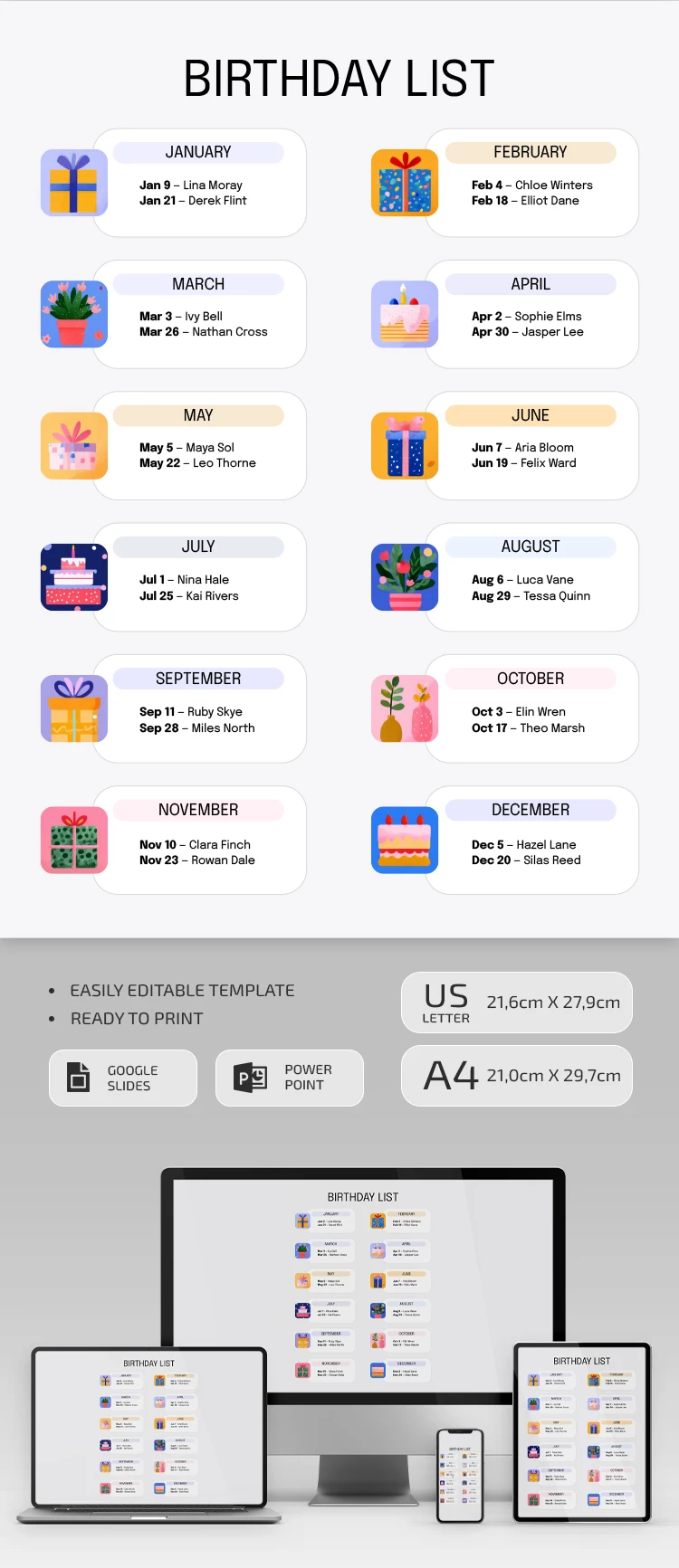
Template Specification
Key Features of This Template
About this template
Fill out our Illustrated Birthday List Template to keep track of birthdays for your family, friends, and colleagues. This printable list is always handy on your smartphone or laptop, or you can simply print it out.
Cute Illustrated Birthday List Sheet
Our birthday list template features a separate block for each month. Inside each block, you'll find an editable, replaceable illustration and sample text.
All you need to do is:
- Customize the illustration or add a new one.
- Insert the birthday date and the person’s name.
- Choose your favorite fonts and background.
This way, you get a complete overview of all birthdays for the year. As you make new connections, you can add names digitally on any device. Save your Google Slides list template as a PDF or keep it in an initial format for easy access.
Need more copies? Want to print double-sided or customize the design? Take full control of the look and feel with unlimited customization options.
How to Use and Edit This Template

Get Your Document

Customize Everything

Add Your Content

Print, Export, or Share
Related Templates
Recently Viewed