
Tracker Templates
Explore our collection of versatile tracker templates designed to help you stay on top of your goals. Use them to track any of your processes, from habits and goals to work tasks and appointments. We offer fully customizable and ready-to-use layouts that are available in Google Docs, Sheets, Slides, Word, Excel, or PowerPoint. Fill your favorite template in a few clicks, save it, and track your tasks on any device or after printing.
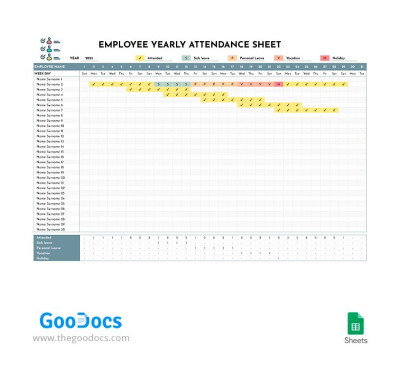
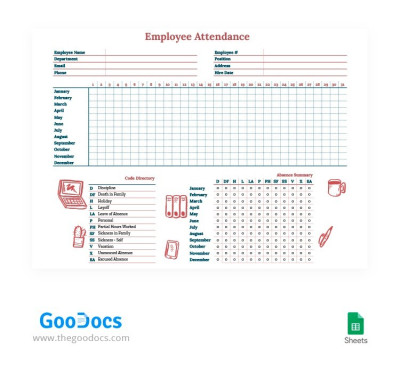
Employee Yearly Attendance Tracker Template
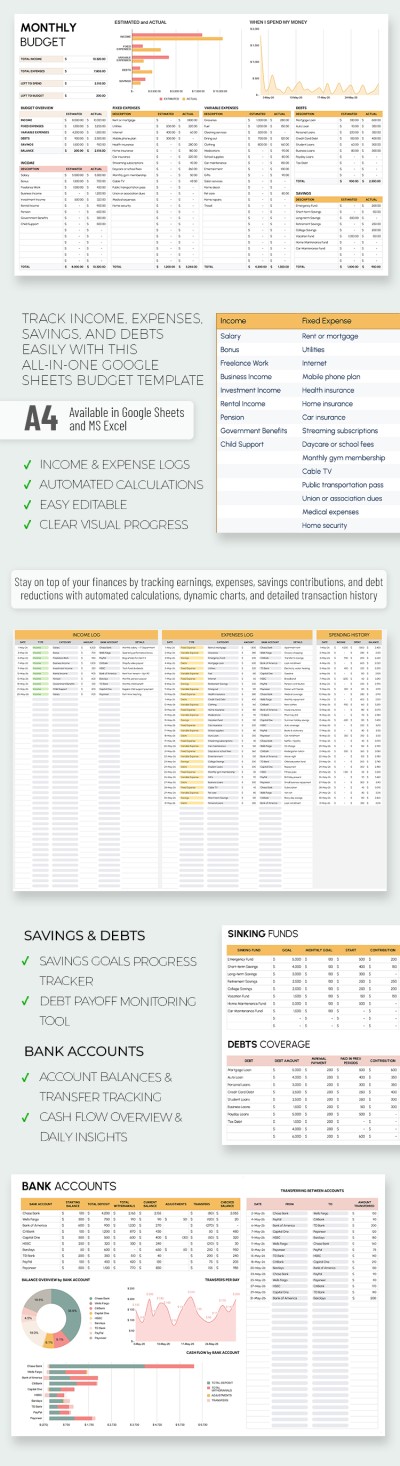
Editable Monthly Budget Tracker Template
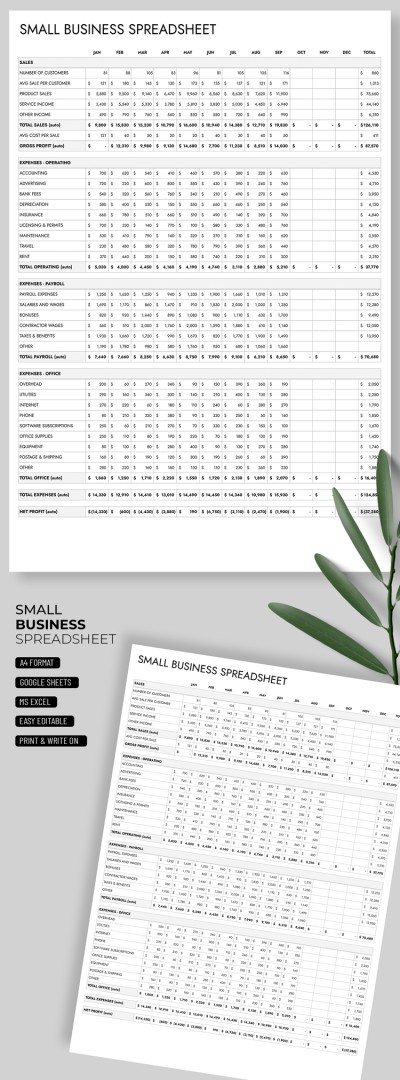
Small Business Tracker for Income and Expenses
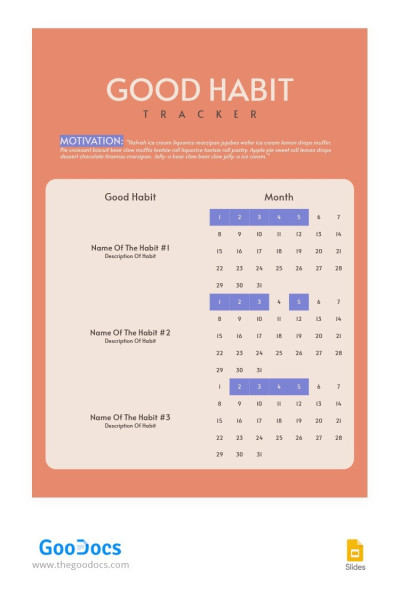
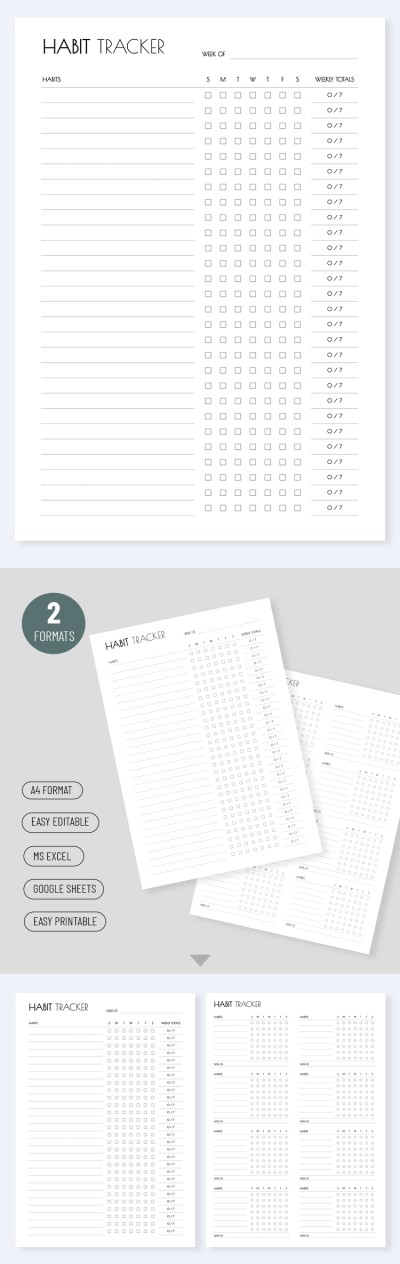
Good Habit Tracker
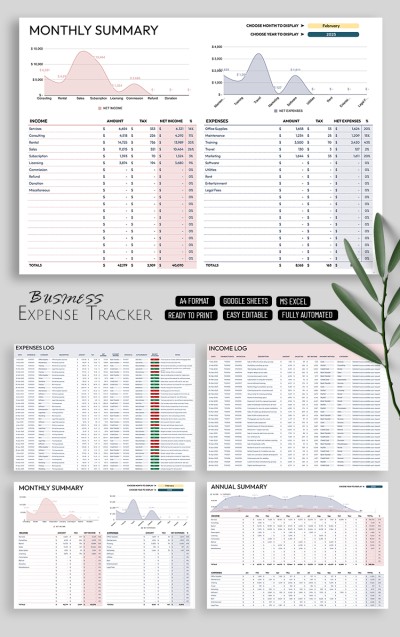
Professional Expense Tracking Template for Businesses
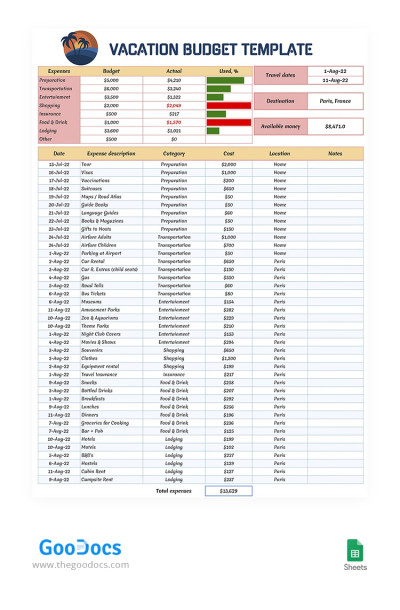
Vacation Tracking Budget
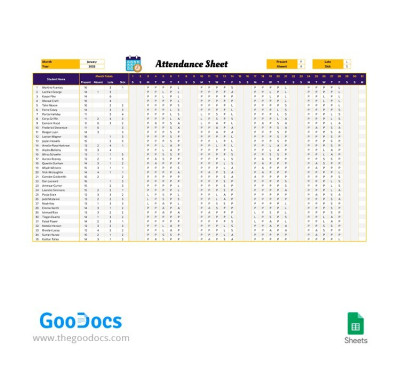
Monthly Attendance Tracker
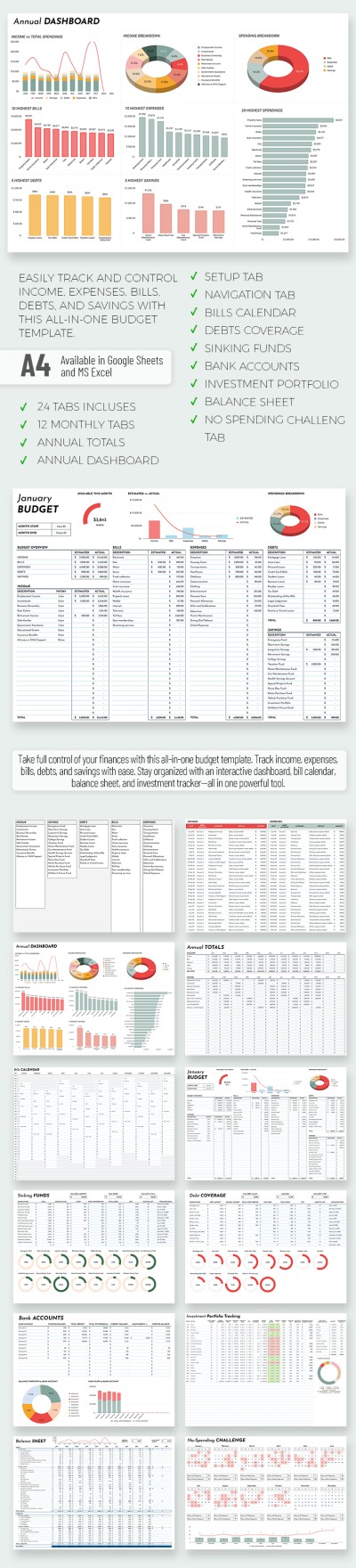
All-in-One Monthly Budget Template With Debt Tracker and Calendar
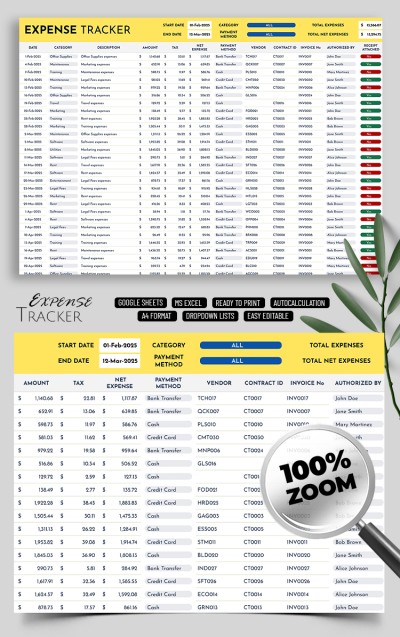
Business Expense Tracker Template
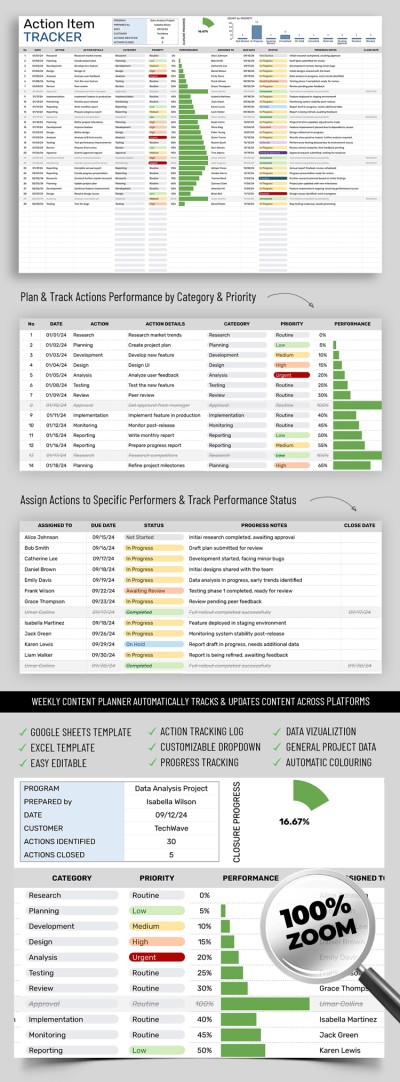
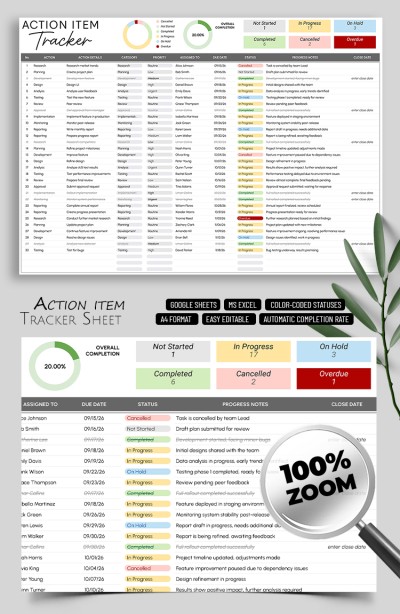
Action Items Tracker
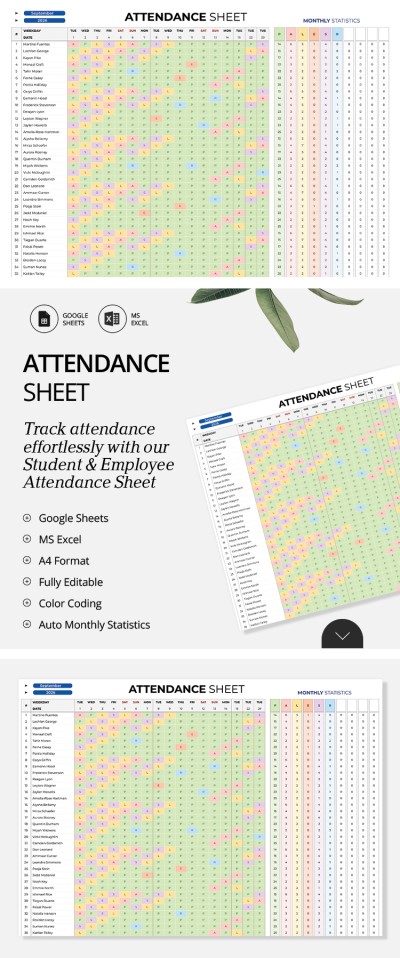
Attendance Sheet Template – Student & Employee Tracker
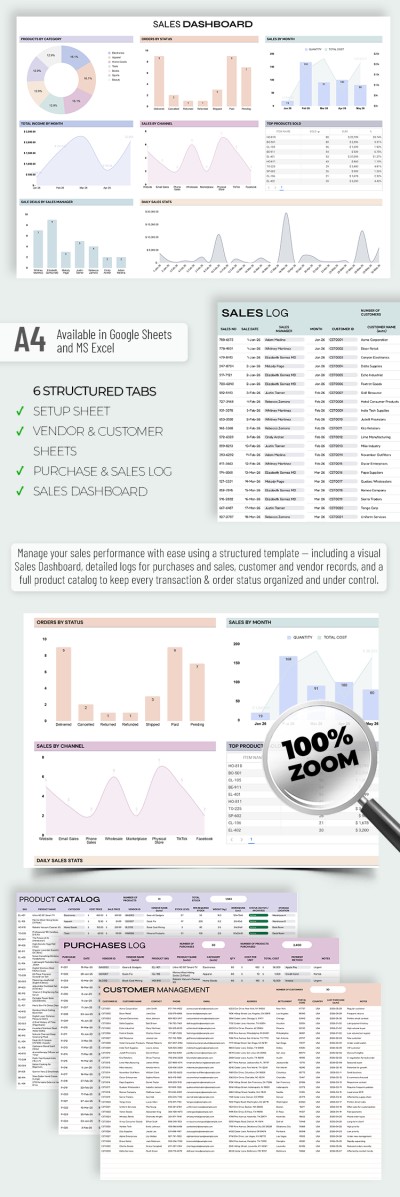
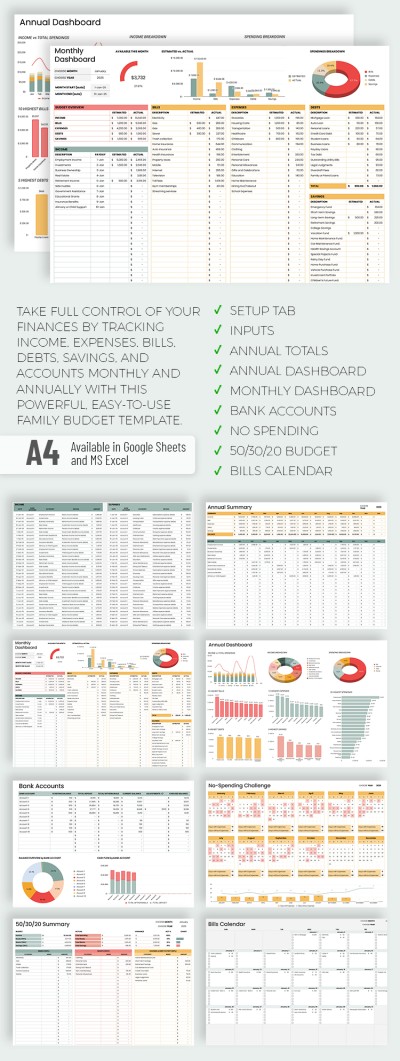
Easy-to-Use Family Budget Tracker Template
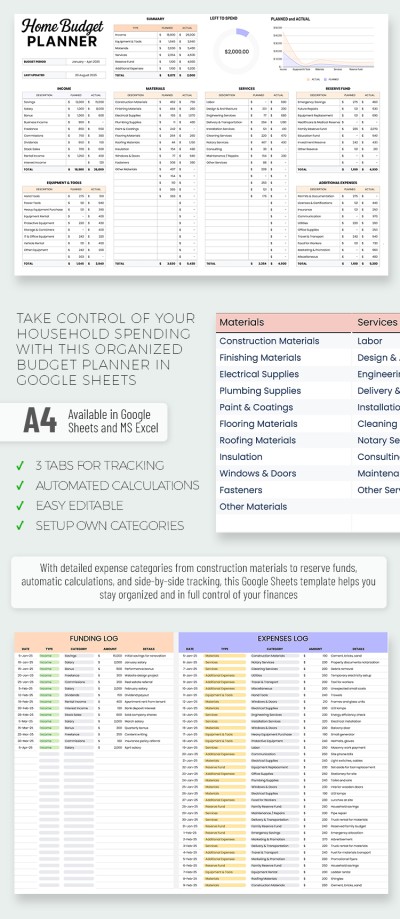
Home Budget Tracker & Planner Template
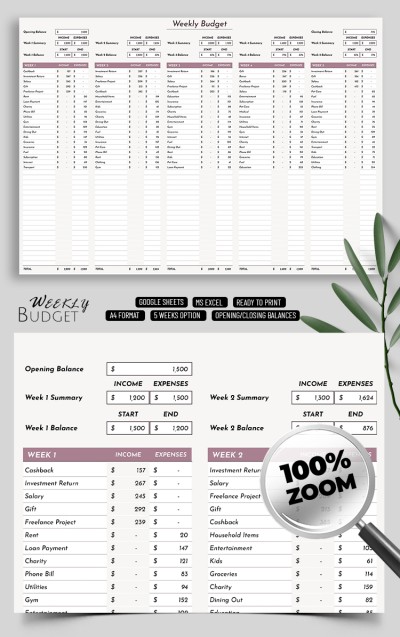
Weekly Paycheck Budget Tracker Template
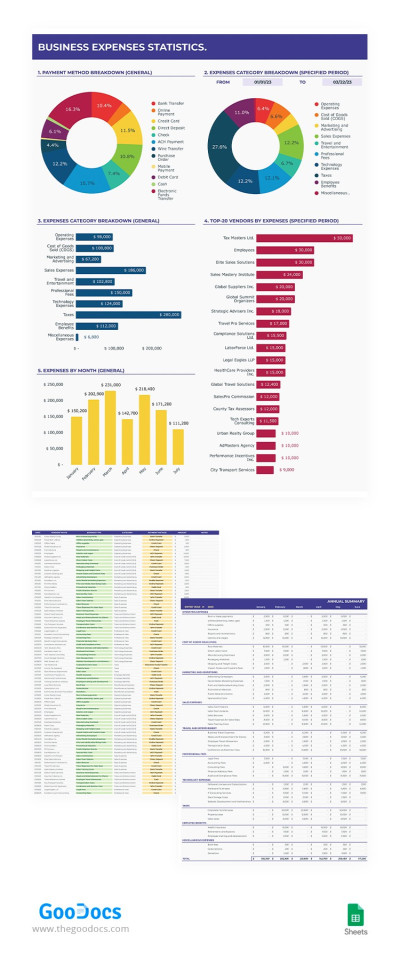
Business Expense Tracker
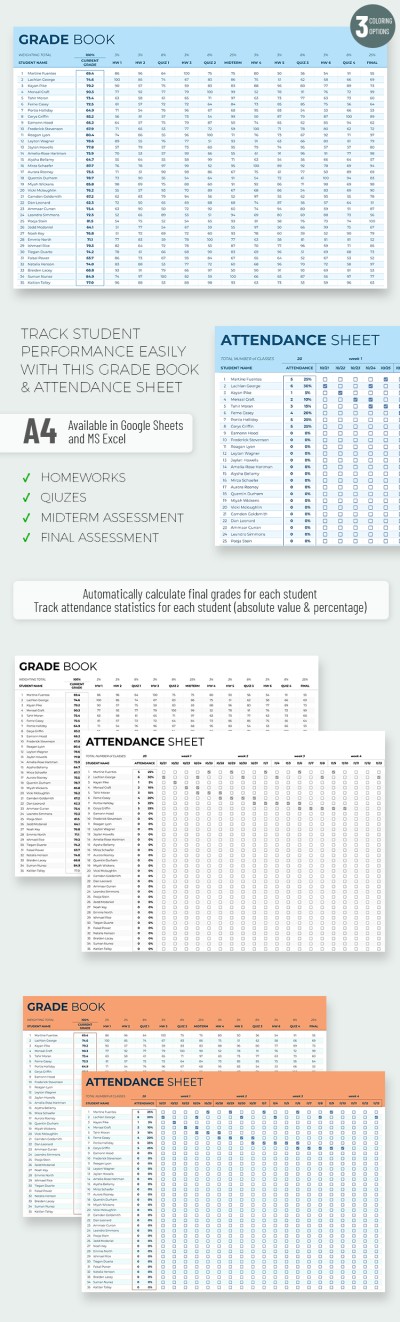
Basic Gradebook and Attendance Tracker Template
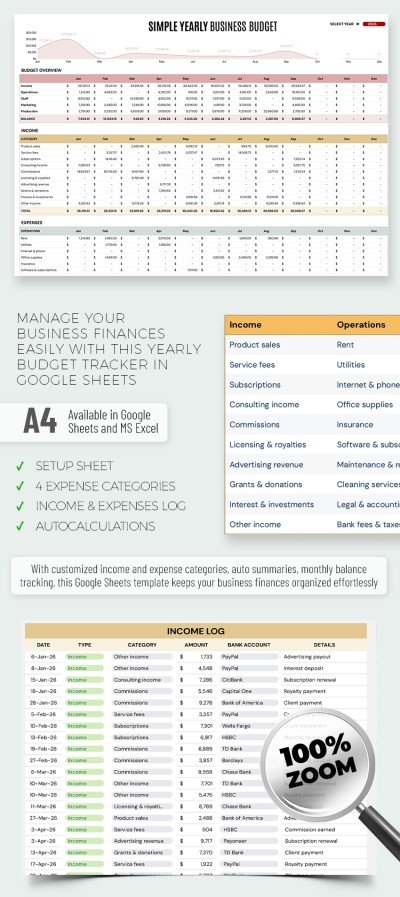
Yearly Business Expense Tracker Template
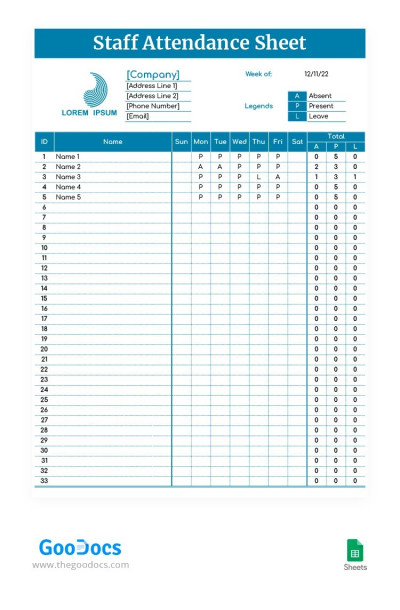
Simple Staff Attendance Tracker
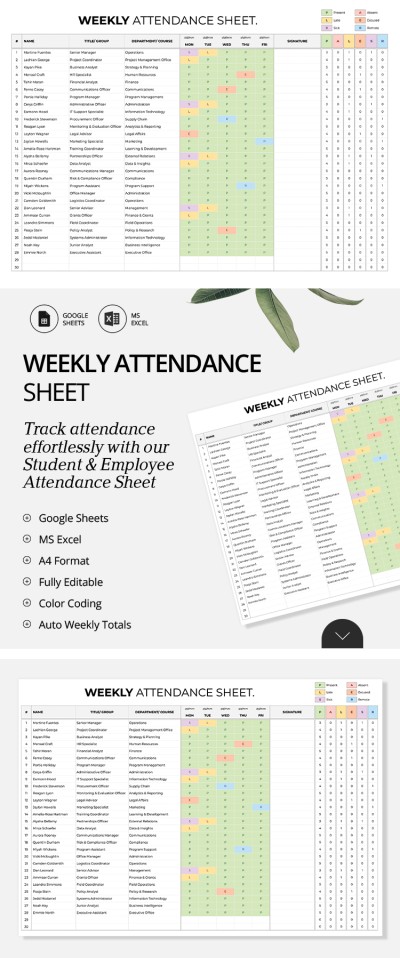
Weekly Attendance Tracker Template
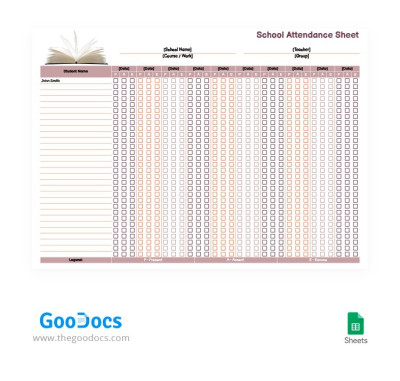
Easy School Attendance Tracker Template
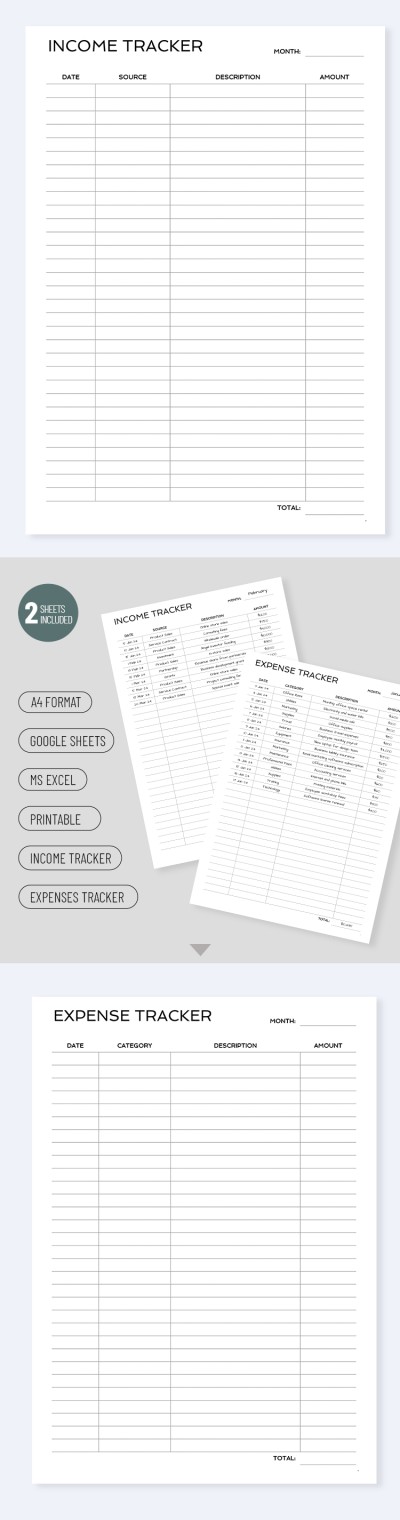
Business Income Tracker
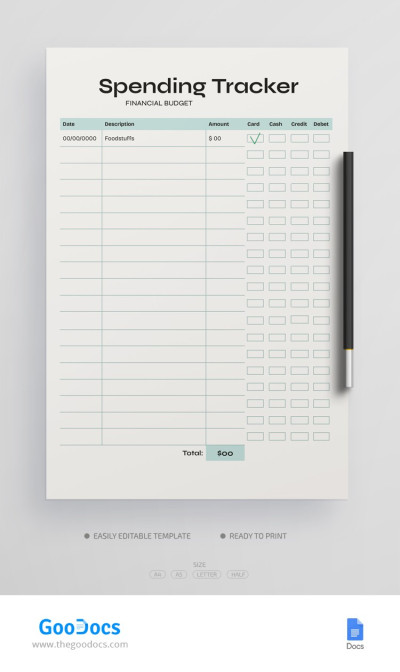
Personal Spending Tracker Budget
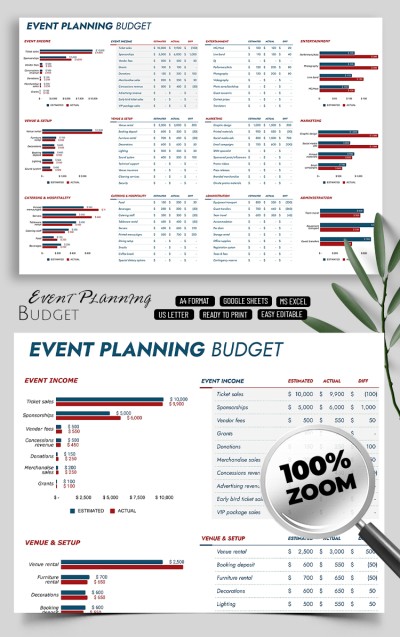
Simple Event Planning Budget Tracker Template
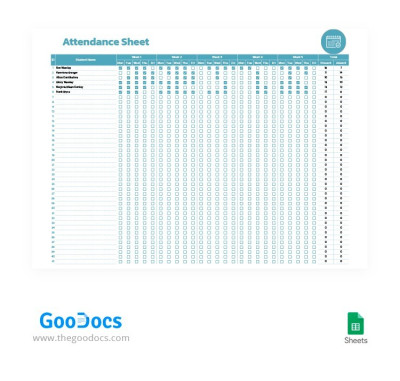
Simple Student Attendance Tracker Template
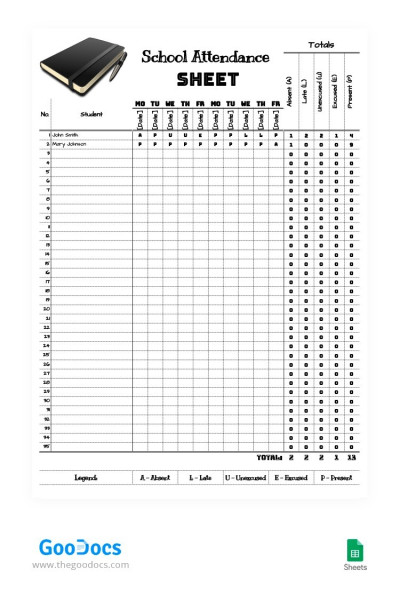
Simple School 10-Day Attendance Tracker Template
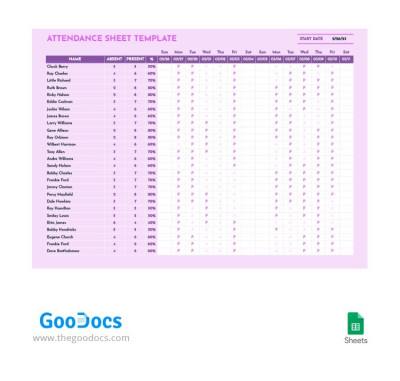
Magenta Attendance Tracker Template
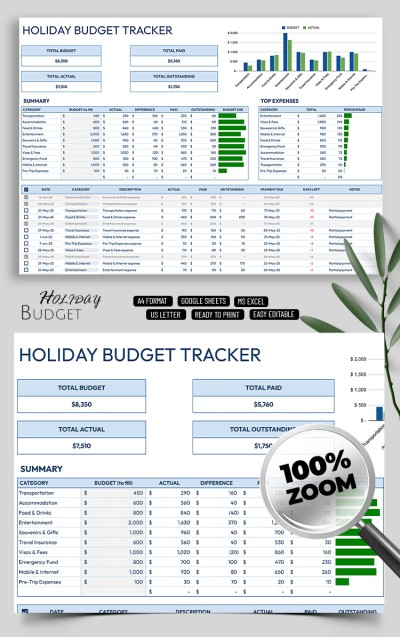
Easy Holiday Budget Tracker Template for Families
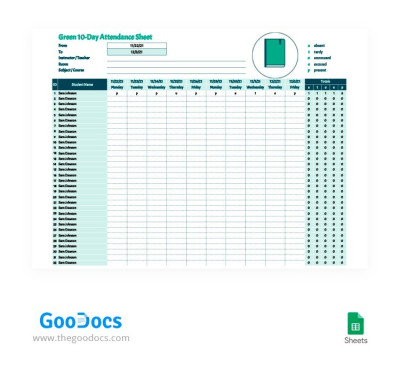
Green 10-Day Attendance Tracker
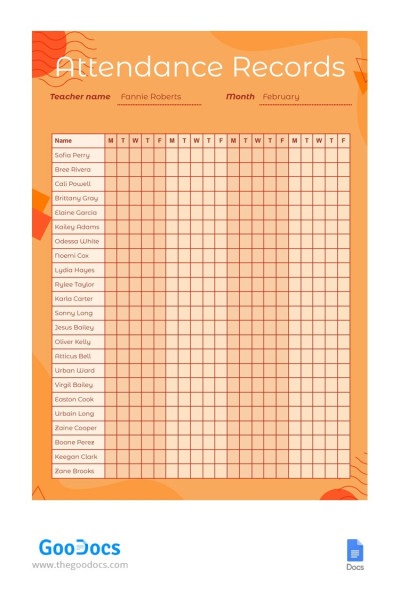
Bright Attendance Records Tracker Template
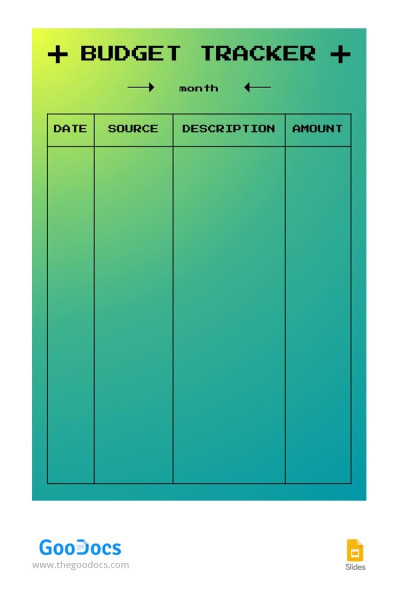
Gradient Budget Tracker
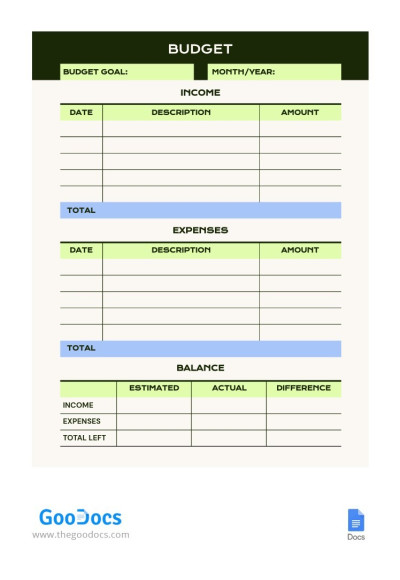
Simple Personal Monthly Budget Tracker
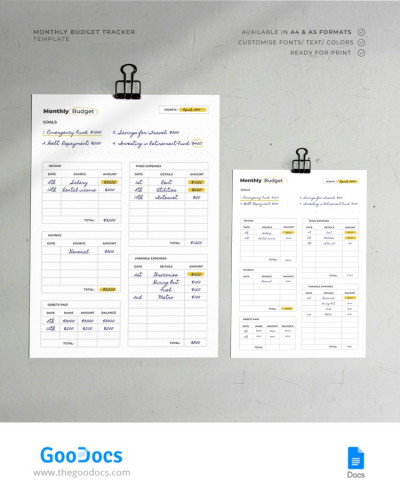
Printable Personal Monthly Budget Tracker
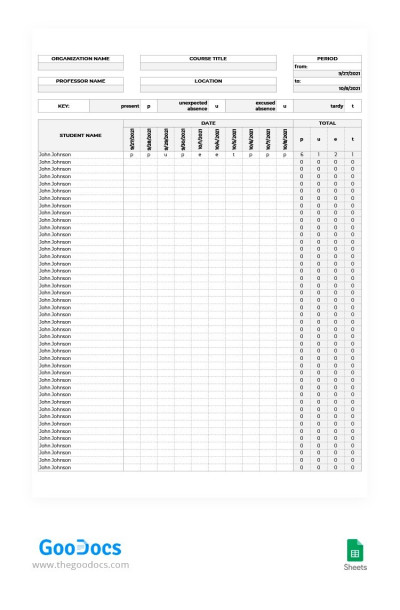
Gray 10-Day Attendance Tracker
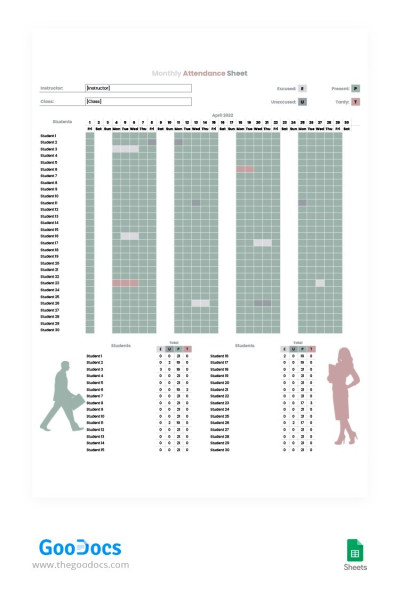
Gray Monthly Attendance Tracker Template
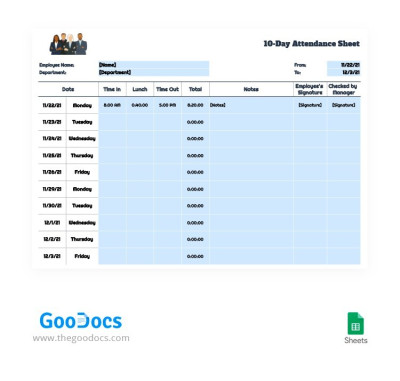
Employee 10-Day Attendance Tracker Template
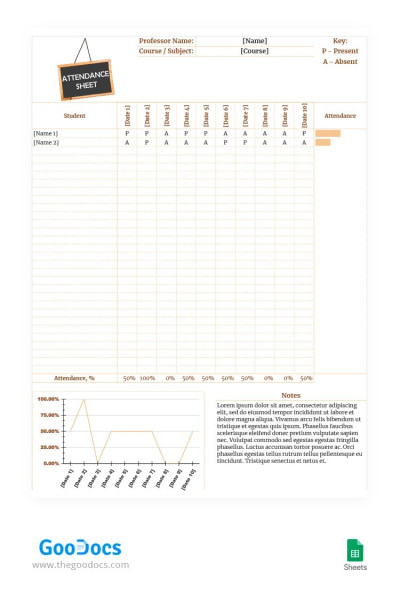
Brown 10-Day Attendance Tracker
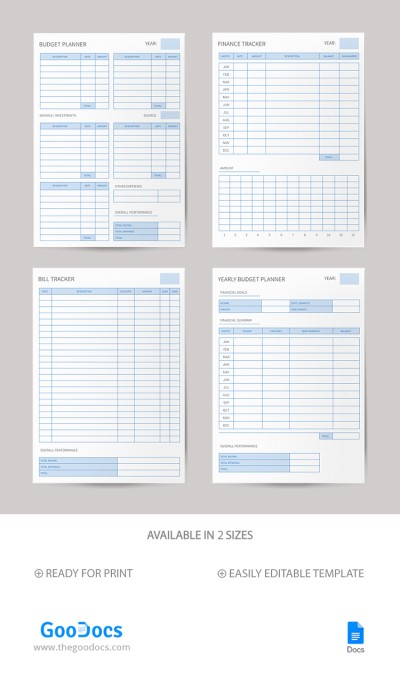
Budget Planner & Finance Tracker
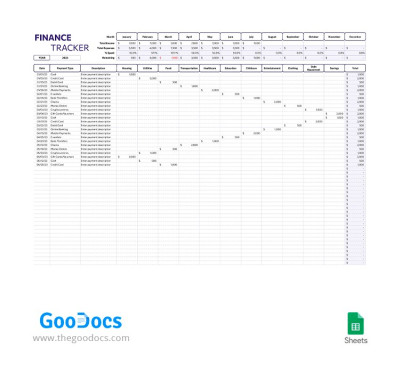
Finance Tracker
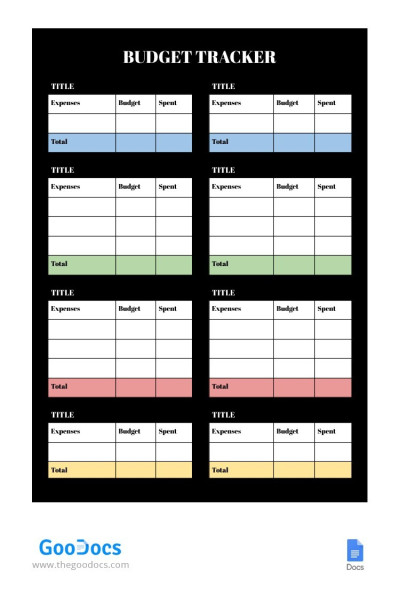
Black Budget Tracker
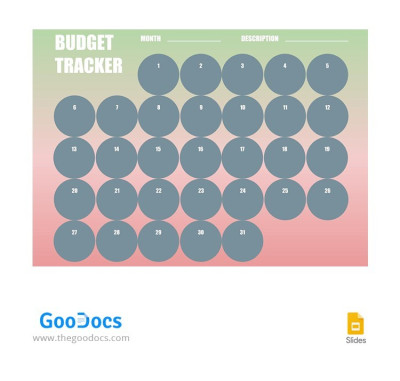
Green and Pink Budget Tracker
Achieving your long-term personal or business goals becomes an organized and simple process with our tracker templates. Using them, you can monitor every step, whether you're using budget tracker templates for your business or personal finances, or a habit tracker for your daily routine. Each template's structure is specifically optimized for regular use and reporting, helping you maintain discipline in your endeavors.
More benefits of our tracker templates:
- Automated calculations and charts. Our Google Sheets and Excel tracker templates come with built-in formulas, automatic formatting, and charts. When entering new values in the table, you'll immediately see updated calculations for key budget parameters, with important metrics highlighted in different colors. Charts also update automatically, including pie charts, bar charts, and more.
- Convenient drop-down list system for important categories. Our templates offer pre-made drop-down lists for categories and tasks to leave no room for mistakes. We create drop-down lists for task categories, budgets, priorities, progress statuses, and more. You can also click on a cell and adjust the list with one click.
- Quick and easy customization on any device. Our tracker templates are available in convenient digital formats supported on phones, laptops, PCs, and other devices. Plus, with Google Sheets tracker templates, you can collaborate remotely with other users on the same file in real time. Need to print a report? All print settings are included.
Choose the appropriate tracker, get a copy, or download it and start customizing it right away. Most are available for free, so you can immediately change column headings, row structure, add new intervals, and more. Get access to our expense tracker templates for free today.
Trackers Templates FAQ
You can create a tracker template in Excel or Google Sheets on your own, or use our ready-made templates, which include a professional design, customizable tables, drop-down lists, and helpful formulas.
Create a tracker template yourself:
- Start a new spreadsheet in Google Sheets or Excel.
- Create columns and categories that match the purpose of your tracker. For example, you can use Task Title, Person Responsible, Priority, Status, Due Date, and % Complete columns.
- Configure drop-down lists. Drop-down lists are a handy tool. Add them to the Priority and Status columns (click Insert => Dropdown for this purpose).
- Apply conditional formatting. Want to easily spot overdue or completed tasks? Click Format => Conditional Formatting, specify the range, and select a condition from the list.
This is how you can create a basic version of your tracker. These steps apply to all types of trackers; your specific columns will depend on the task at hand.
However, there's a much simpler option:
- Choose a tracker template for Google Sheets or Excel from TheGoodocs.
- Download the file or make a copy.
- Use the default layout; simply enter your own information into the columns.
- Take advantage of all pre-made features, including customizable drop-down lists, conditional formatting, and formulas with automatic calculations and charts.
This page contains dozens of tracker templates for various tasks, from business to personal goals. Choose the ones you need and use them for free, saving yourself time and effort.

