
Brochure Templates in Google Slides and Powerpoint
Our brochure templates in Google Slides and PowerPoint are printable and editable. All settings are ready for you to use. Blanks are available in different formats: bifold, trifold, and for various purposes, including travel, corporate, medical, school, and many others.
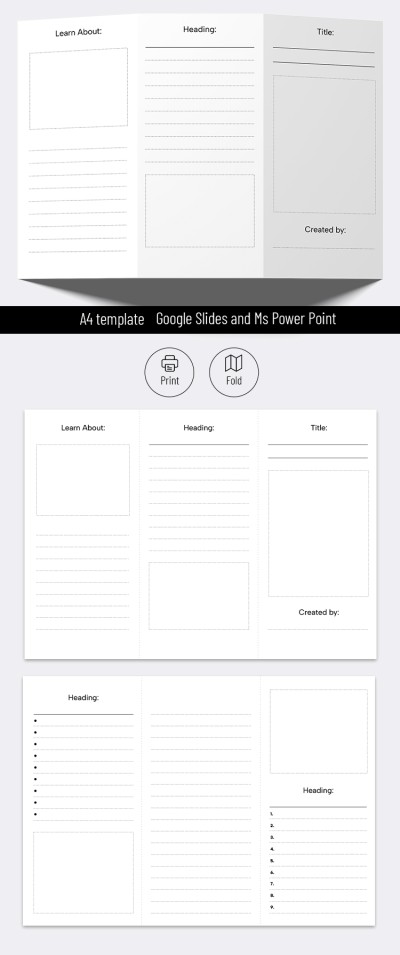
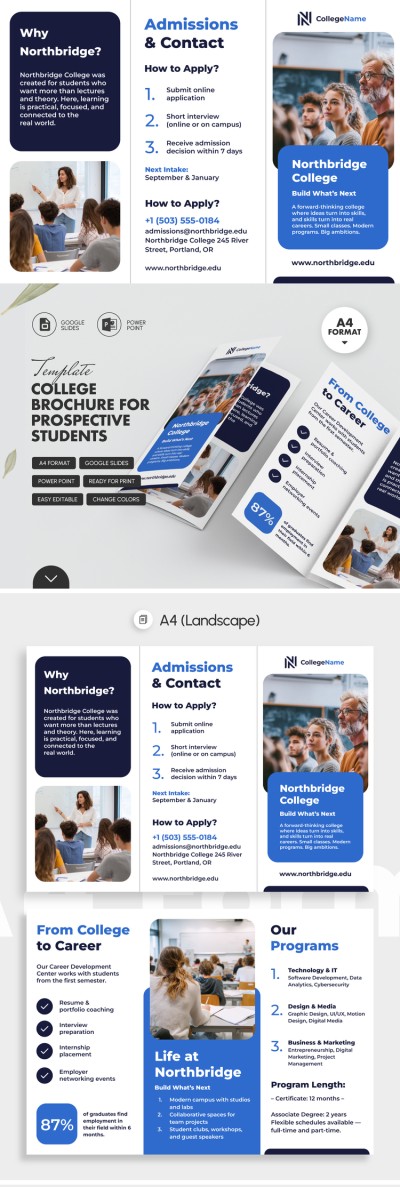
Blank Brochure Template For Students
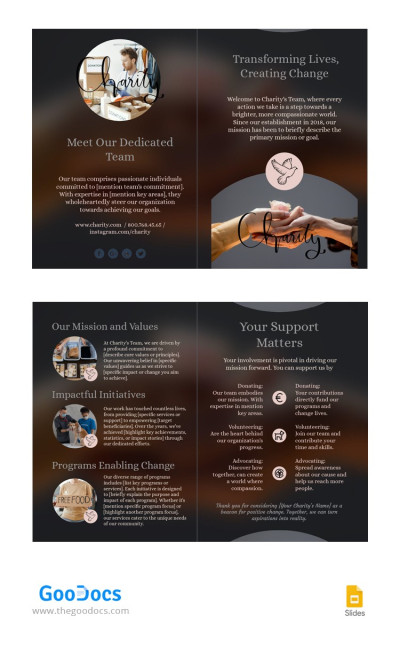
Dark Charity Brochure
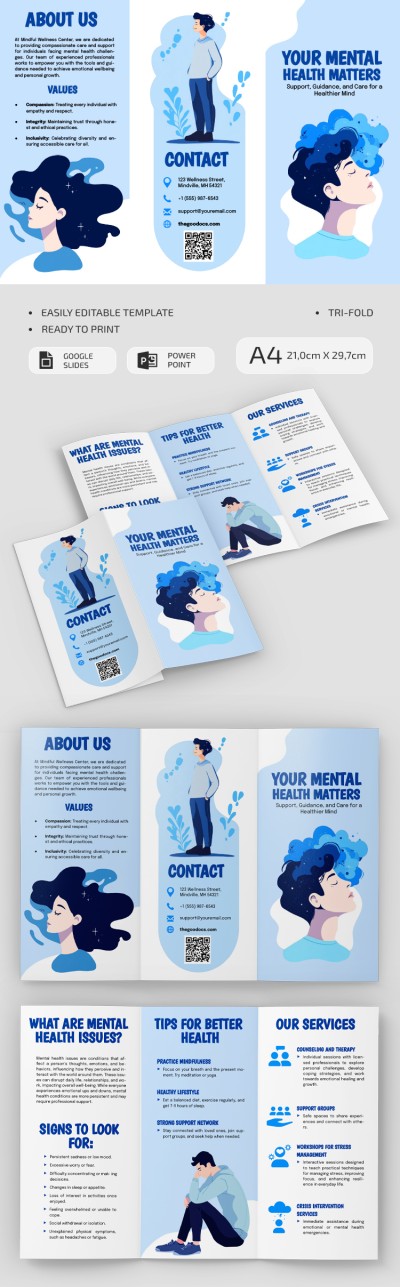
Mental Health Brochure
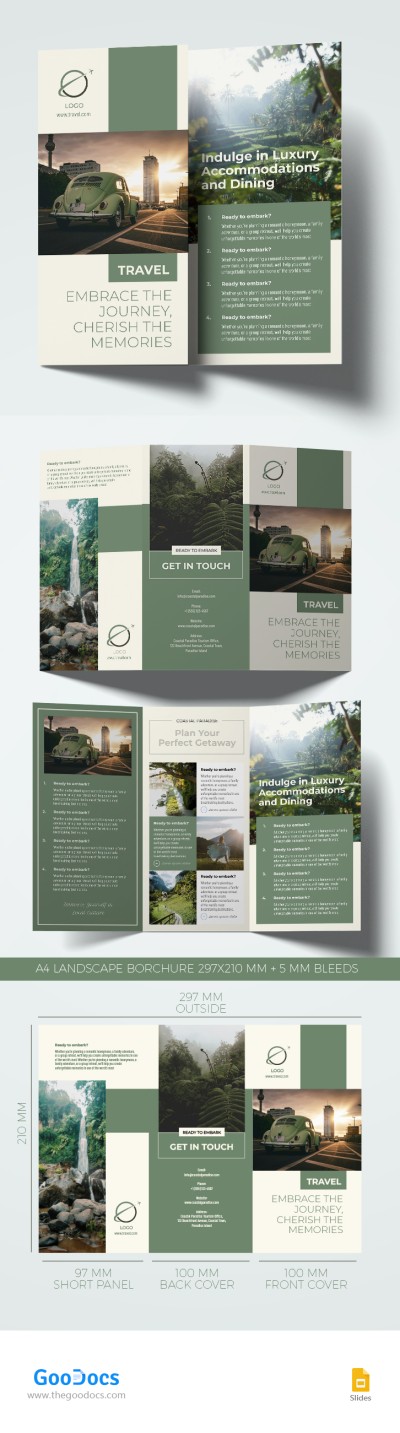
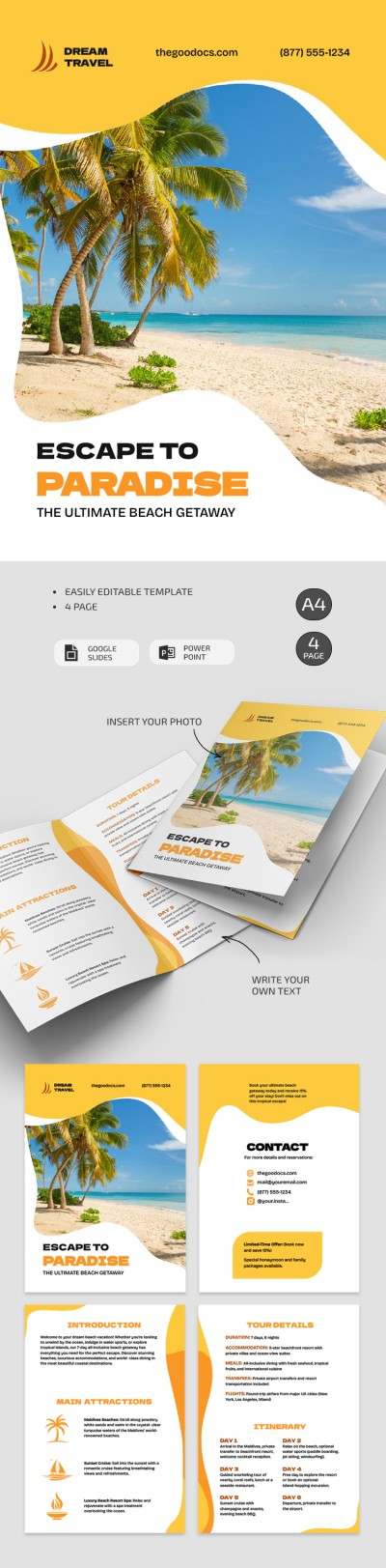
Travel Trifold Brochure
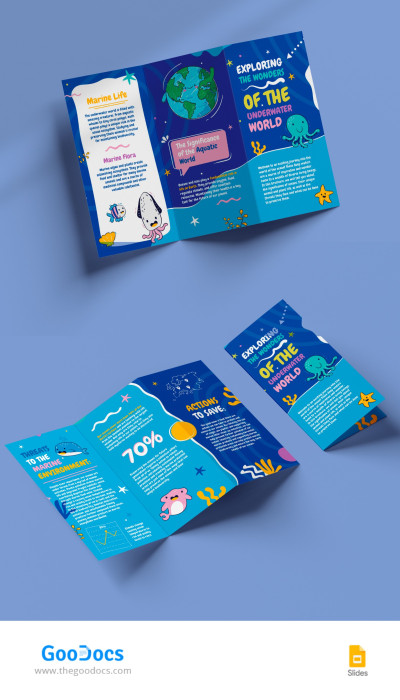
School Project Trifold Brochure
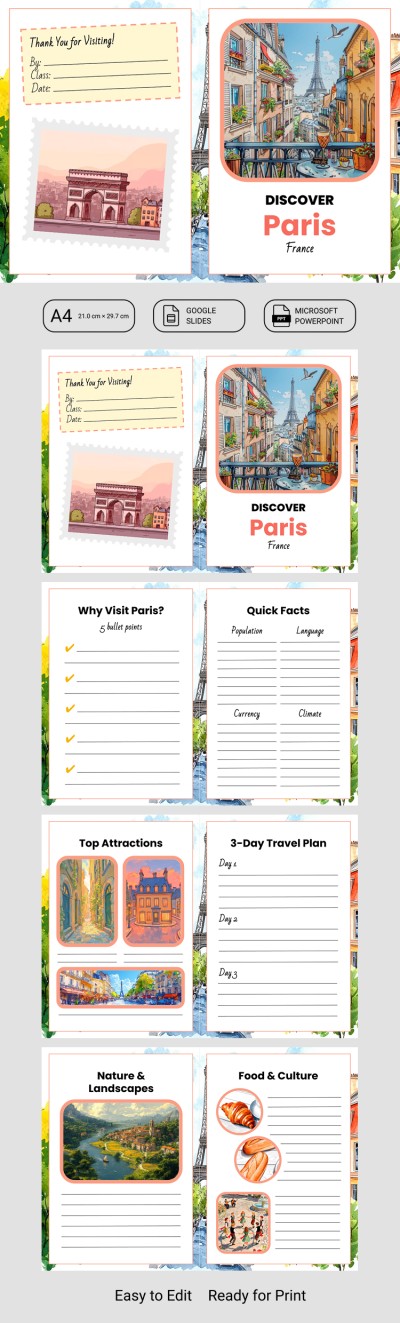
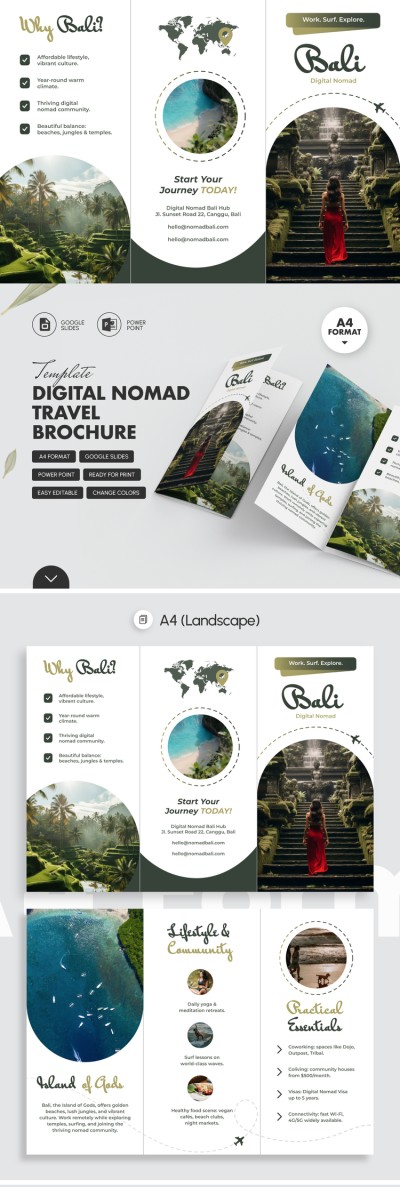
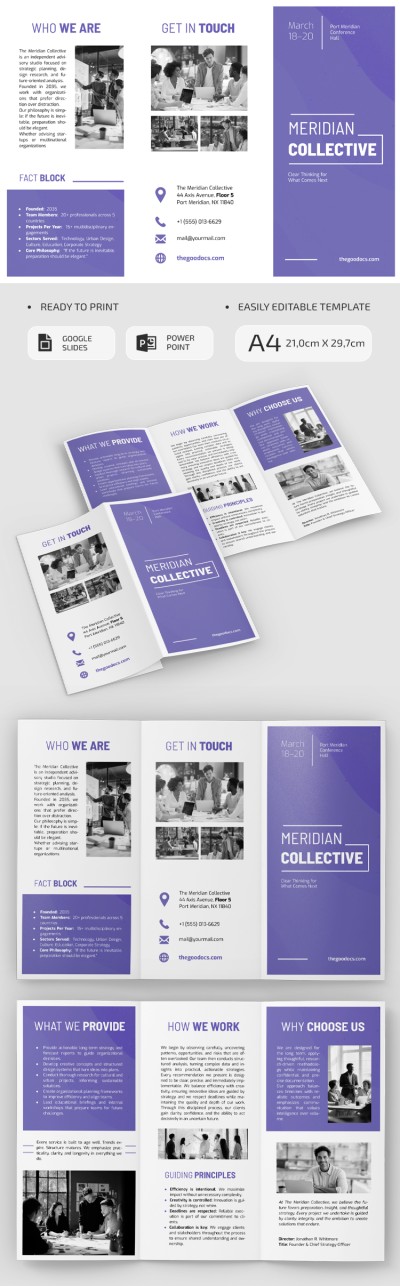
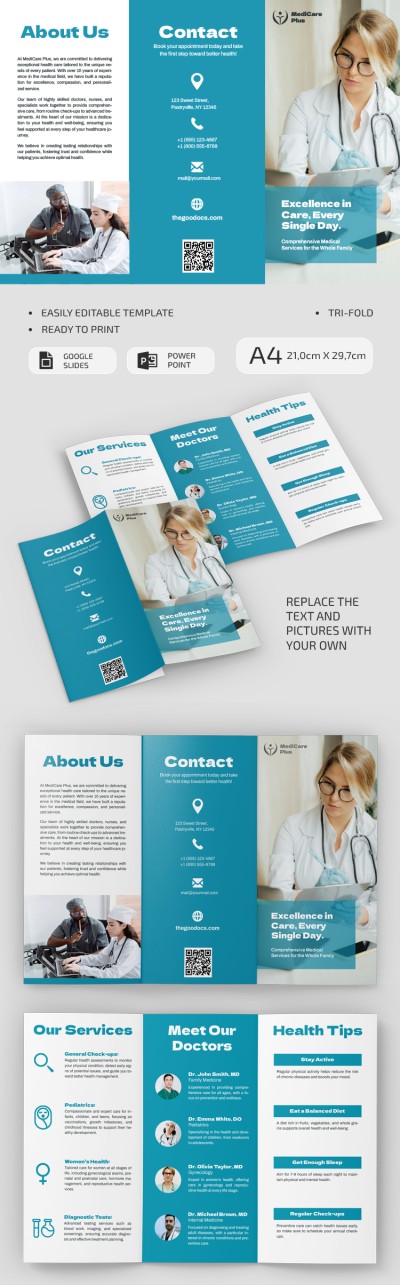
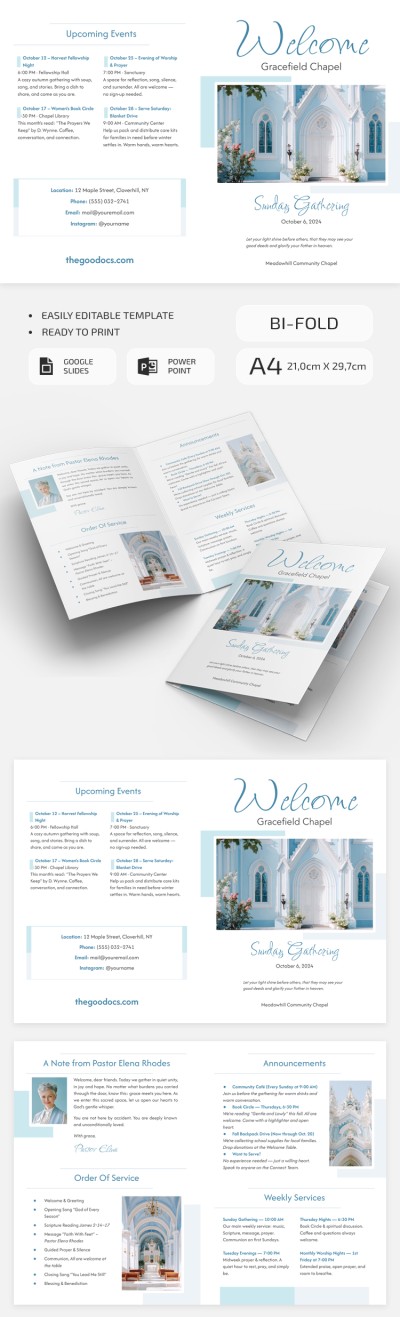
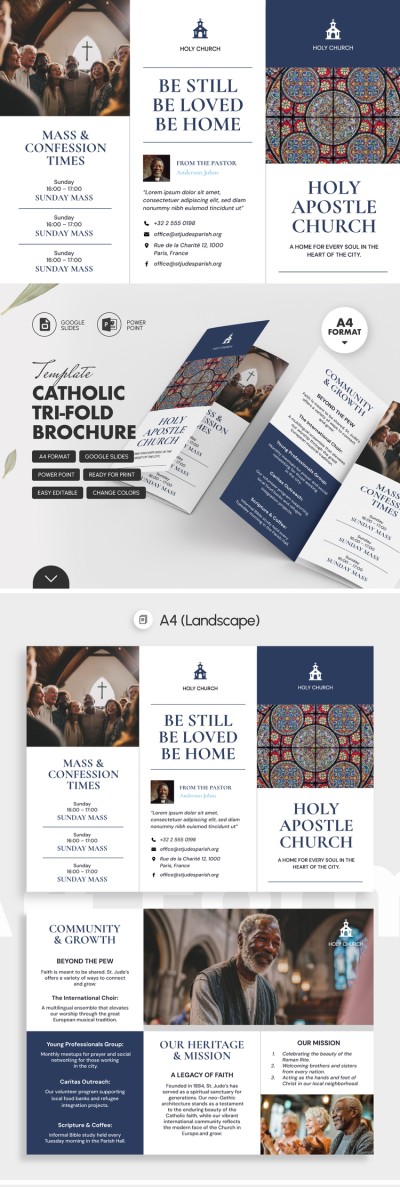
Clean Church Brochure
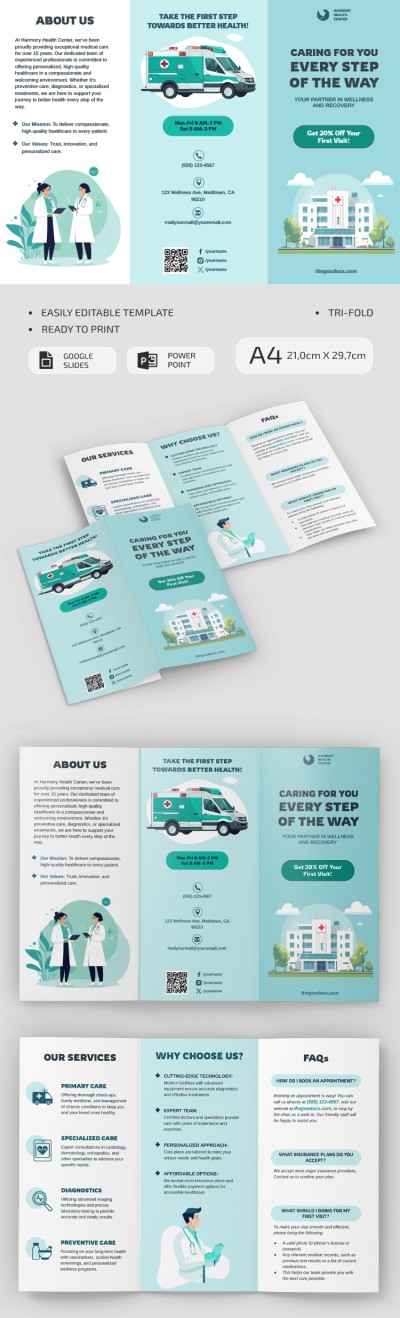
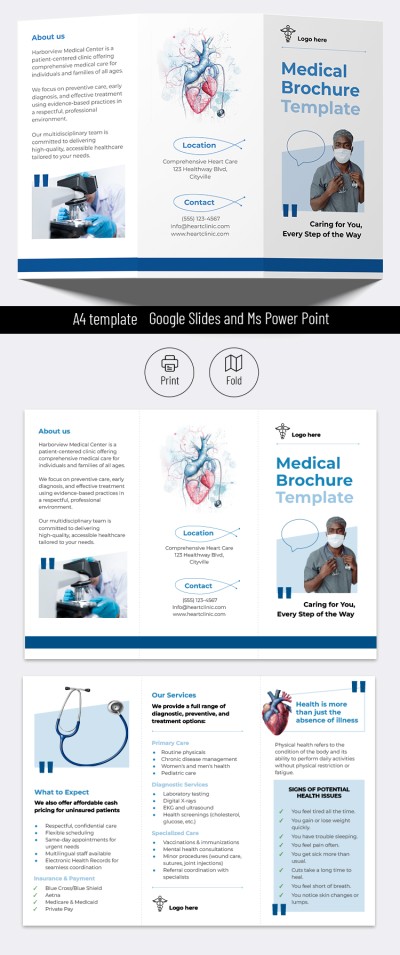
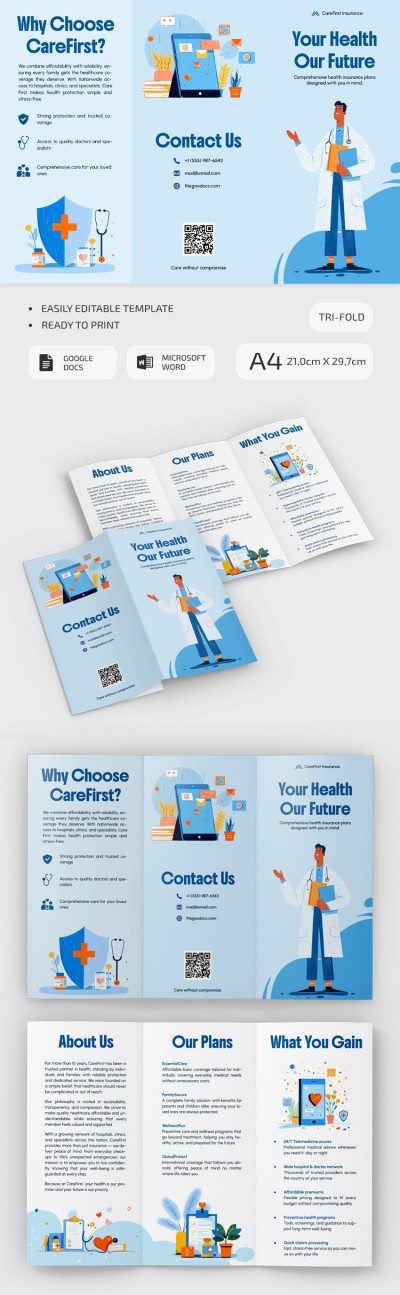
Illustrated Blue Medical Brochure
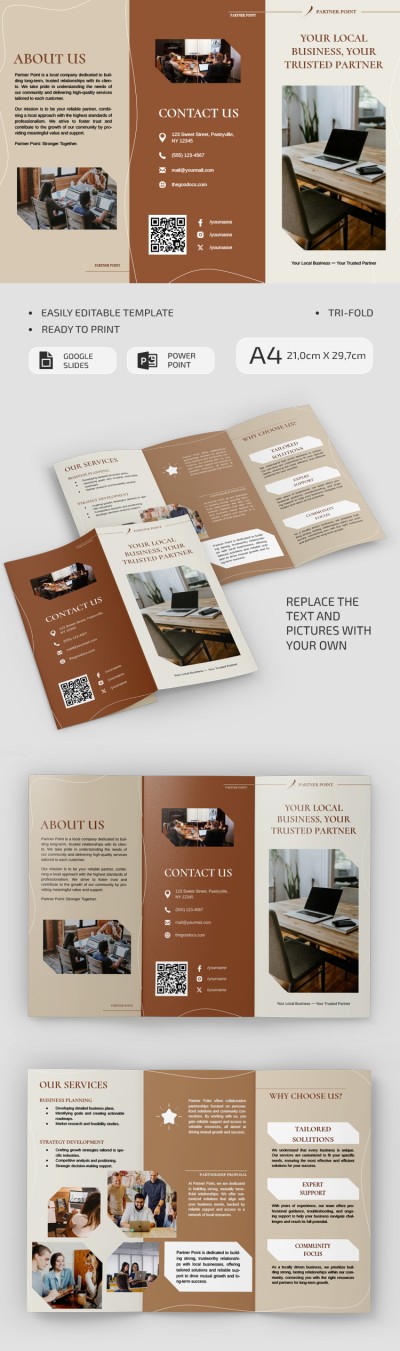
Small Business Brochure
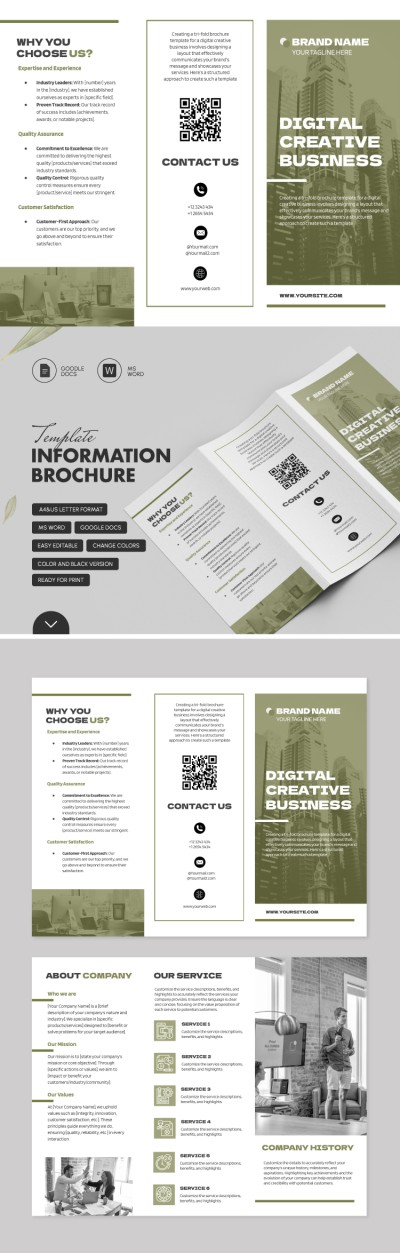
Information Brochure
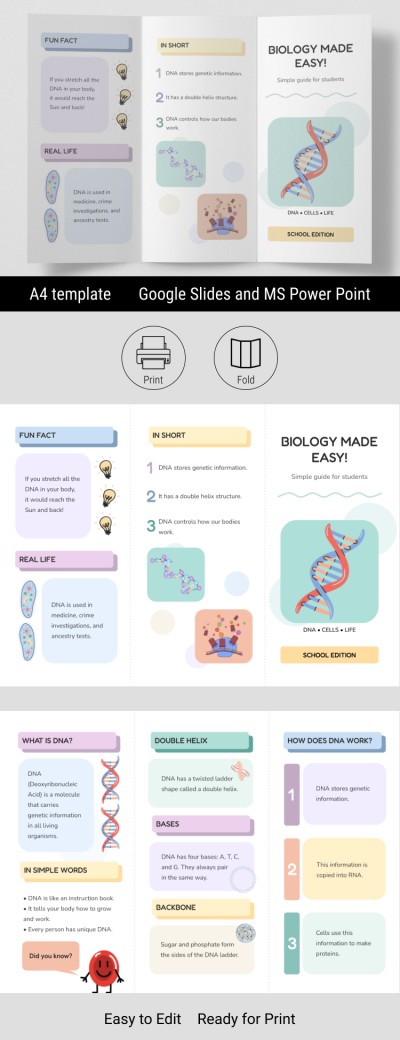
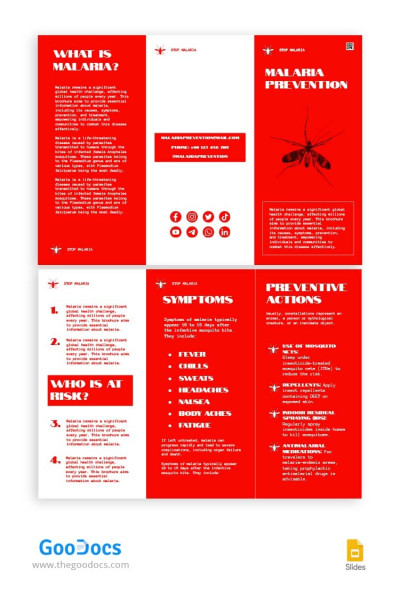
Trifold Disease Brochure

Barcelona City Tour Brochure
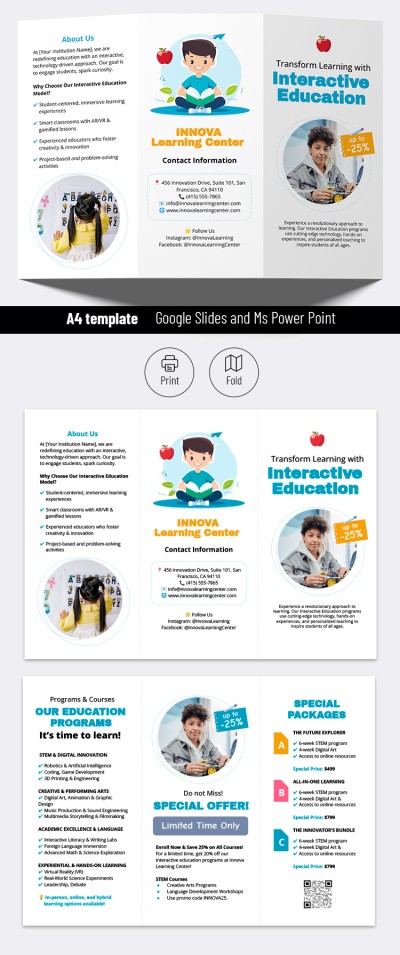
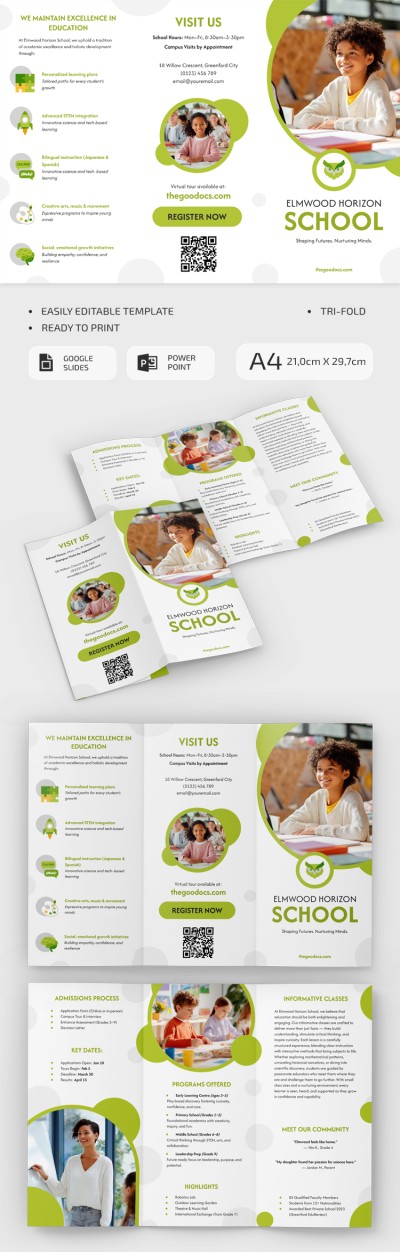
Interactive School Brochure
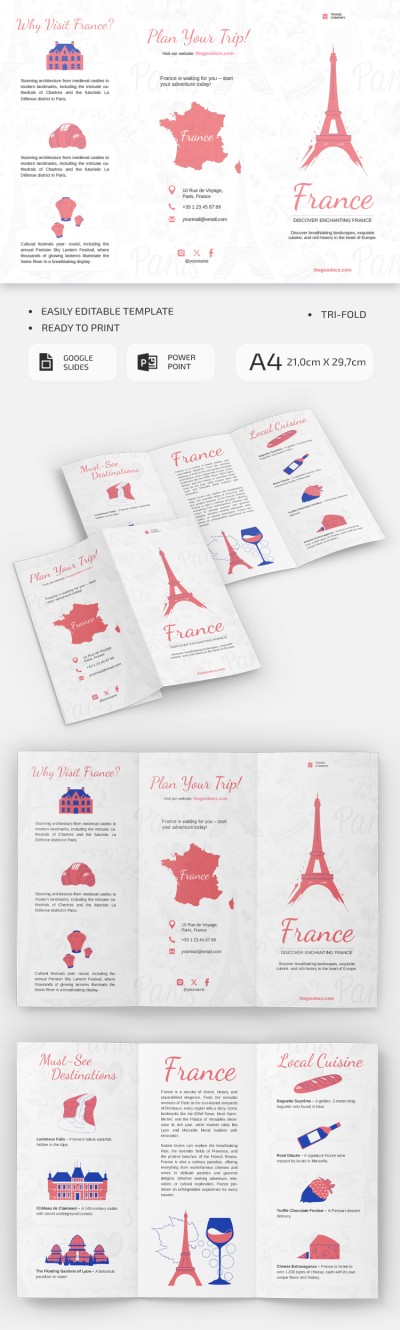
Printable France Travel Brochure
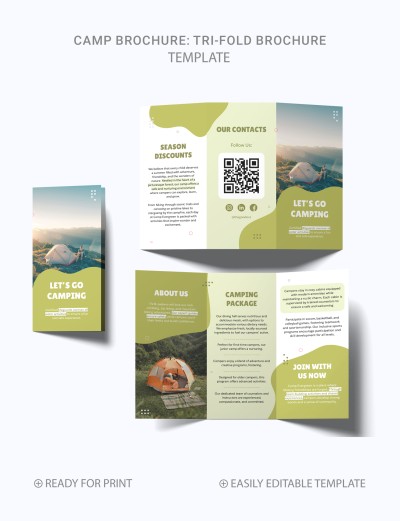
Abstract Camp Brochure
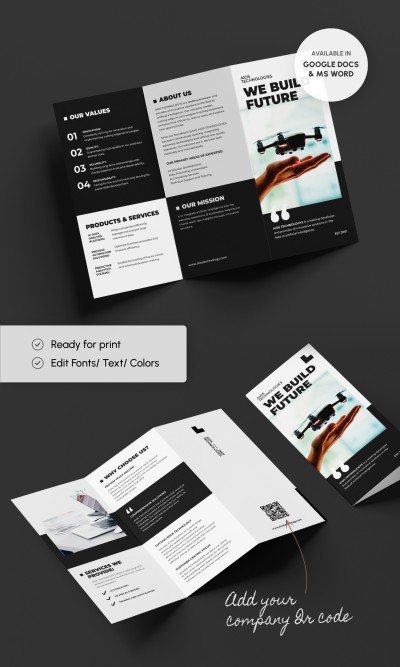
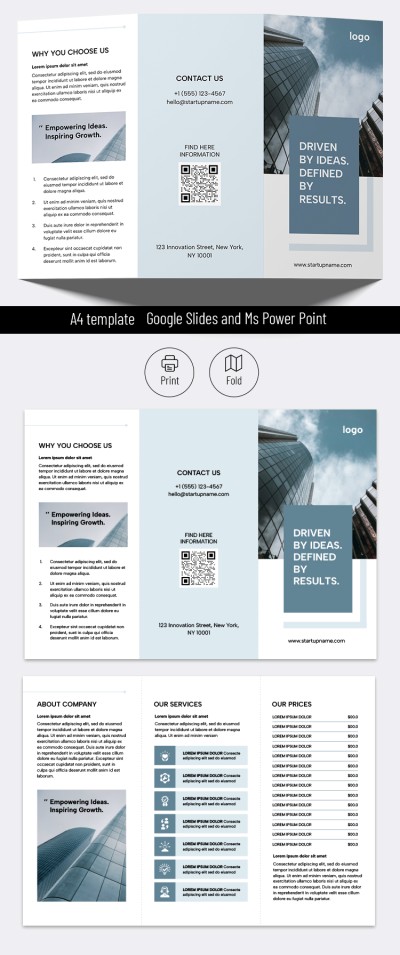
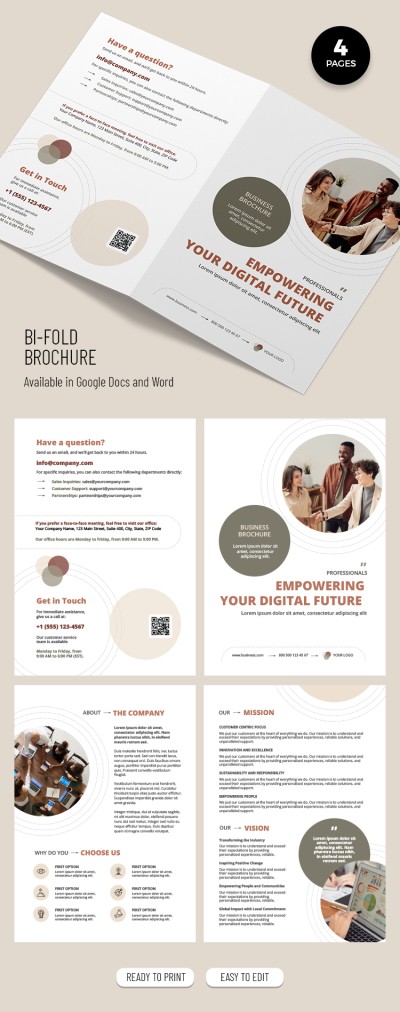
Company Brochure
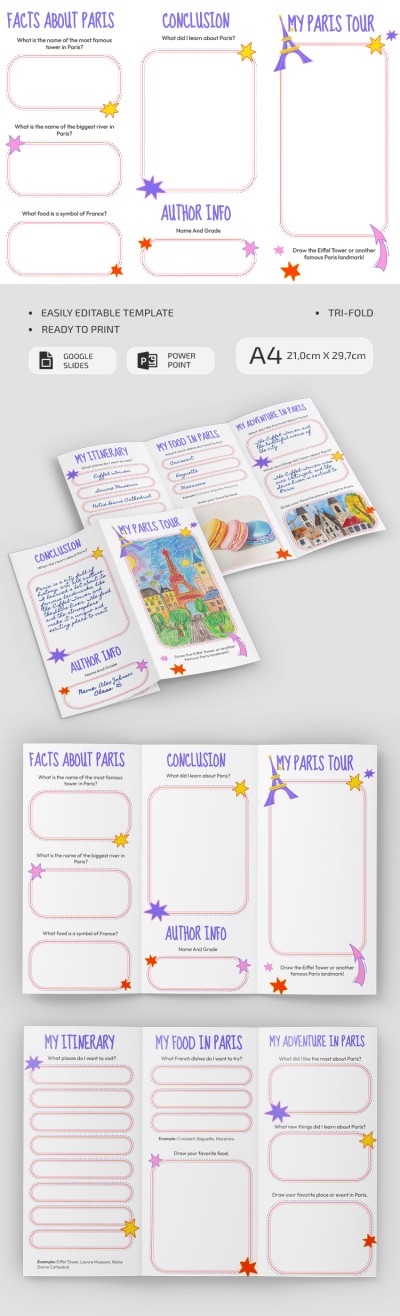
Travel to Paris School Project Brochure
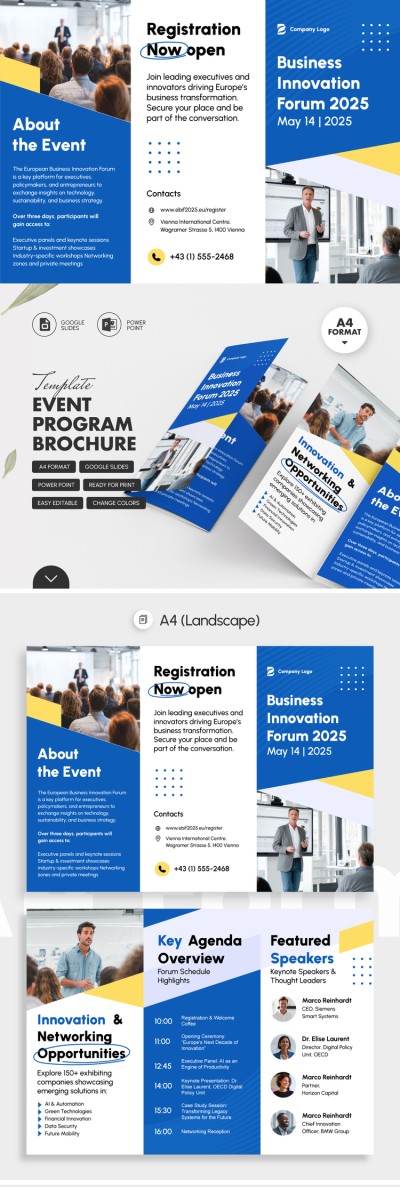
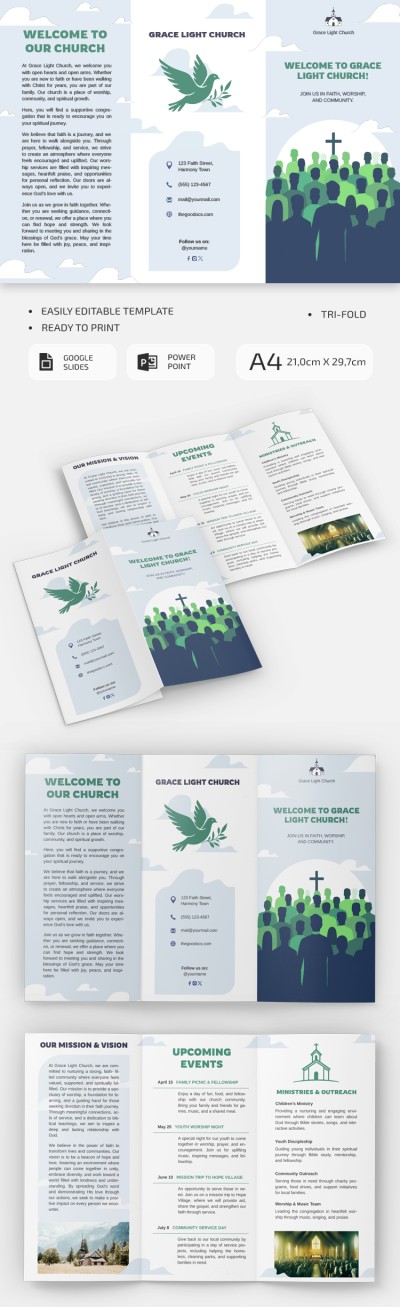
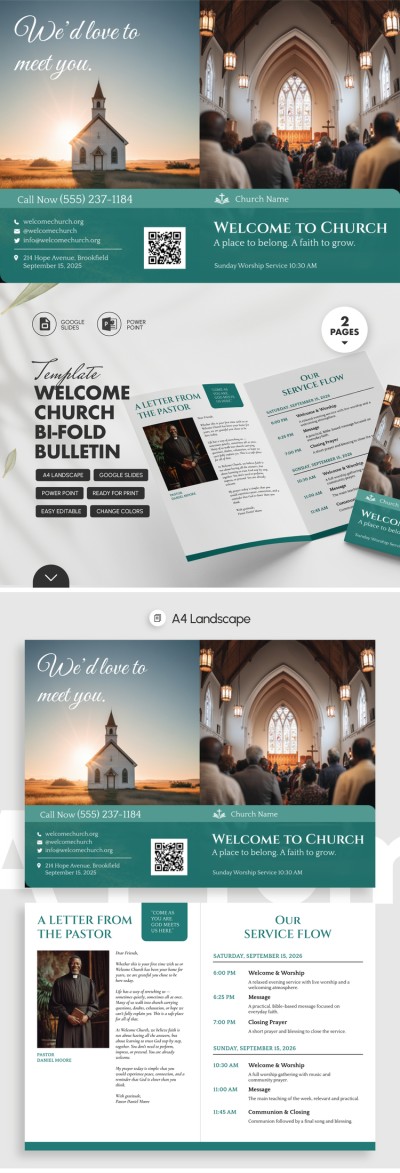
Welcome Church Brochure
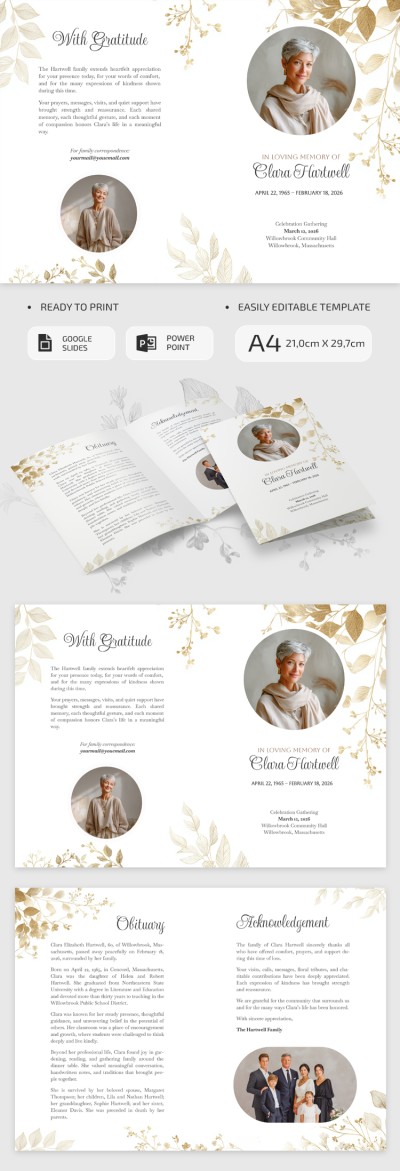
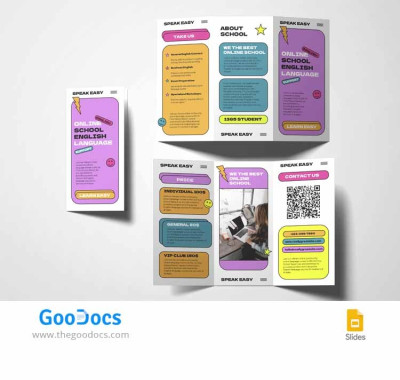
Online School Brochure
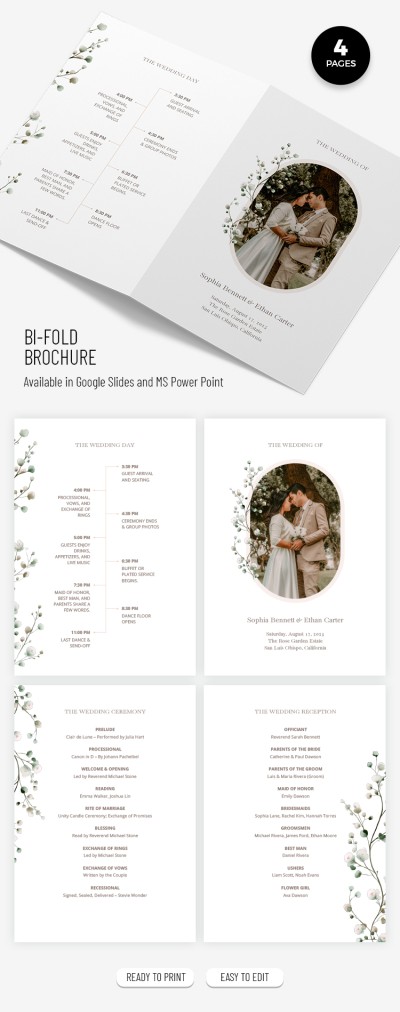
Elegant Wedding Bifold Brochure Template
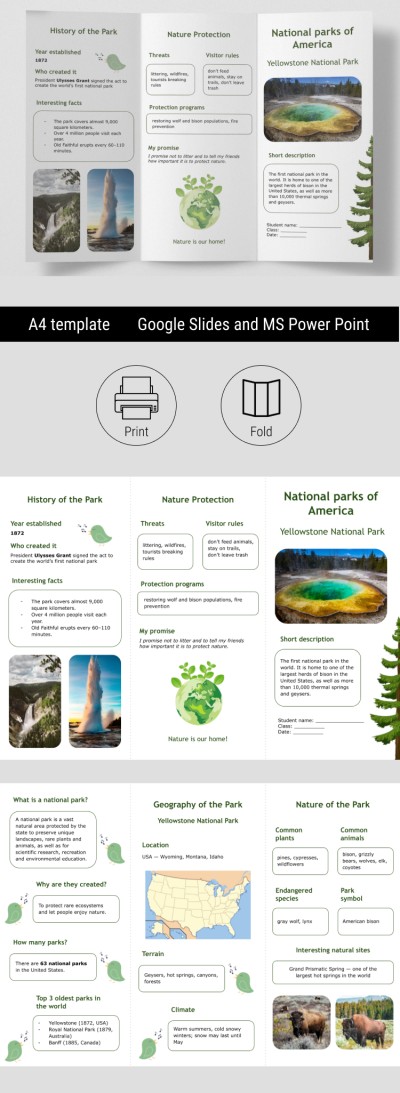
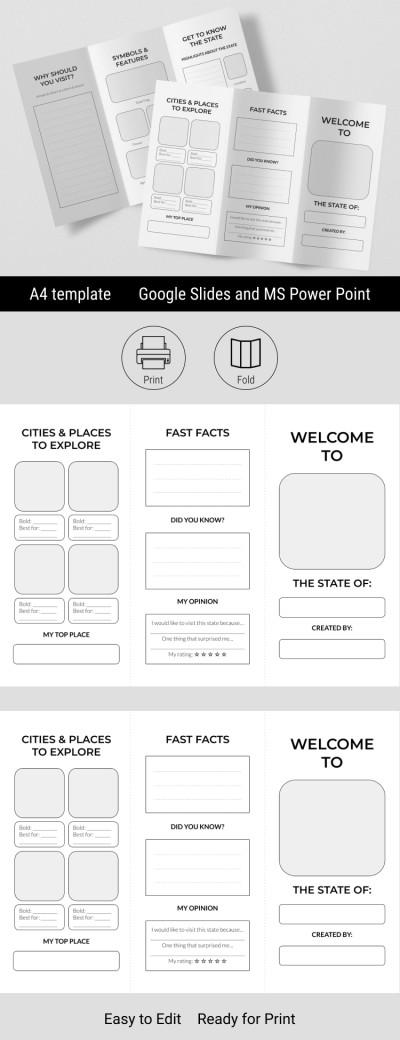
Educational National Parks Brochure for Classroom
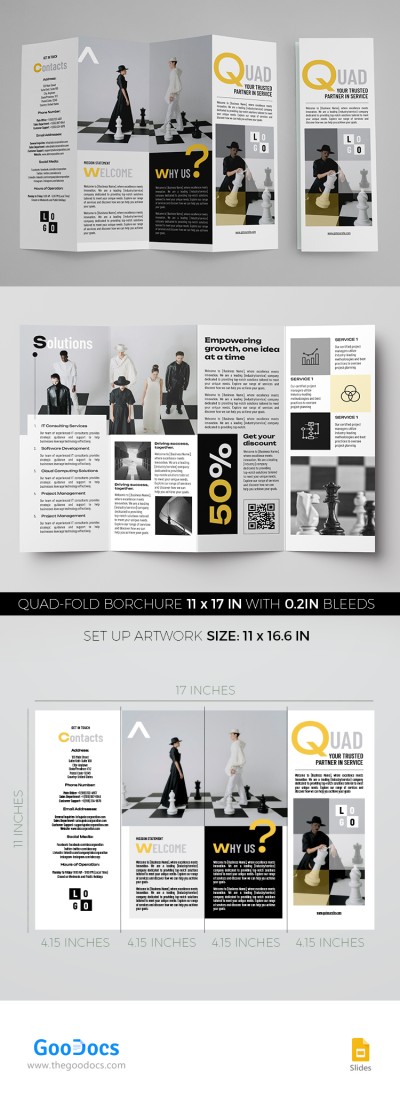
Four Fold Brochure
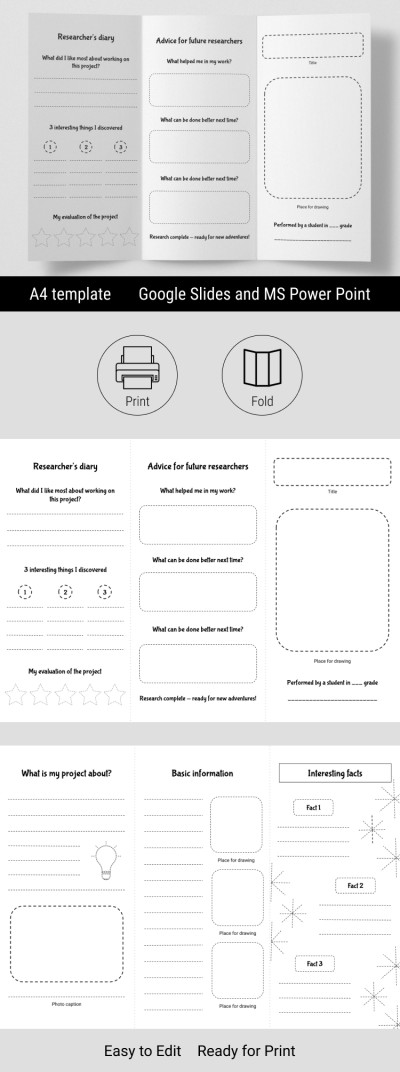
Editable Blank Brochure Template & Research Project

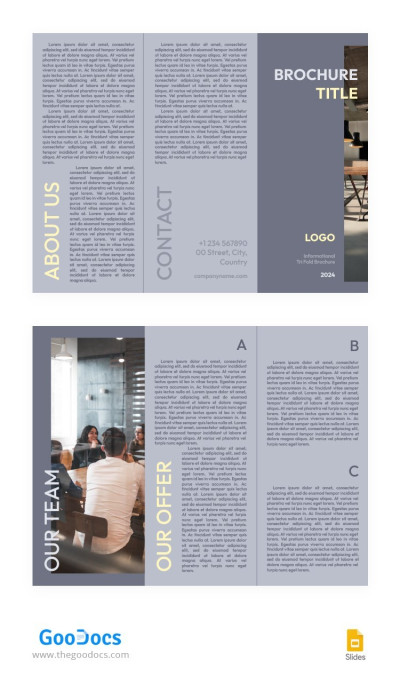
Grey Laconic Informational Brochure
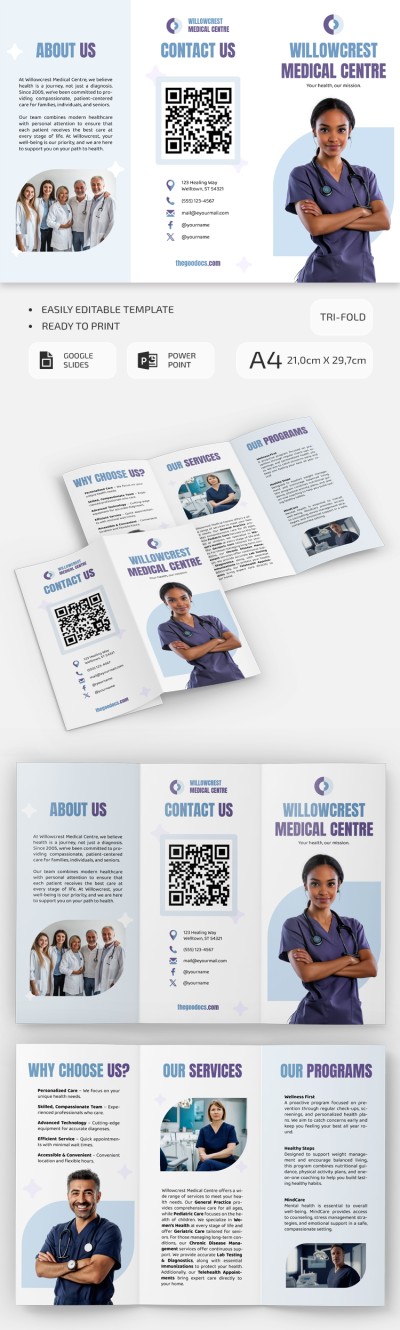
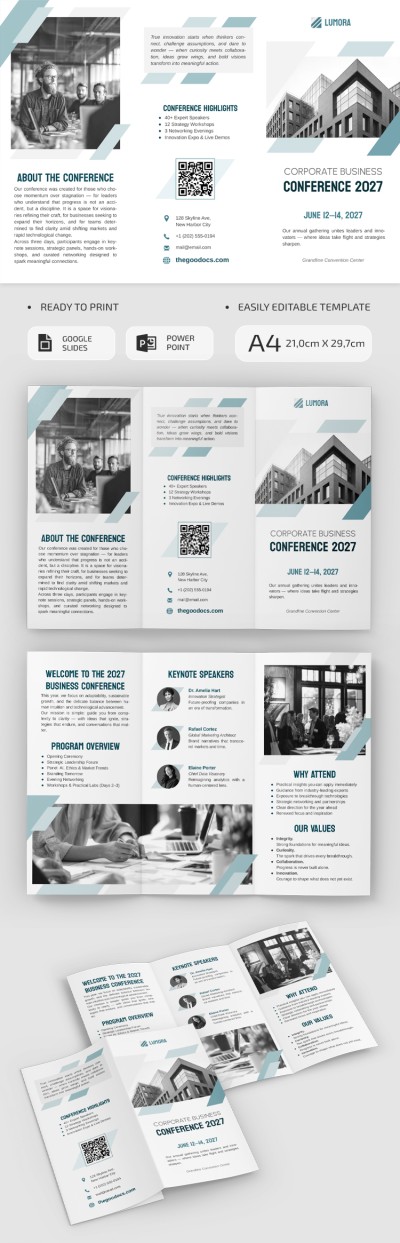

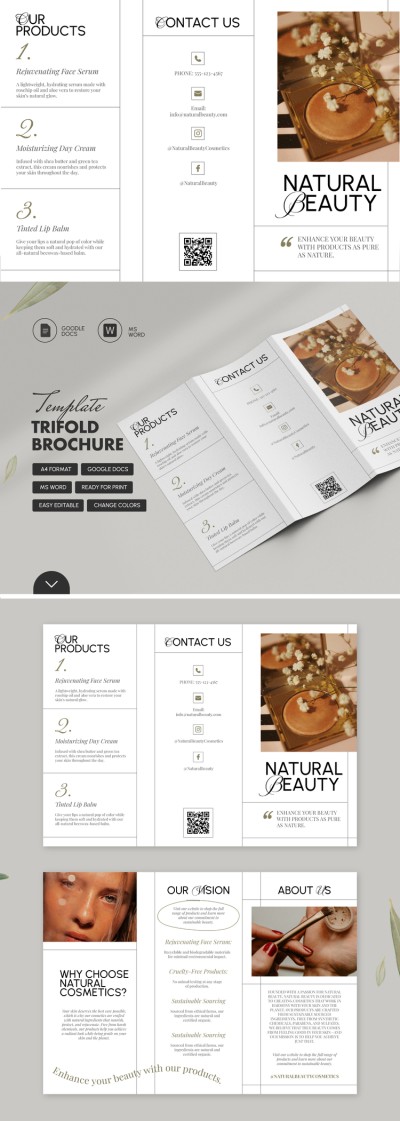
Trifold Brochure
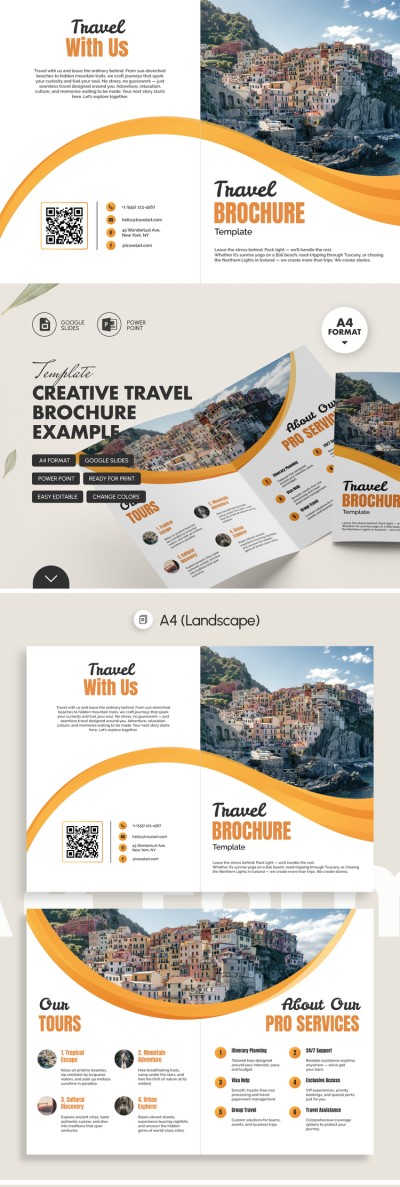
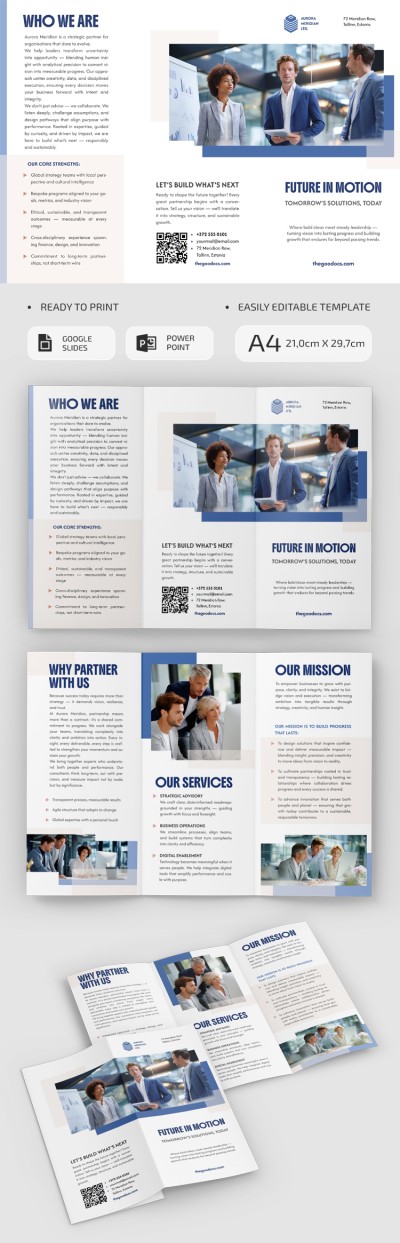
Explore our convenient and ready-to-use brochure templates in Google Slides and PowerPoint. You can choose a suitable template to promote your store, restaurant, discounts, services, or travel agency and customize it for free. Google Slides and PowerPoint offer numerous customization tools, and our templates feature professional designs and structures.
Use a modern solution for creating a brochure:
- Save time and money. Creating a brochure from scratch requires experience in design. Our templates allow you to utilize a carefully selected structure, fonts, images, and consistent design. Just focus on your business and the content of the brochure instead of creating a layout out of nothing.
- Collaborate with your team. Using a brochure template in Google Slides, you can customize it with your whole team, even if you are in different places. Send a link to the brochure and allow editing to your colleagues.
- Customize content in a couple of clicks. You can adjust any element of your brochure, including text, headings, images, colors, etc. Personalize the design and content to match your reputation.
- Print your brochure after customization. The finished brochure can be saved in PDF and then printed. All settings are included, so you don't have to spend a lot of time on it.
Find trifold and bifold brochure templates, download them, and start editing. Ensure the quality of your brochure design with TheGoodocs.
Brochures & Pamphlets Templates FAQ
Creating a brochure using Google Slides is not as easy as it seems. Although this tool is usually used for presentations, it is also great for brochure design, especially if you need to edit the visual part.
Anyone can create a basic brochure, but making a professional design with consistent colors is much more difficult. Yet, you can always use our brochure templates in Google Slides and PowerPoint formats! With them, all you have to do is add new text to the ready-made layout.
So, how to create a brochure from scratch?
Open a blank presentation and change the slide orientation to horizontal or vertical (depending on the brochure format). Then you can manually split the slide into panels. For example, two or three if you are making a bifold or trifold brochure. Add text, images, and background. You can move and edit all this directly on the slide. When everything is ready, you can download the brochure in PDF format and print or send it digitally.
To make a brochure look professional, it is worth choosing consistent colors and making the right structure. To do this, it is worth telling about one point on each panel, for example, about your company, services, contact details - all on different panels of the brochure. Or just grab a suitable brochure template in Google Slides on our website and make your professional pamphlet in no time!

