Welcome Church Bifold Bulletin Template
Use this free template with Google Docs and Microsoft Word
Template Specification
Key Features of This Template
About this template
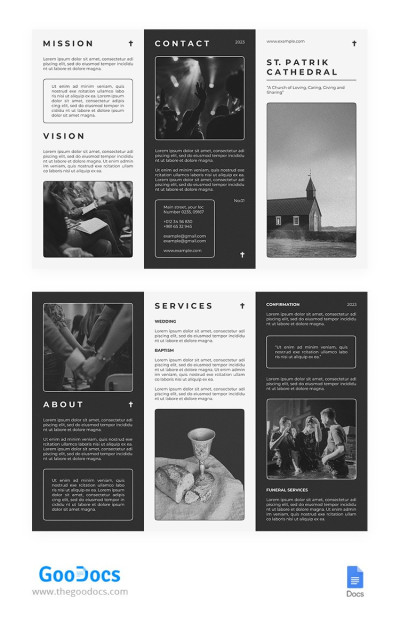
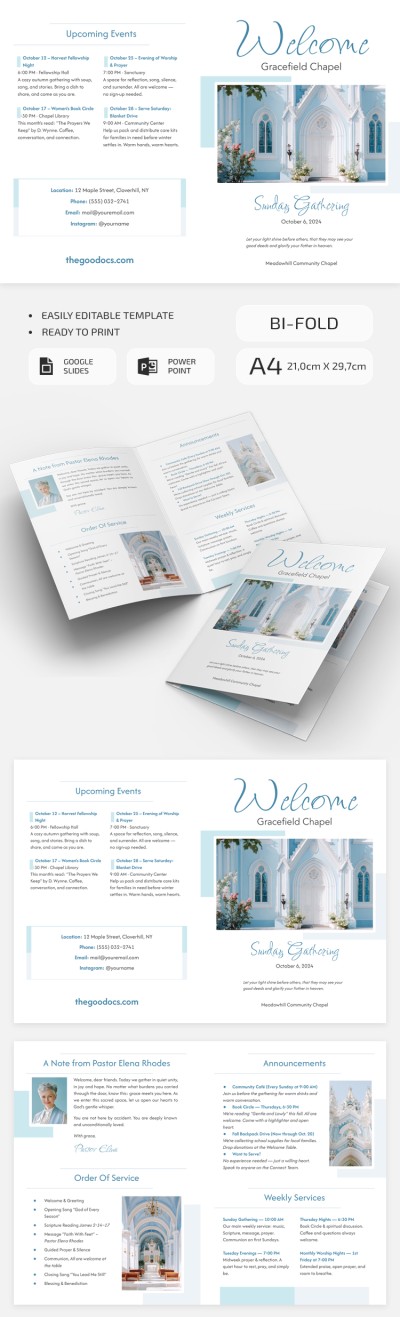
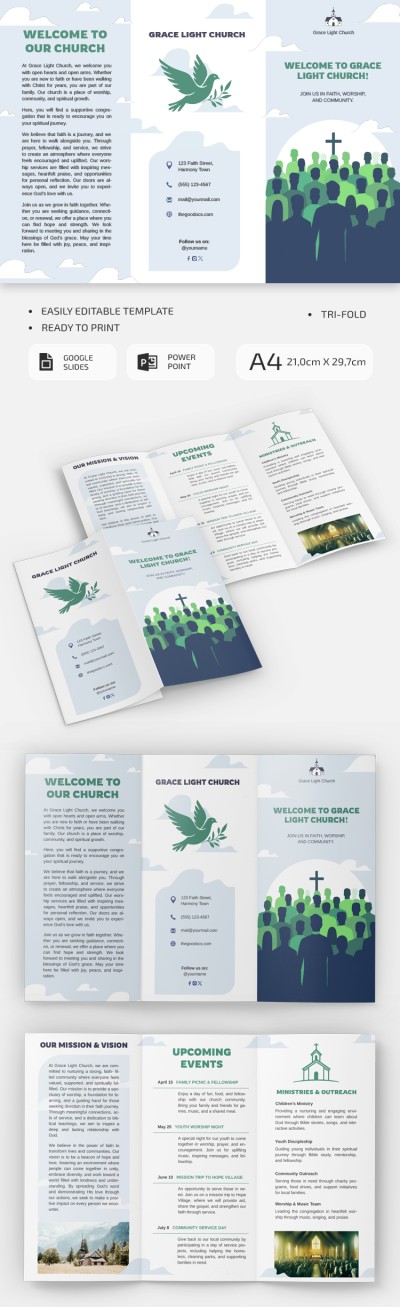
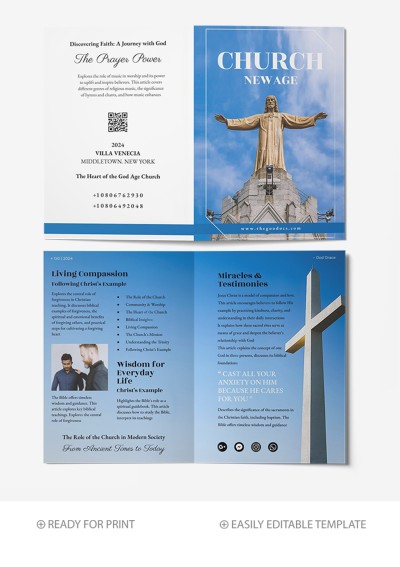
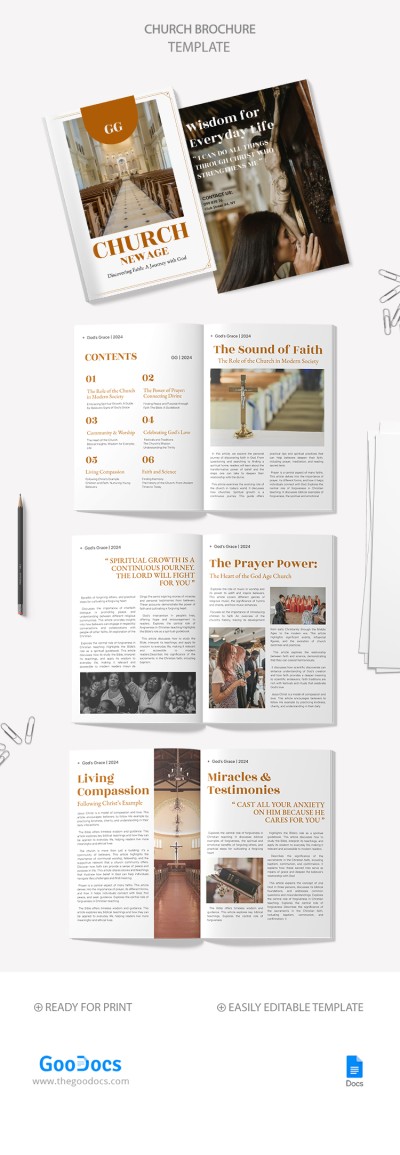
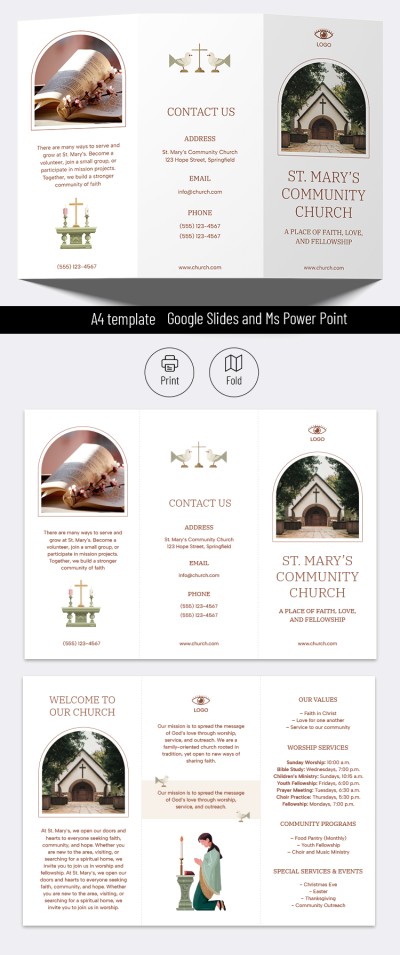
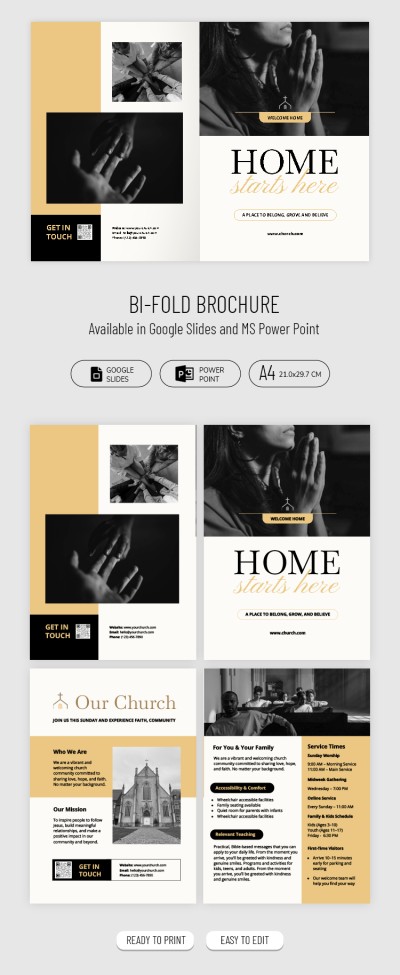
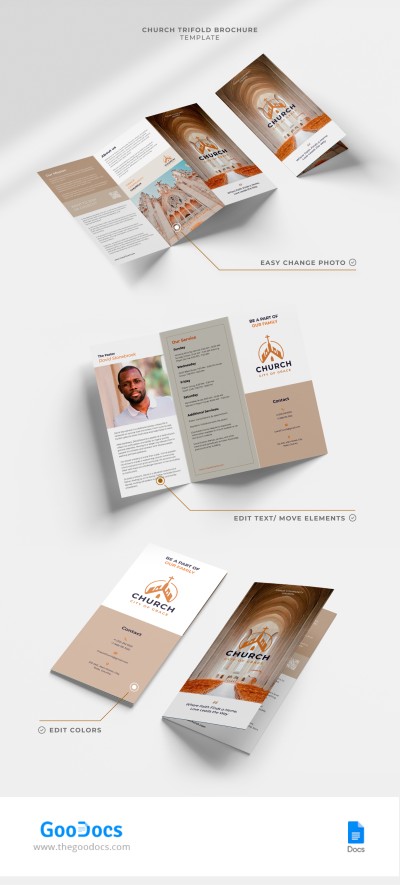
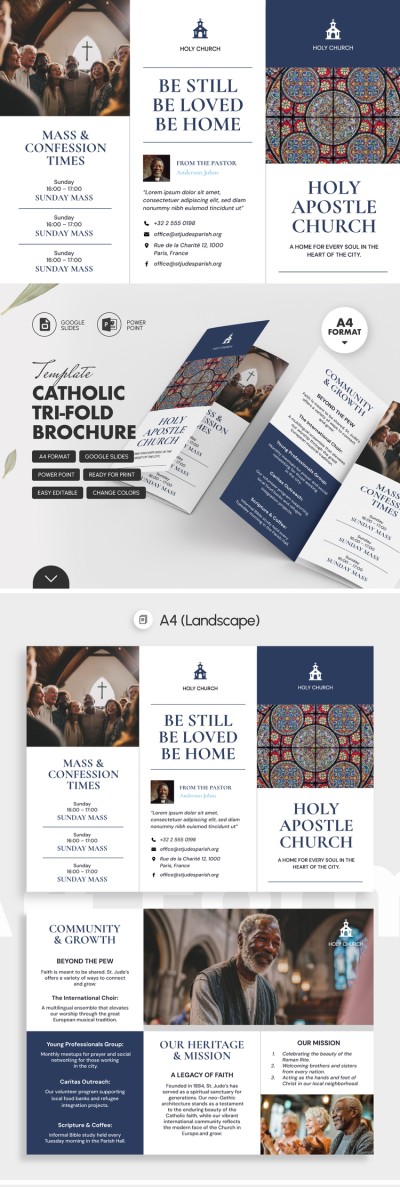
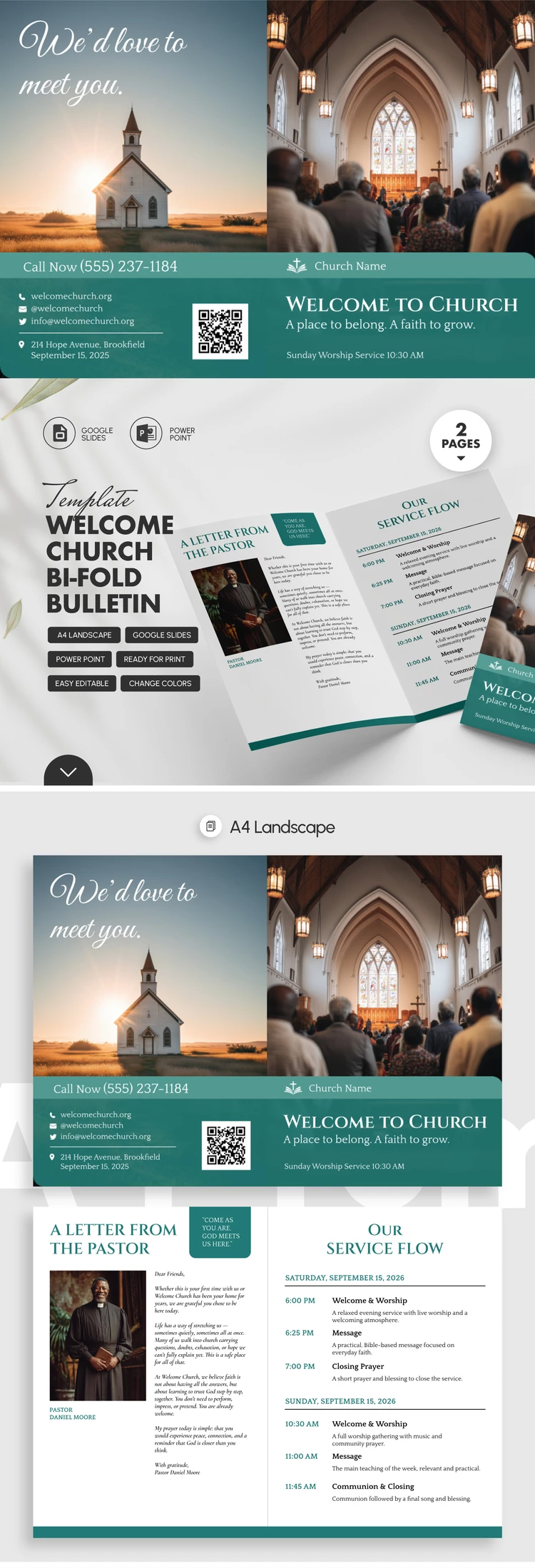
Use our Welcome Church Bifold Bulletin Template, available for free in a customizable layout. Our 4-panel brochure features a pre-made layout and is ready for double-sided A4 printing. This bifold brochure template will help you welcome new members to your church, share upcoming events, and more.
Download Our Printable Church Greeting Layout
This versatile design can be used to create weekly bulletins for your church. The fully editable layout allows you to customize fonts, text, images, and other elements to suit your community's needs.
Our free church bulletin template includes:
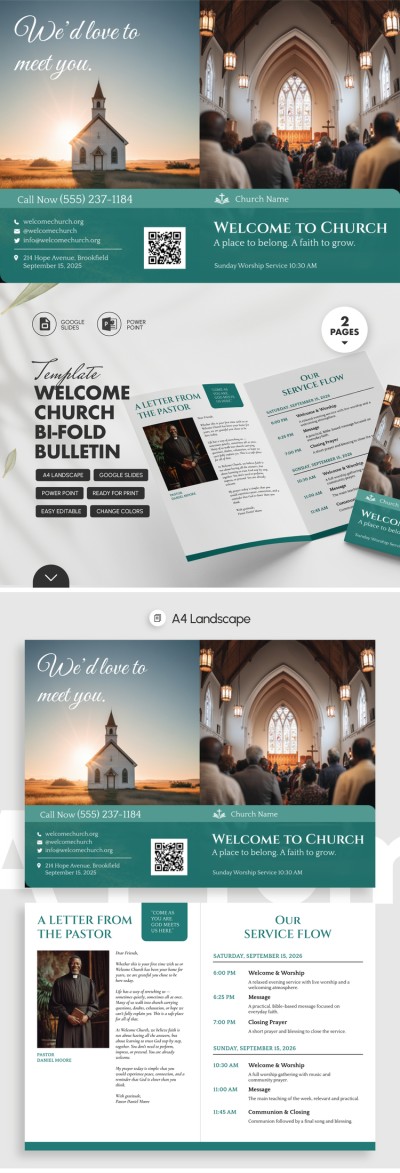
- Front and back panels with spaces for your church photo, name, QR code, contact information, and address.
- Two interior panels featuring a pastor's profile with a photo placeholder and an order of service with a detailed schedule of weekend events.
Green accents and easy-to-read fonts combined with clean image placeholders make this template highly versatile. You can easily customize it in your preferred format or simply replace the sample text and use it right away. Find a Google brochure template for your church on our website.
Download Free Template
WHAT’S INCLUDED
Brochures & Pamphlet Tips
FAQ
How to Use and Edit This Template

Get Your Document

Customize Everything

Add Your Content