Medical Centre Brochure
Use this free template with Google Slides and Microsoft PowerPoint
Template Specification
Key Features of This Template
About this template
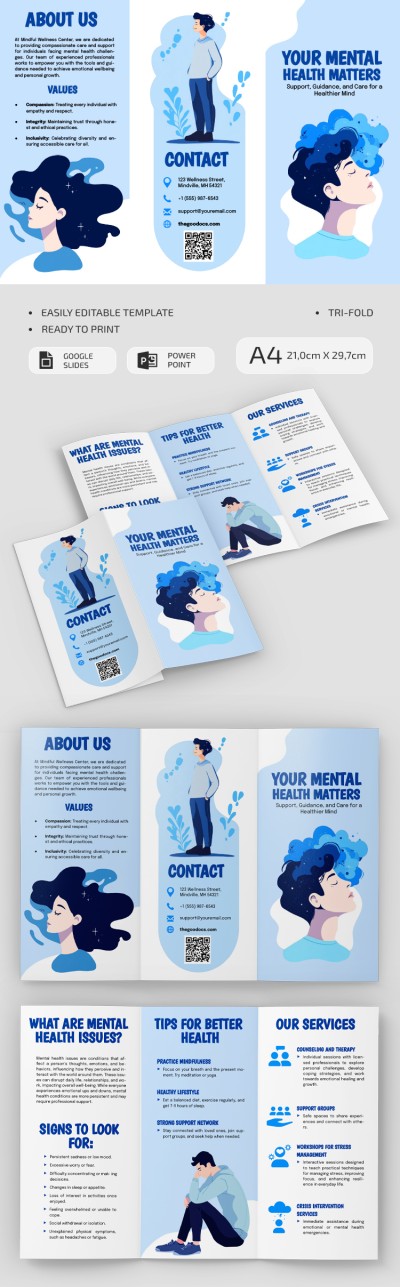
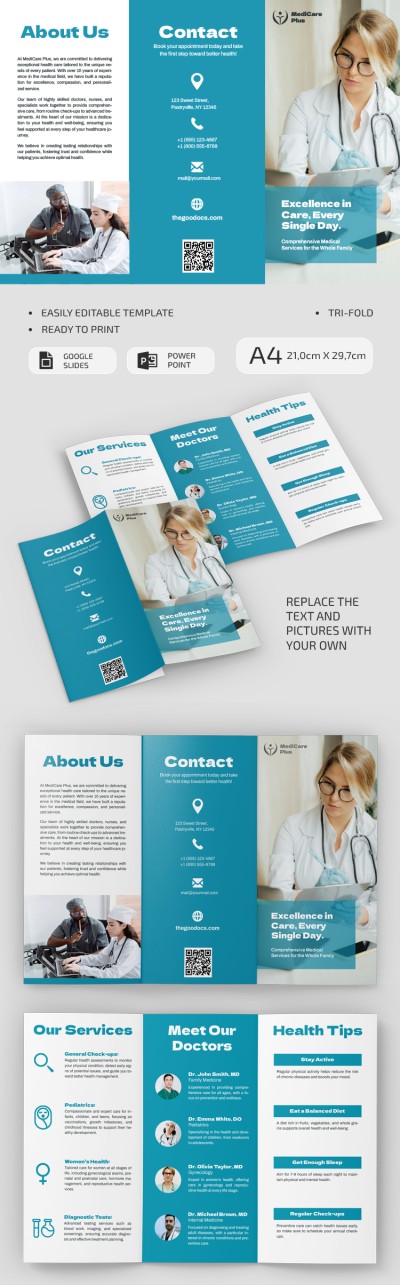
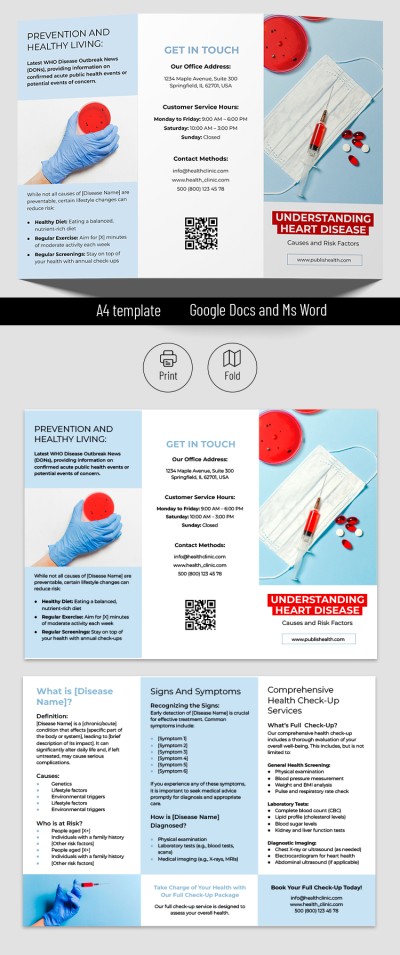
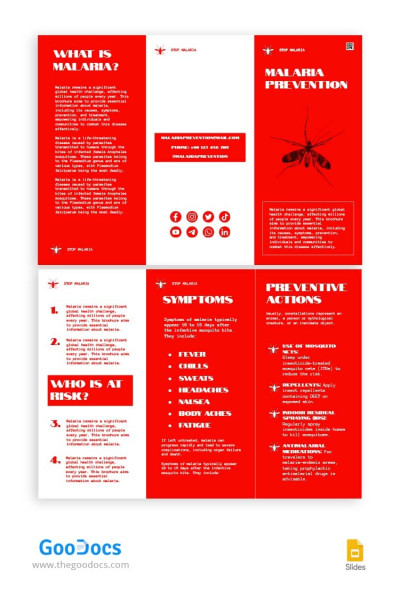
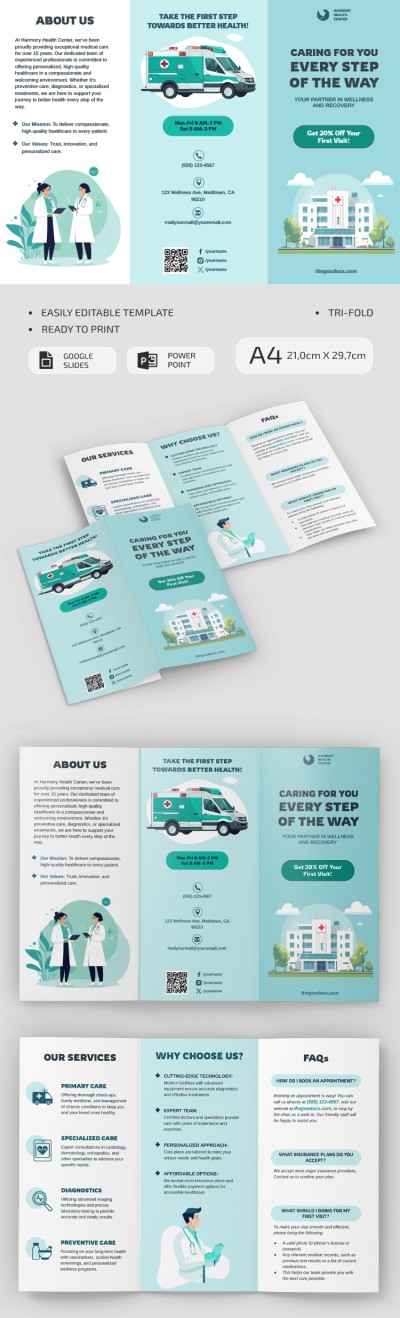
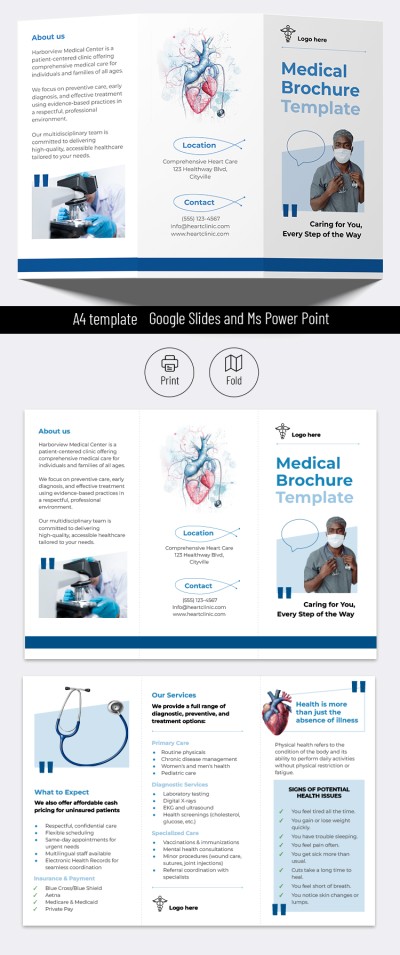
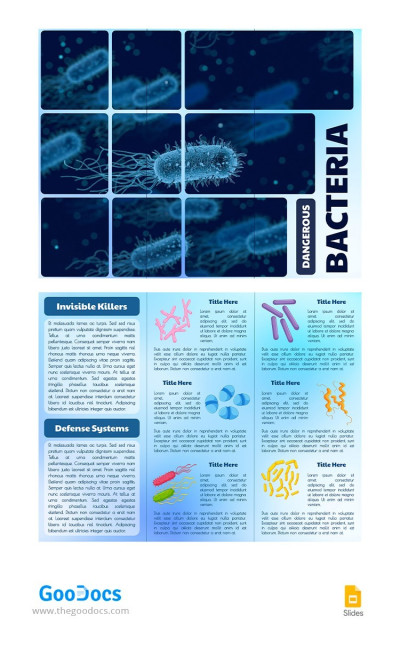
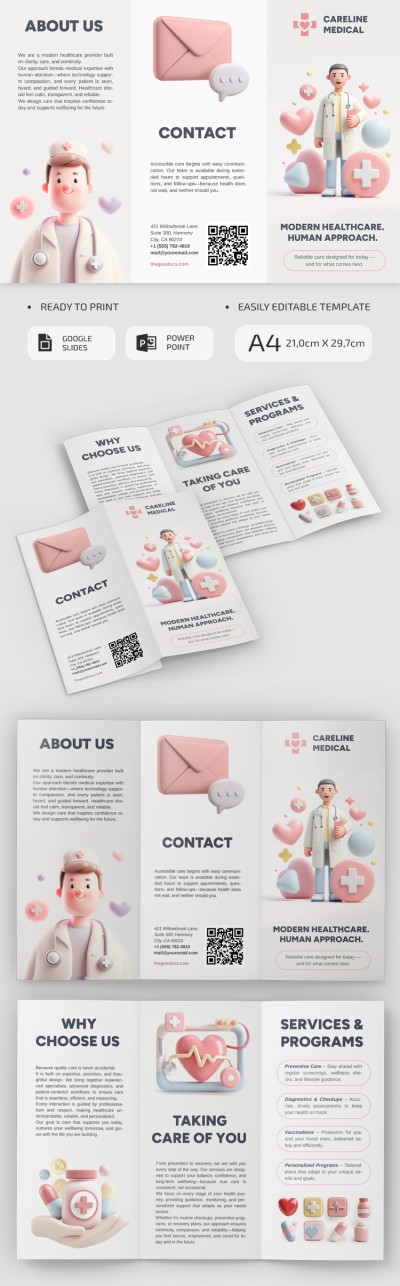
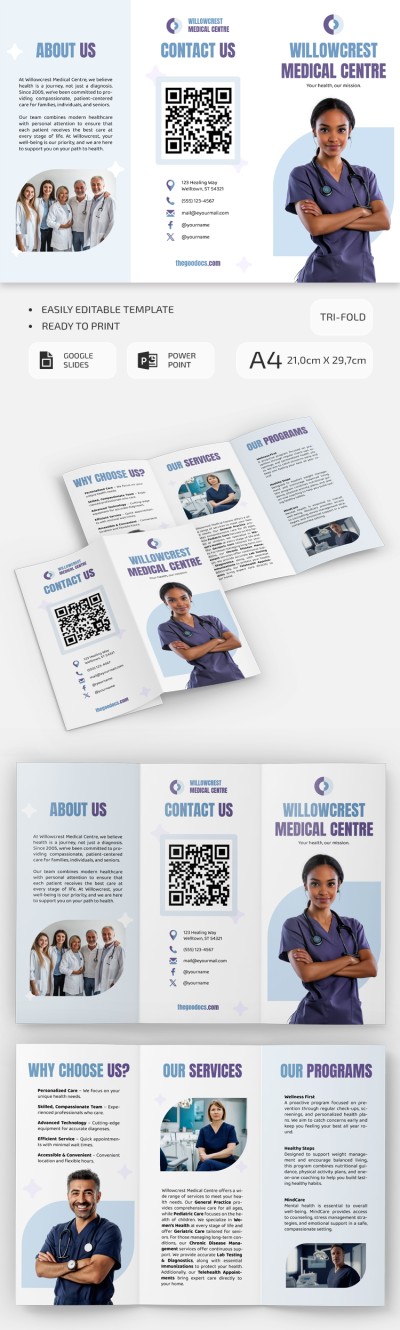
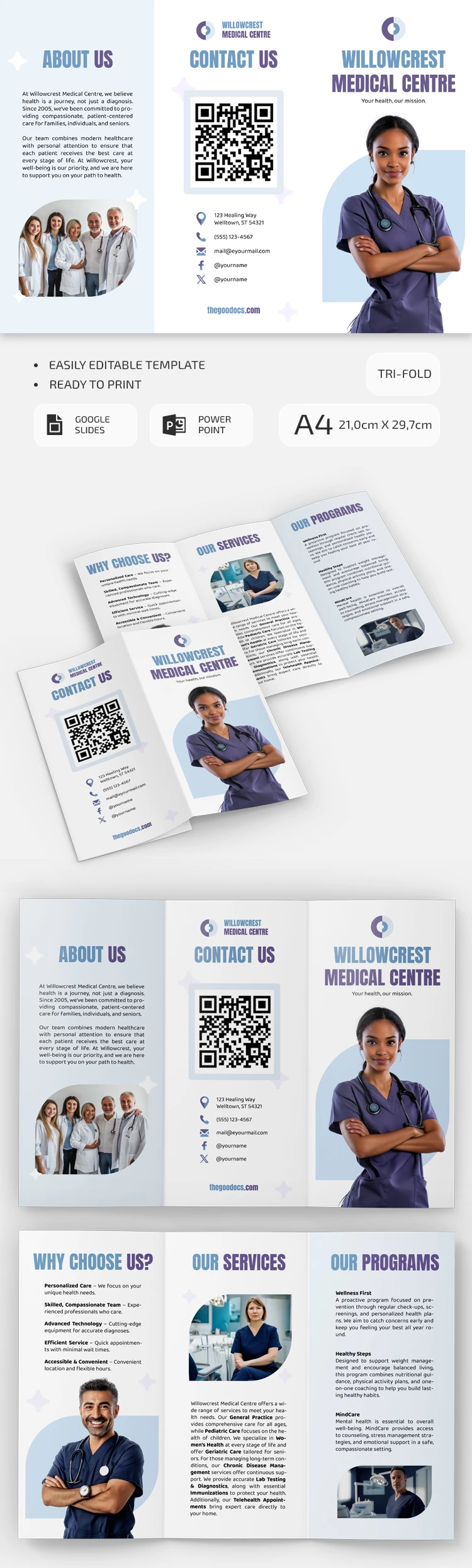
Use our Medical Center Brochure template to skip the hassle of creating your layout from scratch. This template features a consistent design across all six panels, complete with images, text blocks, and sample headings. Edit our brochure template for free in Google Slides or PowerPoint.
Get This Structured Brochure Template
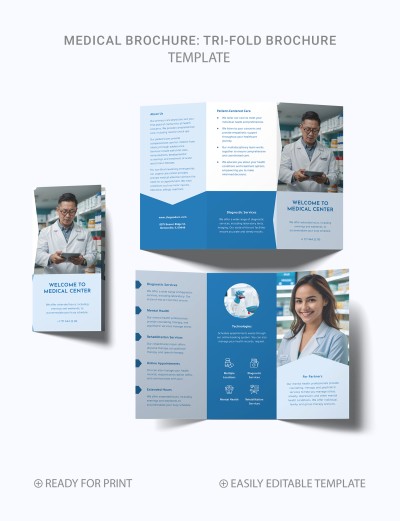
The design features traditional blue and white colors typical of the medical industry, accented by large purple fonts. Each panel includes placeholder images that you can either keep or replace with photos of your own equipment and staff.
Make the most of our medical brochure template:
- Add text to the Why Choose Us, Our Services, Programs, About Us, and Contacts sections and to the front panel.
- Replace the placeholder photos with images relevant to your medical center.
- Customize the design by changing fonts, text sizes, adjusting the layout, and more.
You can use the editor's simple drag-and-drop interface to fully customize this trifold brochure template to suit your needs, or keep the default layout, replace the placeholder text, and print it on standard A4 paper.
Download Free Template
WHAT’S INCLUDED
Brochures & Pamphlet Tips
FAQ
How to Use and Edit This Template

Get Your Document

Customize Everything

Add Your Content