Blue and White Professional Medical Brochure
Use this free template with Google Slides and Microsoft PowerPoint
Template Specification
Key Features of This Template
About this template
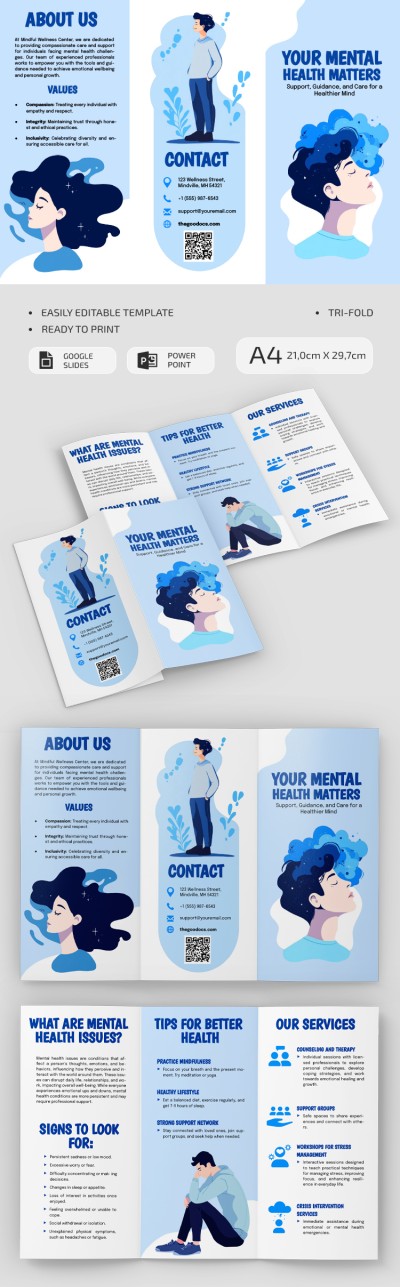
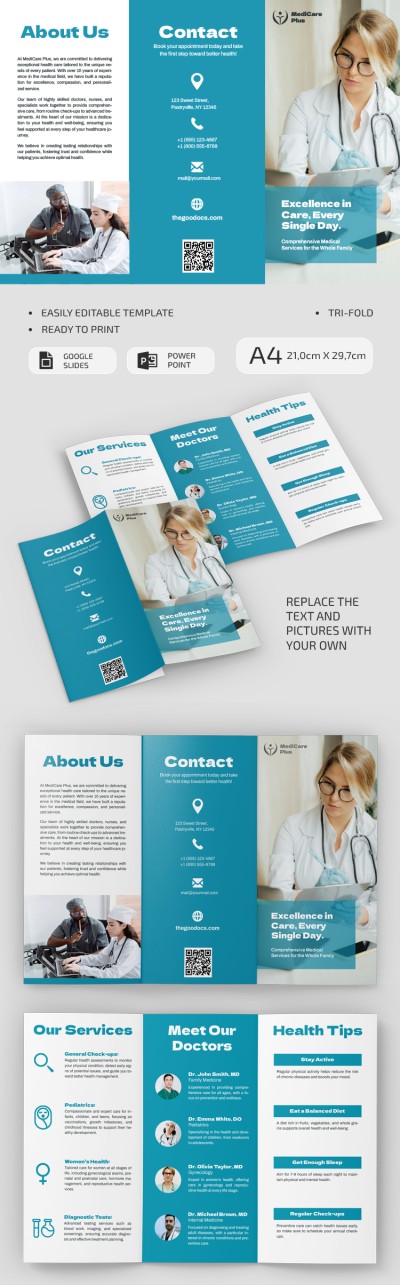
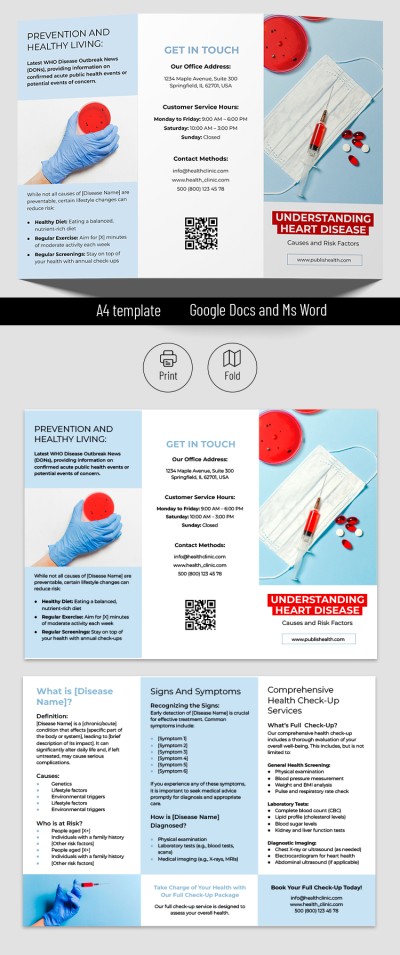
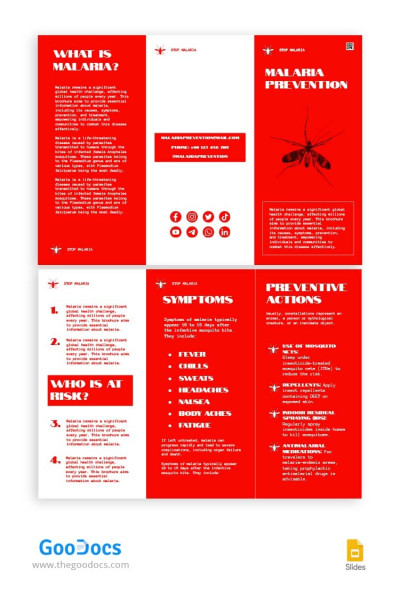
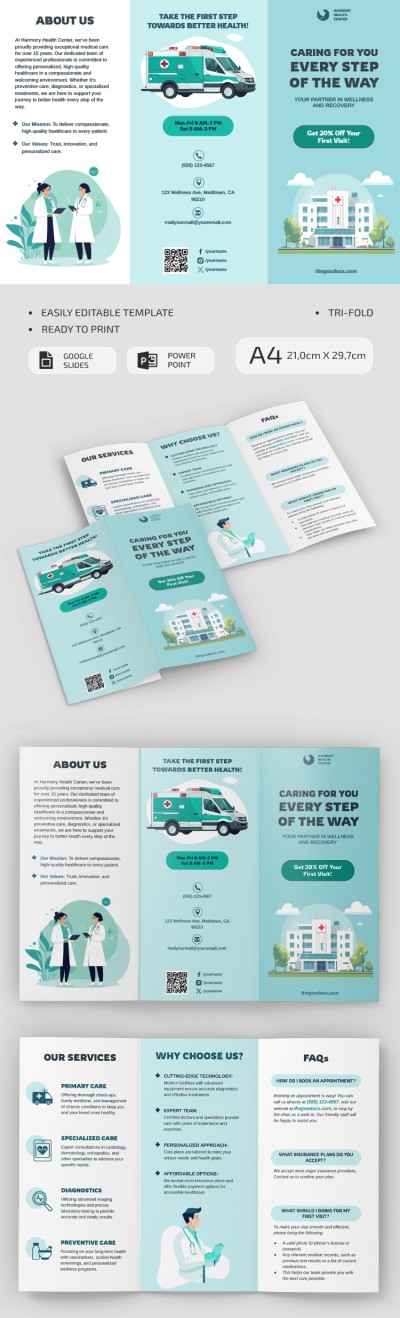
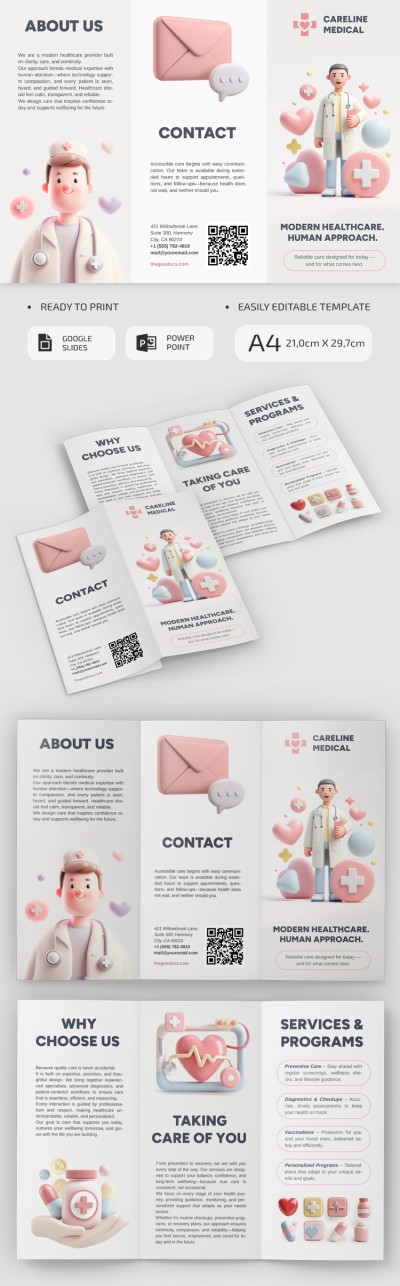
Get our Blue and White Professional Medical Brochure to create a professional brochure for your healthcare facility. Save time and effort without compromising on design quality with this professional layout. Customize the free brochure template in Google Slides and PowerPoint with unlimited options, or simply fill in the text blocks to print your copy right away.
Use Structured Healthcare Brochure Layout
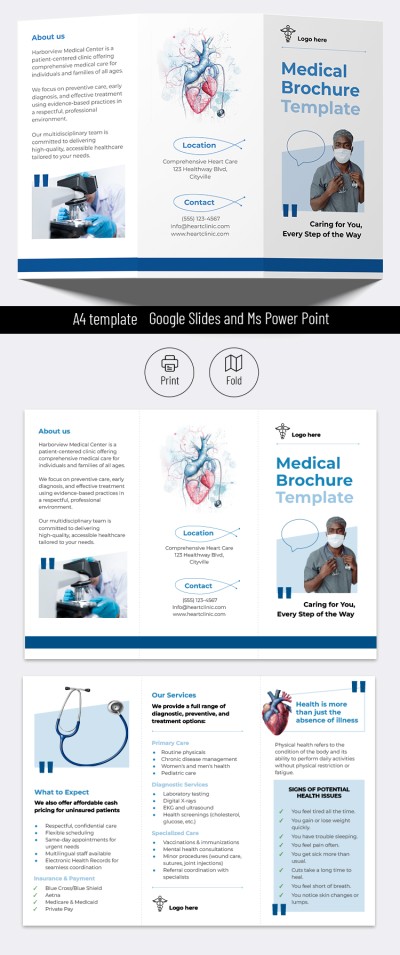
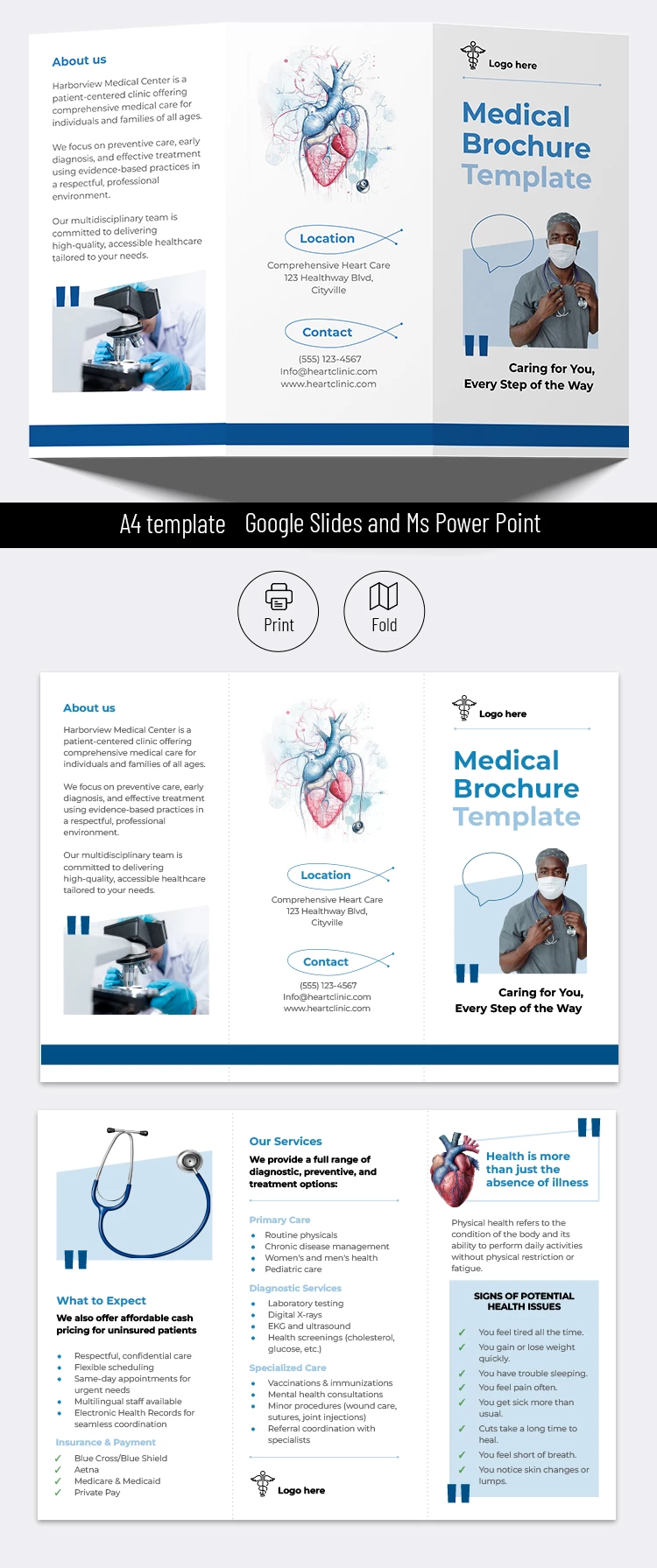
This trifold medical brochure is suitable for any healthcare facility, clinic, dental office, or private practice. The standard blue and white design for the medical environment creates the desired professional feel right from the front panel.
The structure of our editable medical brochure example is equally appealing:
- Use a unique, eye-catching front panel, and add an About Us and contact information section on one side of the page.
- Complete the "What to Expect," "Our Services," and "Signs of Potential Health Issues" sections or rename them to suit your needs, and add your logo to the back of the brochure.
Of course, you can also easily customize the design, from replacing fonts and images to choosing a new color palette. Want to print the template or share it digitally? This option is ideal for both scenarios, with settings for double-sided printing on A4 sheets. The best portrait brochure template is available for free on our website.
Download Free Template
WHAT’S INCLUDED
Brochures & Pamphlet Tips
FAQ
How to Use and Edit This Template

Get Your Document

Customize Everything

Add Your Content