Health Care Services Brochure Template
Use this free template with Google Slides and Microsoft PowerPoint
Template Specification
Key Features of This Template
About this template
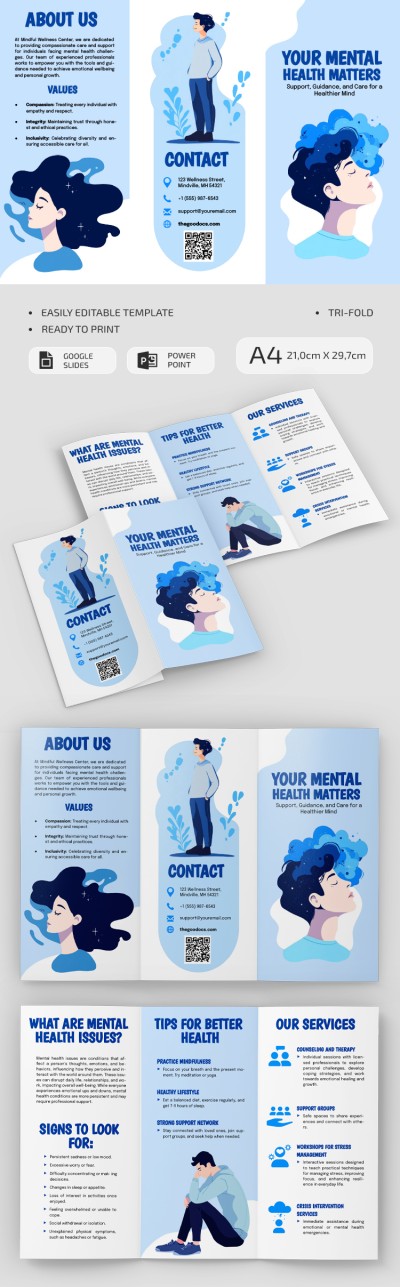
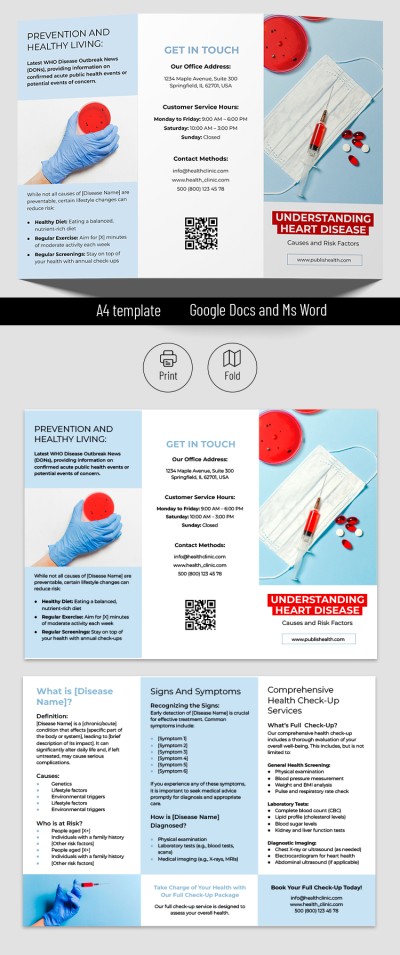
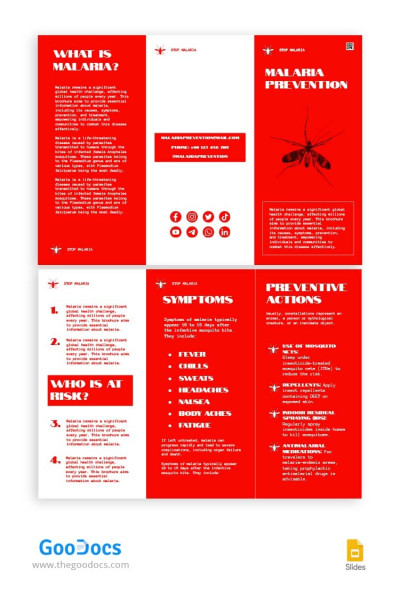
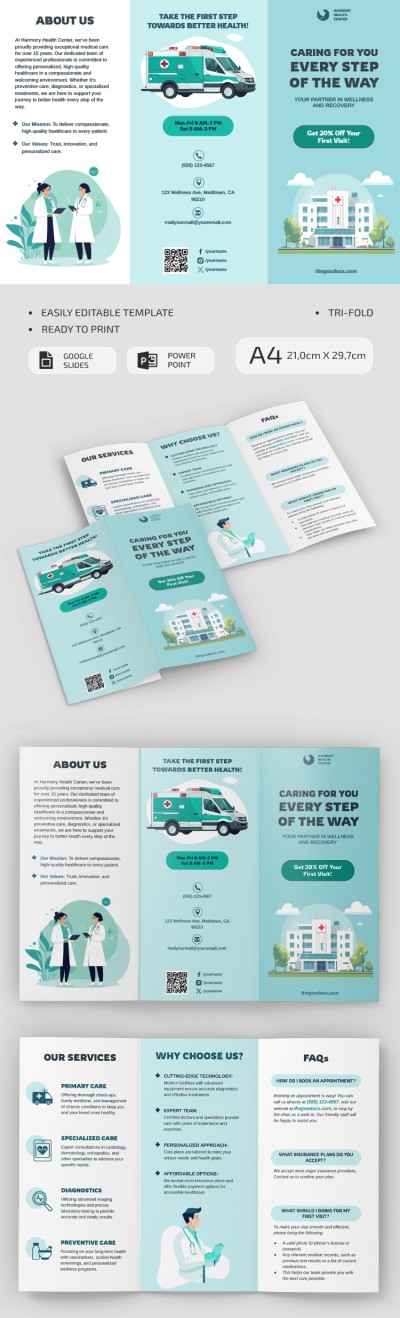
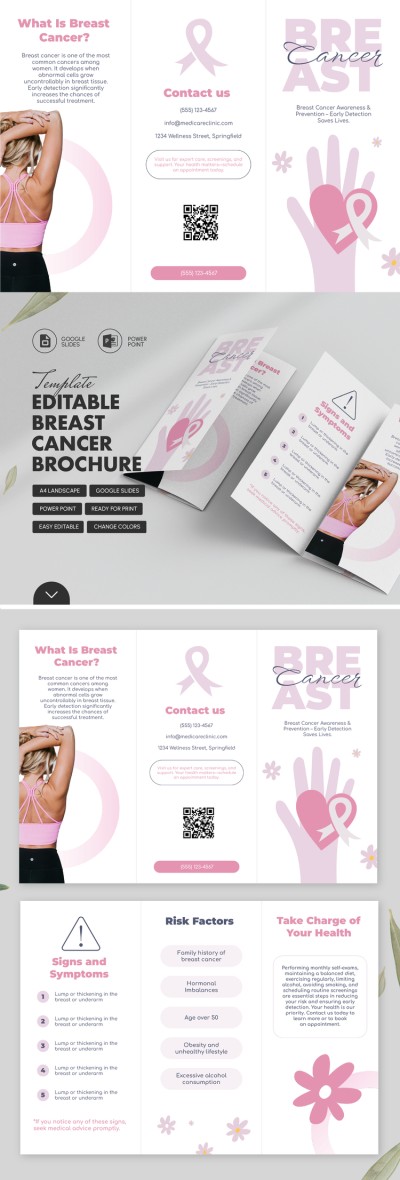
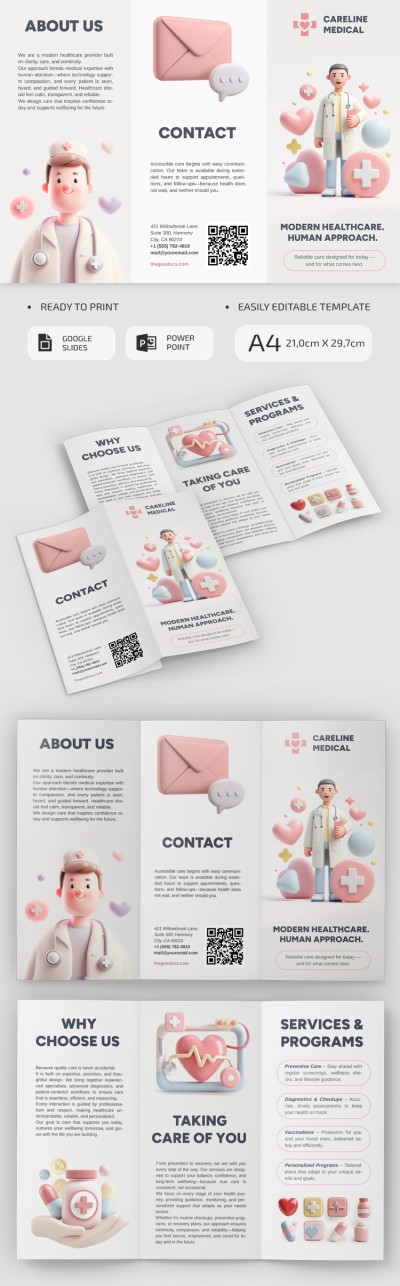
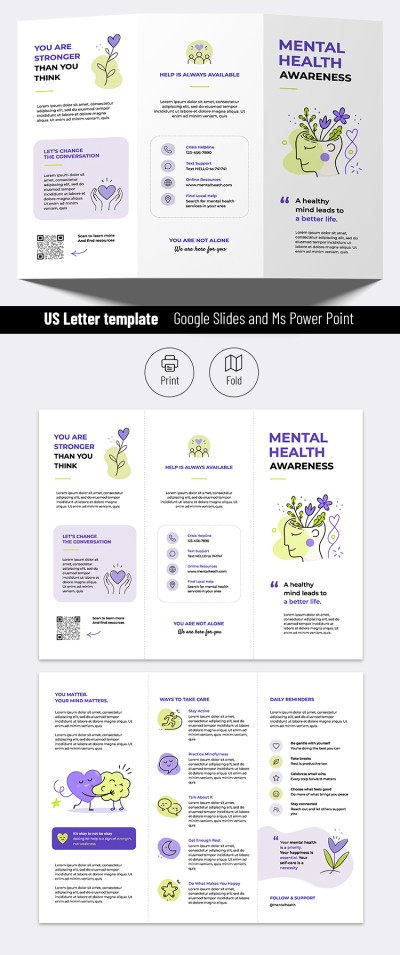
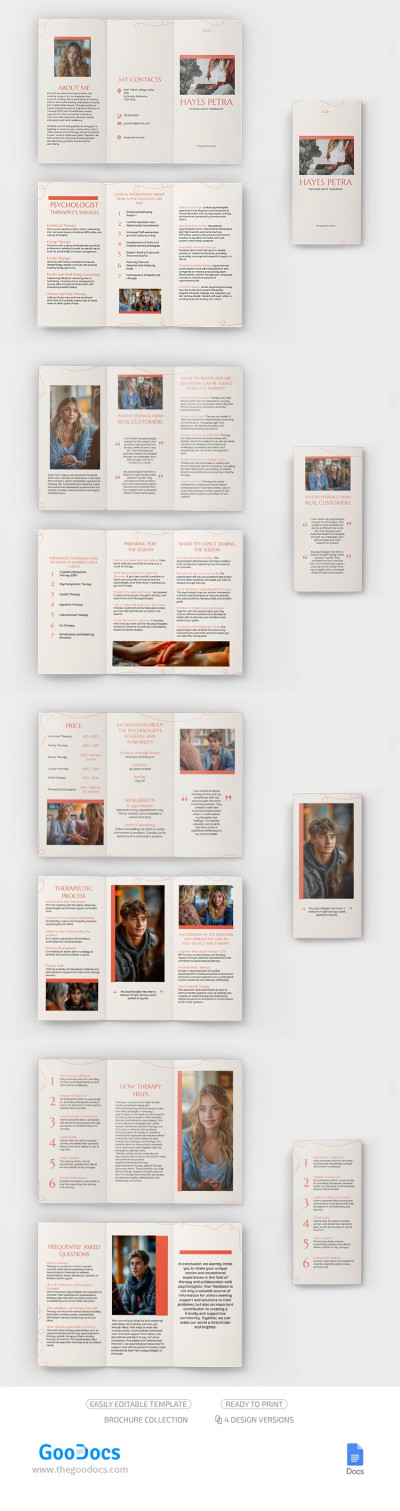
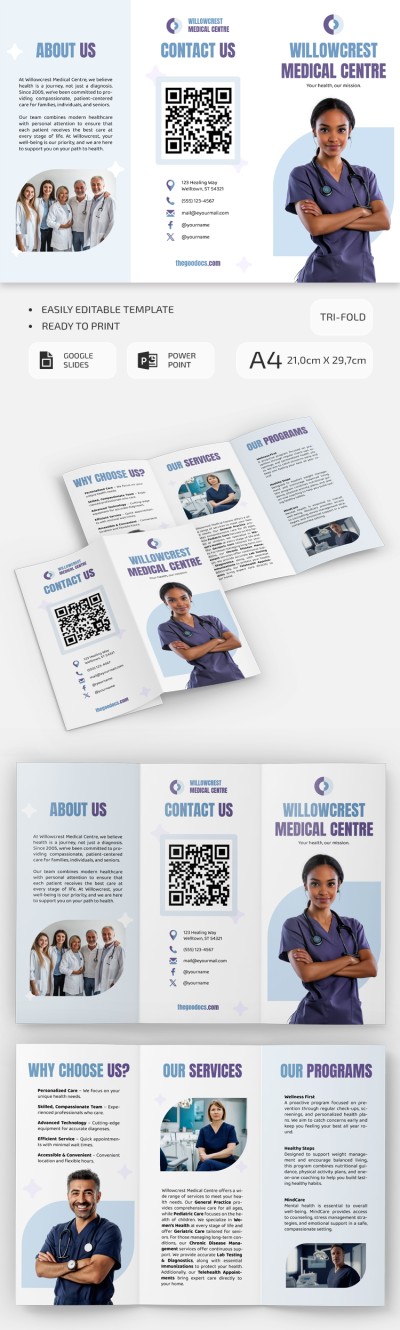
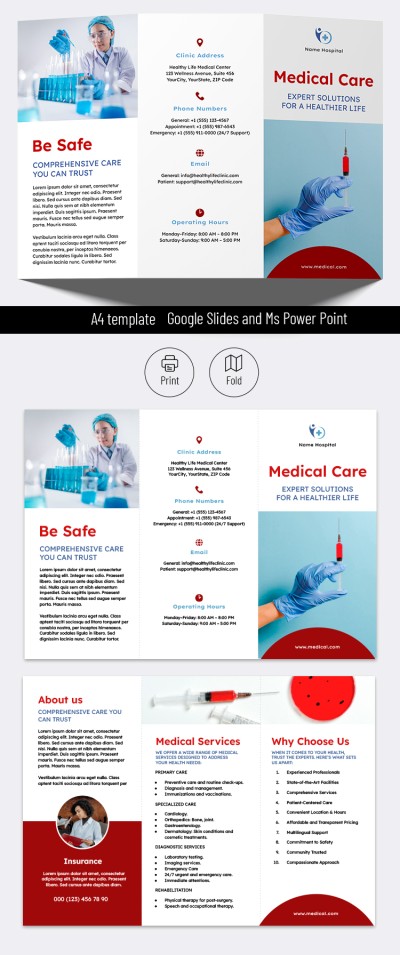
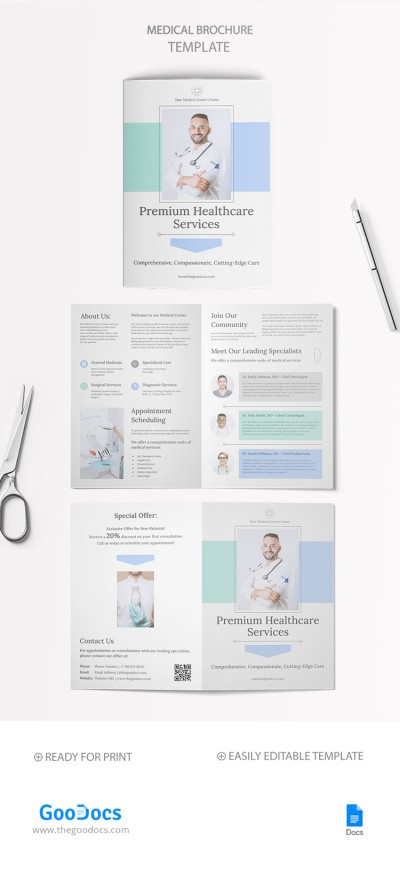
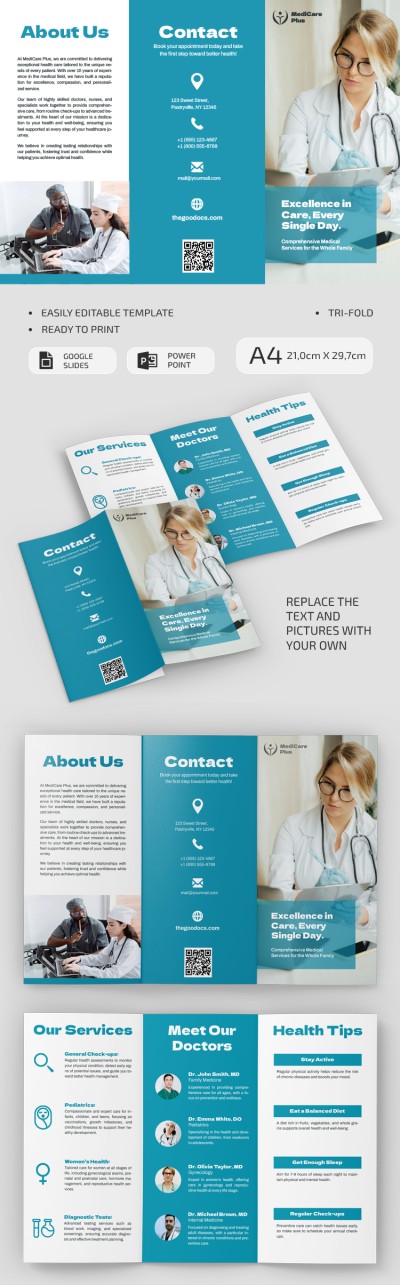
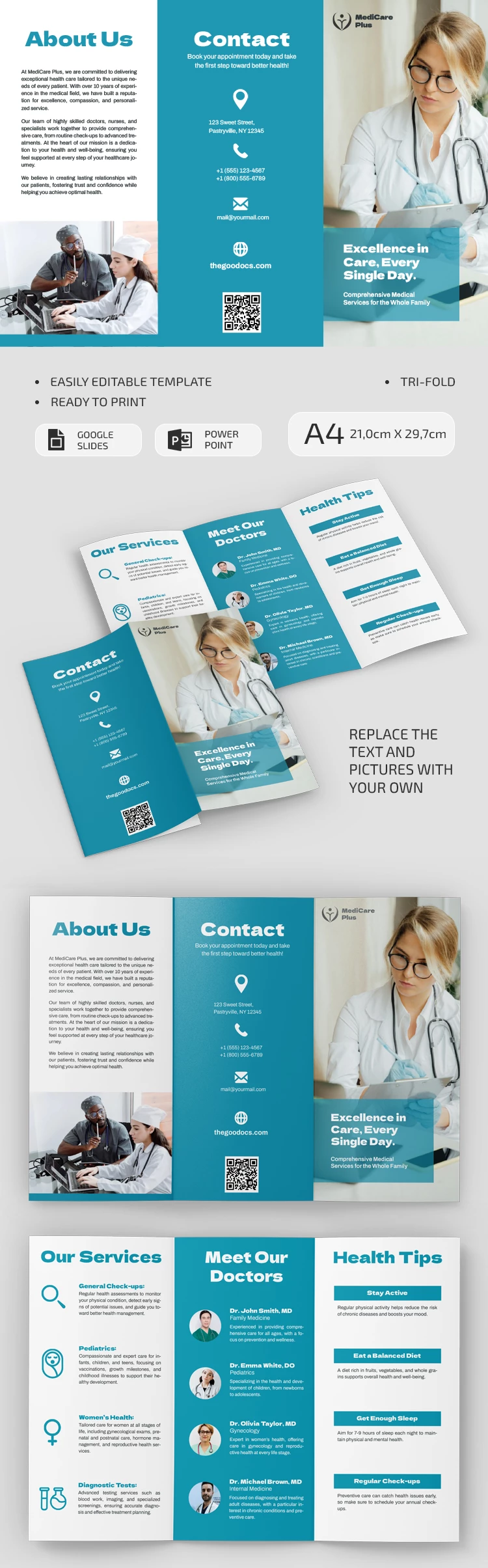
Take advantage of our Healthcare Services Brochure Template to promote your practice and inform patients about new services, prices, and updates. This layout features a blue color scheme classic for the healthcare industry, along with six panels containing illustrations and text blocks. Our portrait brochure template is print-ready on A4 paper as soon as you're done editing.
Use Our Patient Care Brochure Design for Free
Our template includes two slides to cover both sides of the brochure. The middle panels feature a pleasant blue background, and each section contains icons and convenient text blocks to help readers find information quickly. The template also features round placeholders for photos of four specialists to showcase your team.
Start filling out our medical office brochure now:
- Use the placeholder text as a guide for adding your own content.
- Use the structure of each panel to list your services, introduce your doctors, share health tips, describe your facility, and add contact info.
- Be sure to include your clinic's logo, name, and a brief description on the eye-catching front panel.
This layout is fully editable in Google Slides or PowerPoint, featuring a convenient drag-and-drop interface for easy customization. Save your file as a PDF to print it right away without wasting time on formatting. You'll also find a printable brochure template for any industry at the link.
Download Free Template
WHAT’S INCLUDED
Brochures & Pamphlet Tips
FAQ
How to Use and Edit This Template

Get Your Document

Customize Everything

Add Your Content