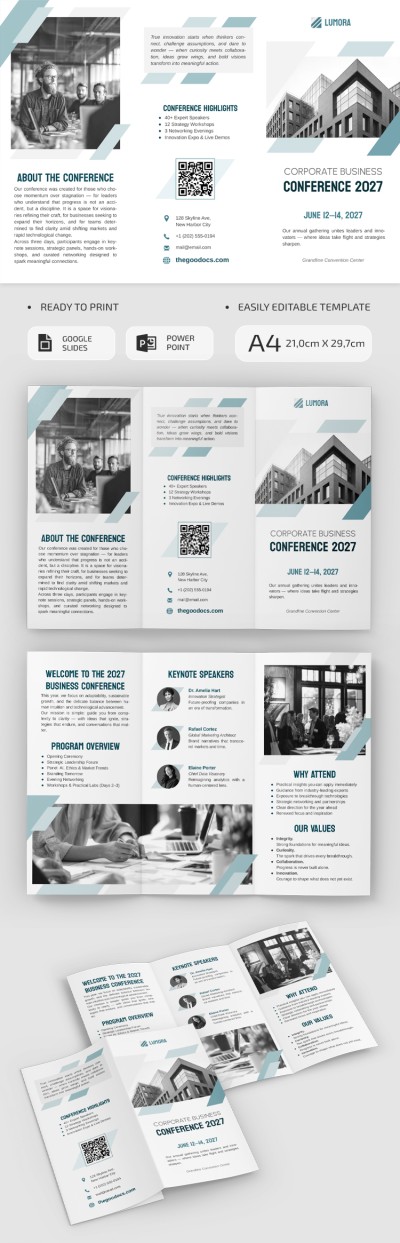
Corporate Business Conference Trifold Brochure Template
Use this free template with Google Slides and Microsoft PowerPoint
Template Specification
Key Features of This Template
About this template
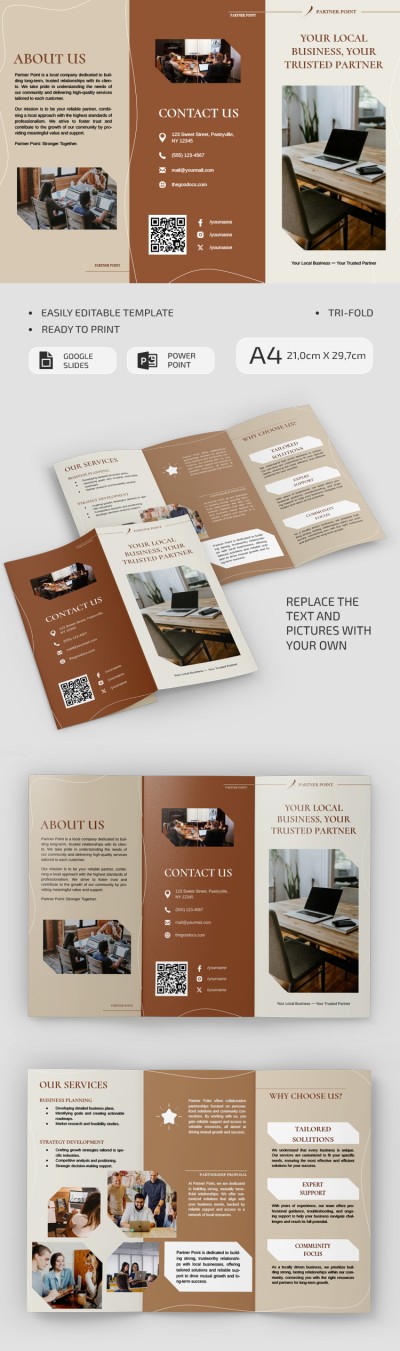
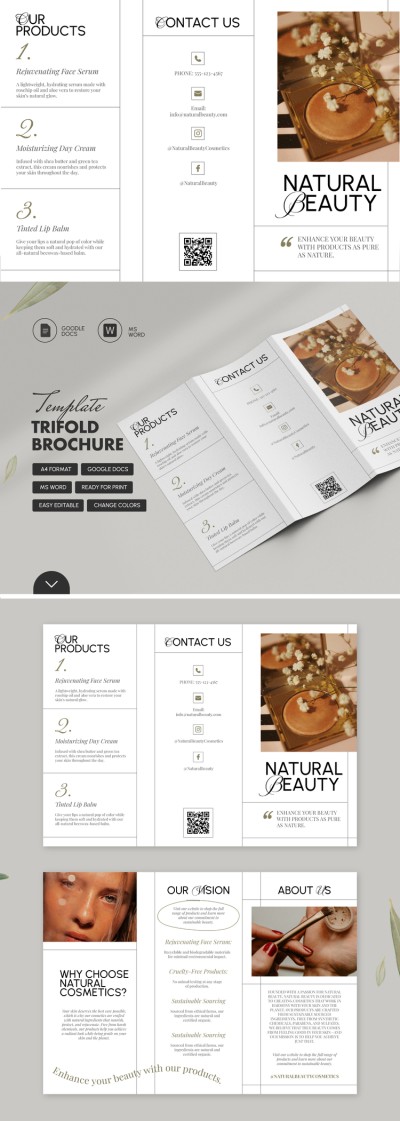
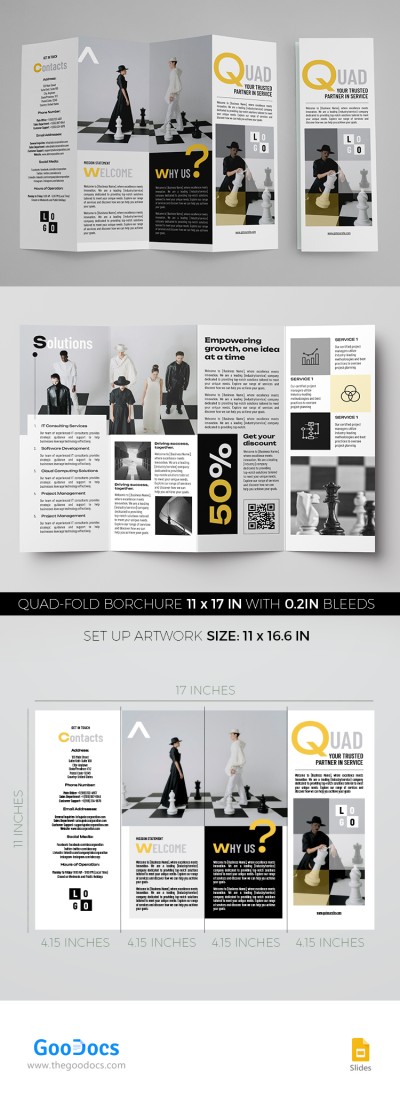
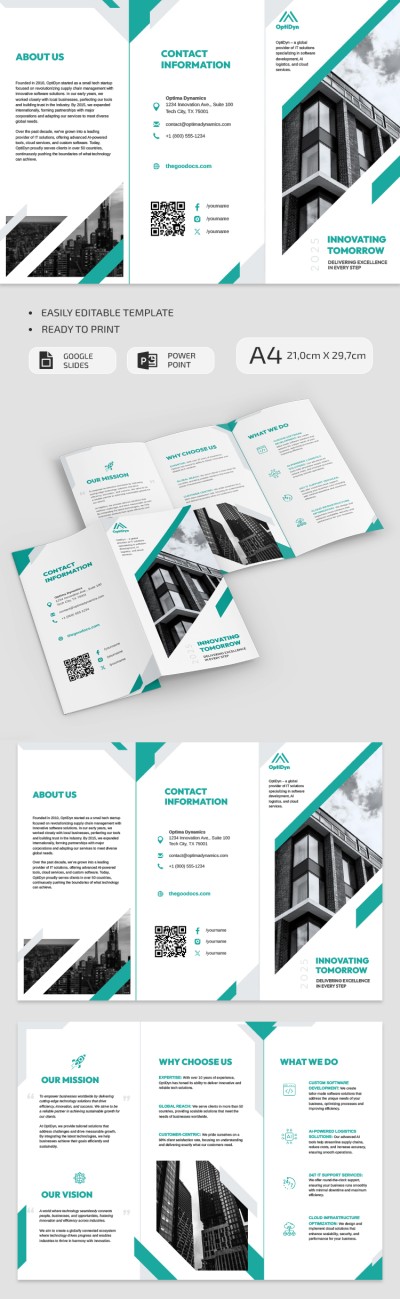
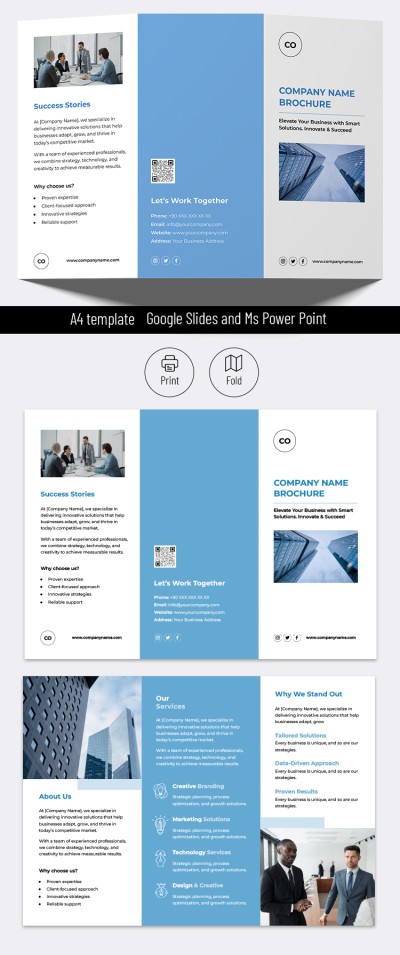
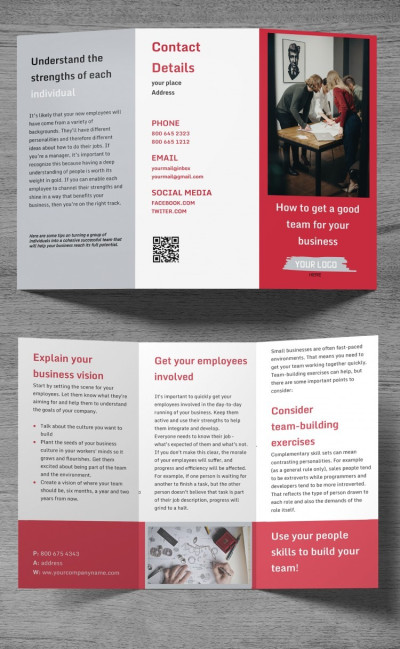
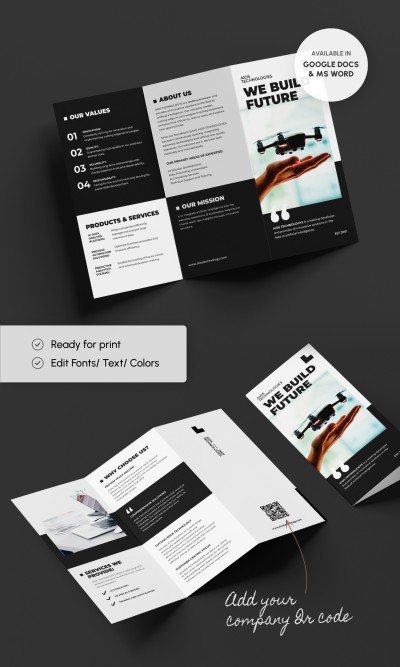
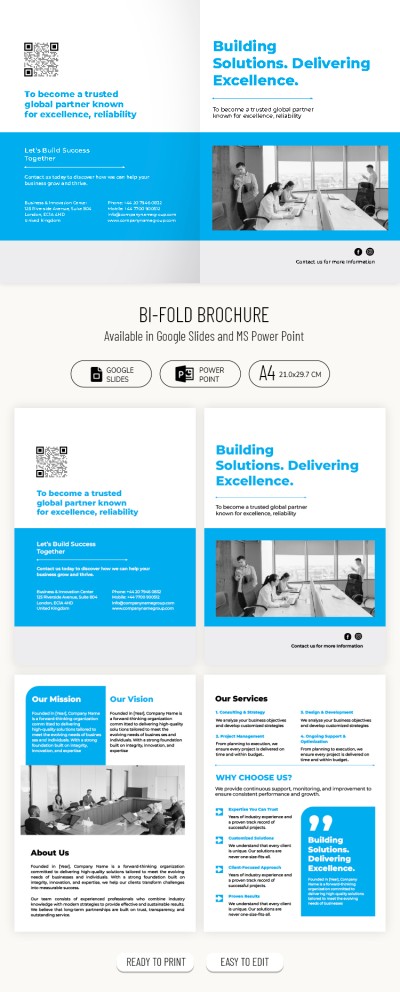
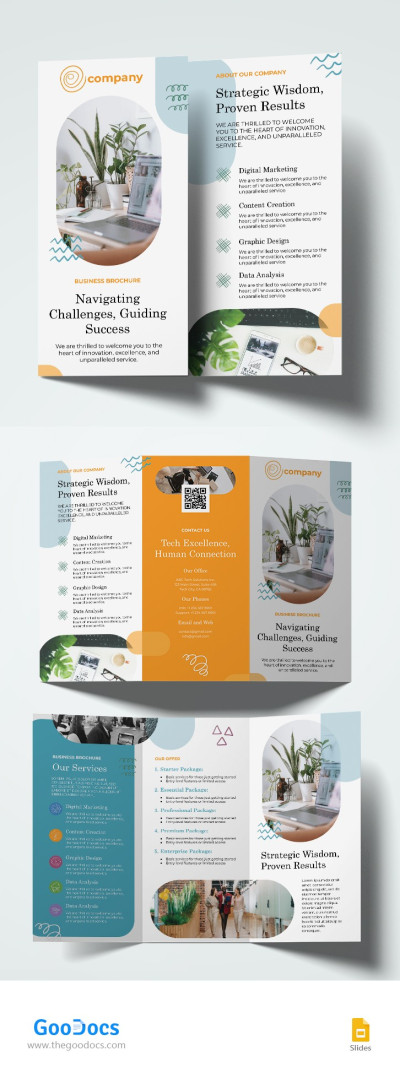
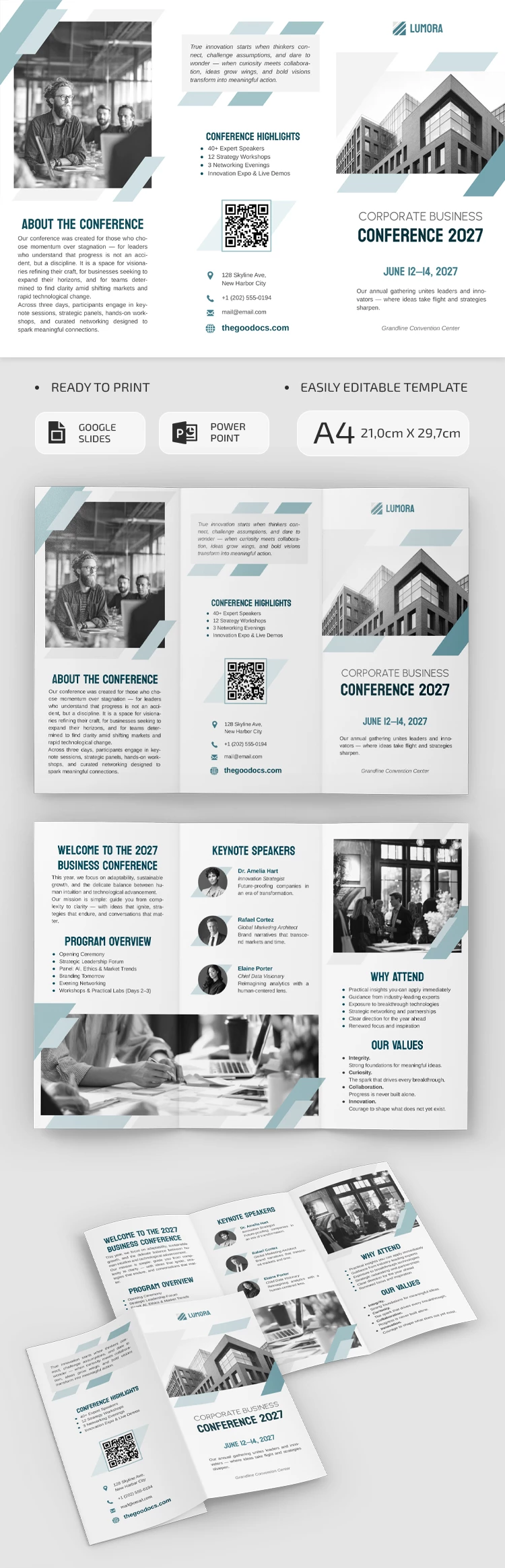
Promote and share details about your business conference using our pre-made Business Conference Brochure Template. The modern white layout with green accents is perfect for a professional setting. This trifold brochure template for Google Slides and PowerPoint features six editable panels you can fill with relevant content.
Promote Your Forum Using a Structured Brochure
Use the pre-made structure and sample content to create a brochure that really works. The catchy layout allows you to introduce the conference theme, program, and keynote speakers, while providing contact information for potential attendees.
Get access to a professional business brochure template:
- Fill in the "about the conference," "conference highlights," and front panel sections on one side of the layout.
- Add all the details about the location, topic, speakers, and reasons to attend on the reverse side.
Each panel has the necessary margins, allowing you to start filling it out immediately, and then save the template as a PDF for double-sided printing and folding. You can also easily drag and drop to adjust text blocks and image placeholders. Print it in A4 landscape format right away with no extra setup needed. Find a brochure template for any occasion on our website.
Download Free Template
WHAT’S INCLUDED
Brochures & Pamphlet Tips
FAQ
How to Use and Edit This Template

Get Your Document

Customize Everything

Add Your Content