Adorable Travel Brochure Template
Use this free template with Google Slides and Microsoft PowerPoint
Template Specification
Key Features of This Template
About this template
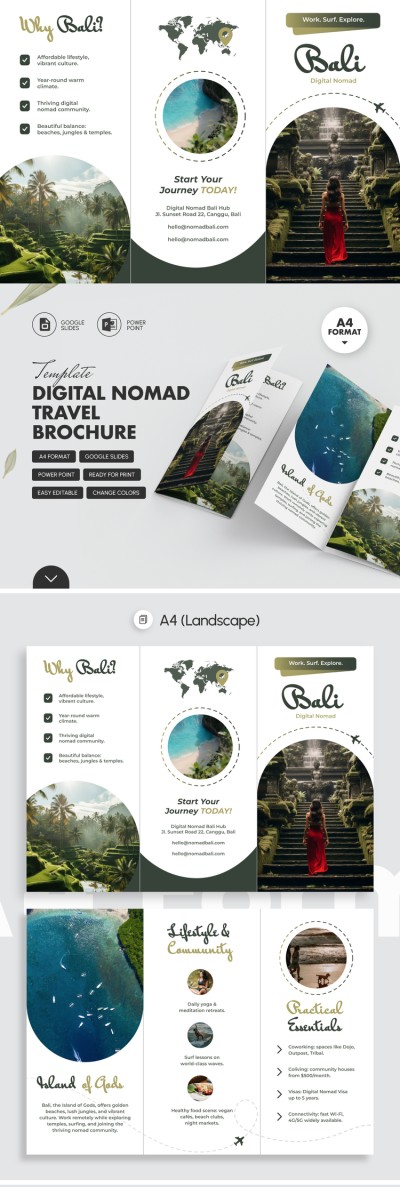
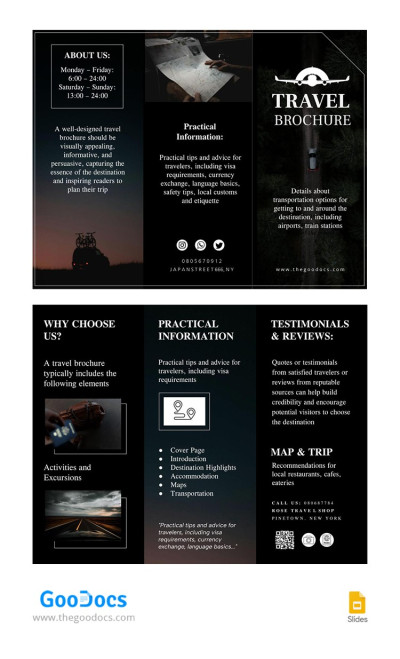
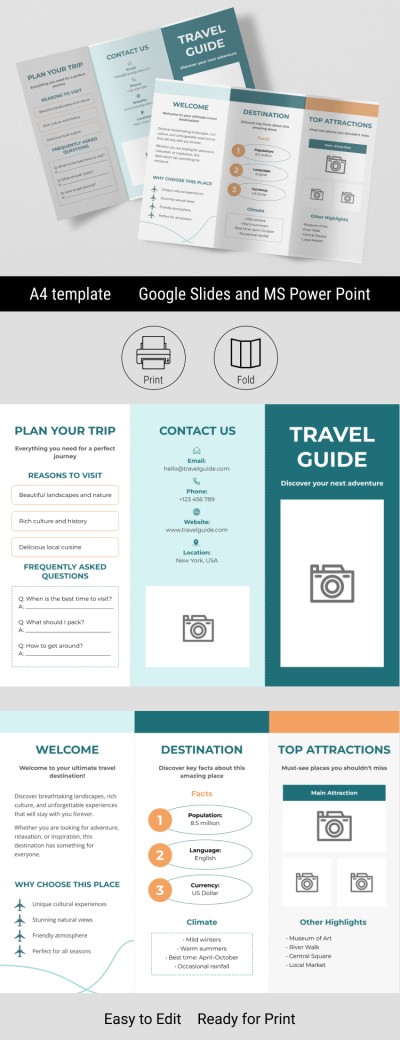
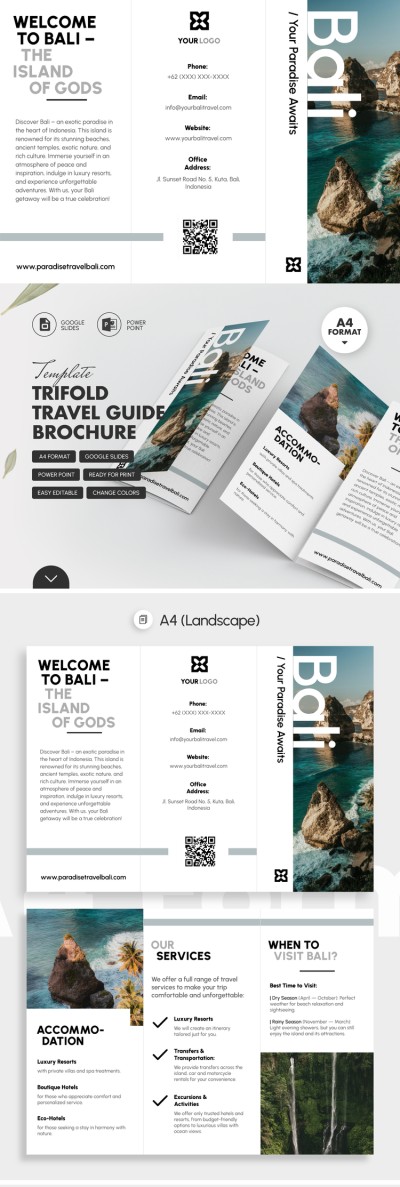
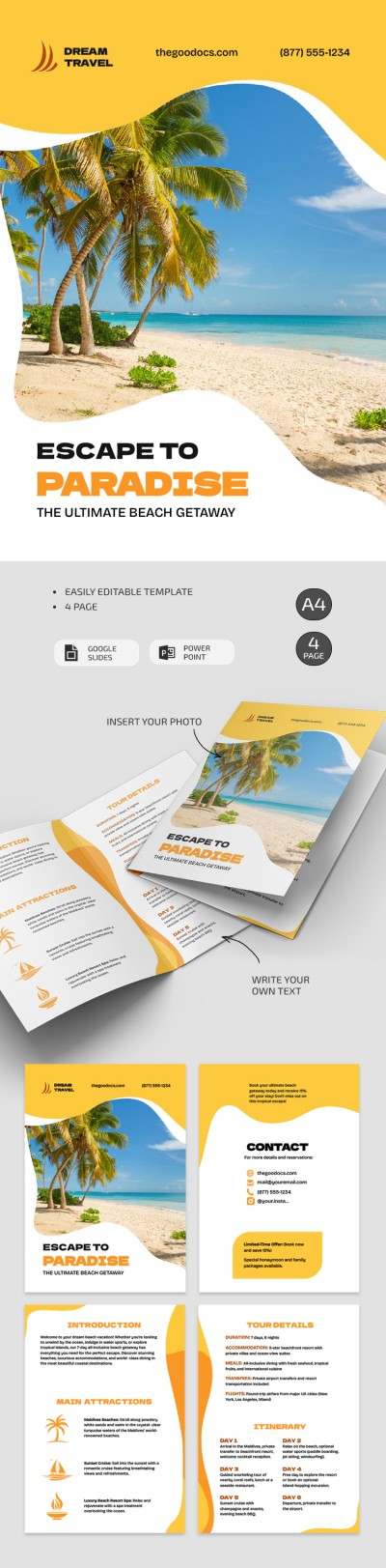
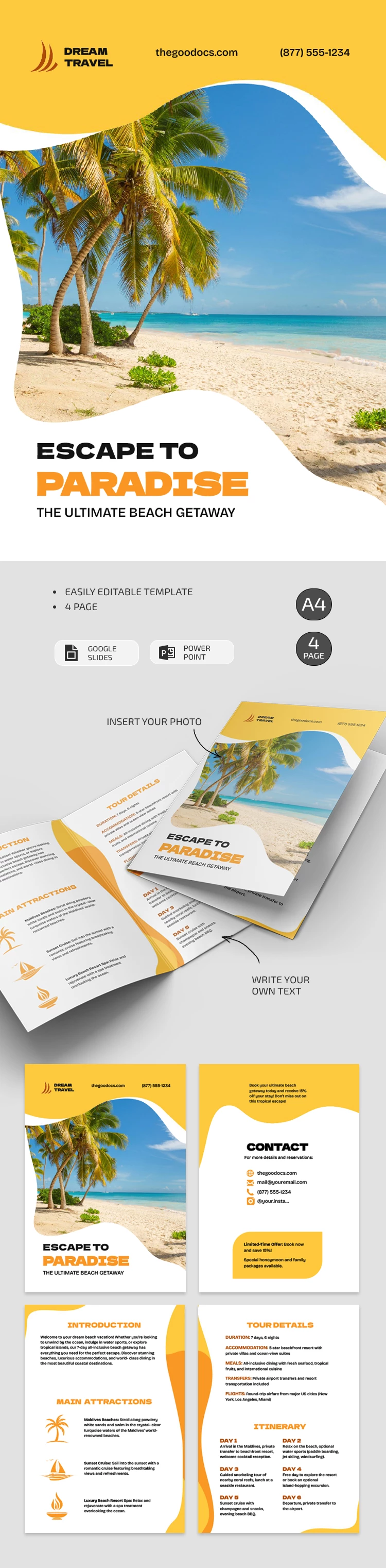
Our Adorable Travel Brochure Template catches the eye right from the front panel, with its vibrant image of palm trees against an ocean backdrop and a sharp yellow border. Your potential customers will immediately immerse themselves in a beach vacation atmosphere thanks to the template's tropical design. The ready-made brochure template with pre-placed blocks will save you countless hours compared to designing everything from scratch.
Design a Structured Vacation Destination Booklet
The pre-built layout and design are perfect for promoting your top tour to a warm destination.
Make the most of our travel brochure template:
- Add your company name, logo, website, phone number, and the destination name to the front panel.
- Include information about the location, key attractions, tour details (duration, accommodation, meals, transfers, flights), and the itinerary.
- Fill out the contact section with your website, email, phone number, and social media handles, and add a limited-time offer (optional).
You can customize the layout by choosing new fonts, changing fill colors, adding relevant destination photos, and inserting text in Google Slides and PowerPoint. Once you've finished editing, save the file as a PDF and print it, as all the print settings are already configured. Choose the perfect portrait brochure template on our website.
Download Free Template
How to Use and Edit This Template

Get Your Document

Customize Everything

Add Your Content