
Simple Resume Templates
Find simple resume templates on this page. Choose from editable and printable examples that are perfect for entry-level candidates and job seekers in conservative fields. Personalize the template in Word or Google Docs format; add relevant work experience, education, and skills using a simple interface and ready-made structure.
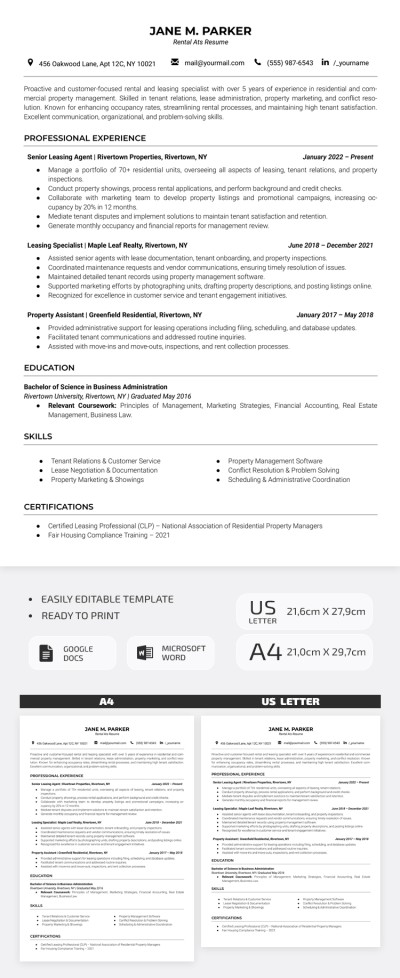
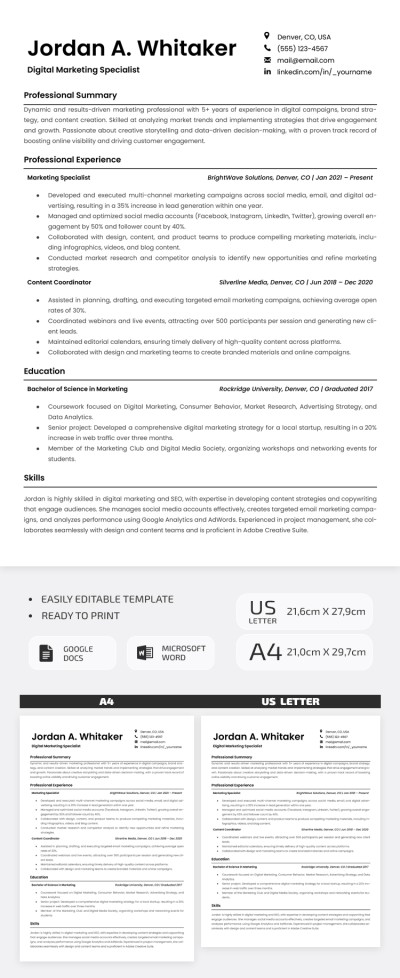
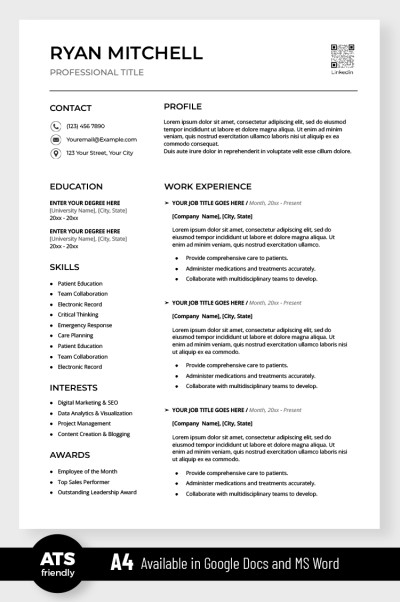
Simple ATS Resume
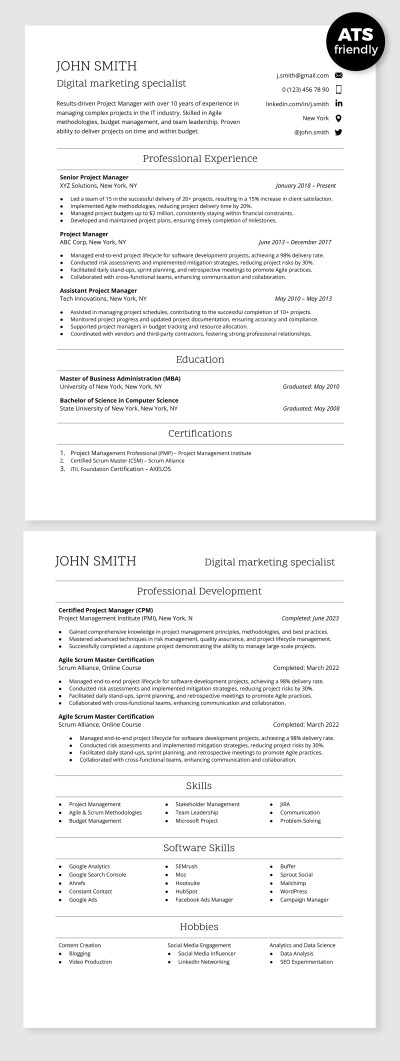
ATS Compatible Digital Marketing Specialist Resume Template
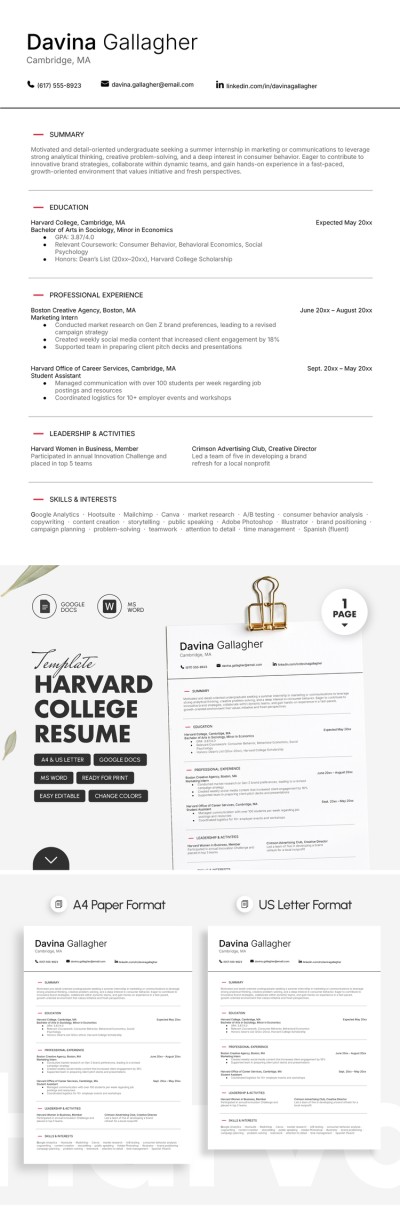
Harvard College Resume Template
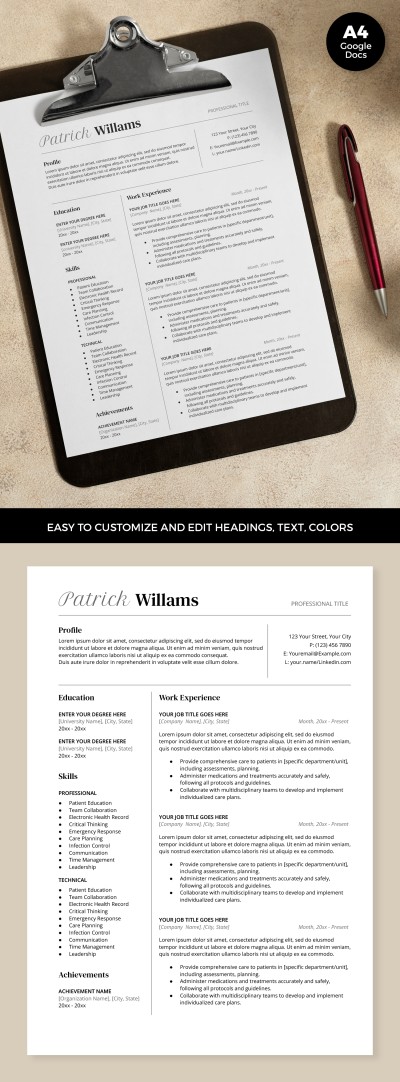
ATS Optimized Resume
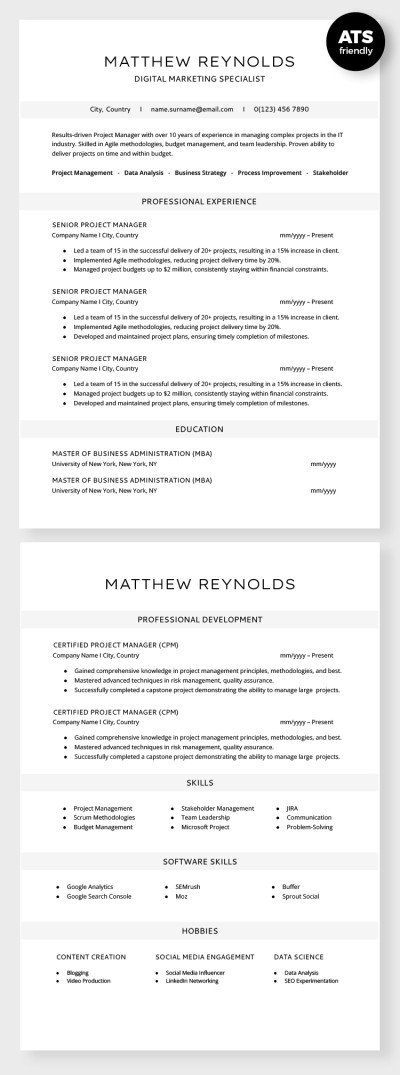
ATS Compatible Digital Marketing Specialist Resume
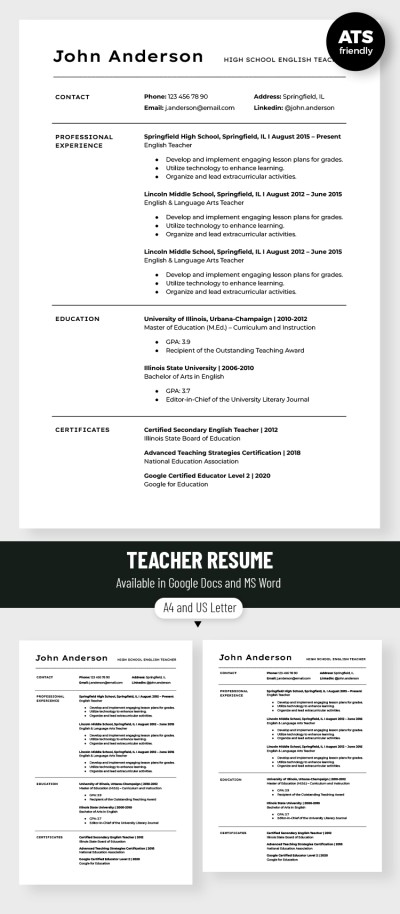
Editable Teacher Resume Template
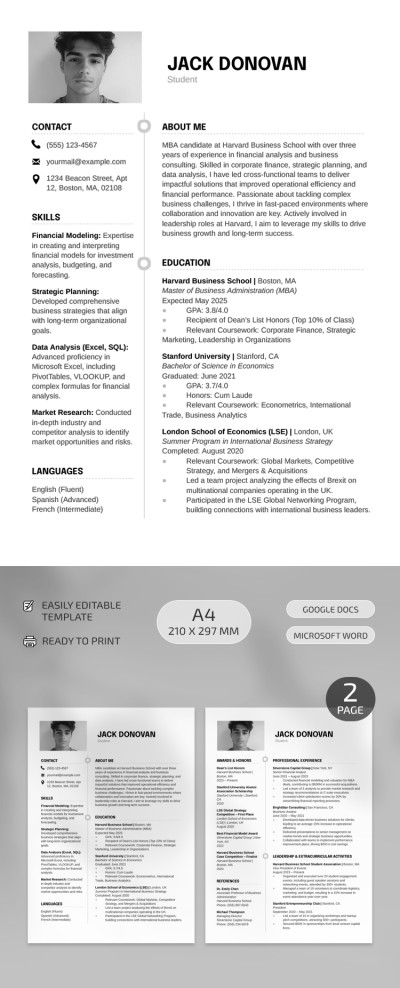
Harvard Business School Resume
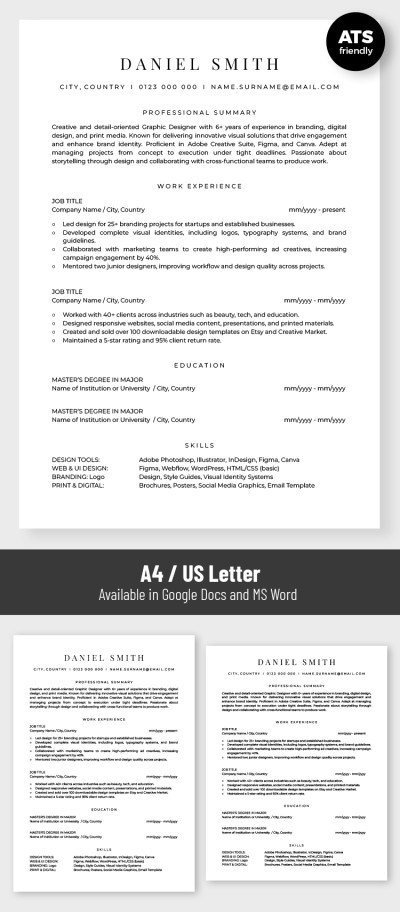
Basic ATS Friendly Graphic Designer Resume Template
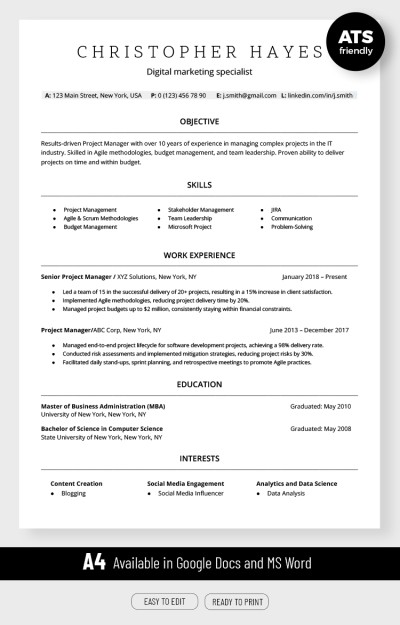
ATS Compatible Digital Marketing Resume Template
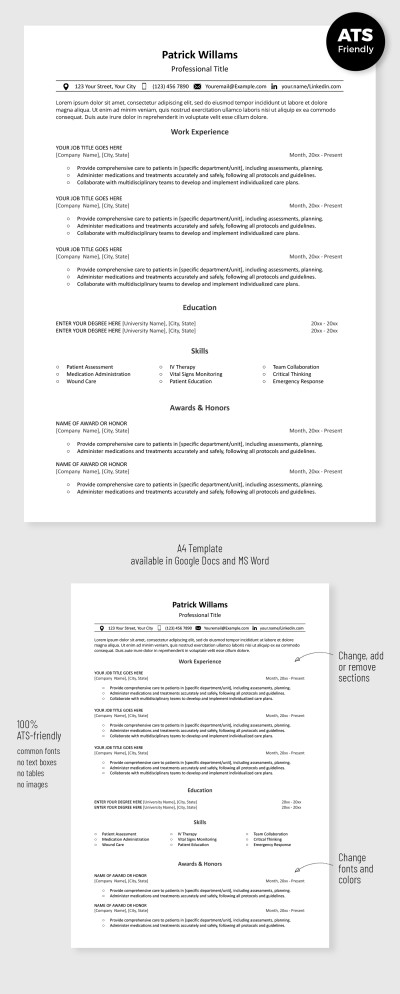
Simple ATS Resume Template
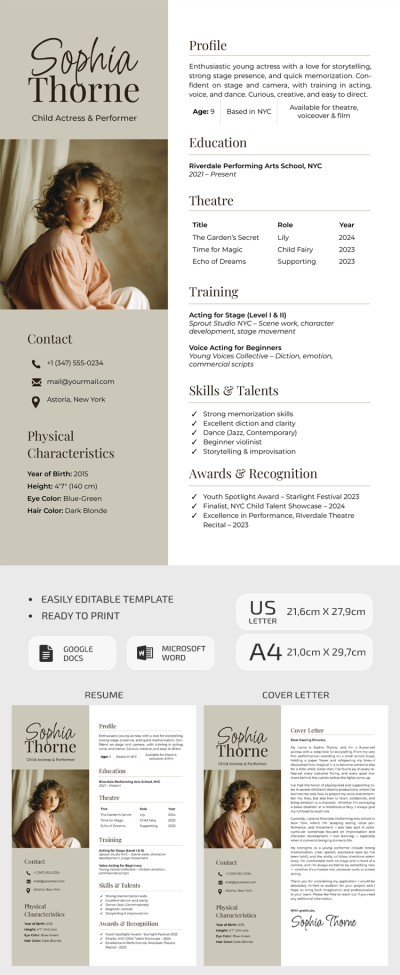
Child Actor Resume Template with Cover Letter
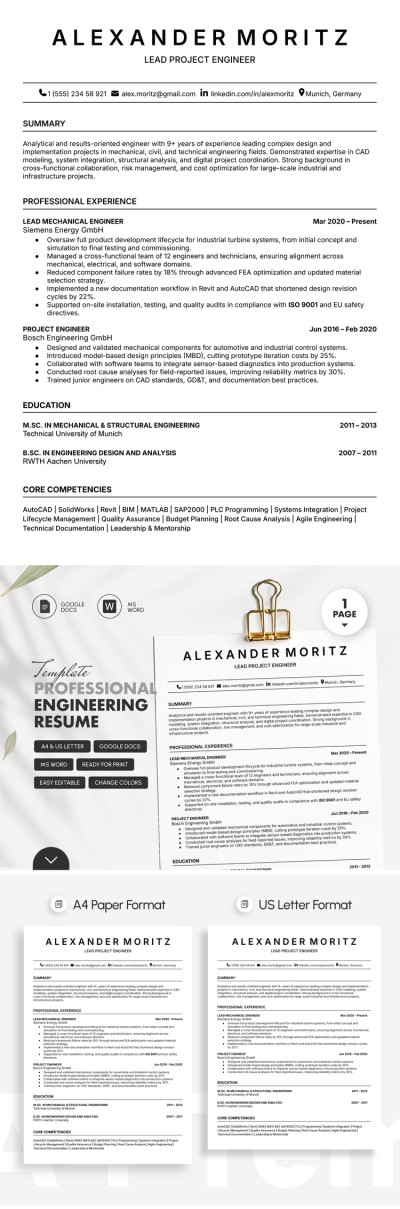
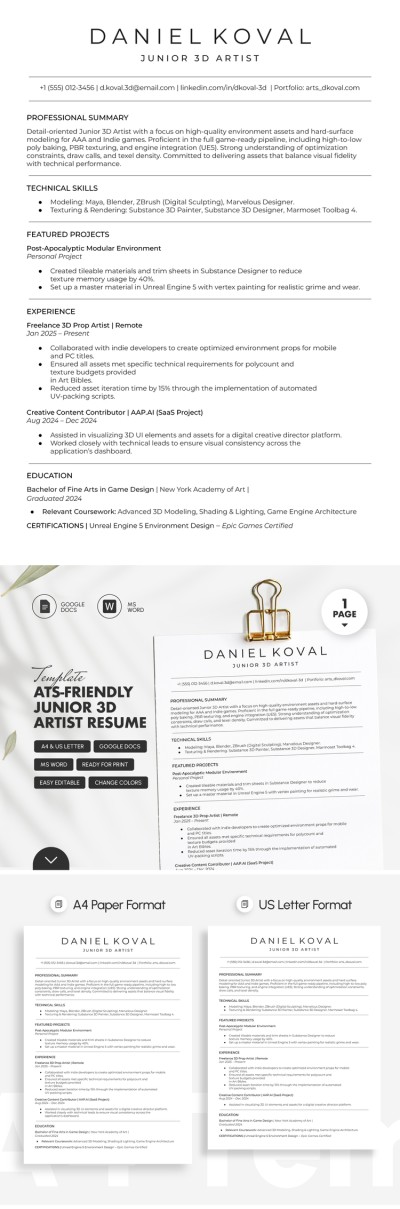
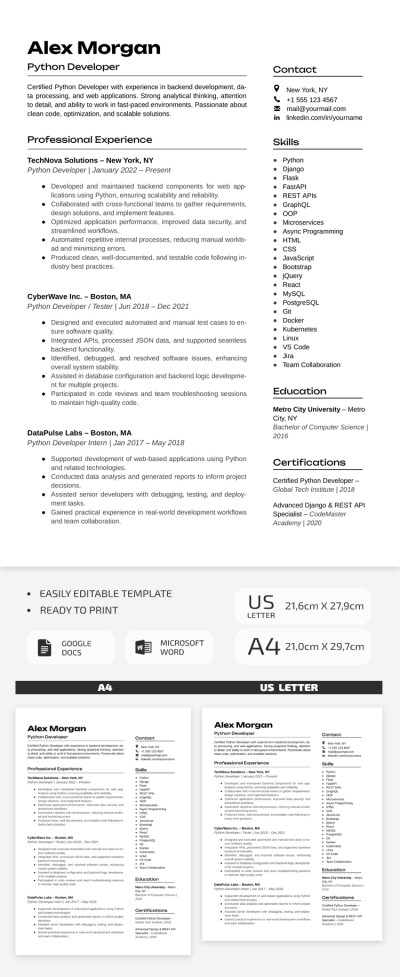
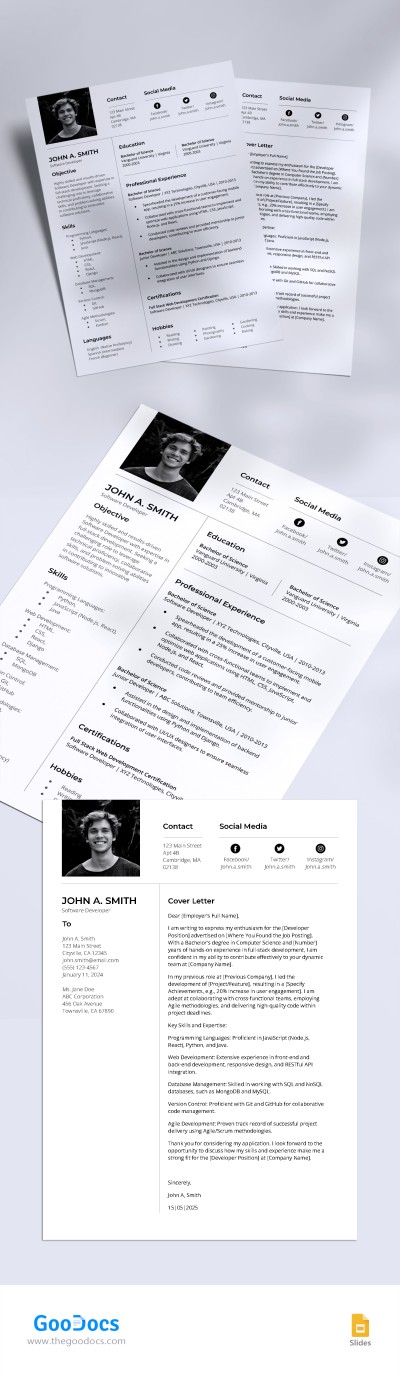
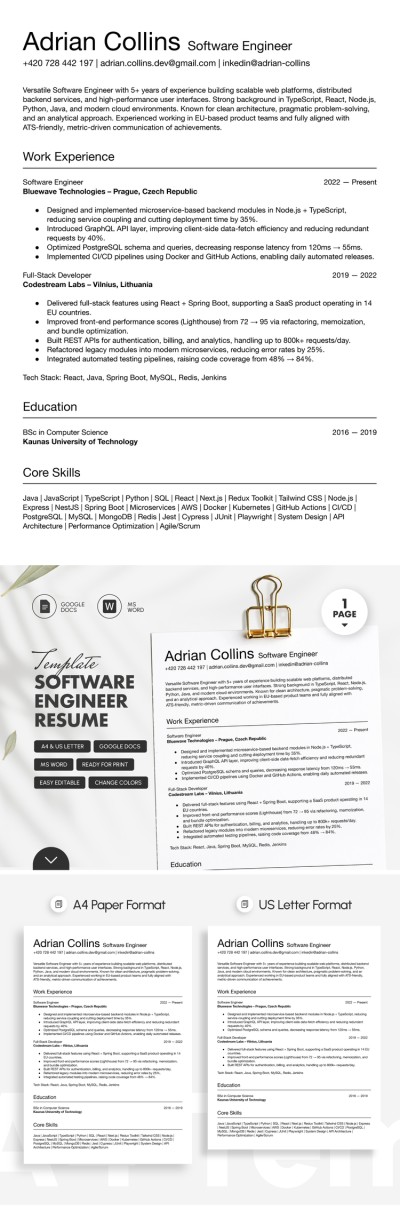
Simple Ats Friendly Software Developer Resume Template
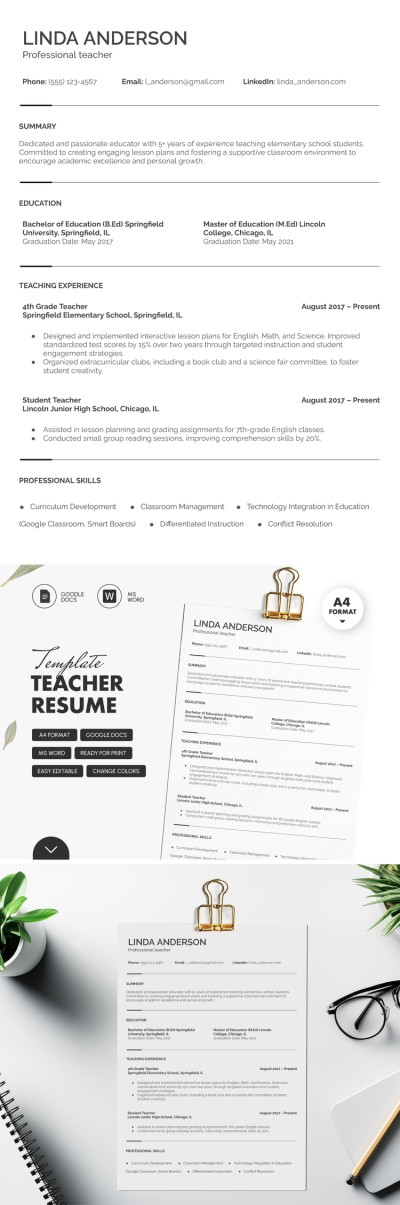
Elegant Teacher Resume
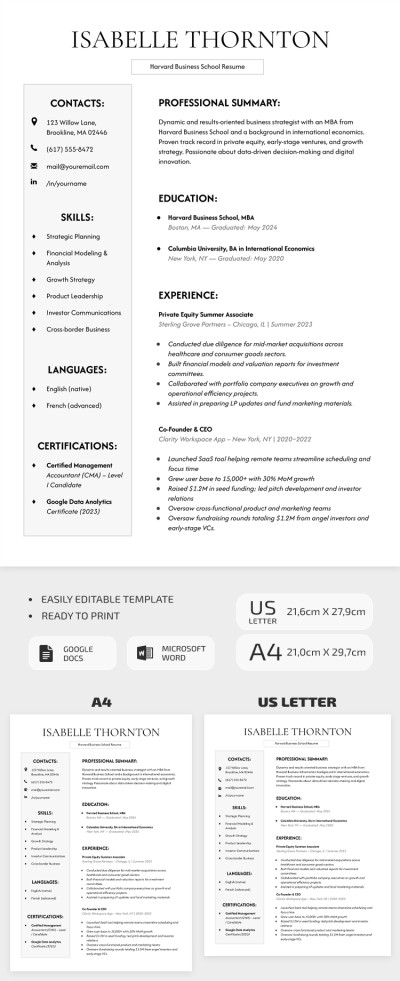
Classic Harvard Business School Resume Template
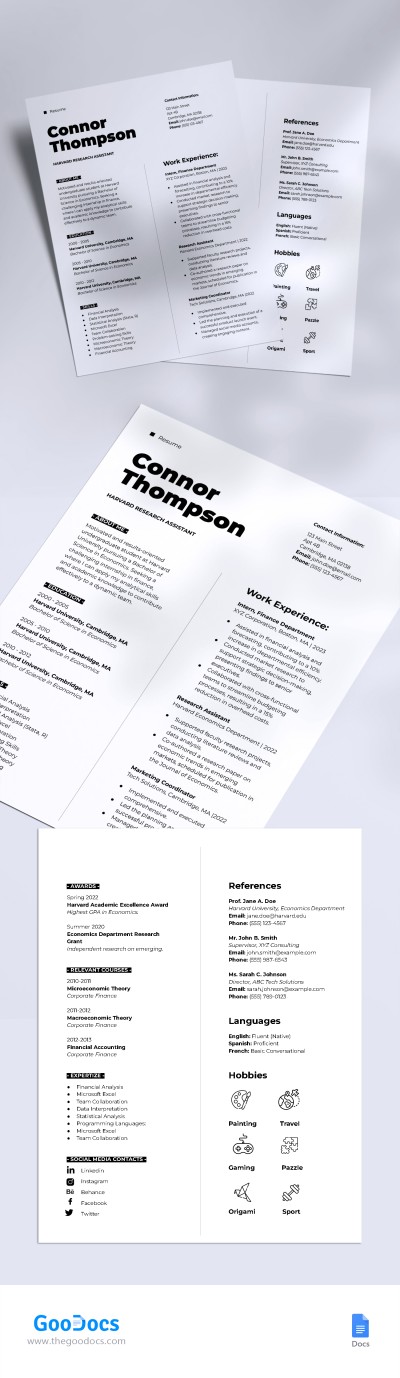
Harvard Style Resume
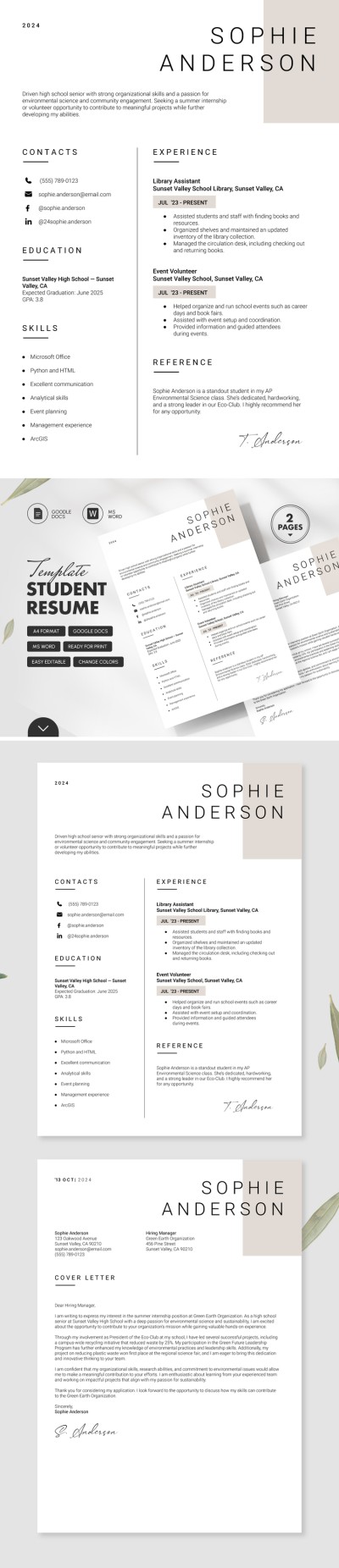
Minimalist Student Resume with Cover Letter
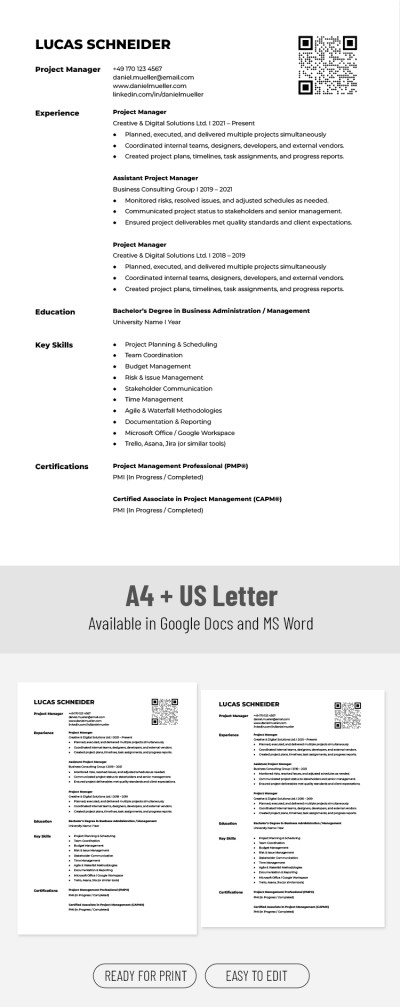

Clear Marketing Manager Resume
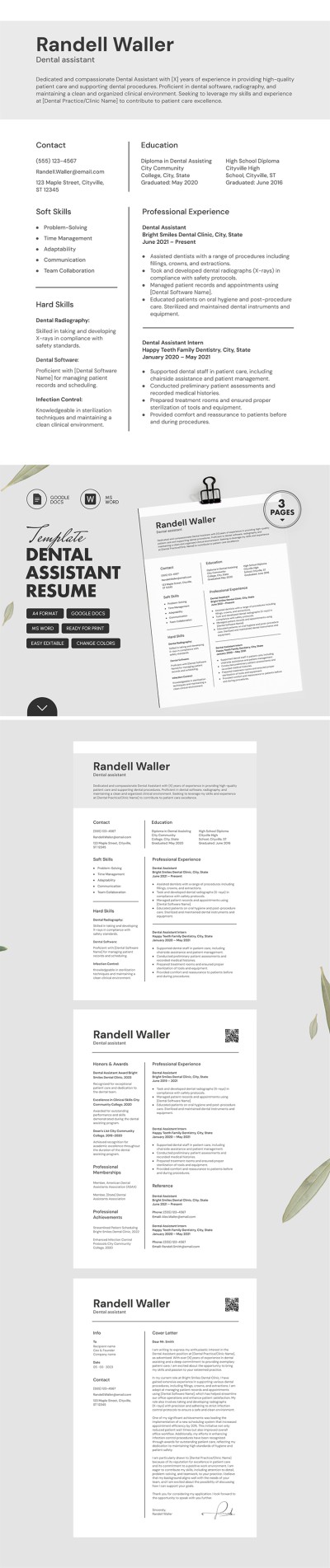
ATS Friendly Dental Assistant Resume Template with Cover Letter
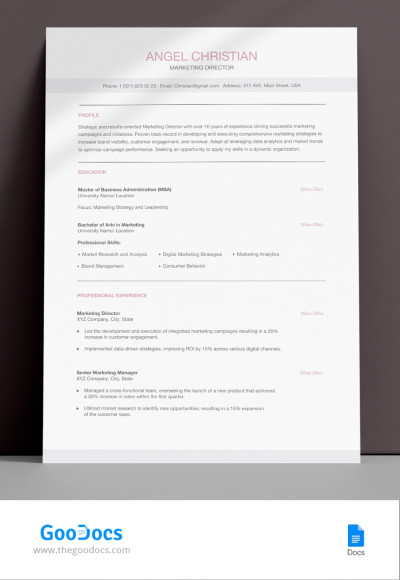
Perfect ATS Friendly Marketing Director Resume Template
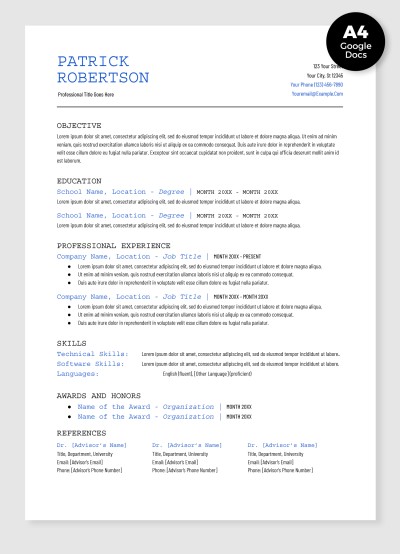
Academic Resume
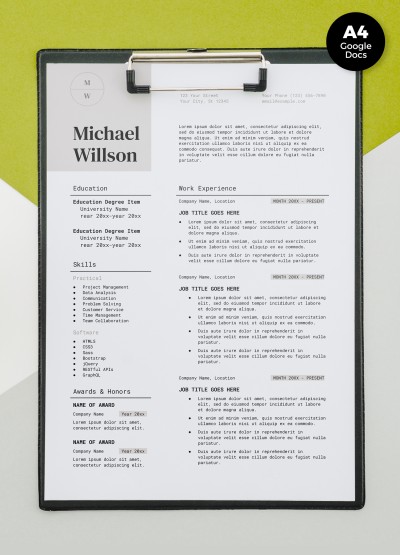
Job Resume
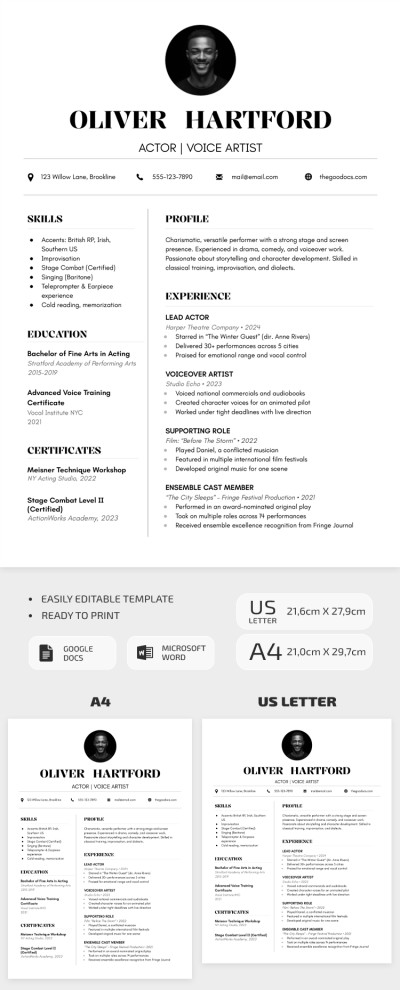
Simple Actor Resume Template
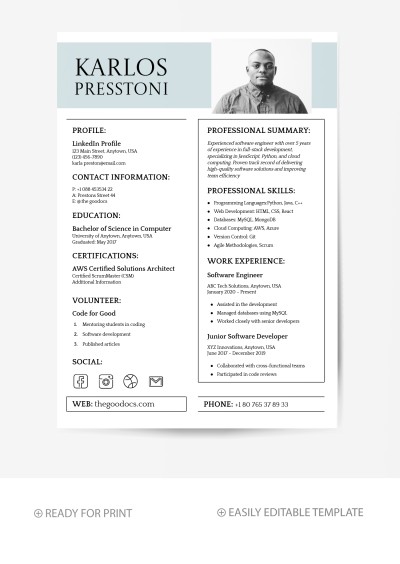
Minimalist Software Engineer Resume Template
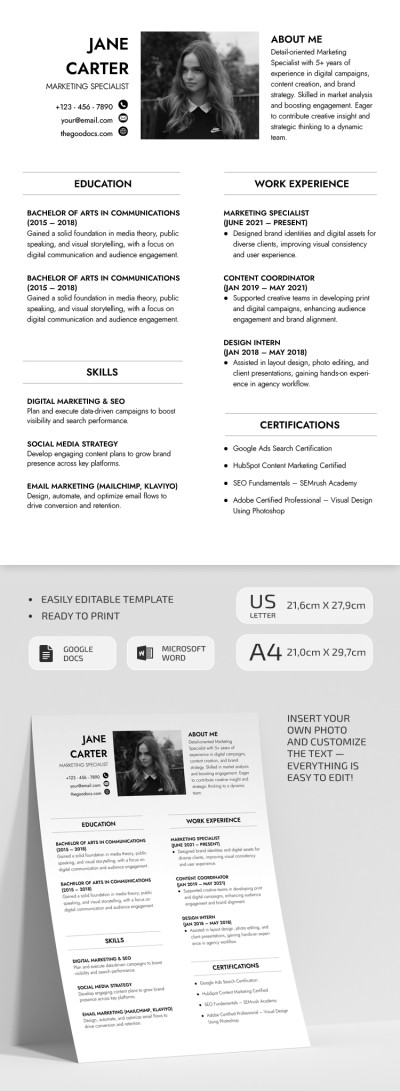
ATS Friendly Marketing Specialist Resume
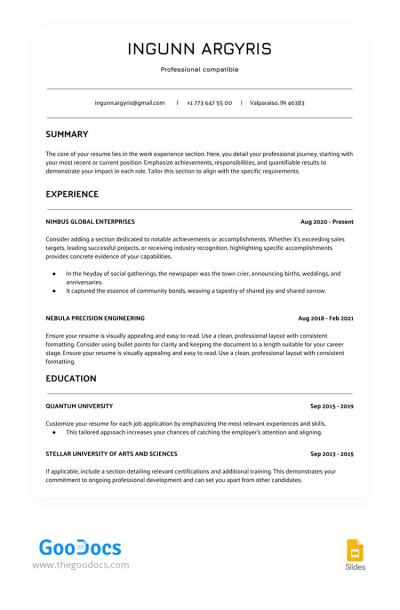
White ATS Сompatible Resume
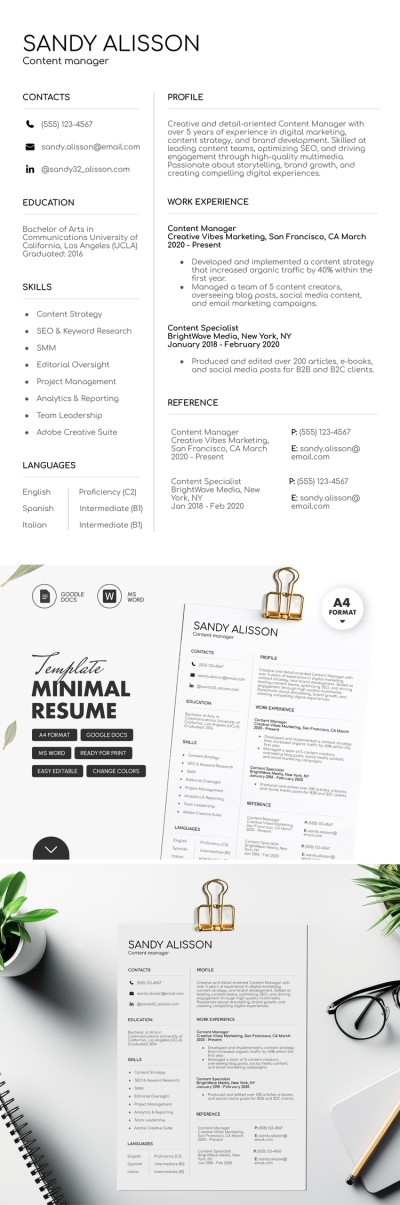
Minimal Content Manager Resume Template
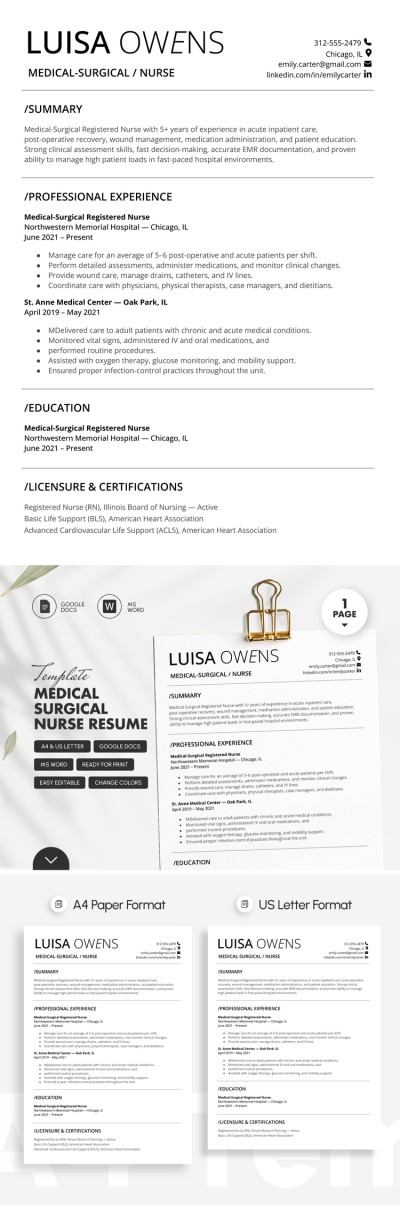
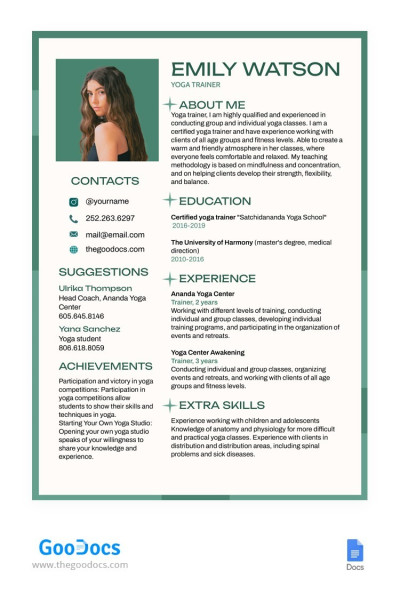
Yoga Instructor Resume
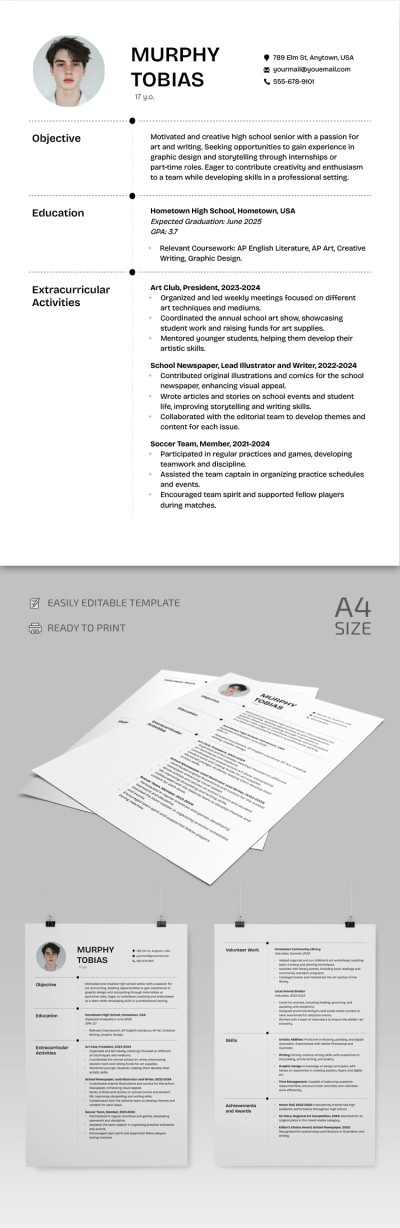
High School Resume
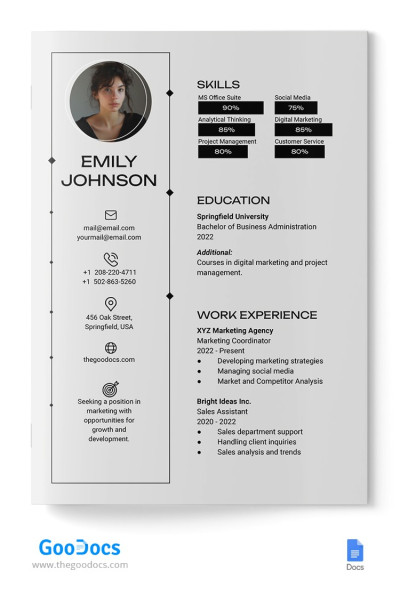
Simple Resume
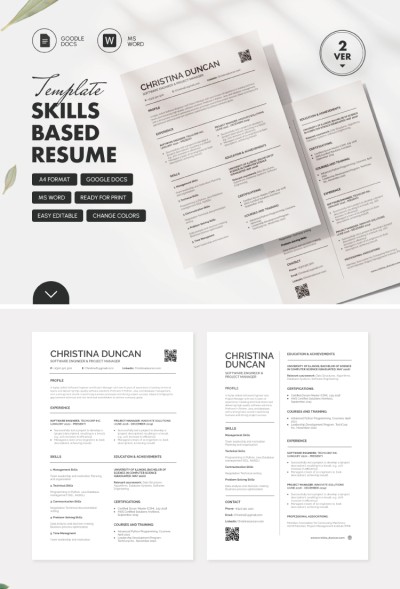
Skills Based Project Manager Resume Template
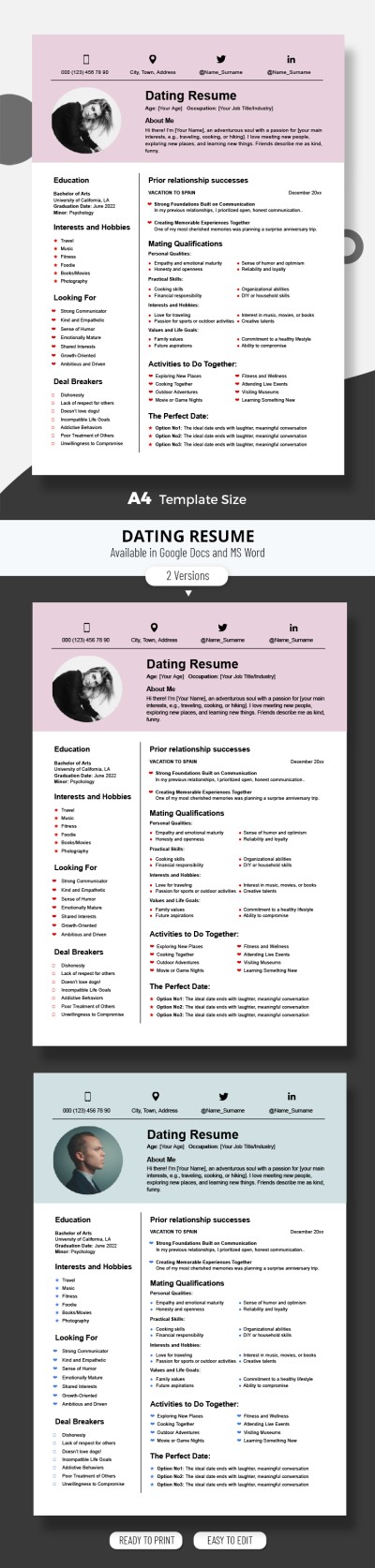
Dating Resume

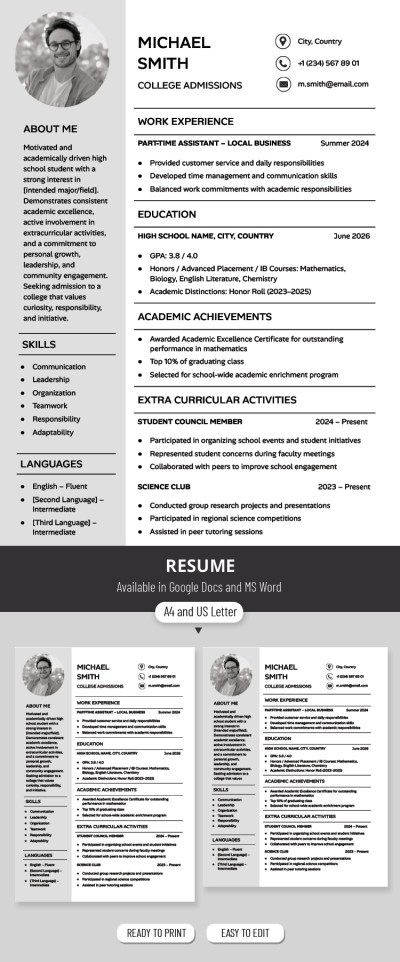
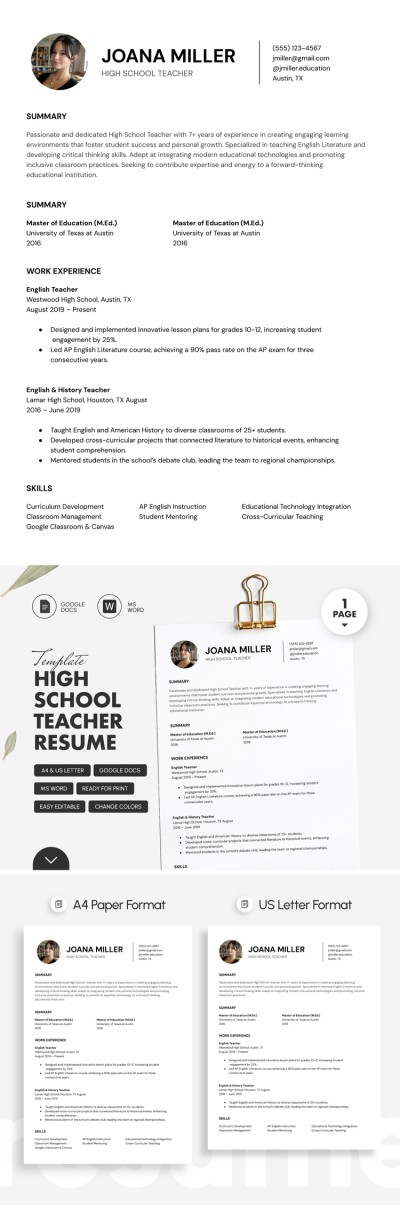
High School Teacher Resume Template
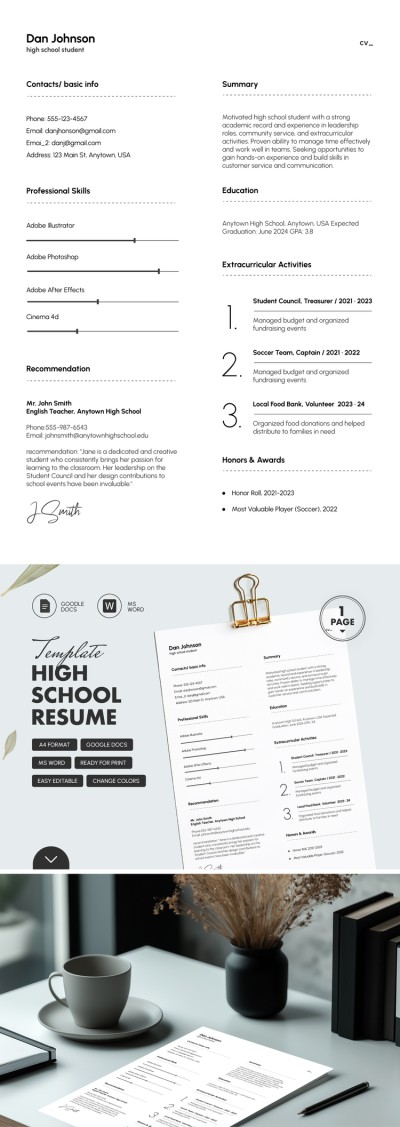
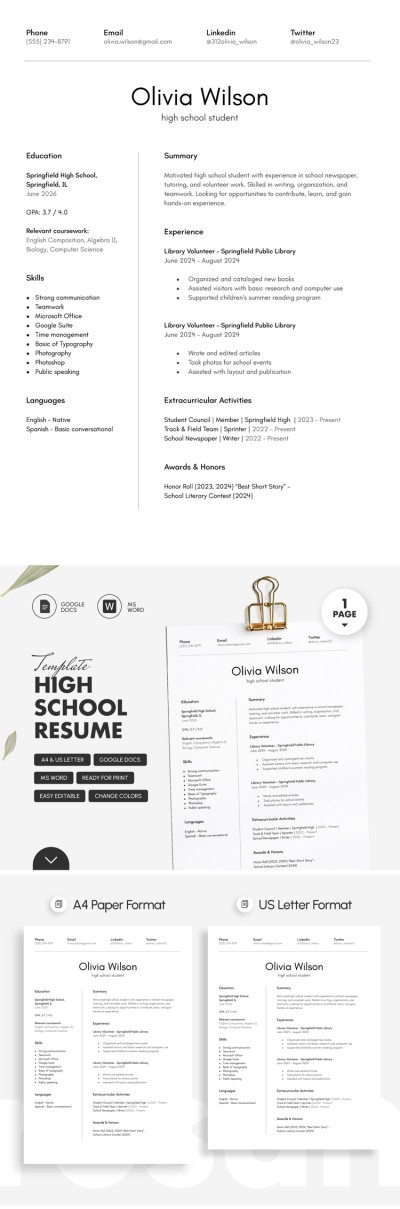
Simple High School Resume
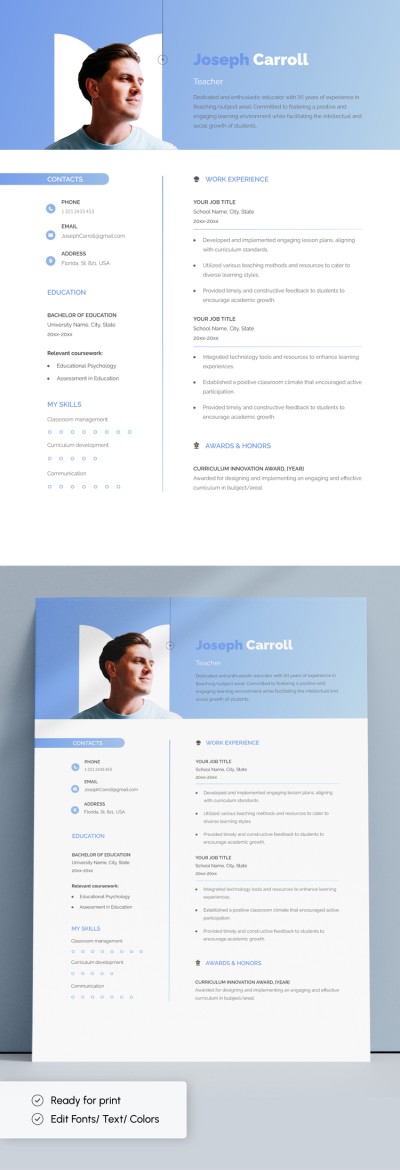
Editable Teacher Resume Template
Our simple resume templates help you create a professional document with ease. They offer a ready-made, no-frills design with a clear structure, which is crucial for recruiters. This also makes them suitable for candidates across different industries.
Use our simple resume templates right away:
- Each template features a concise design. Inside each sample, you will find only the essential elements. The layout is divided into main sections, including a summary, work experience, contact information, skills, and certifications. Such a simple layout makes them indispensable when searching for a job in any industry.
- The text and sections remain the main focus in each example. Recruiters want to find the necessary information quickly. Therefore, each section is highlighted with a heading, and bullet points are used to separate different items.
- You can edit them in Google Docs and Microsoft Word. These editors remain among the best tools for creating resumes. Add all the information, change blocks, remove what is necessary - all within Google Docs and Word. They also allow you to apply in both digital and printed form, in A4 or US Letter size.
Our simple resume templates are the perfect choice for professionals who want to quickly prepare a high-quality and business-style document. Describe your key skills and experience, and apply today. Explore specialized resume templates for different professions and needs. Try a college resume template on our website.
Simple Resume Templates FAQ
Just follow these step-by-step instructions to write a simple resume using a template:
- Choose a simple template with appropriate formatting and all the necessary sections on this page. Our templates include sections such as resume summary, contact information, and education. Depending on the resume format, you can also find options with either work experience or skills sections, or with both of them.
- Download the template in Microsoft Word format or save a copy to your Google Drive. Click the button to the right of the preview on the template page to download it or create a copy. Then wait ten seconds, and the template will be available.
- Proceed to fill in each section. If you don’t need certain sections, delete them and add more relevant information to distinguish yourself from other candidates.
- Review the template and save it. If you edited it in Google Docs, all changes are saved automatically. All that remains is to choose the submission format: you can download it as .docx or as a PDF.
Your simple resume template is now ready to use. Submit it and apply for any job. Only the best templates are available on this page.

