
Free Resume Google Docs Templates
We offer the best collection of editable resume templates in Google Docs and Word formats. Choose from ATS-friendly, corporate, designer, student, printable, and other options. Get a copy online or download it, fill in the relevant data, and apply for your dream job - no special skills are required.
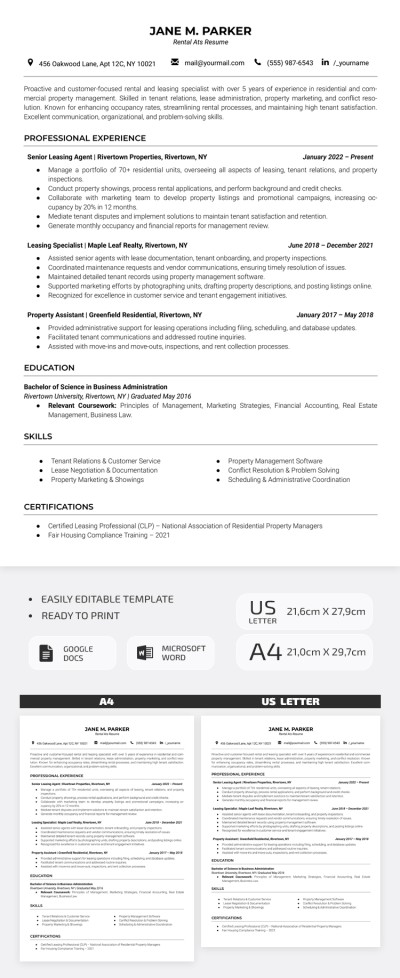
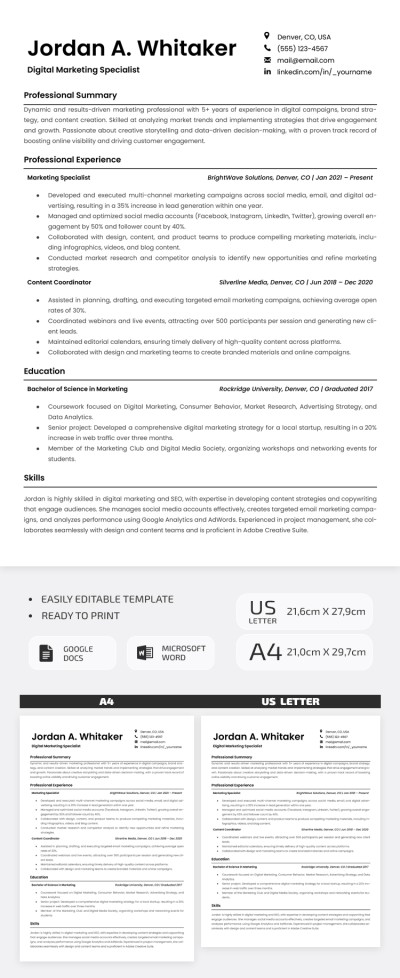
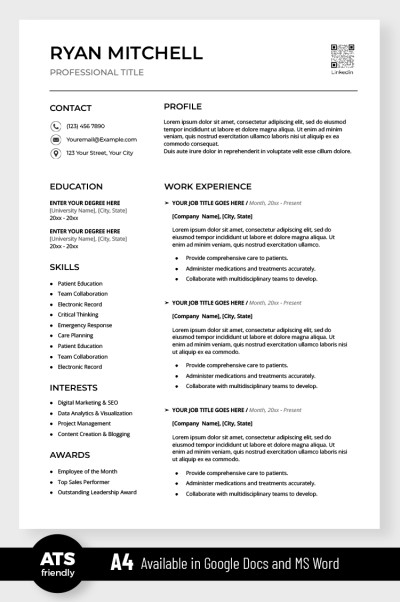
Simple ATS Resume
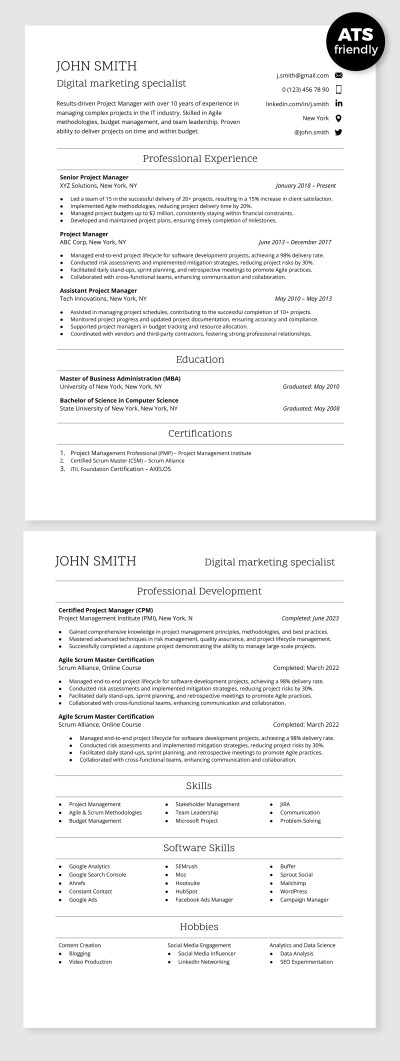
ATS Compatible Digital Marketing Specialist Resume Template
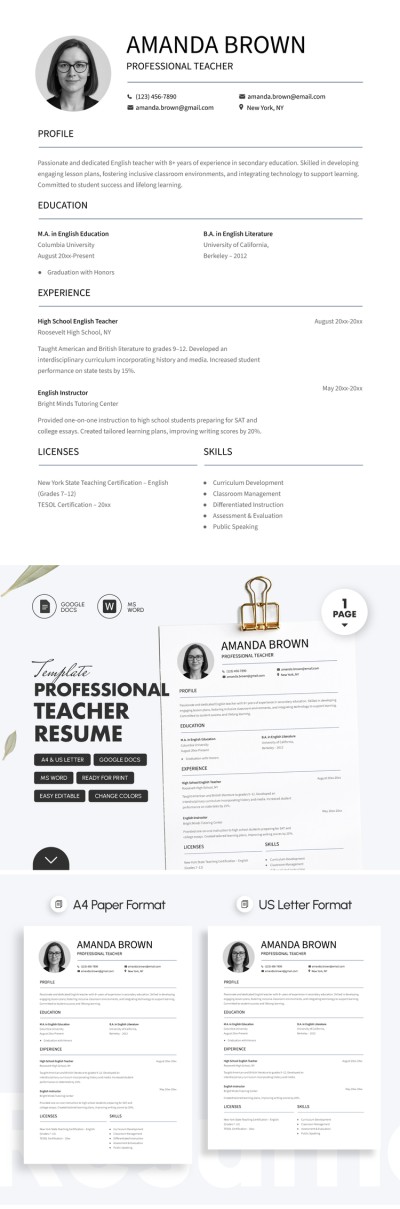
Professional Teacher Resume Template For Job Applications
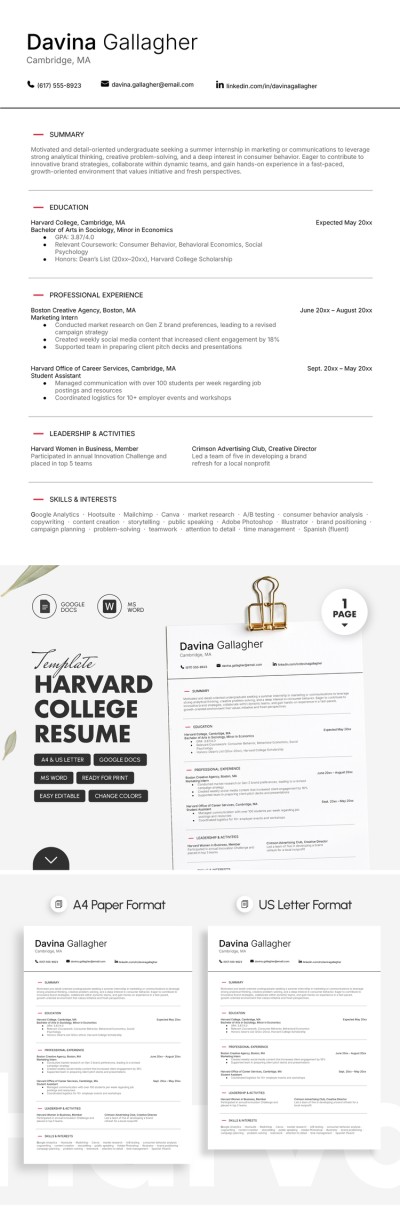
Harvard College Resume Template
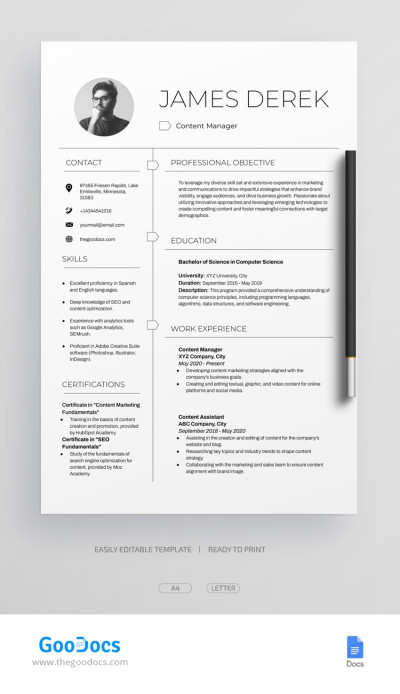
Editable Professional Content Manager Resume Template
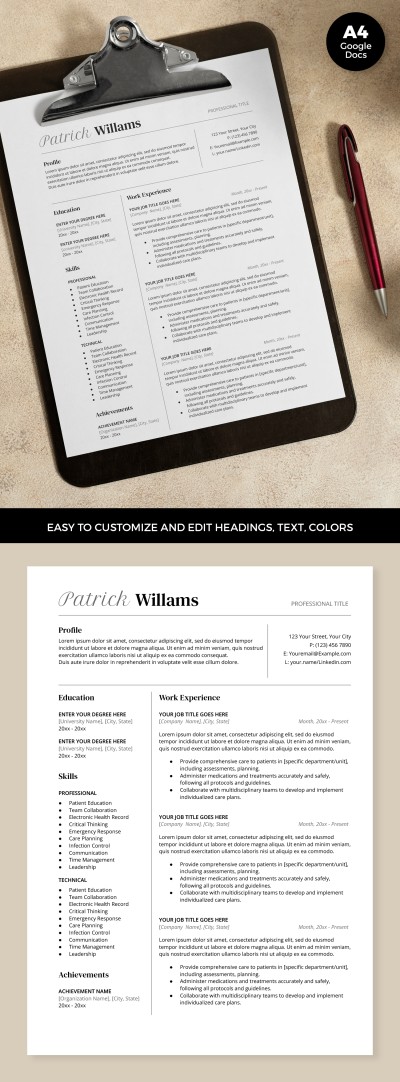
ATS Optimized Resume
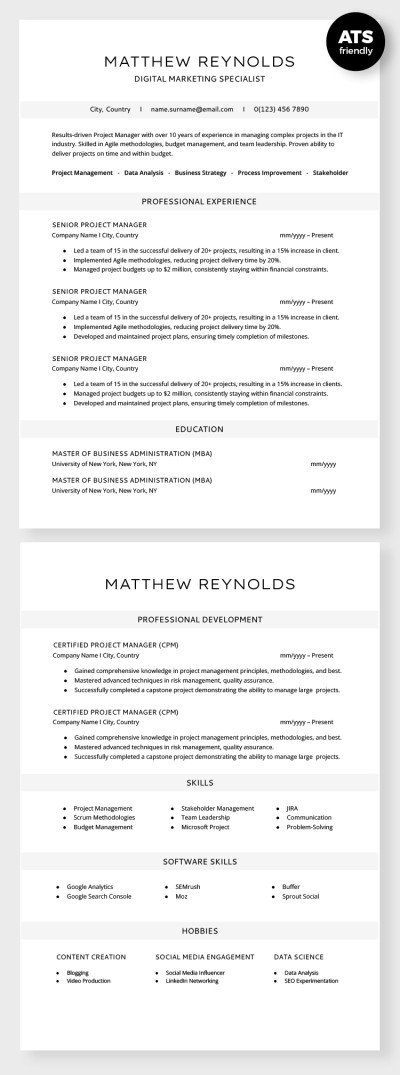
ATS Compatible Digital Marketing Specialist Resume
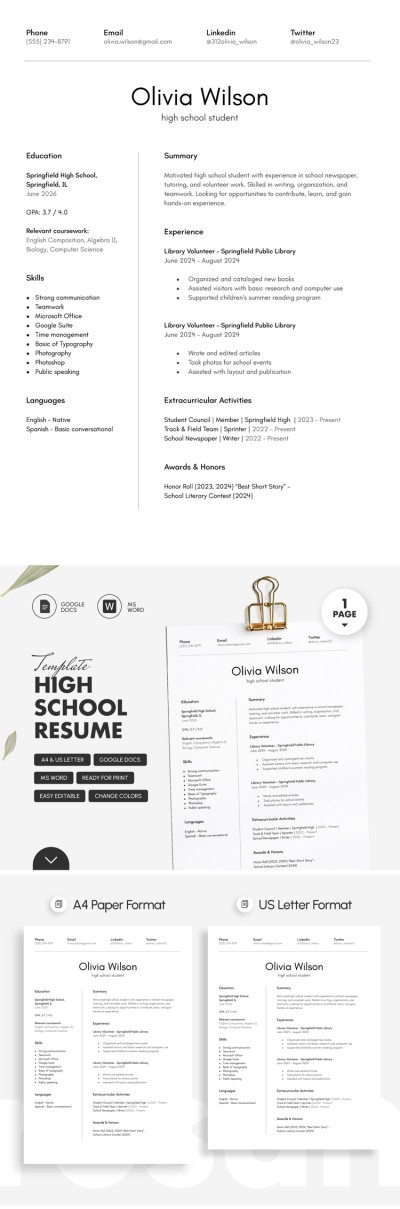
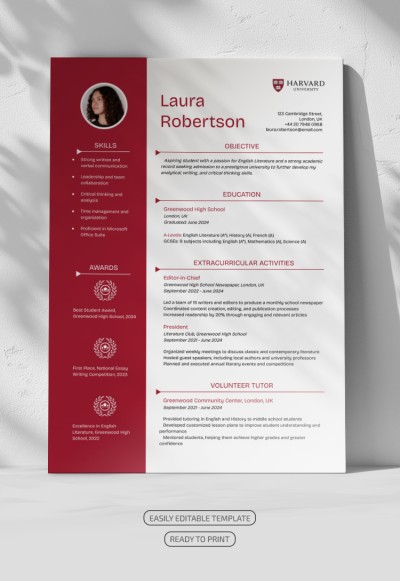
Harvard Resume
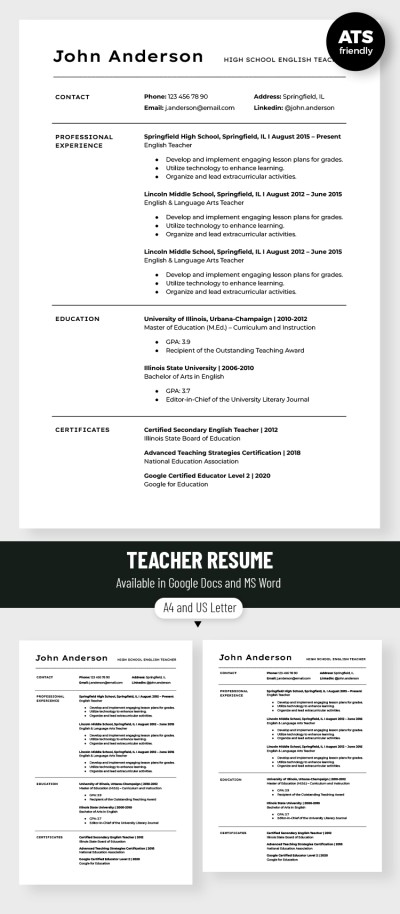
Editable Teacher Resume Template
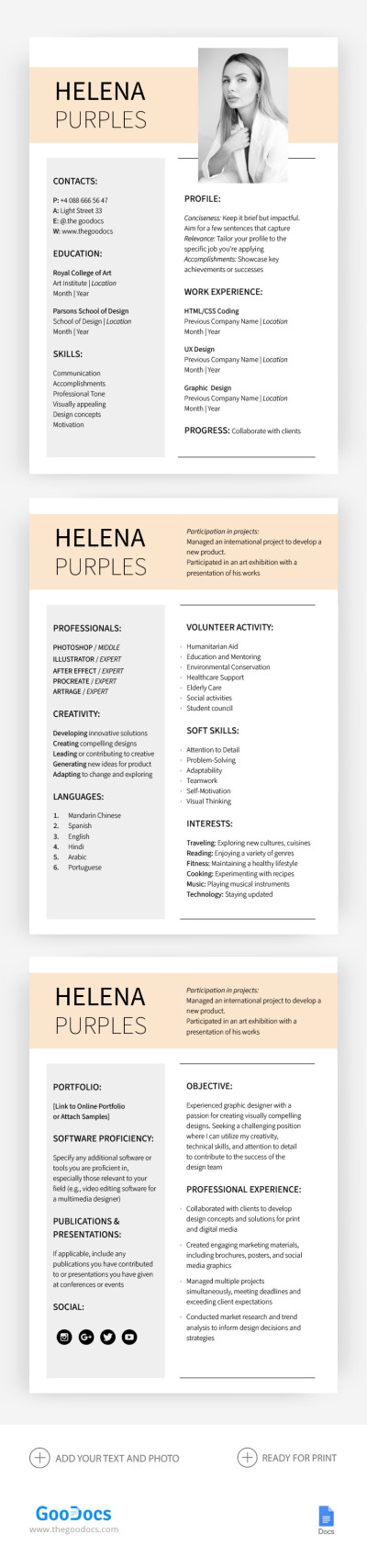
Professional Resume & CV
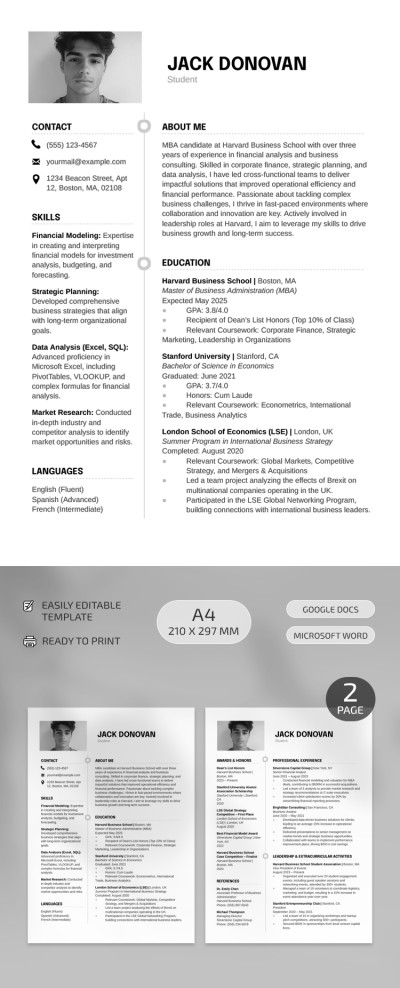
Harvard Business School Resume
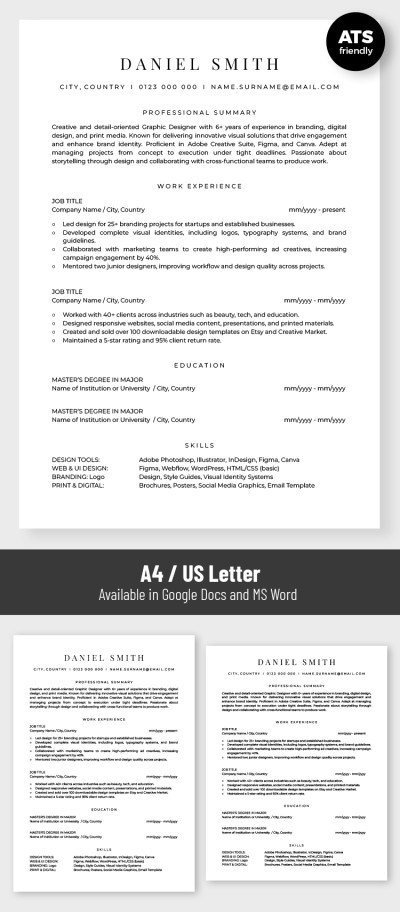
Basic ATS Friendly Graphic Designer Resume Template
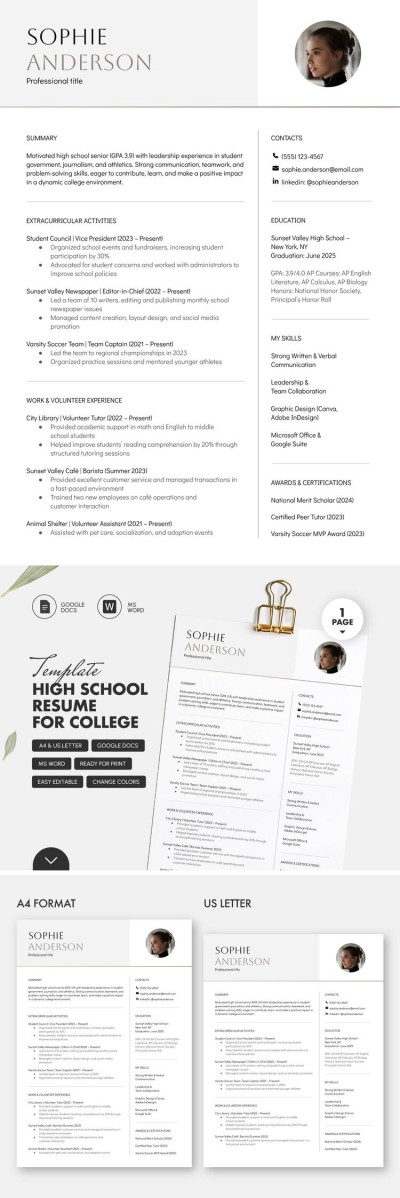
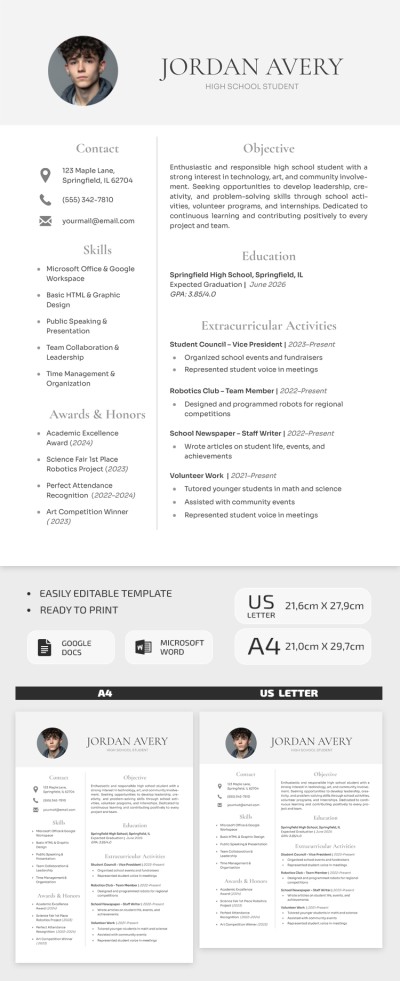
High School Resume Template For College
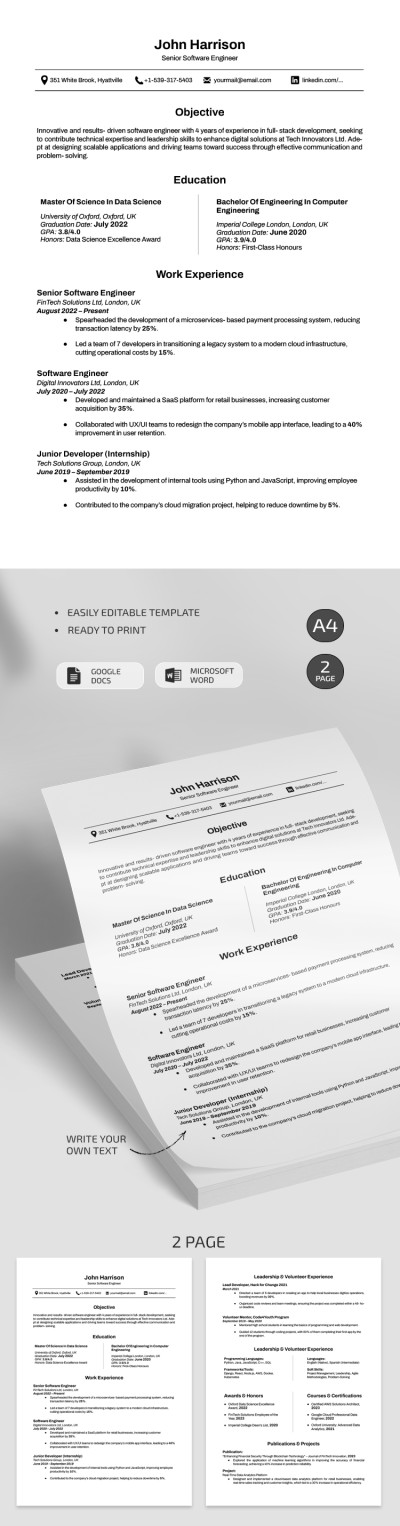
Professional Harvard Software Engineer Resume Template
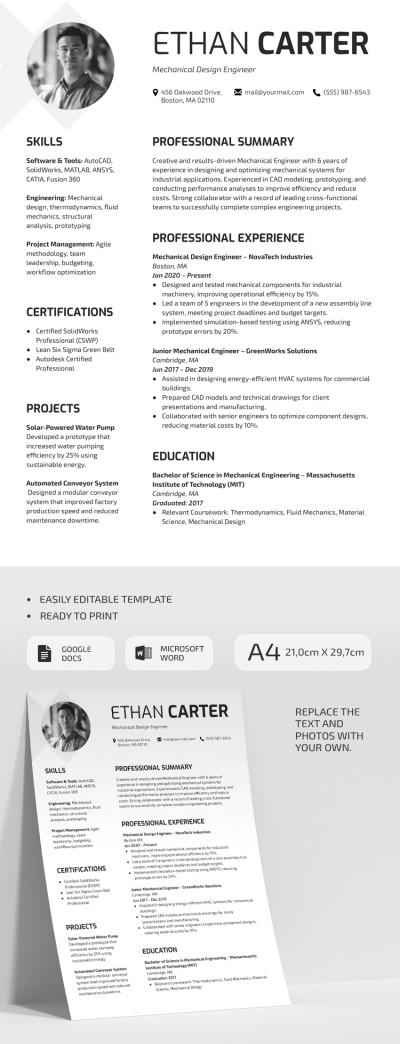
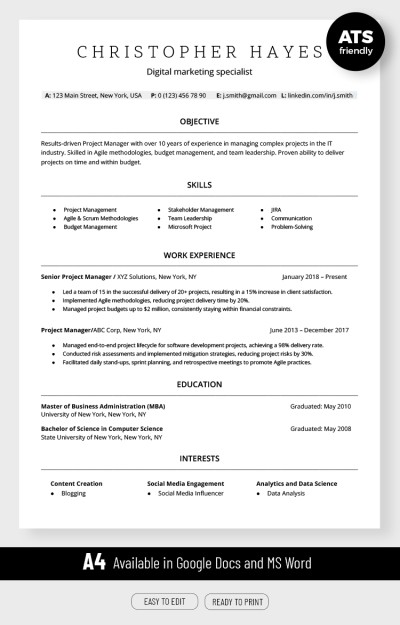
ATS Compatible Digital Marketing Resume Template
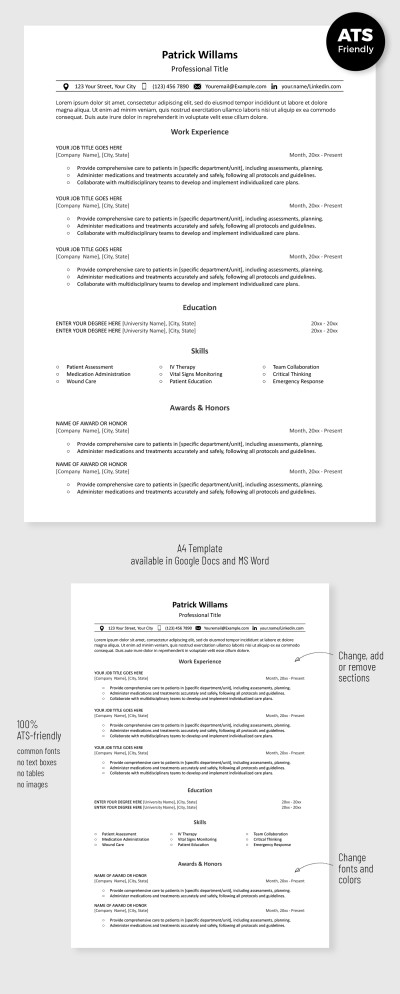
Simple ATS Resume Template
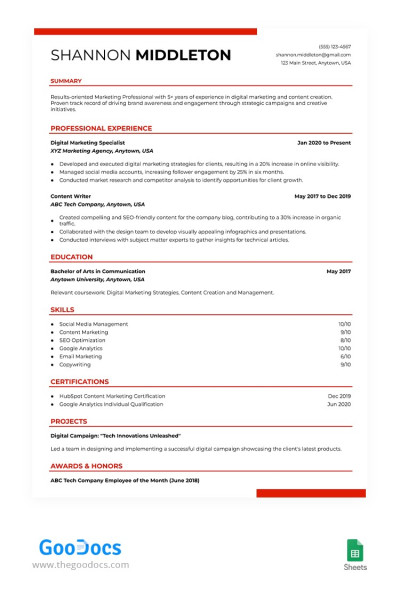
ATS Compliant Digital Marketing Resume Template
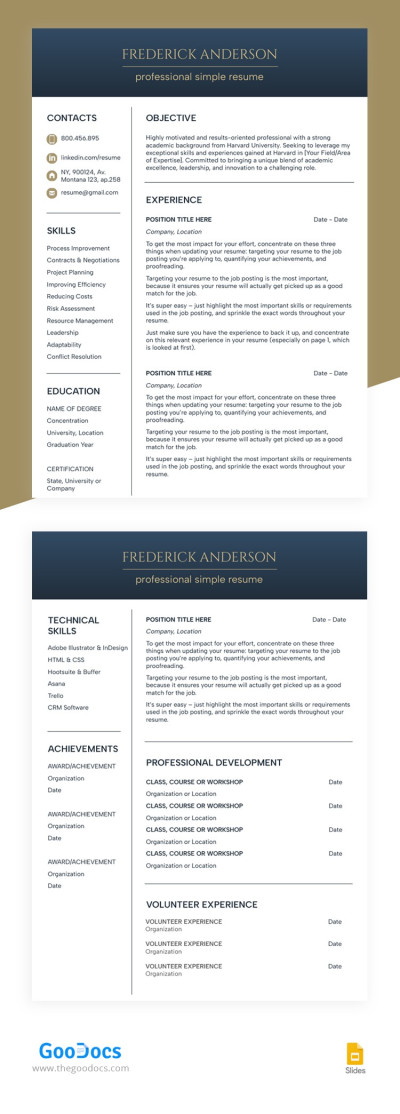
Structured White Resume
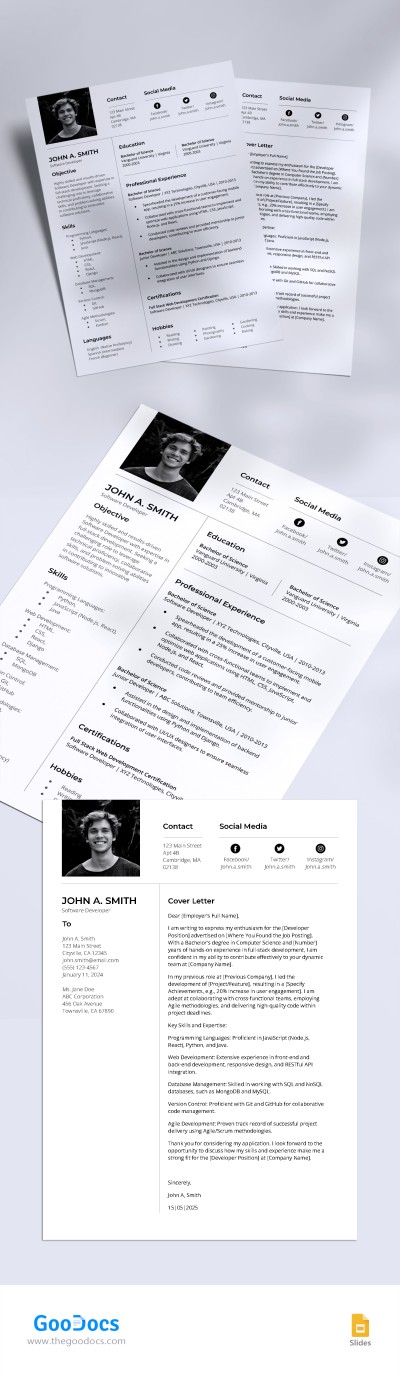
Simple Ats Friendly Software Developer Resume Template
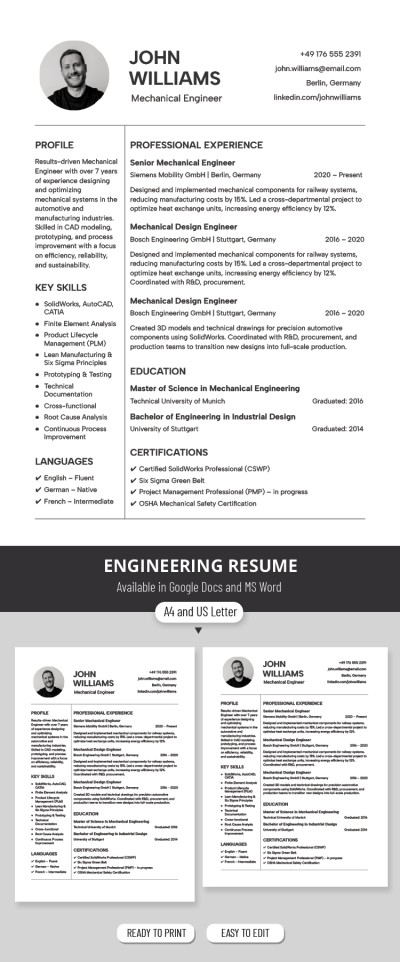
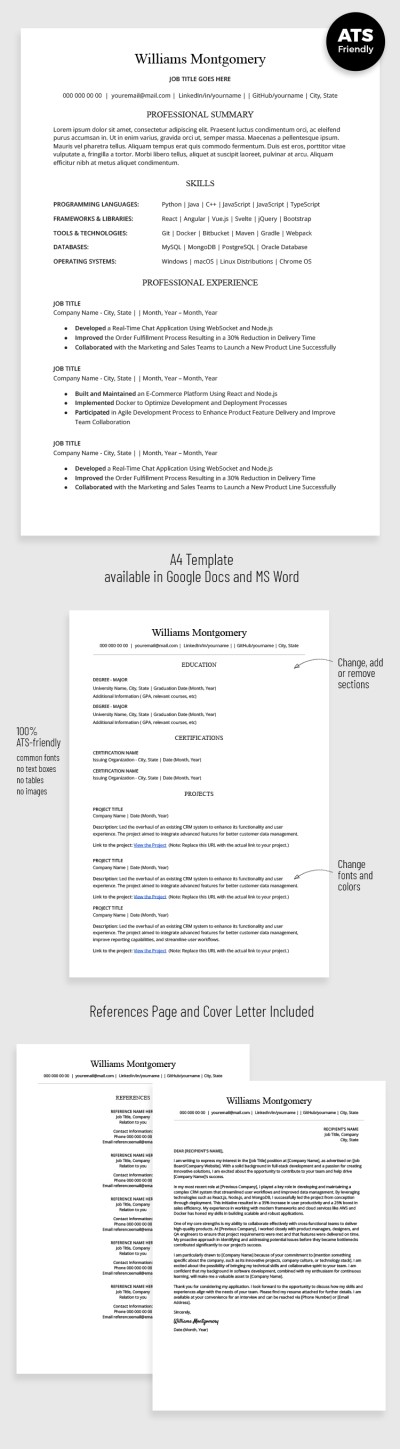
ATS Optimized Developer Resume with Cover Letter
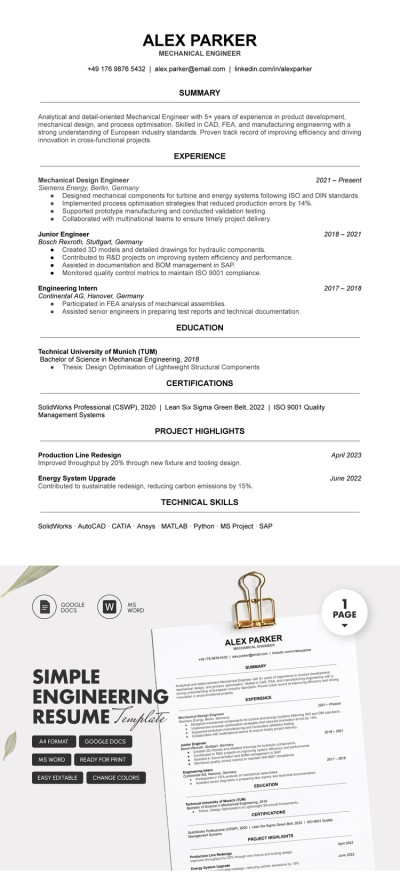
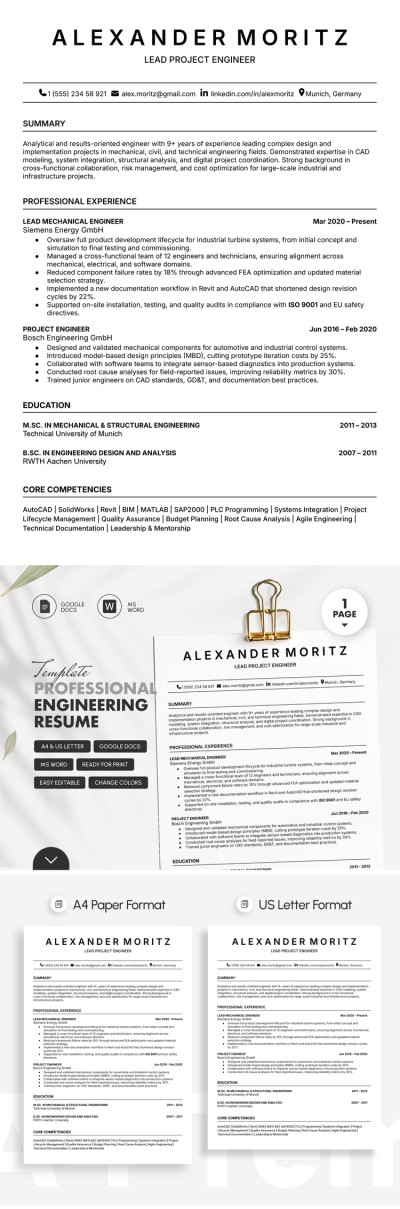
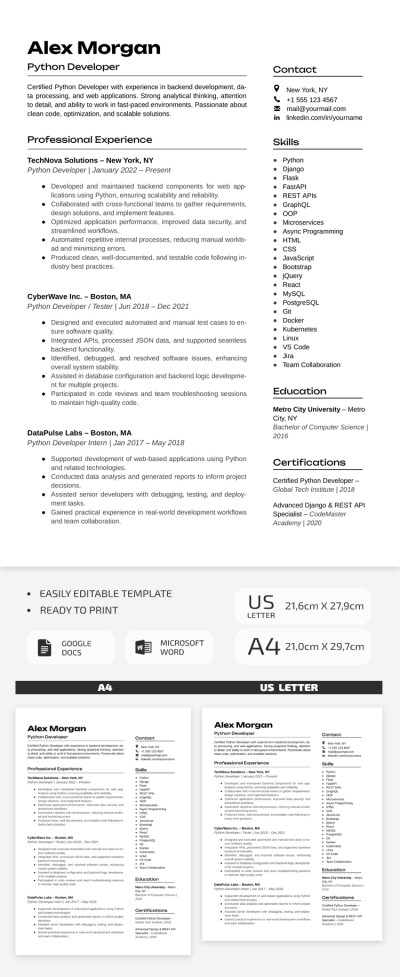
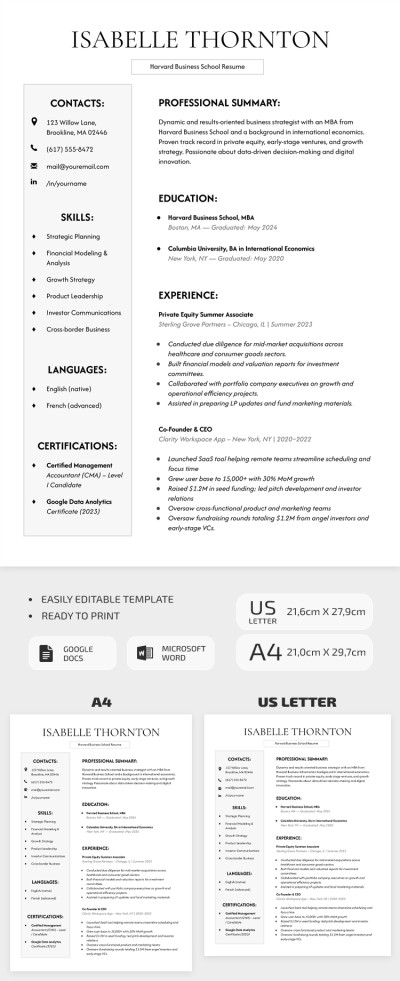
Classic Harvard Business School Resume Template
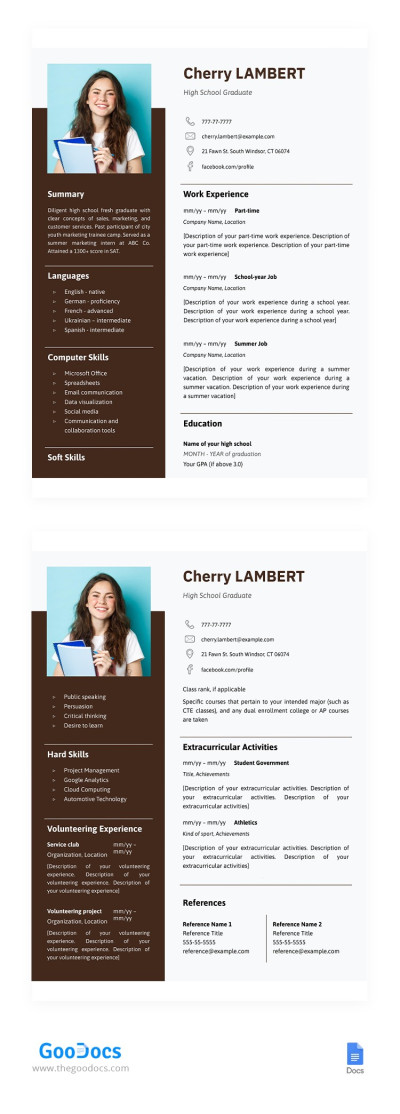
High School Graduate Resume
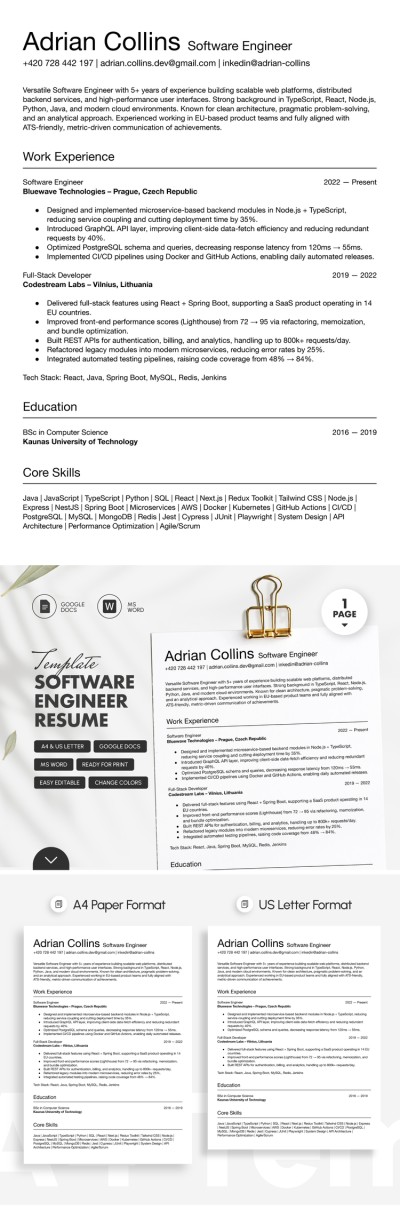
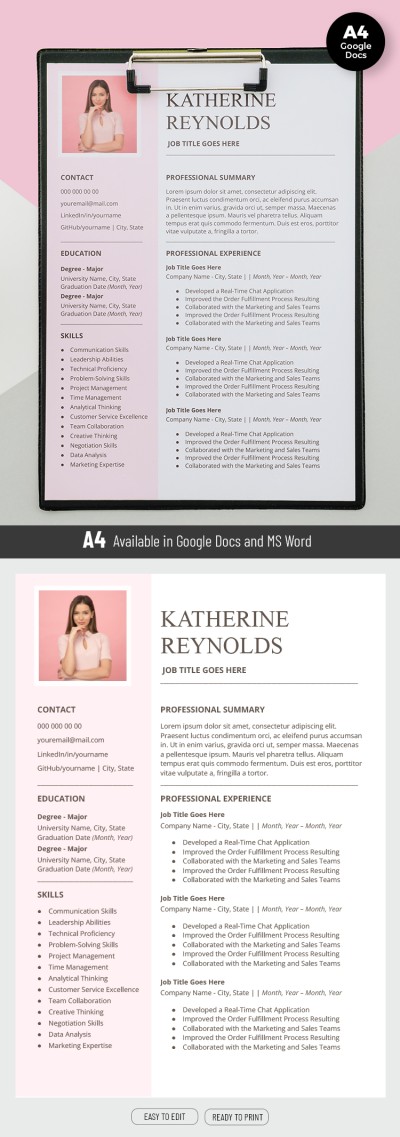
Pink Resume
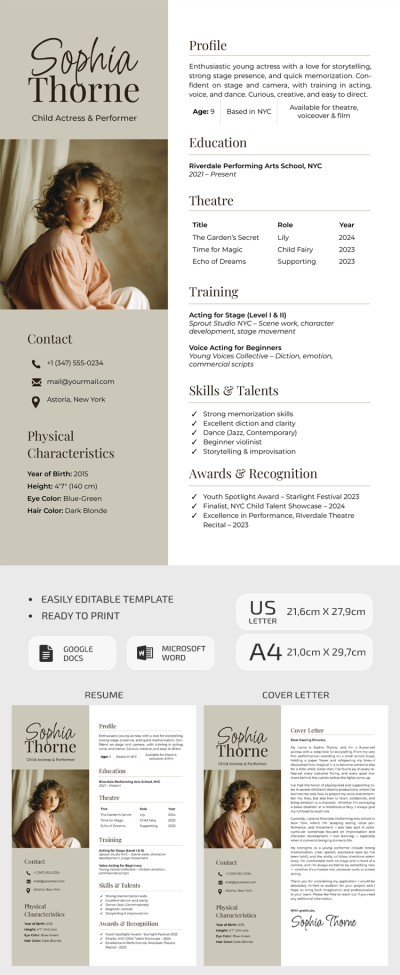
Child Actor Resume Template with Cover Letter
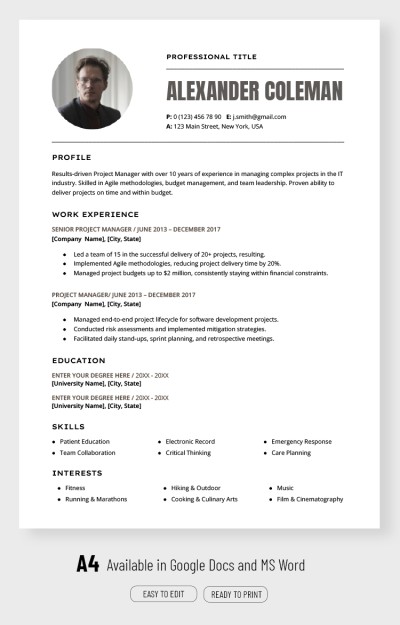
Professional Project Manager Resume Template

Clear Marketing Manager Resume
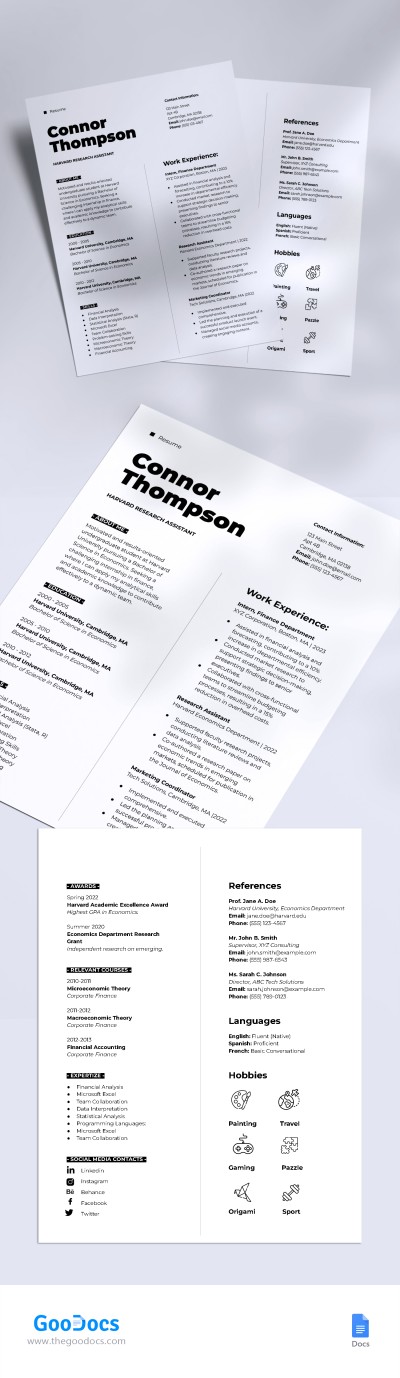
Harvard Style Resume
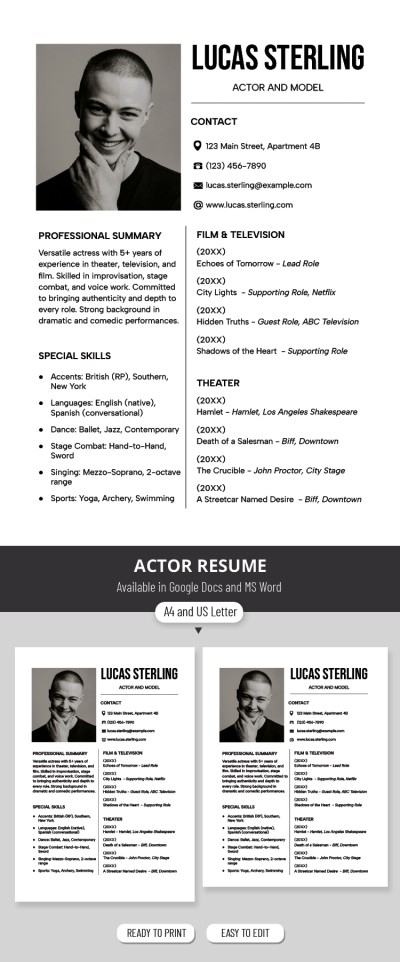
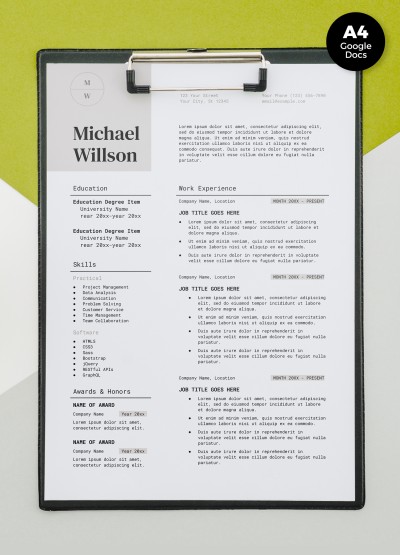
Job Resume
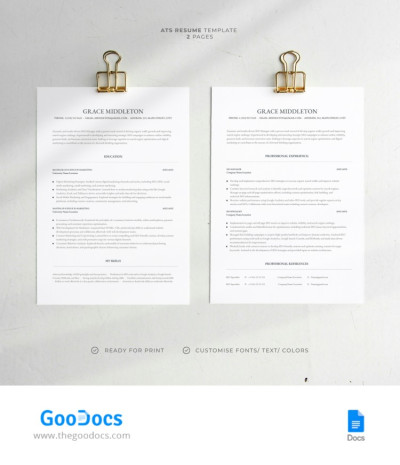
ATS Resume
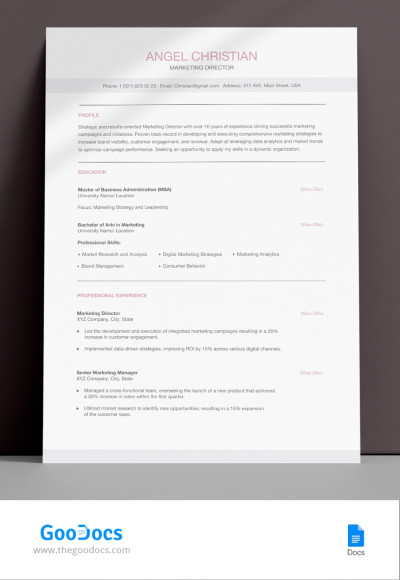
Perfect ATS Friendly Marketing Director Resume Template
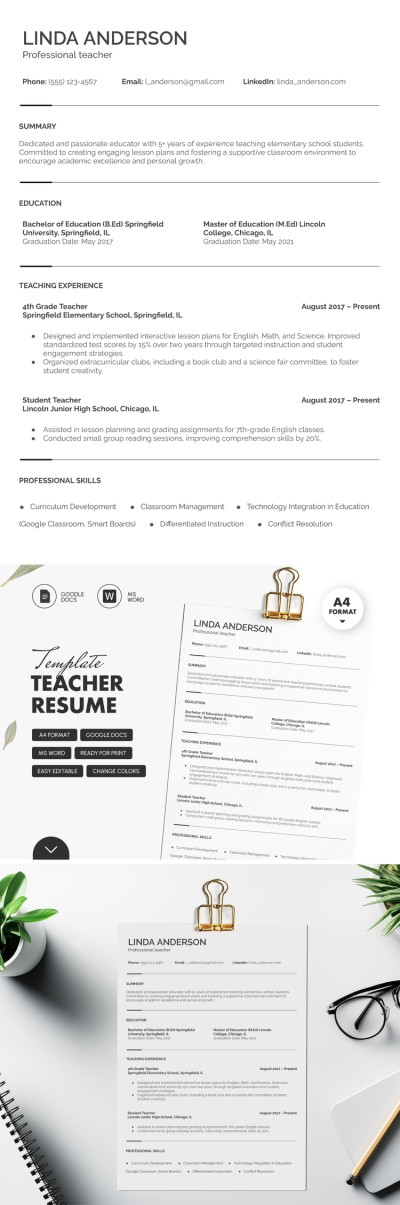
Elegant Teacher Resume
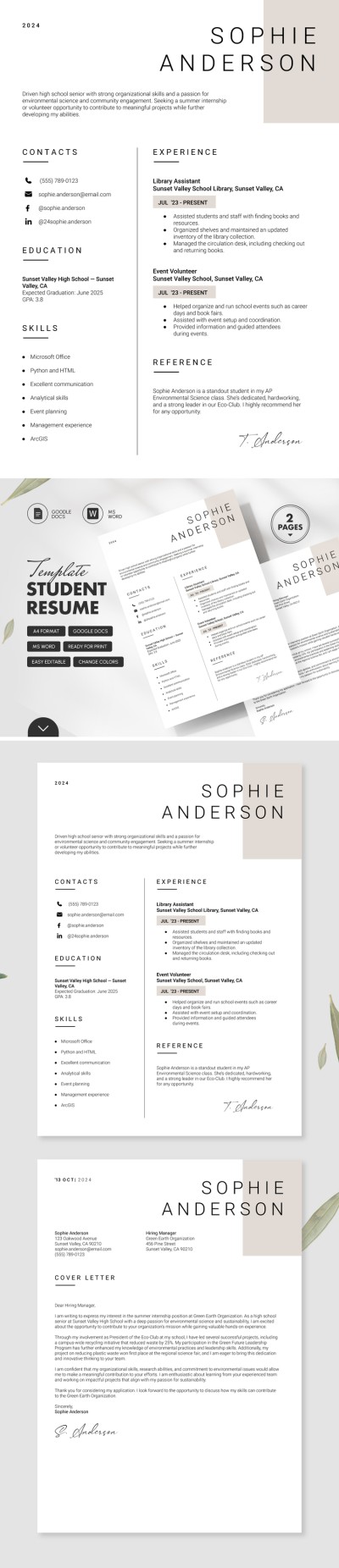
Minimalist Student Resume with Cover Letter
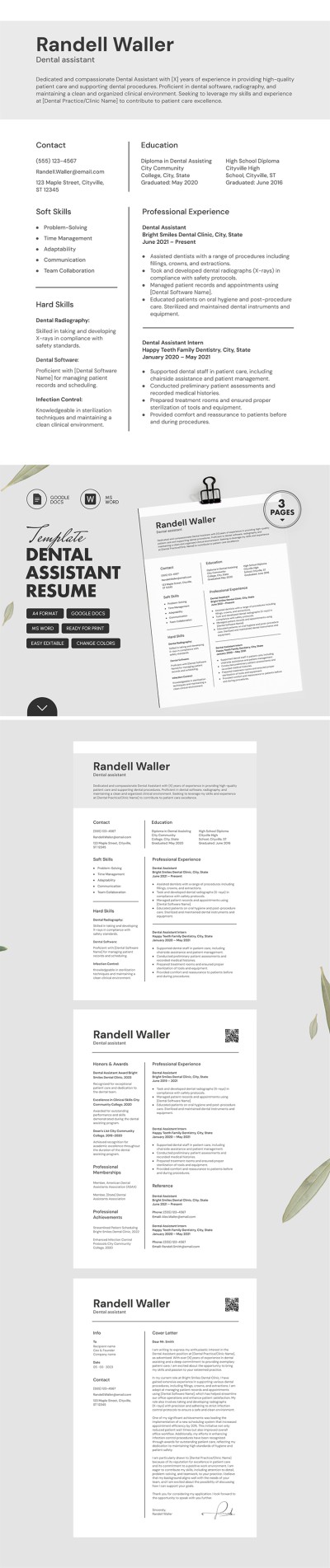
ATS Friendly Dental Assistant Resume Template with Cover Letter
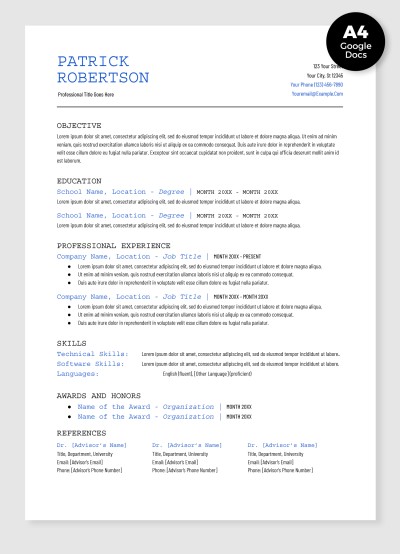
Academic Resume
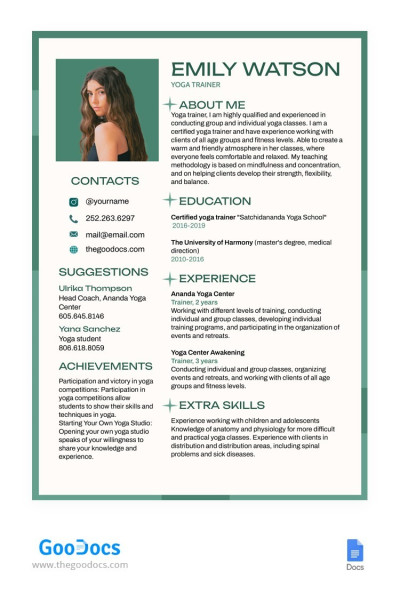
Yoga Instructor Resume
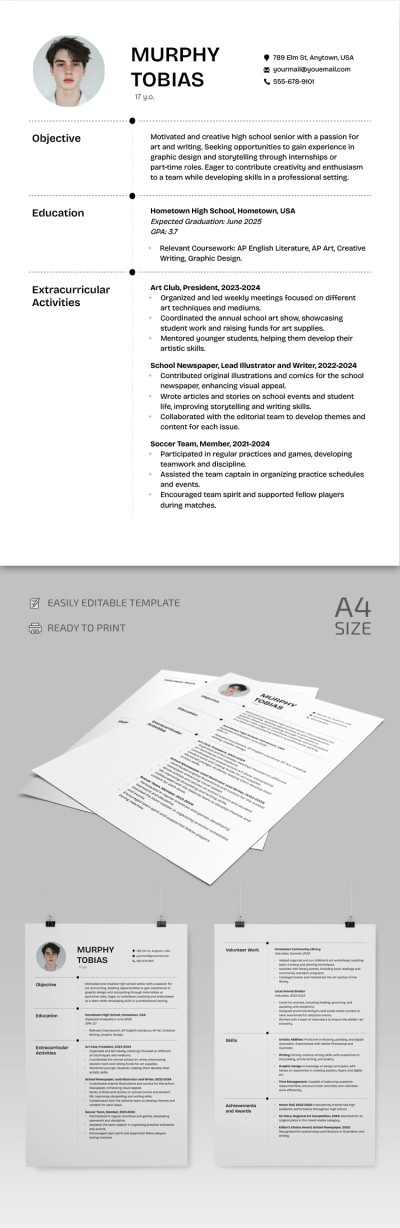
High School Resume
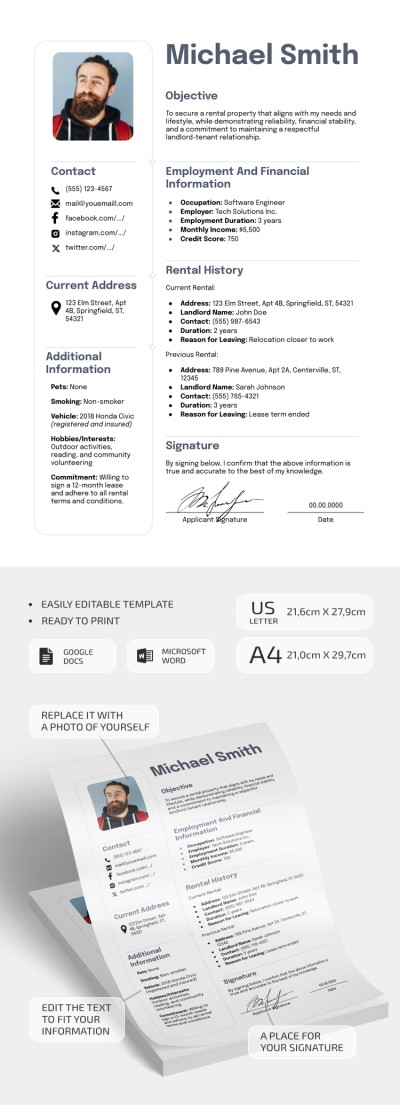
Basic Rental Resume
Users around the world prefer free resume templates in Google Docs. This format provides unrivaled benefits and is used everywhere - from small startups to large companies looking for new talents. Find a relevant example for your industry, position, and design preferences on this page.
These are the main benefits of our Google Docs resume templates:
- Convenient .docx format. We create resume templates in Google Docs. So you can convert them into any suitable format. Do hiring managers ask you to send your document in .doc or PDF? Find college resume templates and other easy-to-convert samples.
- You can save time and still get a professional design. Creating an attractive CV design is an extremely challenging task. You need special skills and at least basic knowledge of color combinations. Use our editable Google Drive resume template instead, and do not waste time starting from scratch.
- We offer templates for any profession. Do you work in IT, construction, consulting, or other industries? It doesn't matter because among hundreds of ready-made ATS resume templates, you can easily find a design that suits your industry and personal qualities.
- Find reverse-chronological and functional templates. Any Google Doc resume template offers a relevant structure that is valued by potential employers for its ease of navigation.
What do you need to get started with our free resume templates in Google Docs or Word? Just click the "Edit in Google Docs" button and start the editing process right in your browser. No additional skills or software are needed! Find even more Google Docs themes for your resumes and other daily tools with us!
Resumes Templates FAQ
You can follow this step-by-step plan and use our ready-made resume templates to create a professional resume:
- Choose a suitable document format. We offer Google Docs and Word resume templates, as they're most convenient to edit and fill in. The .docx format is perfect for most recruiters, as it features highly readable fonts and is compatible with ATS. These platforms also allow you to save a finished resume as a PDF file for printing or an online application.
- Create sections. You should include name, contact information, summary, education, skills, work experience, and other optional sections.
- Include detailed information about your qualifications. Each entry must be complete. In the Education section, you need to indicate the name of the university or college, the period of study, the coursework, and the degree. In the Work Experience section, list the places of work relevant to the desired position. Each point should include the company name, job title, period of work, and responsibilities.
- Review all sections, save the resume, and submit it. Before applying with your resume, you must review it and save it in the required format. Then you can submit it online or print it out to take to the interview.
If all this sounds too complicated, there is a solution!
TheGoodocs offers hundreds of resume templates in different formats. You can easily find editable and printable resumes that can be customized to suit any preferences and requirements. Download or get a copy of the resume blank in Google Docs, fill it out, customize fonts, indents, design, and add photos - do everything to land your dream job. Get started for free.


