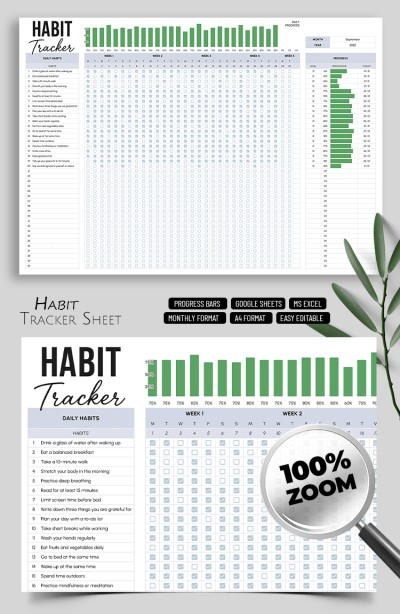
Habit Tracker Sheet Template
Use this free template with Google Sheets and Microsoft Excel
Template Specification
About this template
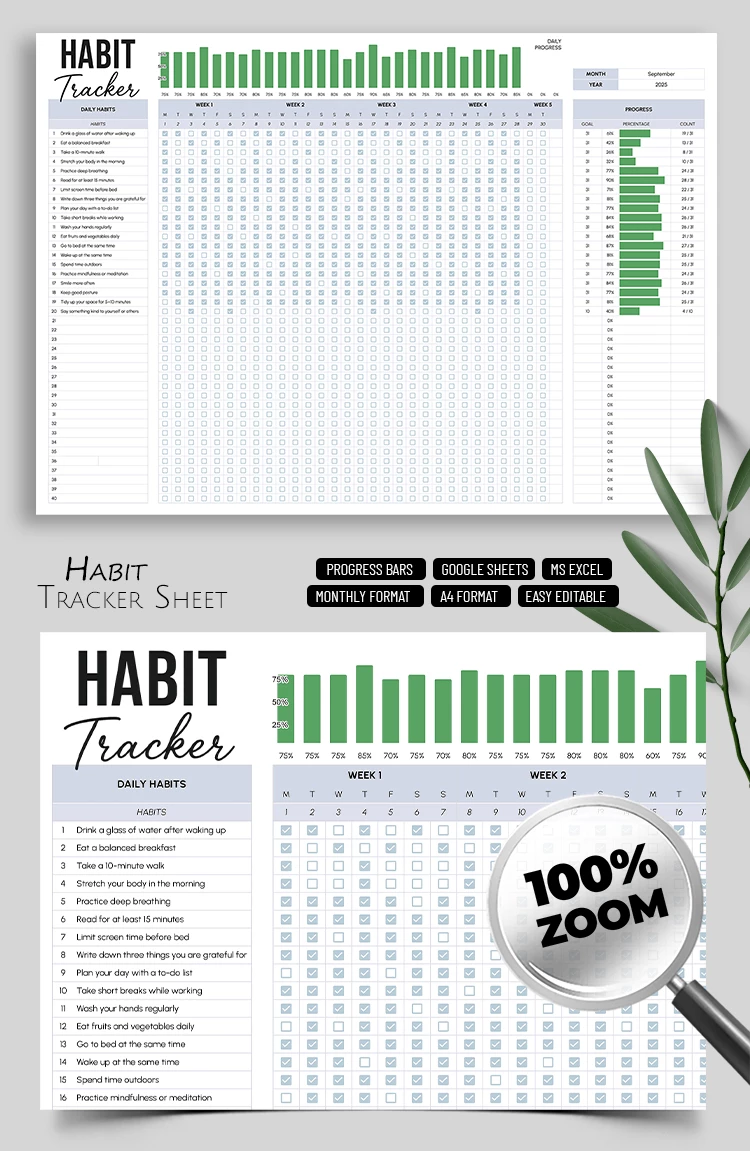
Our all-in-one Habit Tracker Sheet Template is an indispensable tool to help you grow, build healthy habits, and break bad ones. This template allows you to track up to 40 habits in one convenient, automated sheet with checkboxes and a host of useful features.
Track Monthly Habits Using This Template
The main section of this habit tracker template is the table. On the left, you can enter any habits you want to develop, including drinking water upon waking, eating a balanced breakfast, walking at least 10 minutes a day, reading, waking up and going to bed consistently, and more. We've prepared a list of 20 sample healthy habits that you can keep or use as examples.
Once your list is set up, all that remains is to:
- Enter the month and year in the designated field next to the table.
- Check the boxes every day as you complete your habits over four or five weeks.
- Get automatic calculations for each habit's completion percentage and your daily routine progress.
This is an extremely simple tracker template that does most of the work for you. Simply fill it out every evening, and you'll see your automatic progress overview right away, with no extra setup needed.
Download Free Template
Google Sheets
Opens in browserMicrosoft Excel
.xlsxWHAT’S INCLUDED
Tracker Tips
FAQ
How to Use and Edit This Template

Get Your Document

Customize Everything

Add Your Content

Print, Export, or Share
Related Templates
Recently Viewed