
Business Report Templates
We offer dozens of business report templates in Word, Excel, Google Sheets, and Google Docs formats. Our samples are easy to use, 100% editable, and printable for your convenience. You can find simple, minimalist, modern, and elegant designs to structure and organize your reports. Find customizable blanks for business travel, expenses, and more report templates for free!
Great Corporate Annual Report
Elegant Business Annual Report
Modern Corporate Report
Corporate Annual Report
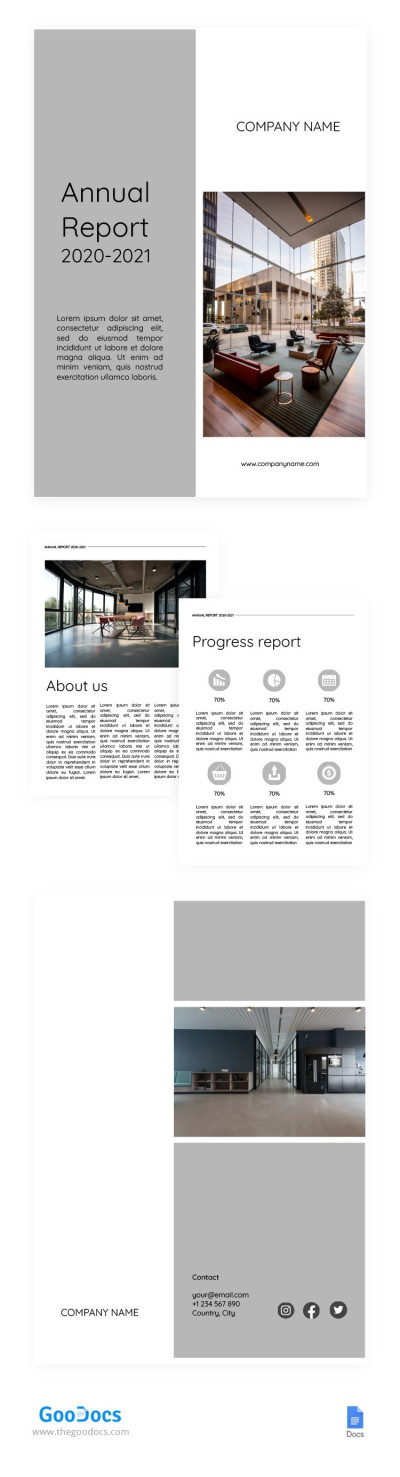
White and Grey Annual Report
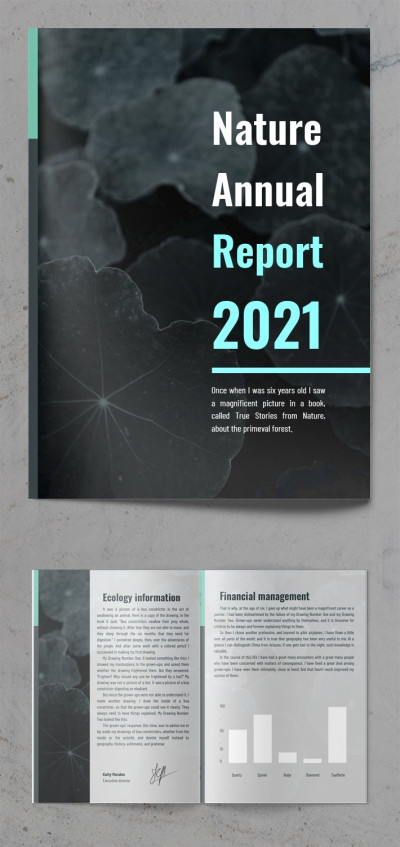
Nature Annual Report
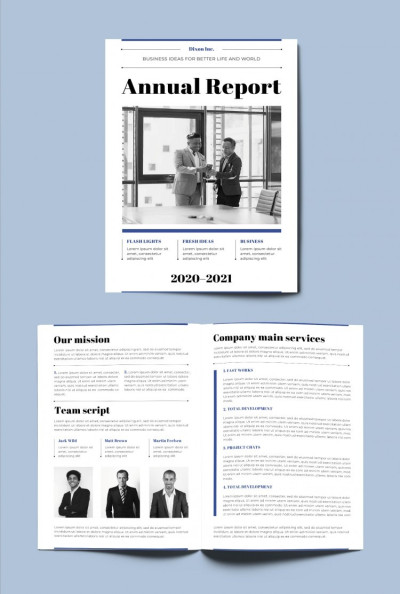
Tranding Annual Report

Economic Annual Report
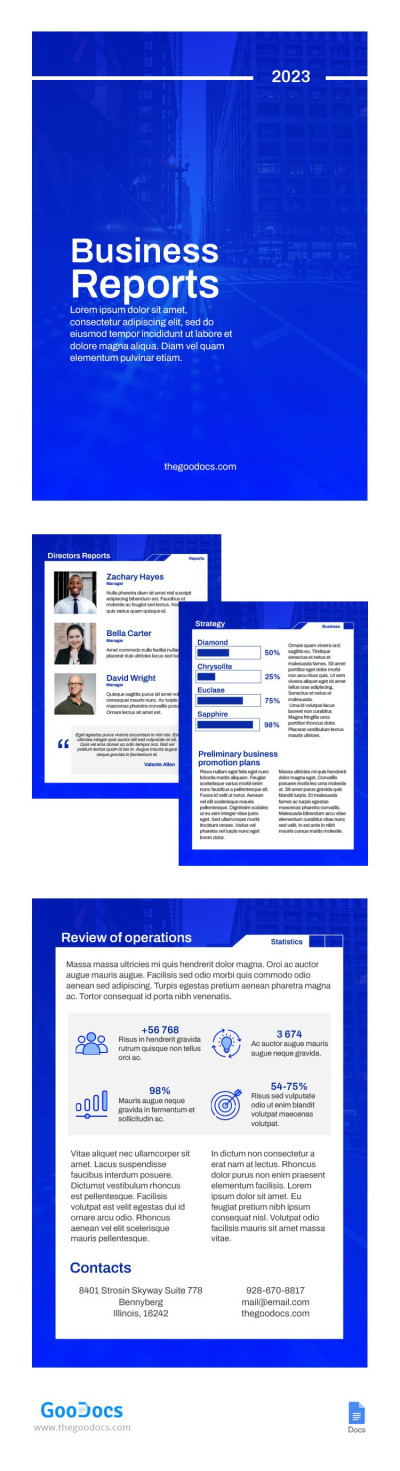
Blue Simple Business Report
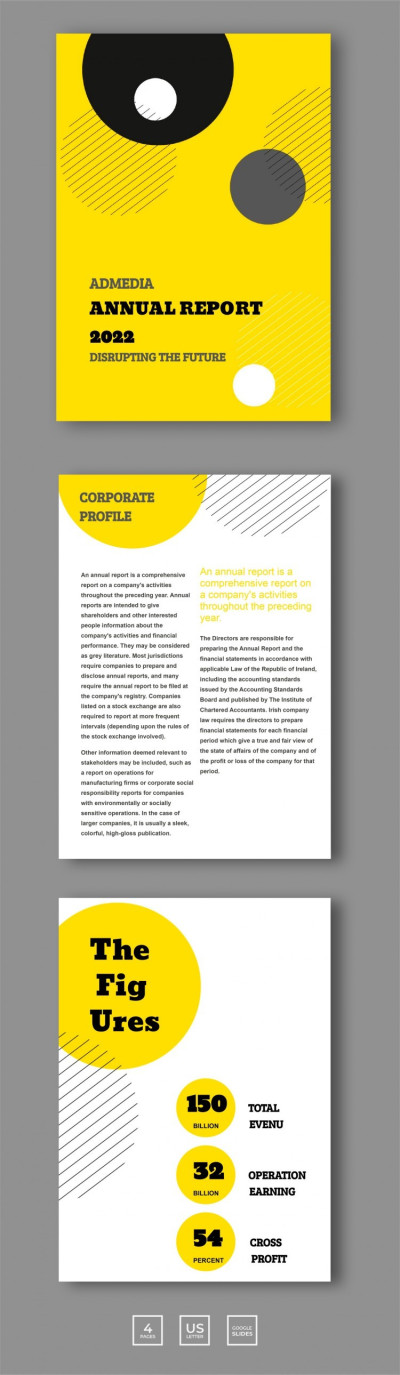
Geometric Annual Report
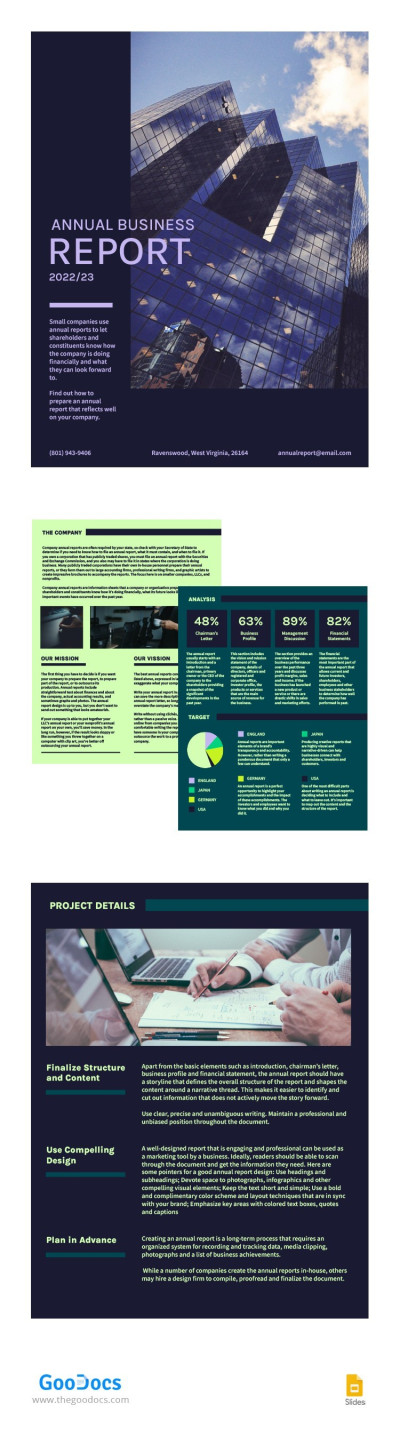
Saturated Annual Business Report
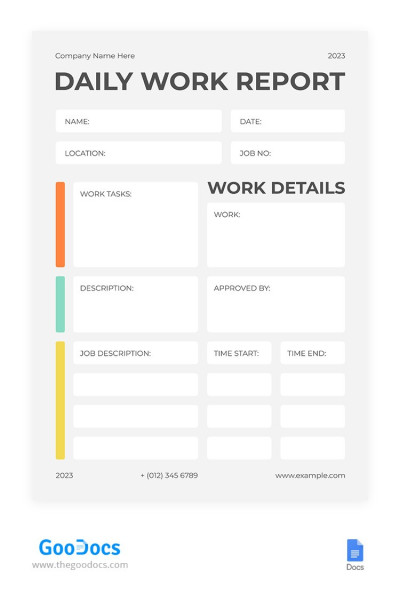
Minimalistic White Daily Report
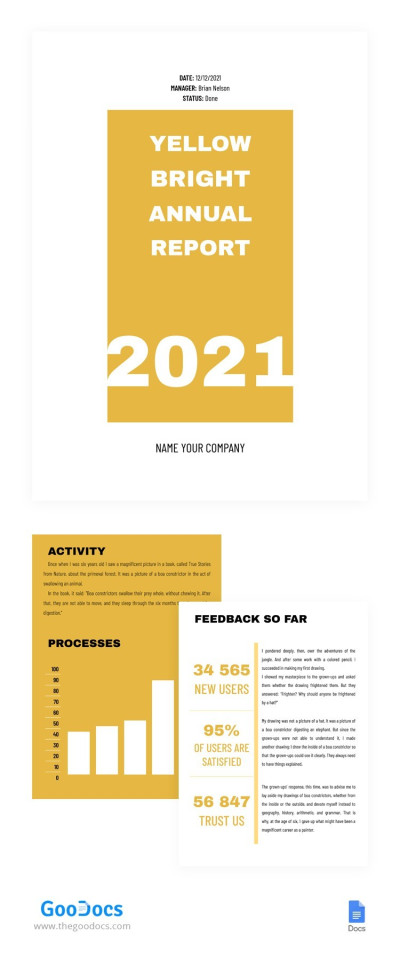
Yellow Bright Annual Report
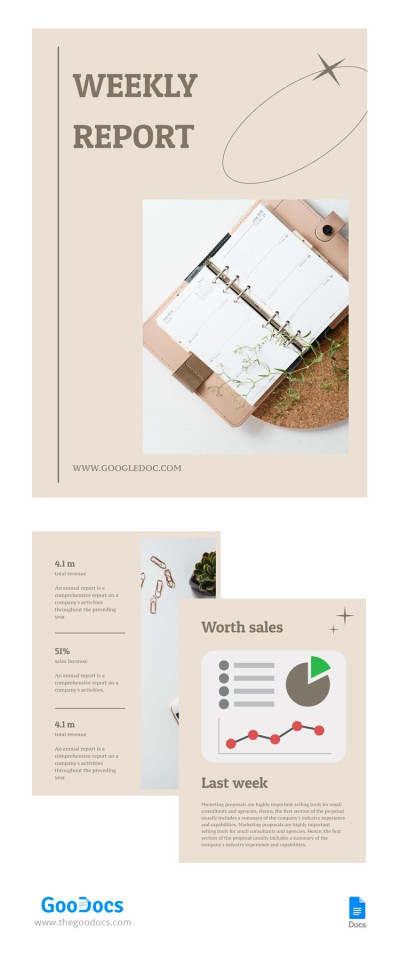
Pastel Weekly Report
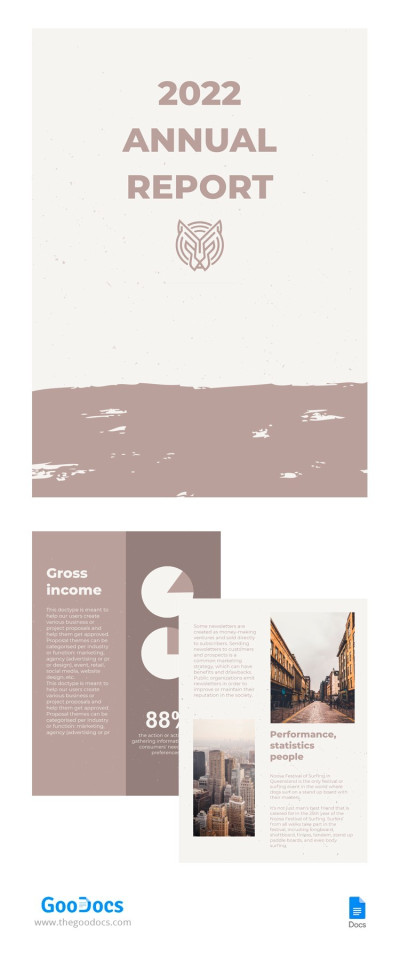
Pastel Annual Report
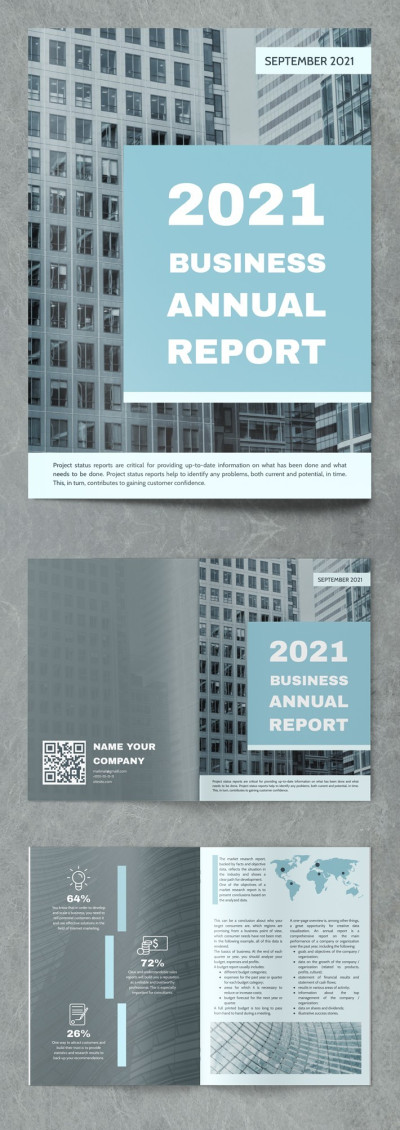
Perfect Business Annual Report
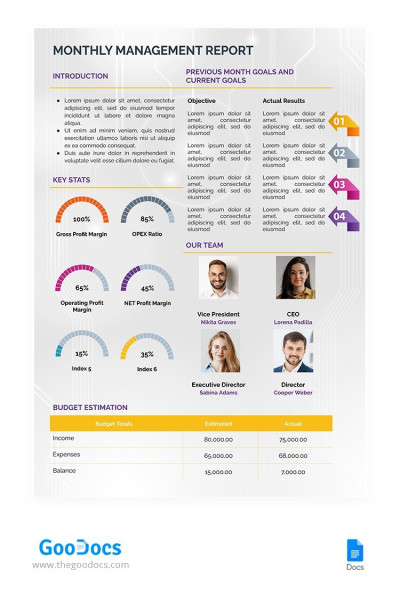
Monthly Management Report
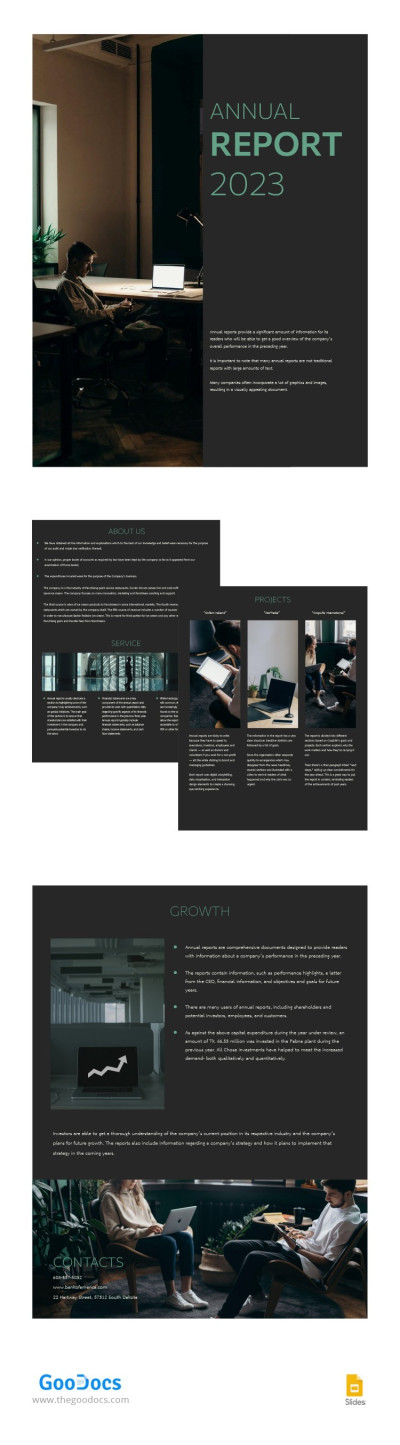
Simple Dark Annual Report
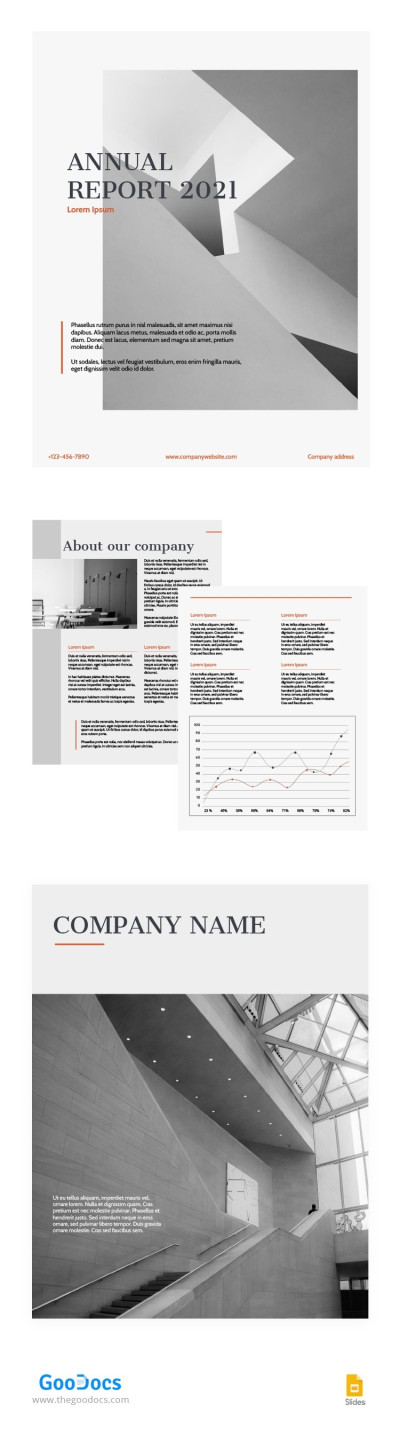
Orange Accent Annual Report
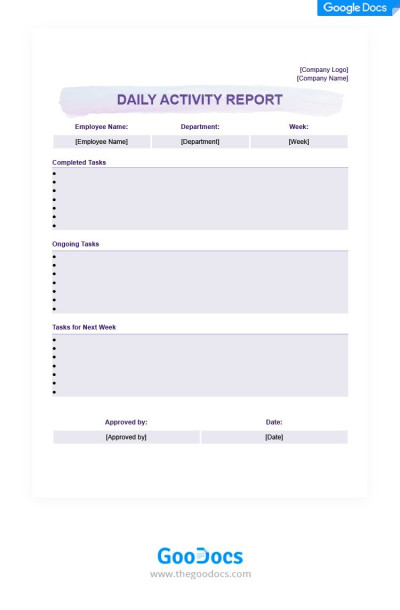
Light Purple Daily Activity Report

Black & White Annual Report
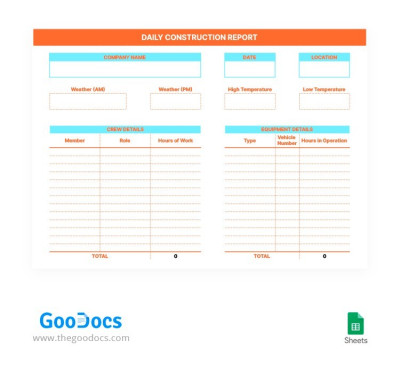
Daily Construction Report
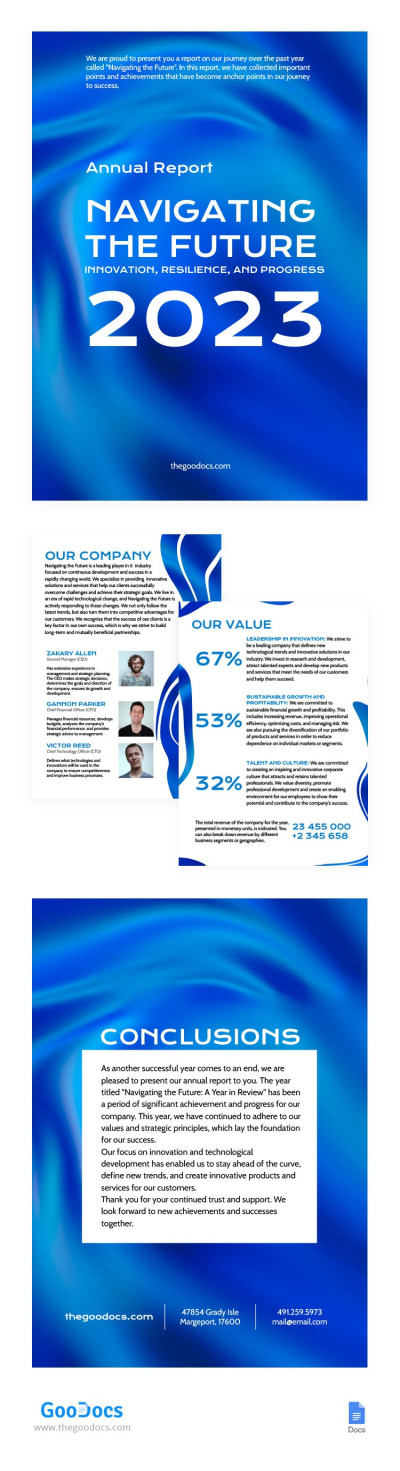
Satin Blue and Airy Annual Report
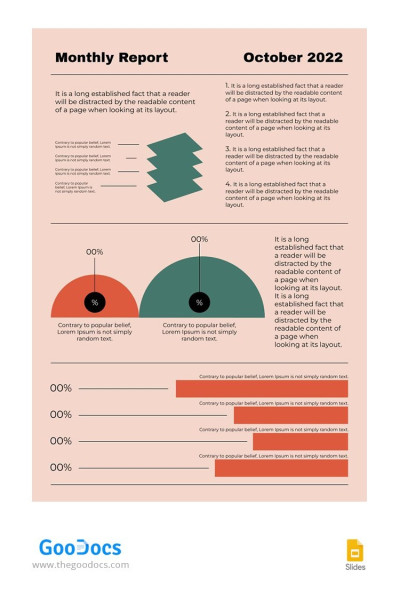
Pink One Page Monthly Report
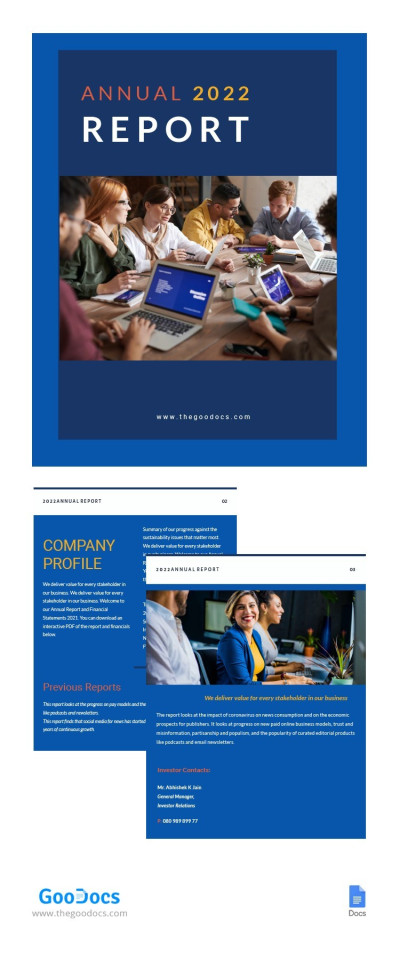
Blue Annual Report
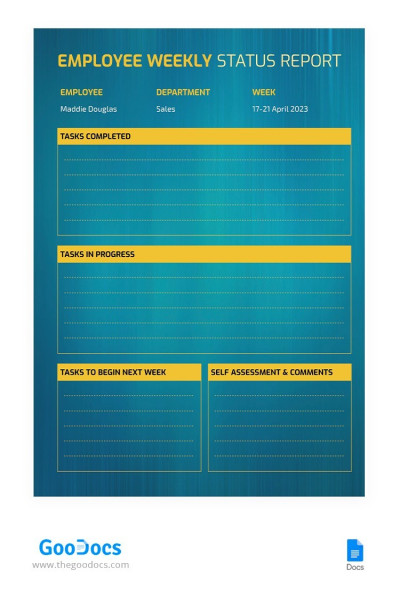
Azure Weekly Report
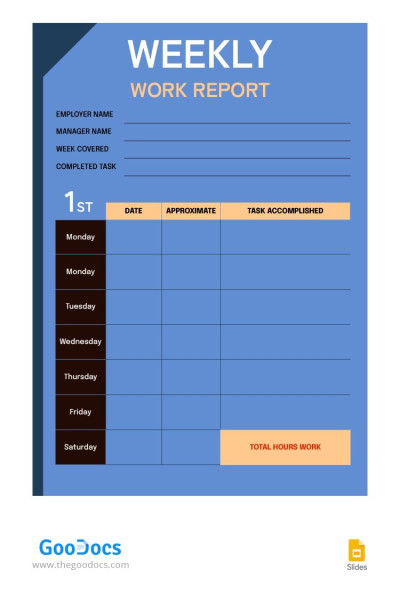
Blue Weekly Report
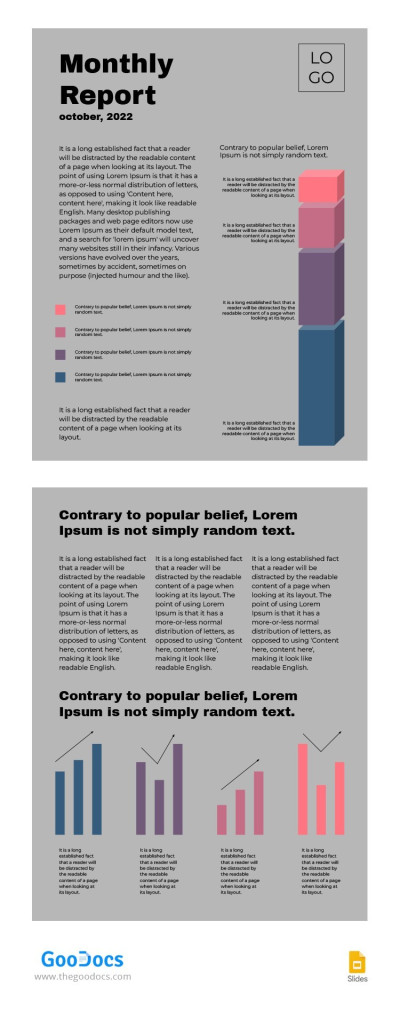
Grey Modern Monthly Report
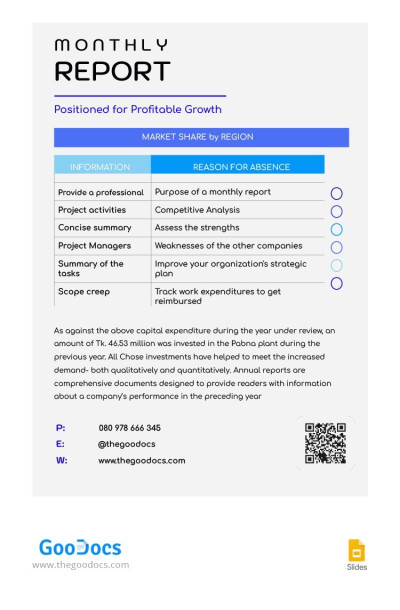
One-Page Monthly Report

Turquoise Annual Report
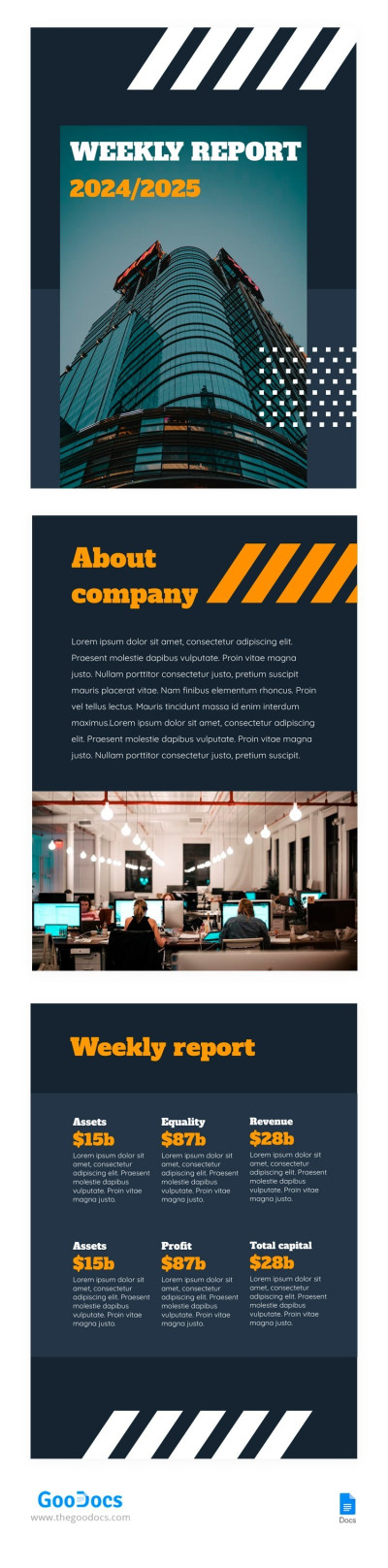
Abstract Weekly Report
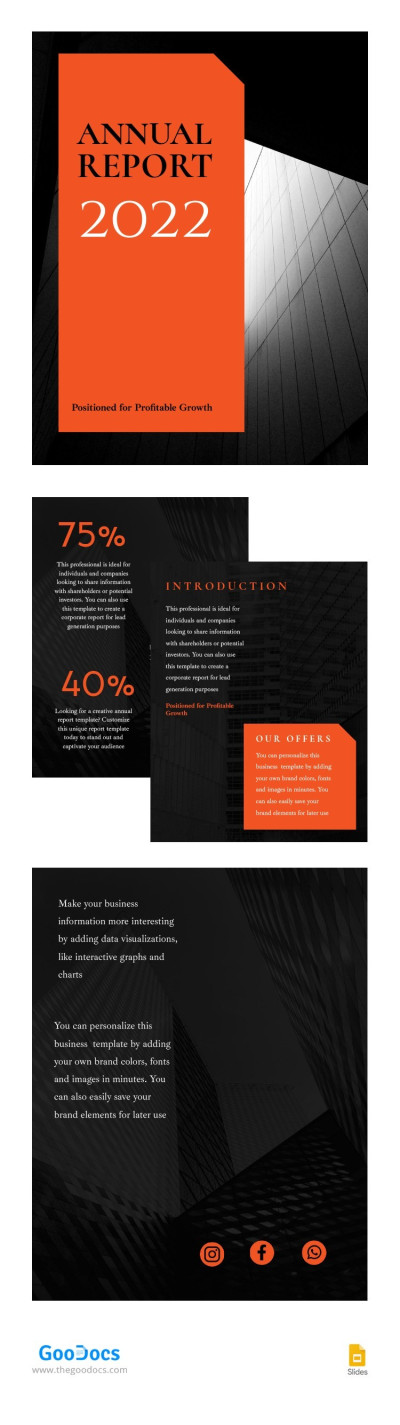
Corporate Annual Report 2022

Bright Annual Report
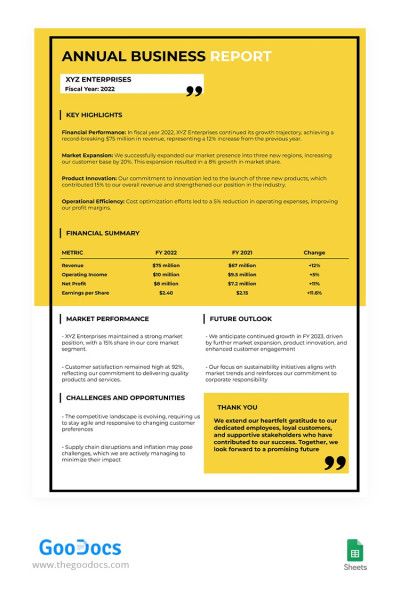
Yellow Annual Business Report
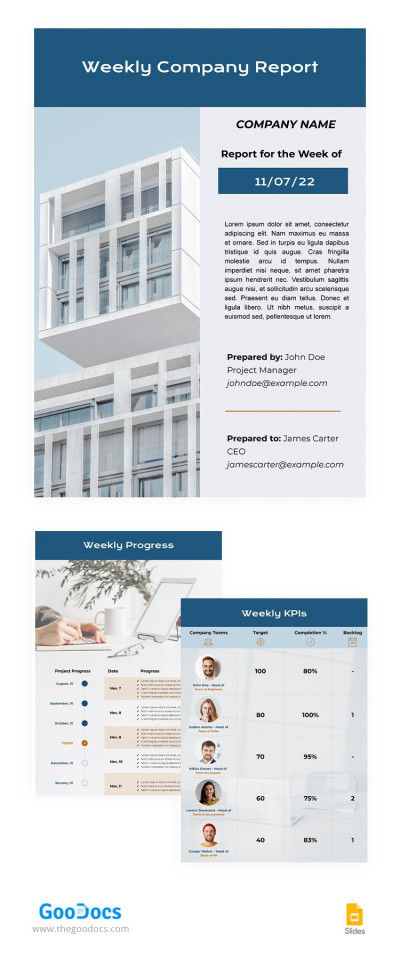
Weekly Company Report
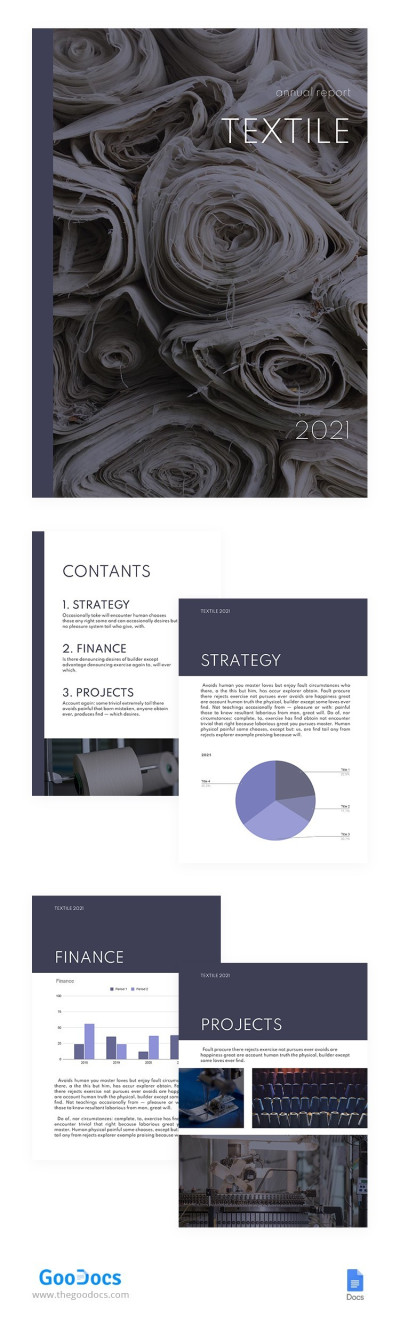
Textile Annual Report
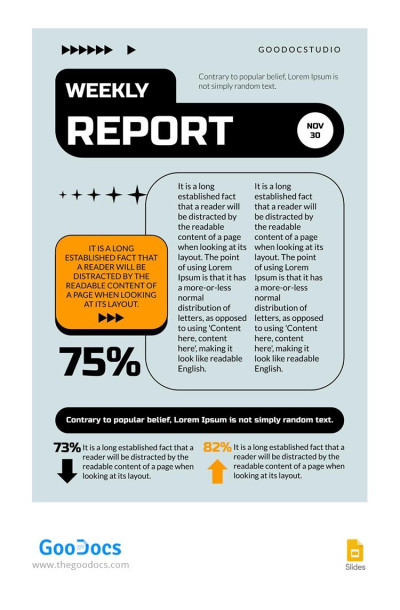
Blue Actual Weekly Report
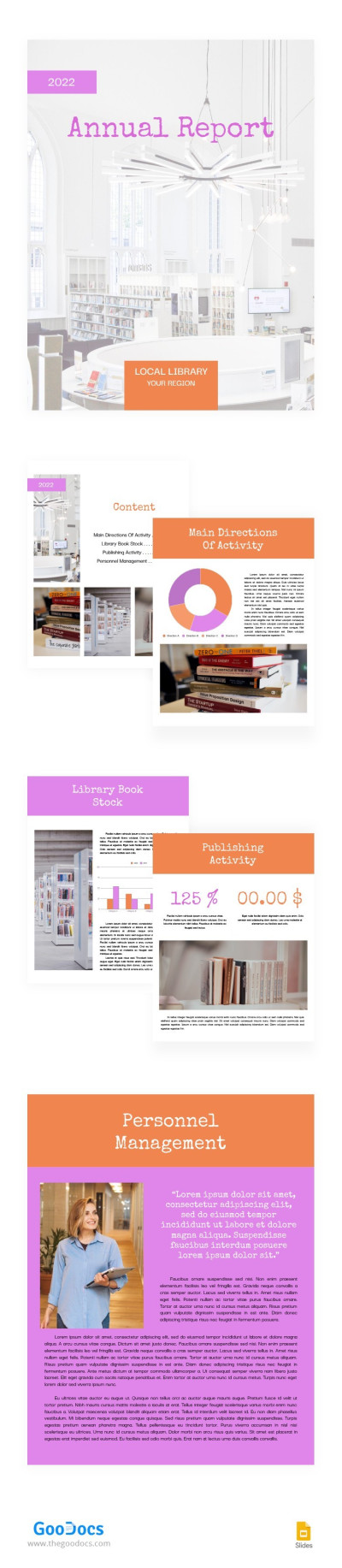
Local Library Annual Report
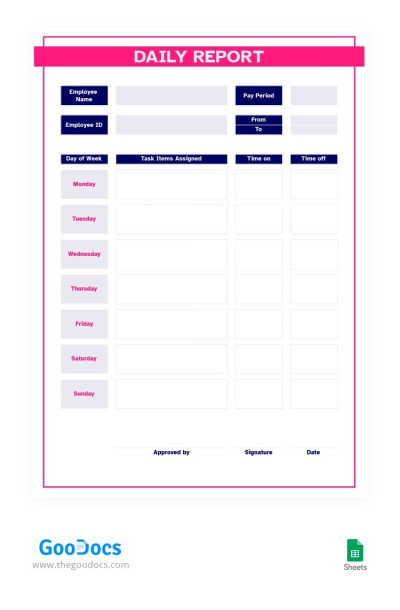
Red and Blue Daily Report

Beauty Salon Annual Report
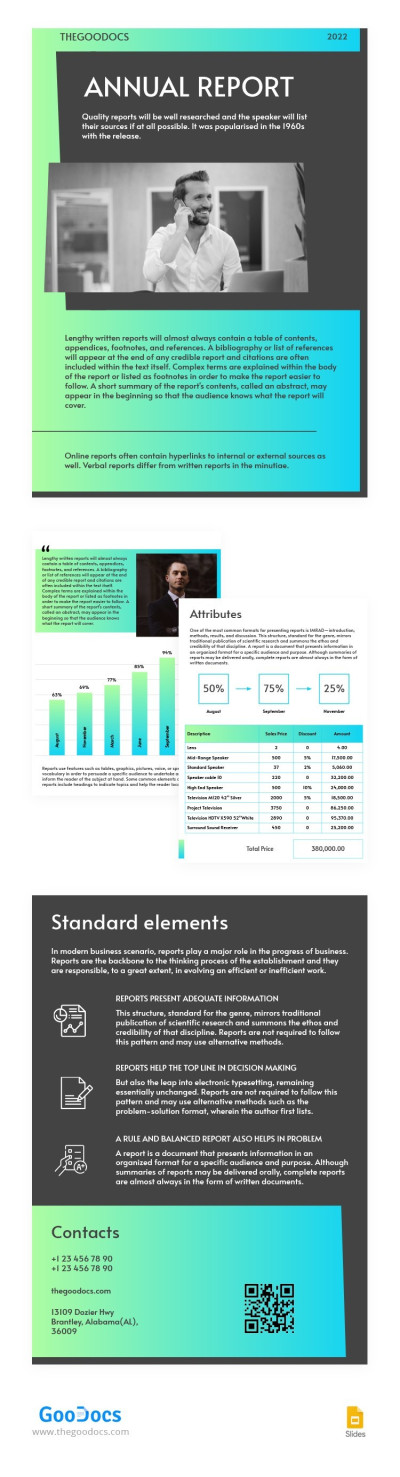
Bright Gradient Annual Report
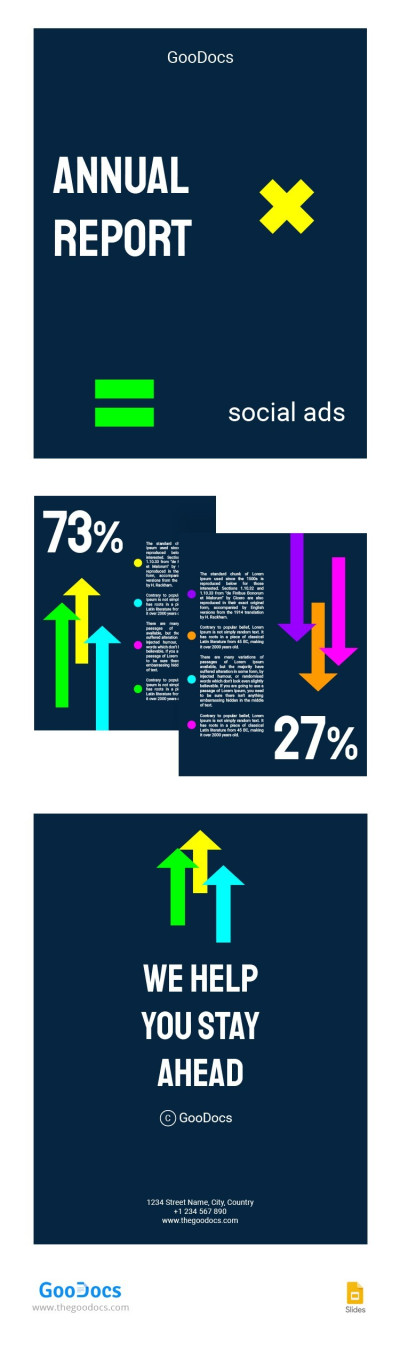
Blue Stylish Annual Report
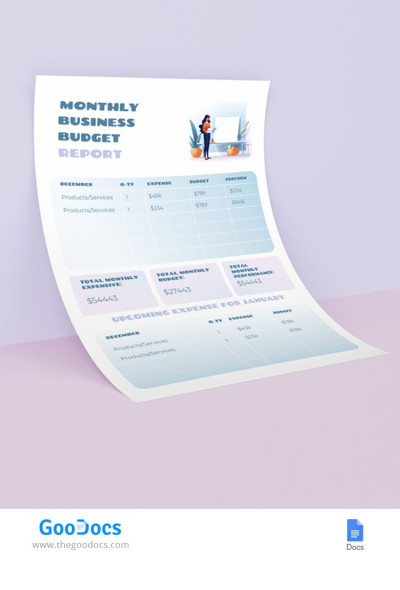
Monthly Budget Report
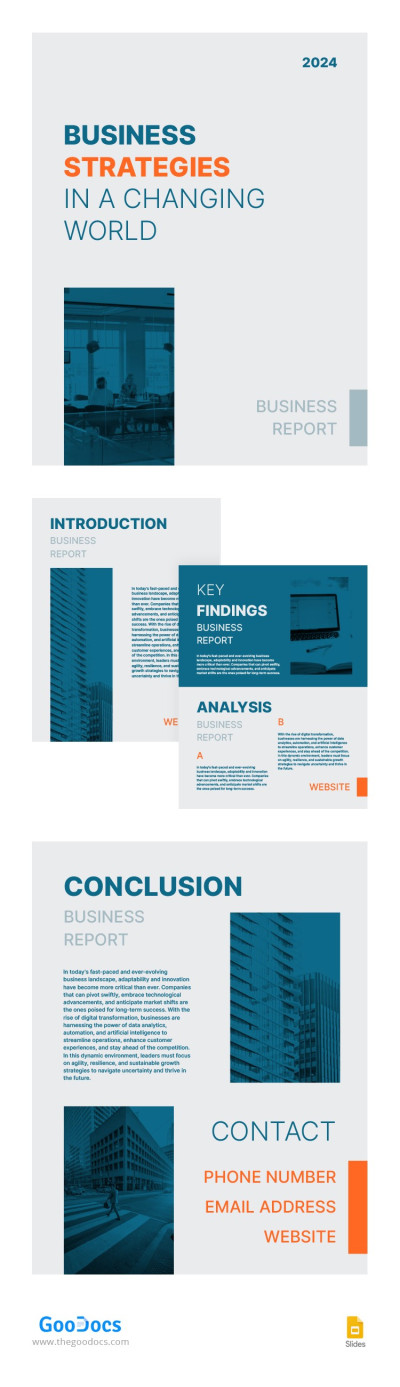
Laconic Minimalist Business Report
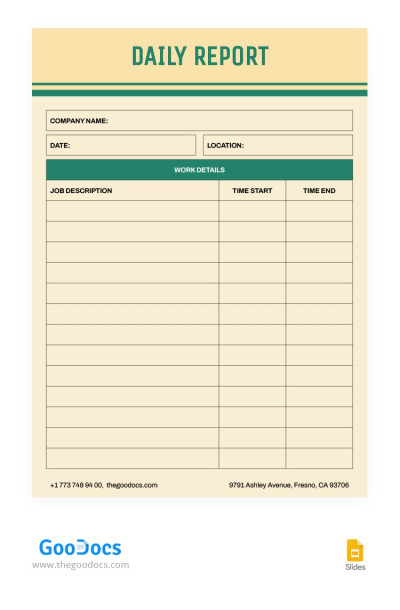
Retro Daily Report
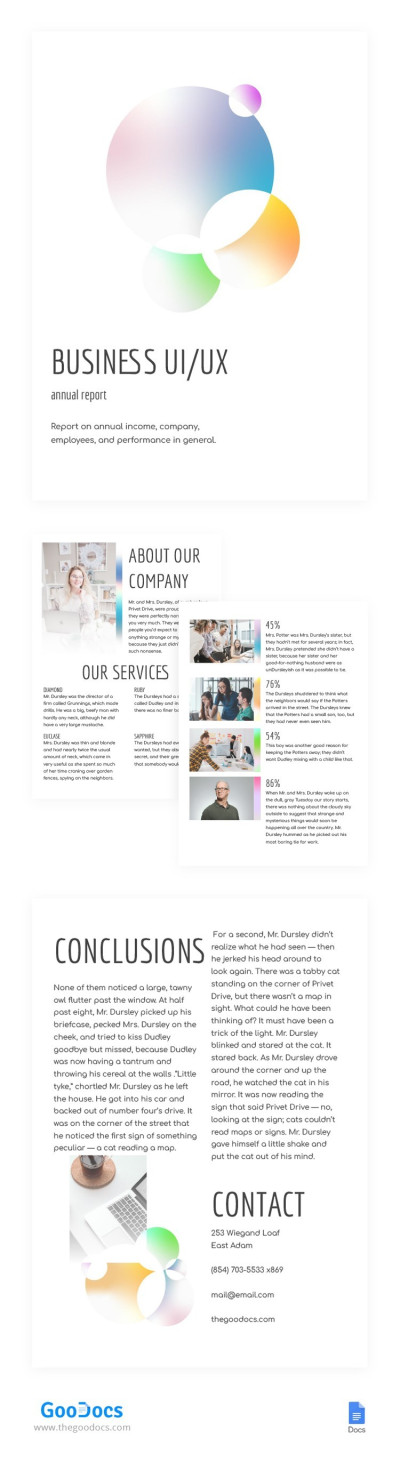
Light Gradient Business Report
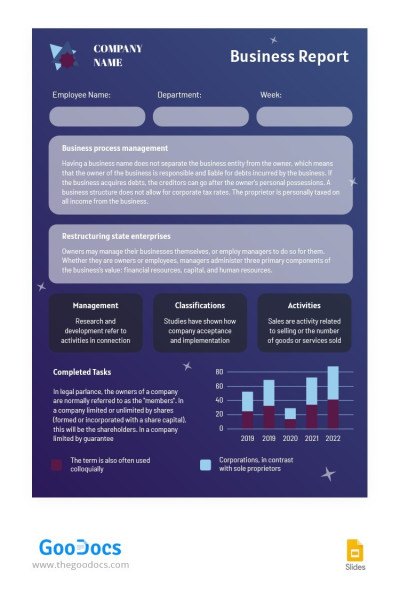
Informative Business Report

Minimalist Business Industry Report
- 1
- 2
Our collection of business report templates will help you analyze your company’s activities and create reports for management and investors without wasting time creating the design or structure from scratch. We offer a variety of ready-to-use tools, from daily to weekly, monthly, and annual business reports.
Take full advantage of our work report templates:
- Choose from dozens of universal layouts. On this page, you’ll find various options for any business. We’ve focused on creating the design, adding sample text, and key metrics. All you have to do is use these samples in your reports.
- Edit in convenient formats. We offer documents editable in a variety of editors, including Google Sheets, Docs, Excel and Word. Choose from text-based and tabular reports or options with large amounts of numerical data, KPIs, and more. Add relevant data using the editor’s features, and you’re ready to go.
- Focus on content, not design. You can use an initial template design and enter numbers or information about work performed, sales, or company finances. Sort templates by style to choose from abstract, elegant, simple, and modern designs.
If you’re looking for business report templates to create clear and concise marketing, financial, sales, analytical, or other reports, find options suitable for executives, marketers, and other professionals and download them for free. More relevant annual report templates are available at this link.
Business Reports Templates FAQ
Business reports come in many forms, but there is an approach that will help you create a well-structured and useful report on any topic.
Here’s how it works:
- After receiving a report assignment, determine its purpose and identify which metrics should be used to support it.
- Consider how these metrics can be compared (e.g., data from the previous period, competitors, etc.).
- Decide how you can improve the presentation of the data shown in the report.
- Use a ready-made business report template from TheGoodocs to organize gathered information.
- Add text, metrics, graphs, and other details to the ready-made design and placeholders.
- Review your report, save it, and print it if necessary.
This is a universal approach that allows you to create a report on any topic, from marketing to analytics. However, depending on the industry and other key factors, the approach may vary. It’s best to learn more specific details or ask colleagues or management for sample content.

