
Family Tree Templates for Google Docs and Word
Get your free family tree templates for Google Docs and Word on this page! We offer editable and printable blank family tree templates for five or more members and even for different generations. Take a closer look at simple, pastel, elegant, large, and other designs. Download and edit easily.
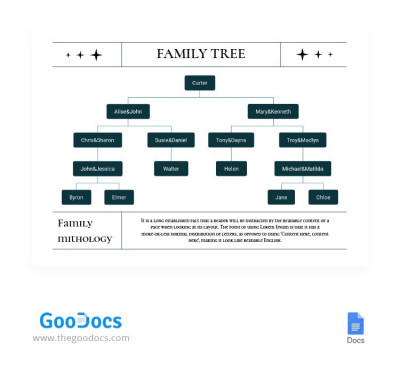
Light Simple Family Tree
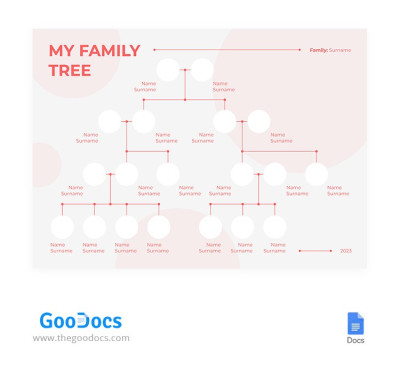
Red Simple Family Tree
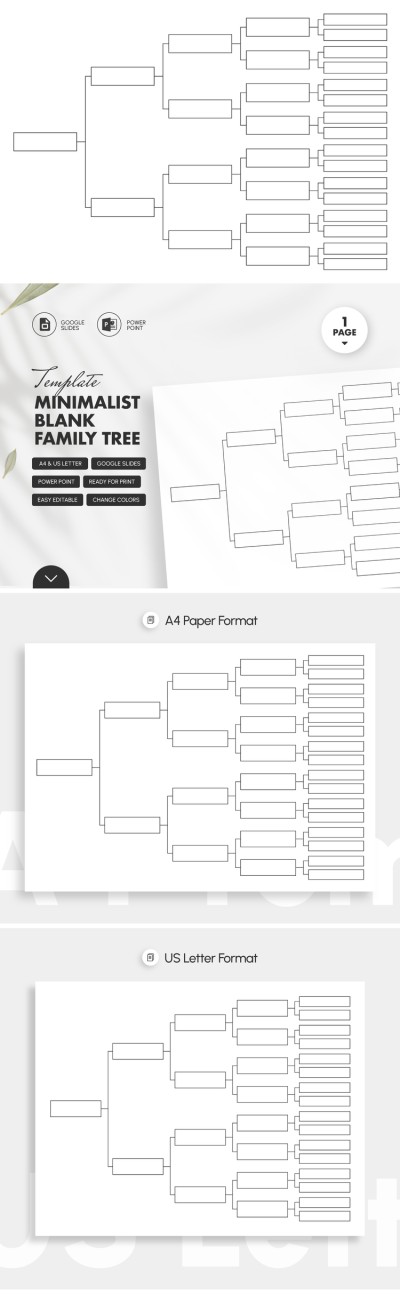
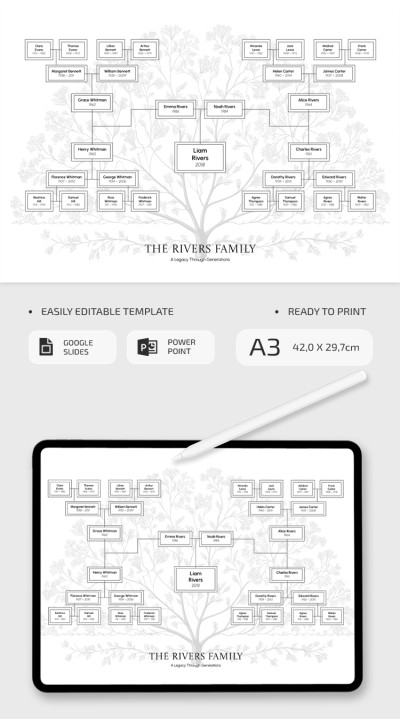
Editable Family Tree Template
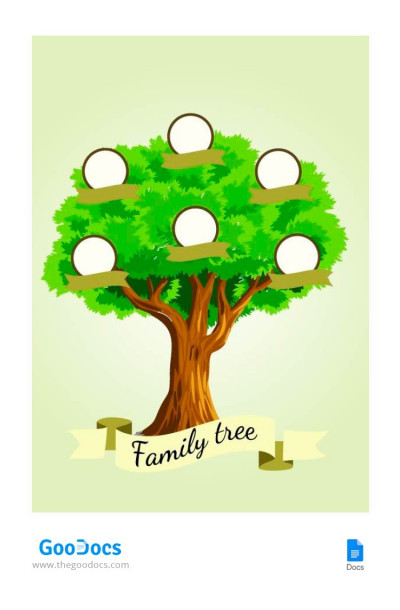
Classic Illustrated Family Tree
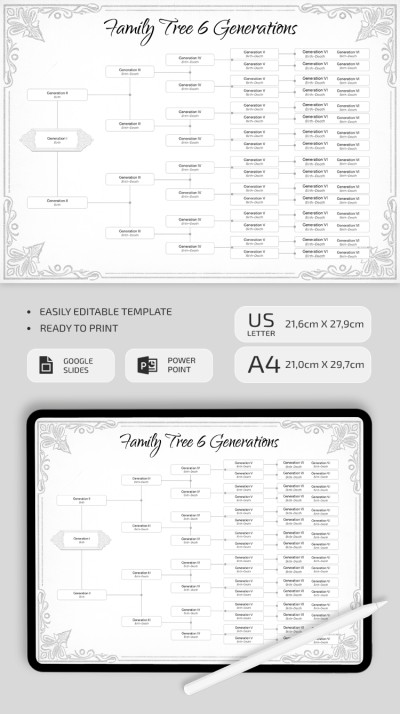
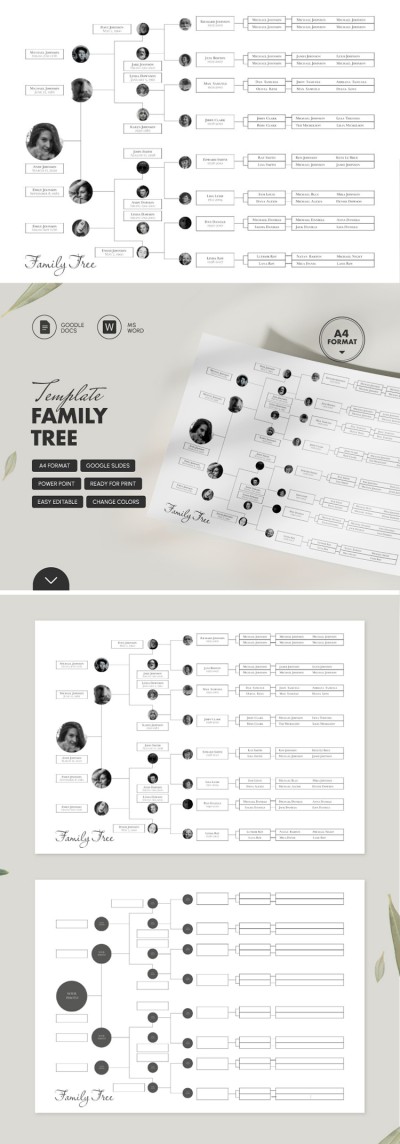
Family Tree with Siblings
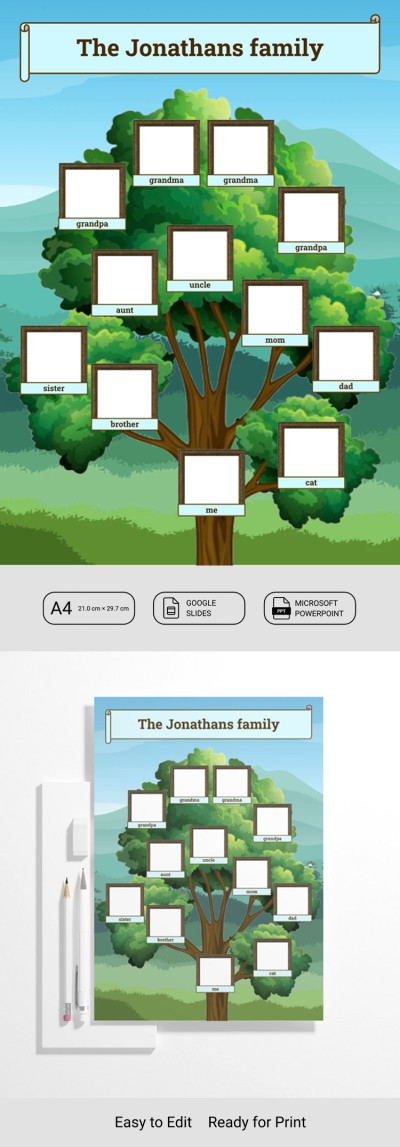
Kids Family Tree Template
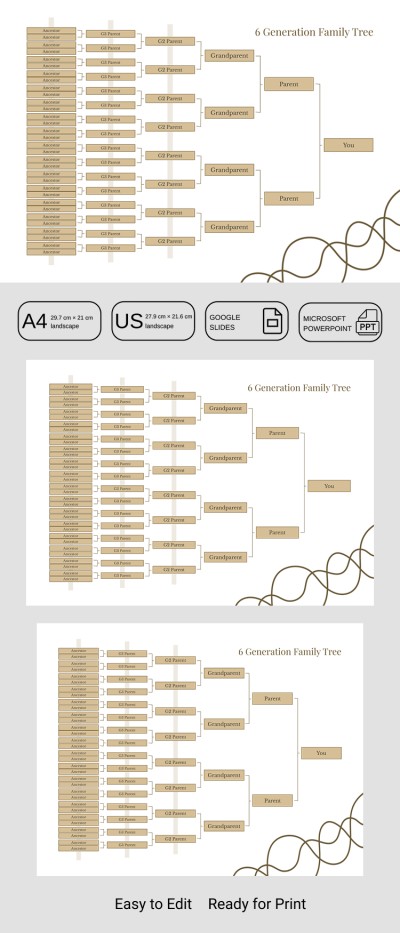

Blank Family Tree Template
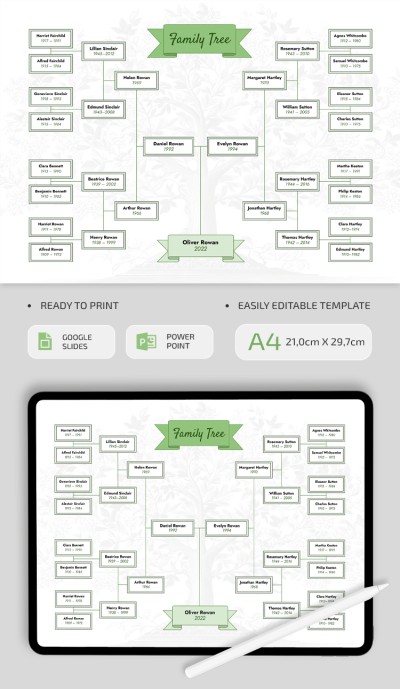
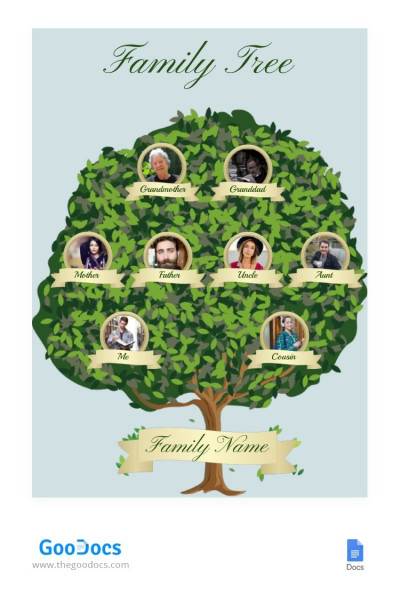
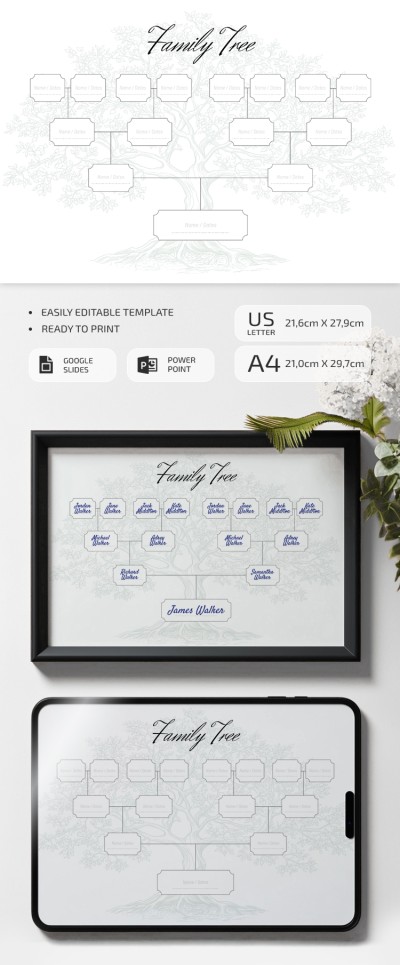
Family Tree
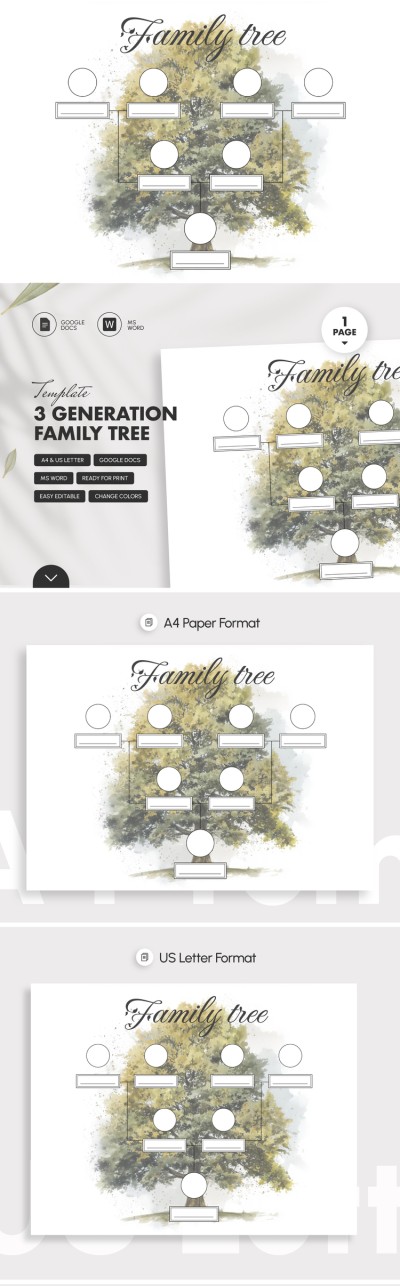
3 Generation Family Tree Template
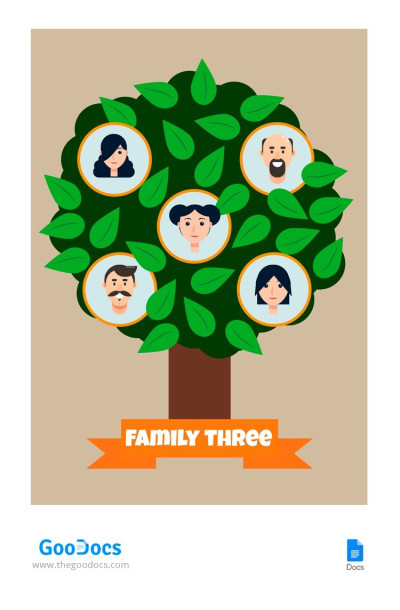
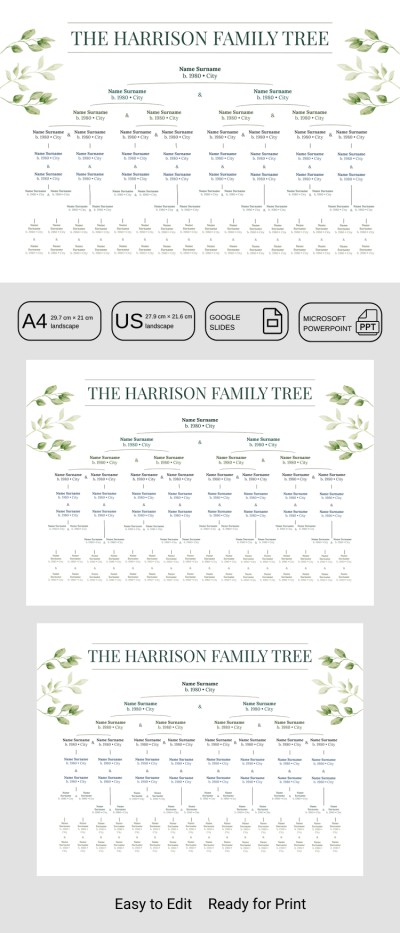
Green Family Tree
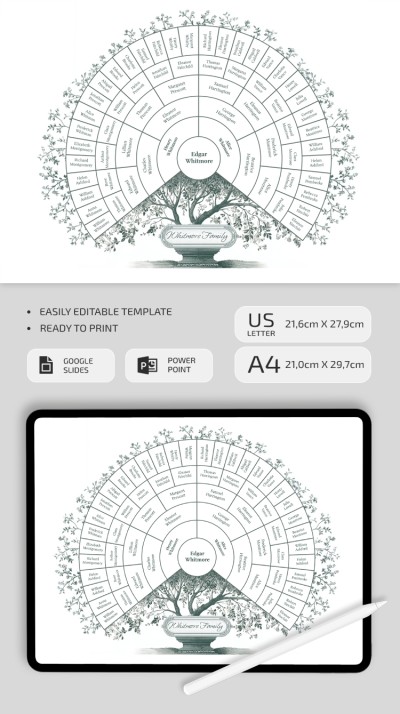
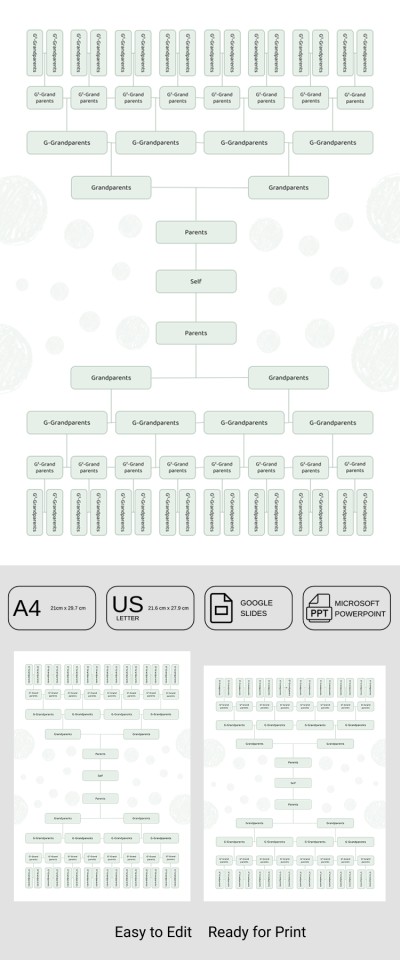
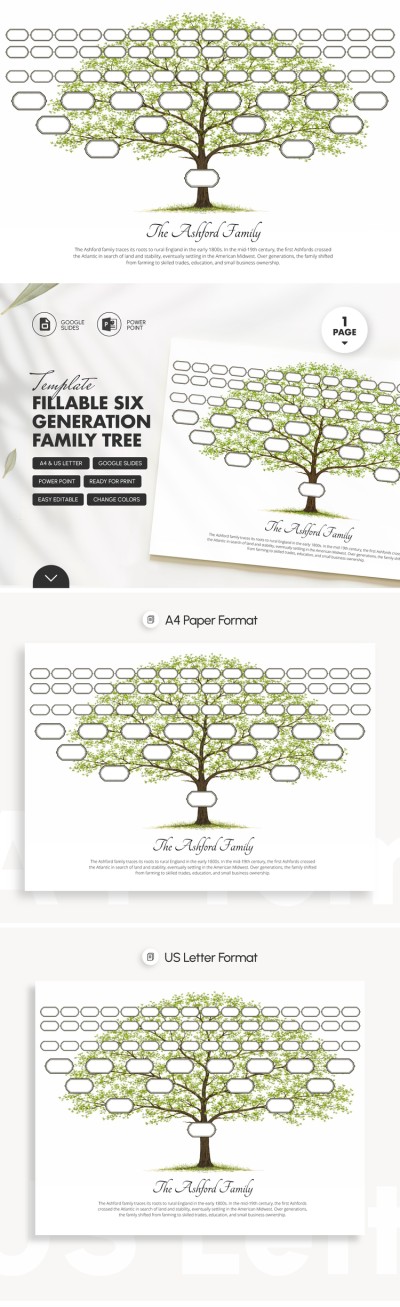
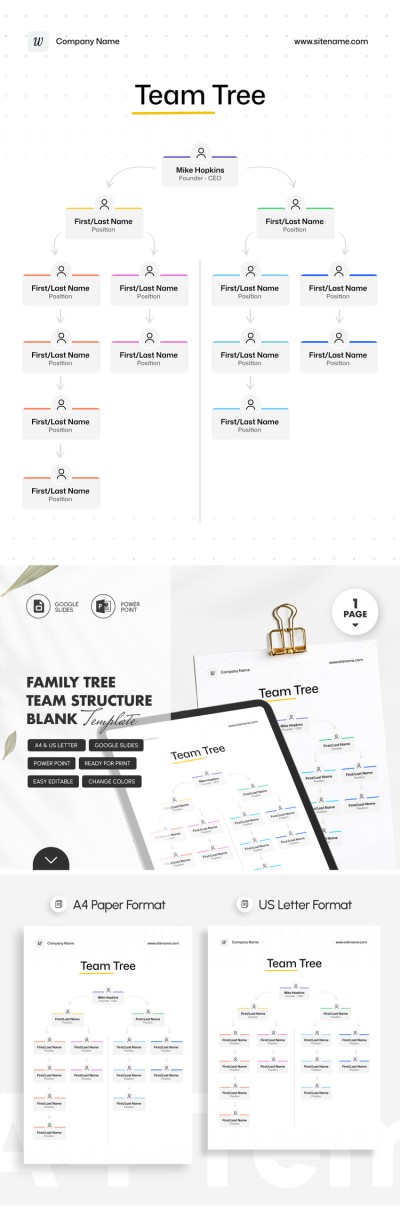
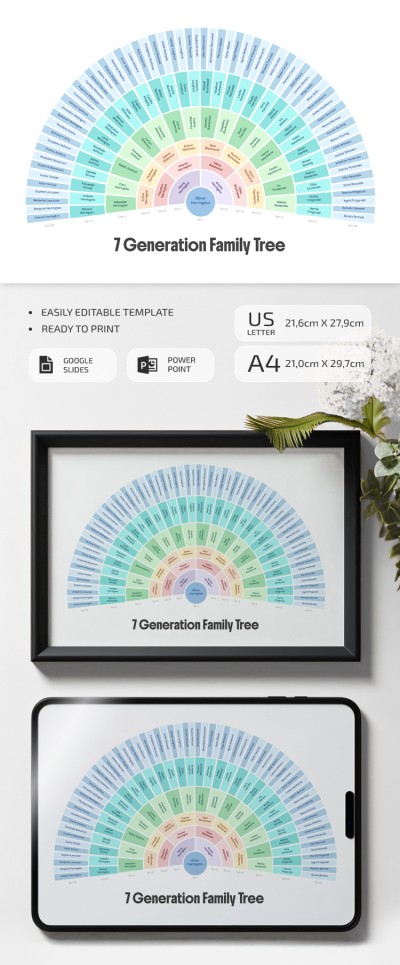
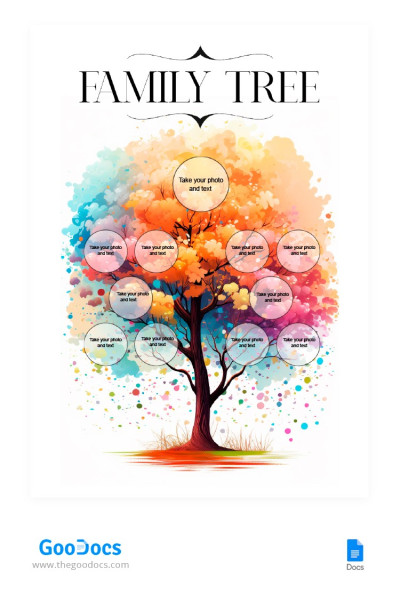
Watercolor Family Tree
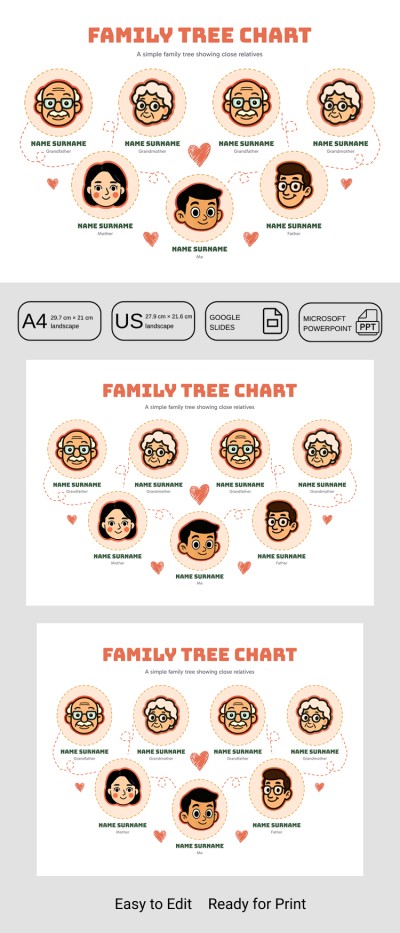
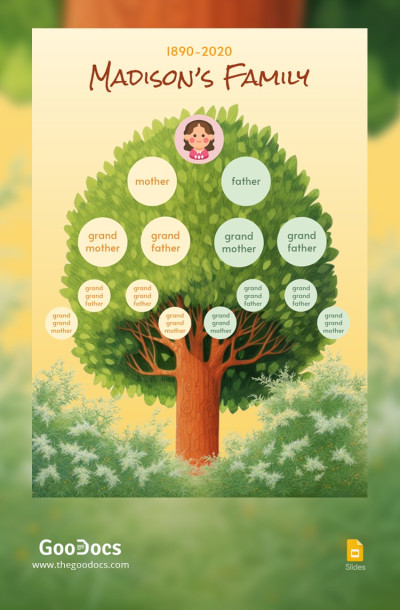
Printable Family Tree
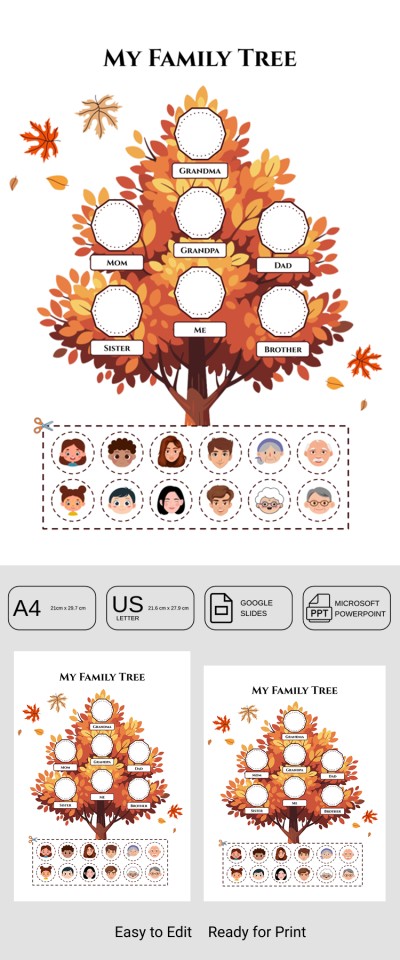
Blank Family Tree Template – Editable Pedigree Chart for Kids & Adults
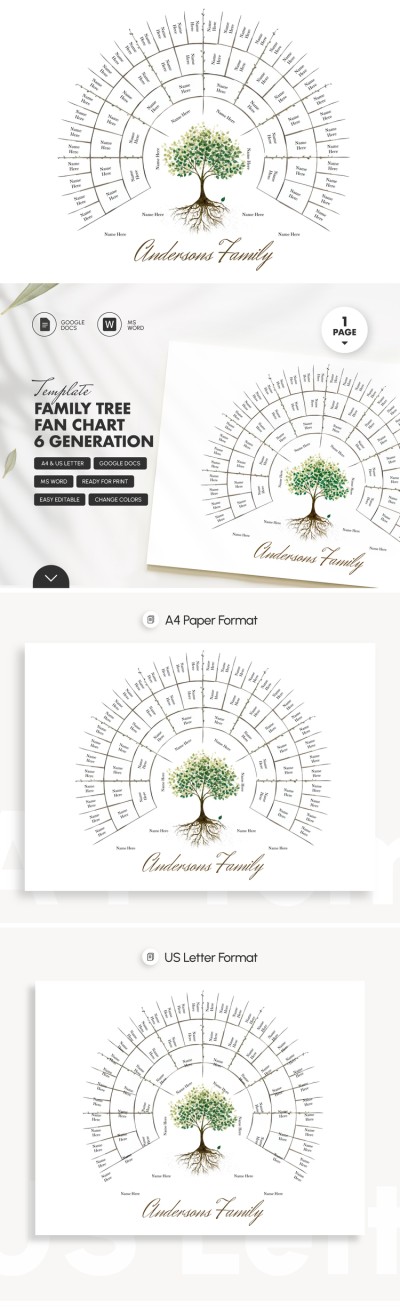
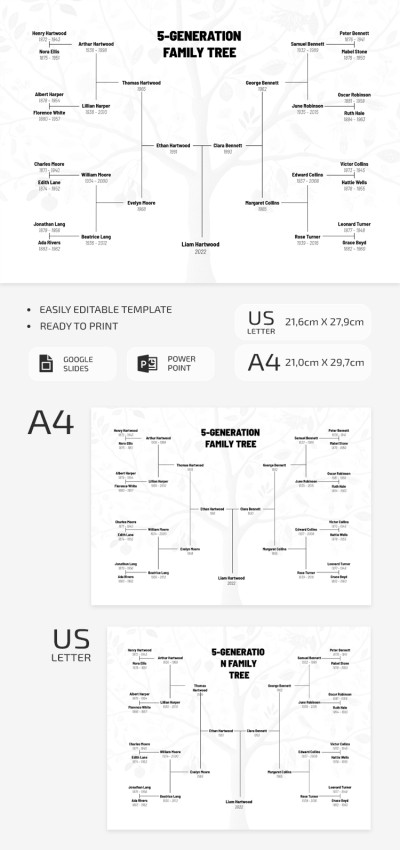
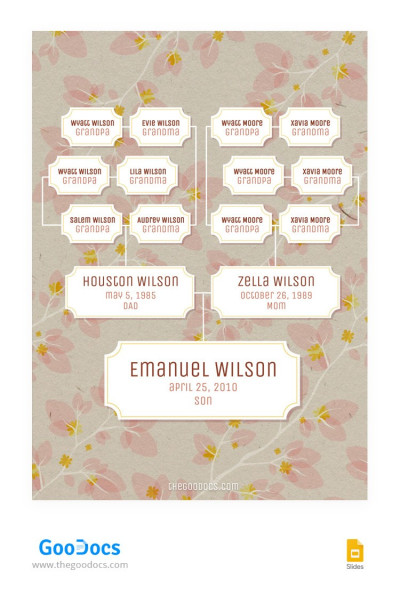
Vintage Family Tree
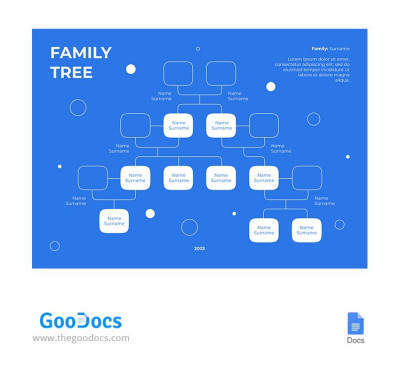
Blue Family Tree
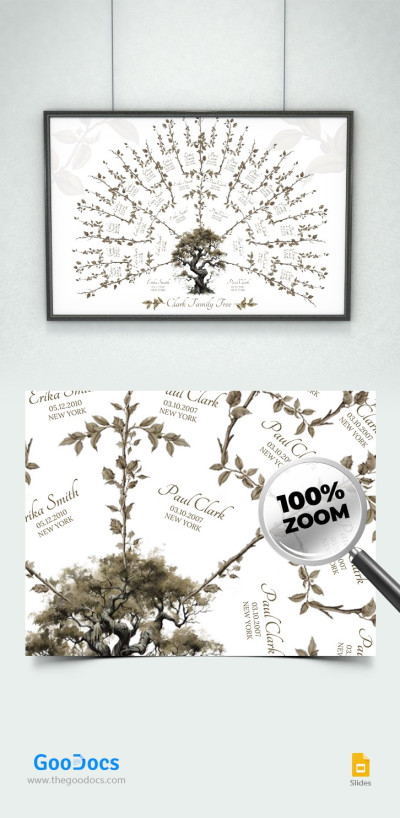
Elegant Family Tree
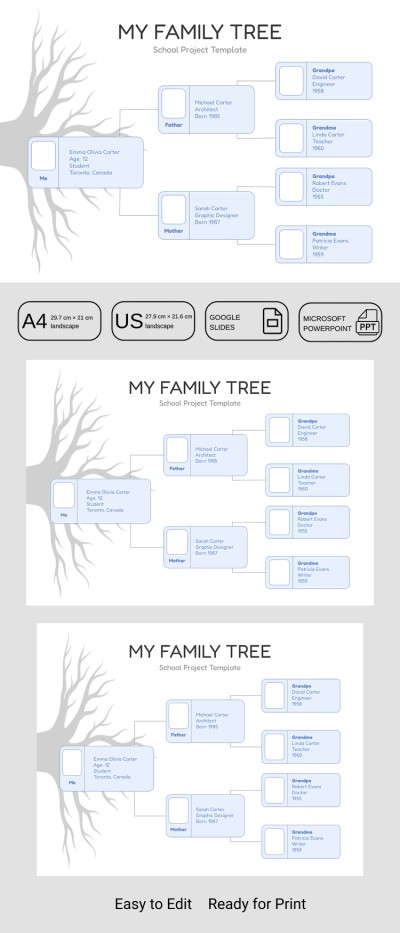
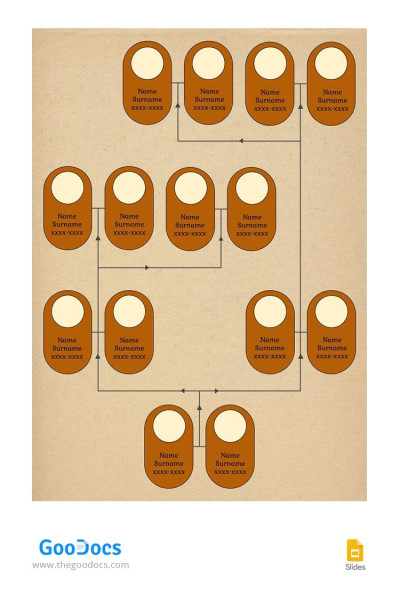
Brown Simple Family Tree
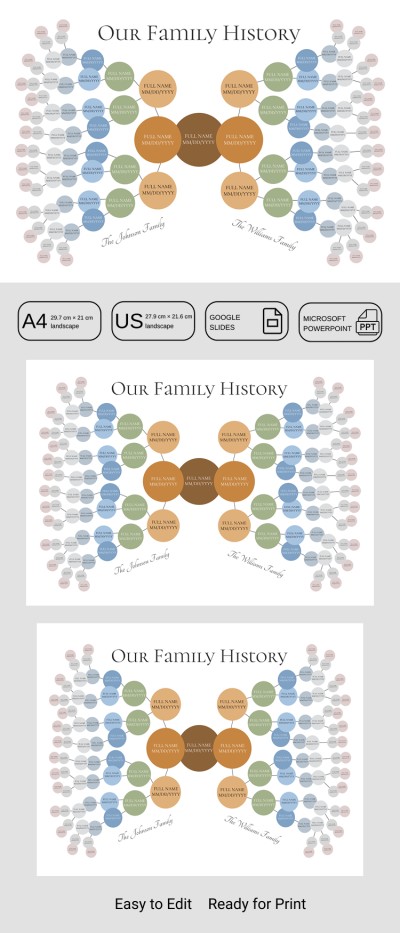
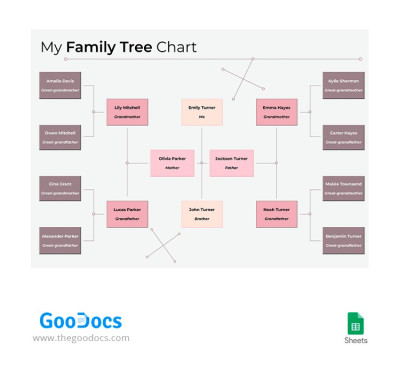
Pastel Family Tree Chart
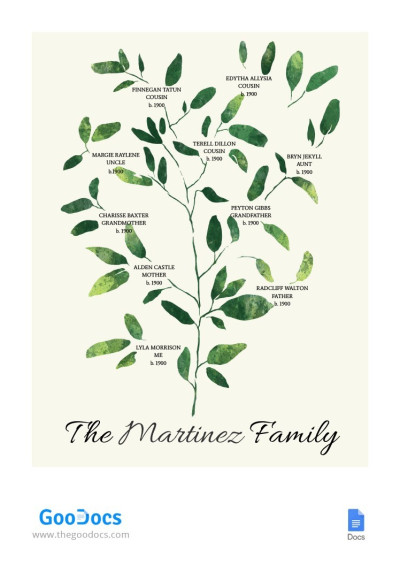
Green Elegant Family Tree
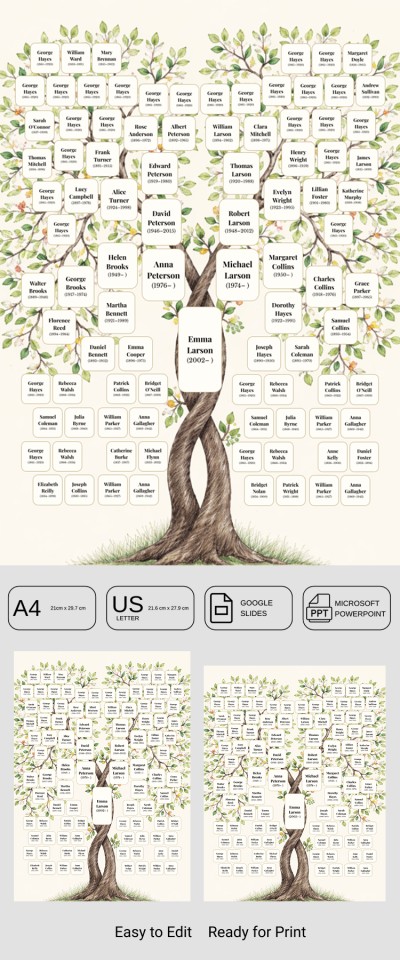
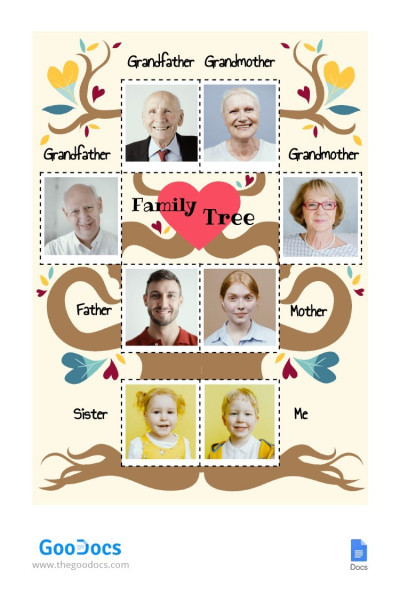
Cute Family Tree
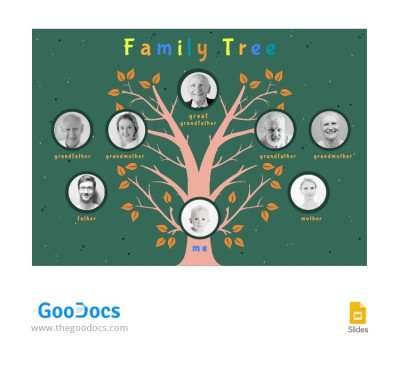
Green Cute Family Tree
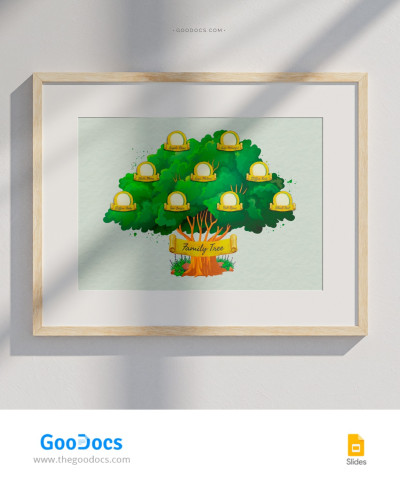
Simple Family Tree
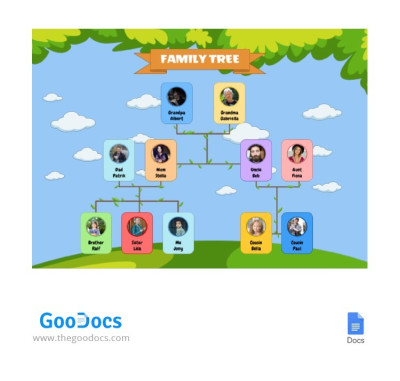
Funny Family Tree
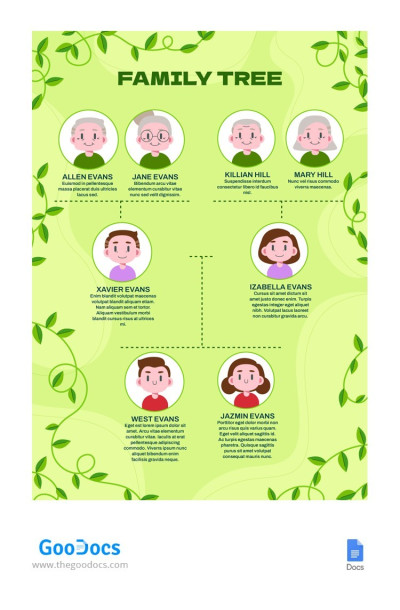
Bright Green Cartoon Family Tree
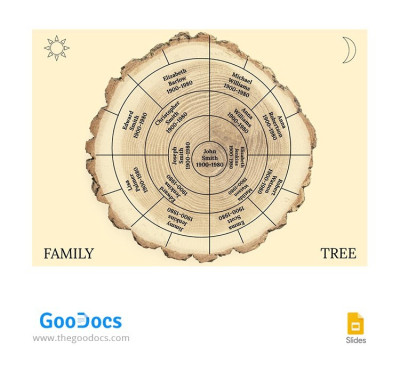
Ochre Chart Family Tree

Family Tree with Colorful Leaves
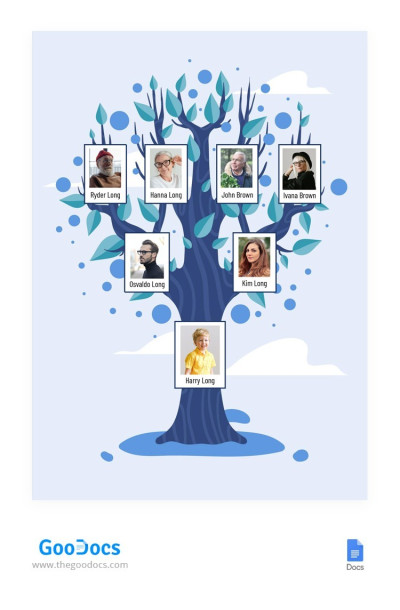
Blue Cute Family Tree
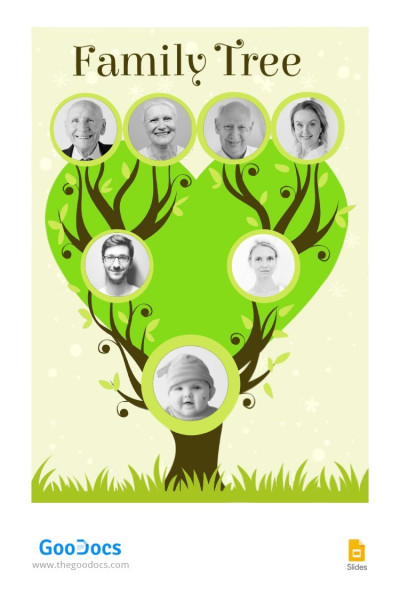
Bright Family Tree
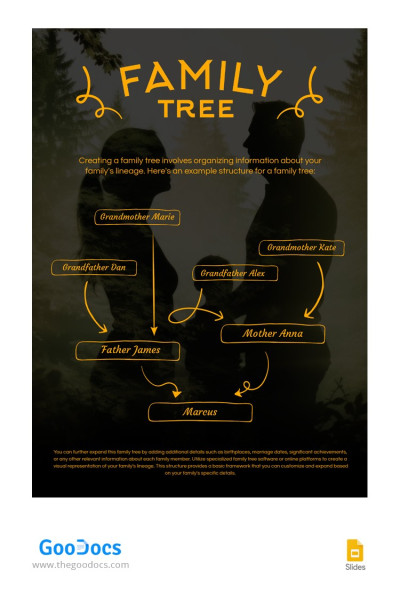
Family Arrow Tree
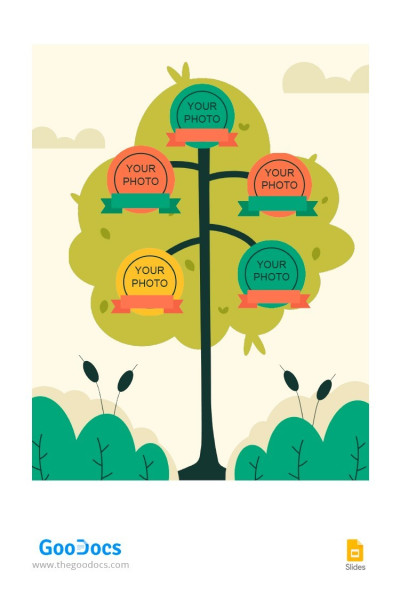
Wonderful Family Tree
- 1
- 2
Build your family history and visualize your relationships with our family tree templates. These templates are perfect for personal use, archiving, and even school projects. They are compatible with convenient Google and Microsoft editors, allowing you to edit the layout online with other relatives and customize it easily.
Create a personalized family tree using unique templates:
- Choose from the best options available on this page. Everyone is sure to find a genealogy tree template that meets all their needs. We offer chart options that can accommodate information for up to five generations of your family.
- Edit without any special skills. No additional software or design background is required to work with our family tree charts. Simply use Google Docs, Sheets, or Word. To edit a template, open it in your preferred editor, add names, text, and photos, and you're done.
- Find the perfect design. All family trees are created by professional designers, and we offer a wide variety of unique samples. We offer cartoon designs for school and children’s projects, formal designs for archives, and elegant designs for personal use.
All you have to do is choose the right genealogy tree template, obtain a copy or download it for free, and start editing and filling it out. You can also explore more examples from our family tree Google Slides templates category.
Family Tree Templates FAQ
You're not supposed to create a family tree template from scratch, as TheGoodocs offers dozens of ready-made options. You can choose one or a few and start filling them out with your ancestors’ and family members’ names, photos, and additional information.
Here's how you can create your own genealogy tree template with us:
- Find a template that meets all your design and structure needs on this page. Use the filters to choose from layouts for school projects, archives, personal use, and more.
- Download it in Word or get a copy in Google Docs. This page contains options in two easy-to-edit formats. To download or get a copy in Google Drive, go to the template page and click “Edit / Download.”
- Open the template and start filling it out. Once you've received the file through either method, you can use it. Click the name field and enter the family member's name. Add photos by copying them with CTRL+C and pasting them with CTRL+V, or select Insert → Picture → Choose from folder. Editing on a phone works similarly.
- Customize the design or leave the default version. You can change the background color or use new fonts. After downloading the template, use any of the editor’s built-in customization tools for unlimited personalization.
Now you can simply save the template and use it digitally. Our family tree templates are also available in printable sizes, including A4, U.S. Letter, Landscape, A3, and larger options. Both color and black-and-white printers are compatible.

