
List & Checklist Templates
Discover a collection of editable list and checklist templates in Word and Excel, also available in Google Sheets and Word formats. We provide list and checklist templates for free and offer some premium options. You can download financial audit, grocery, wedding, birthday, daily, and other designs on this page. Start using them in a few clicks.
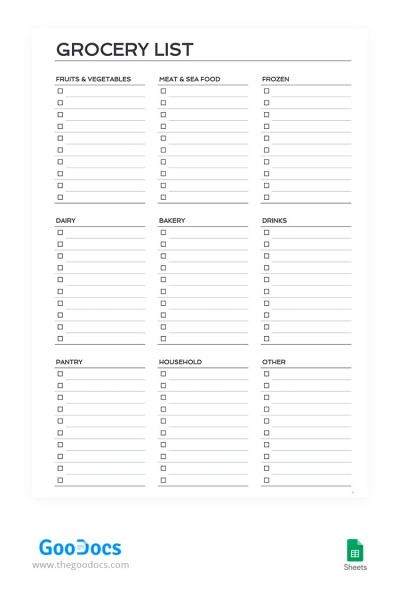
Printable Grocery Checklist
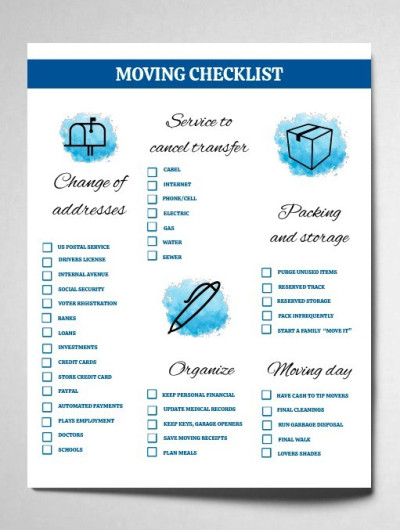
Blue Moving Checklist
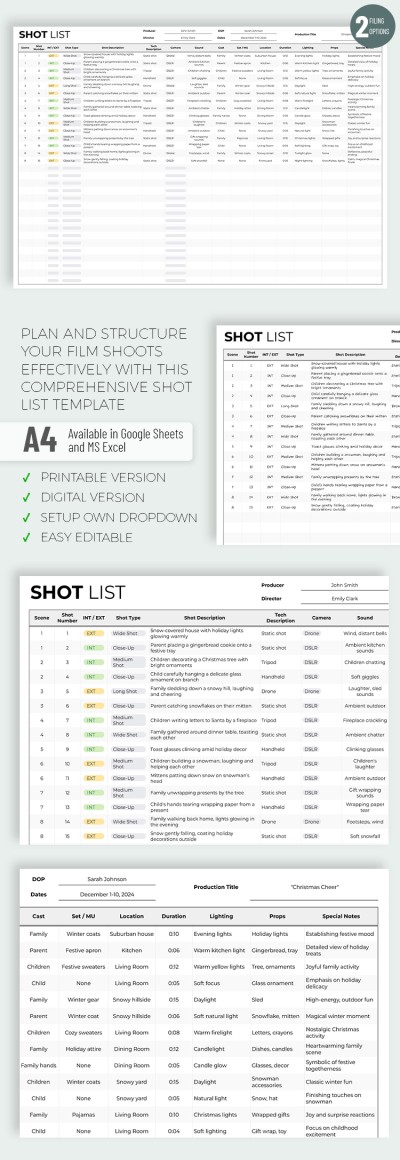
Shot List
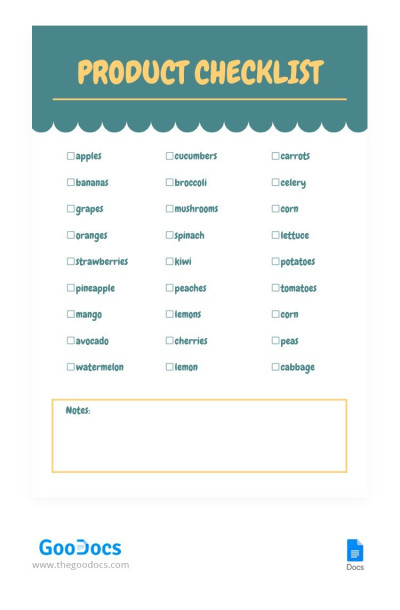
Product Checklist
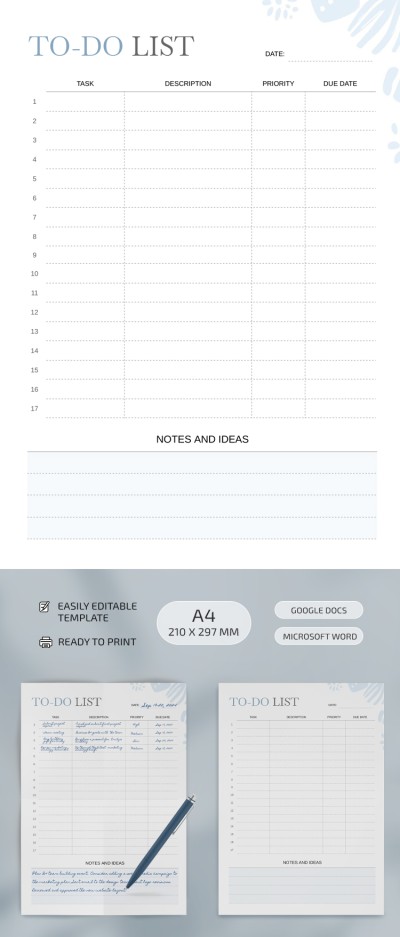
Structured To-Do List
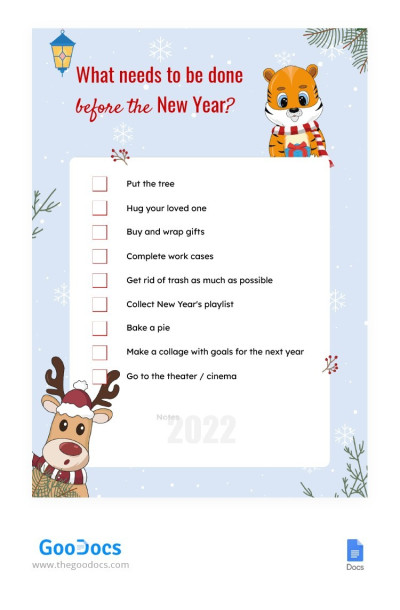
New Year's Checklist
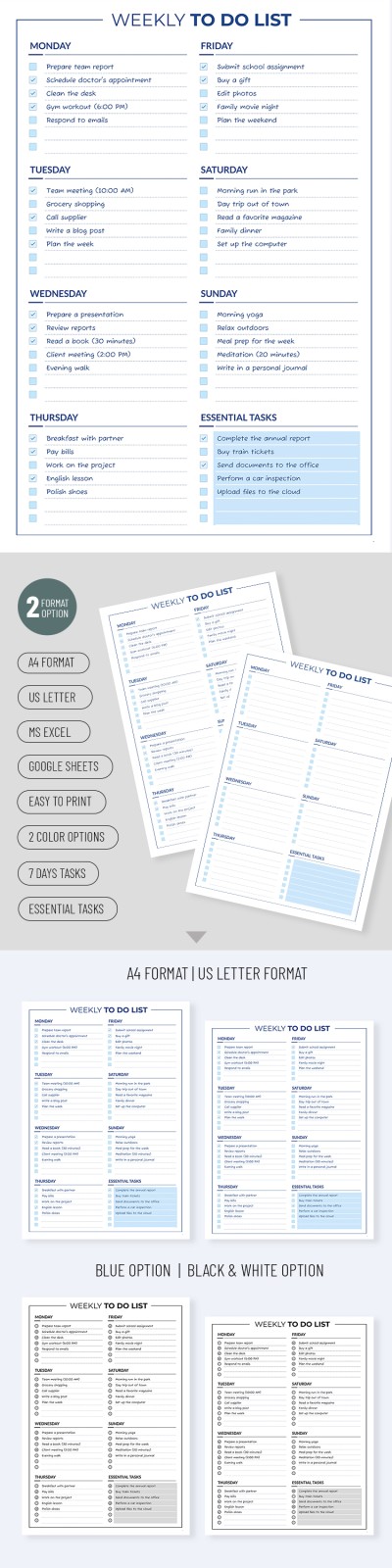
Weekly To-Do List

Printable Medication List Template
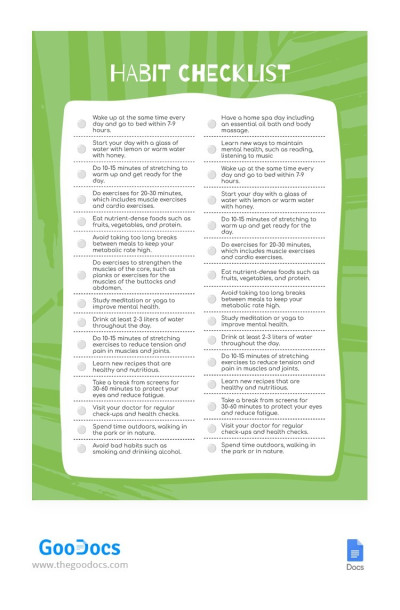
Bright Green Habit Checklist Month
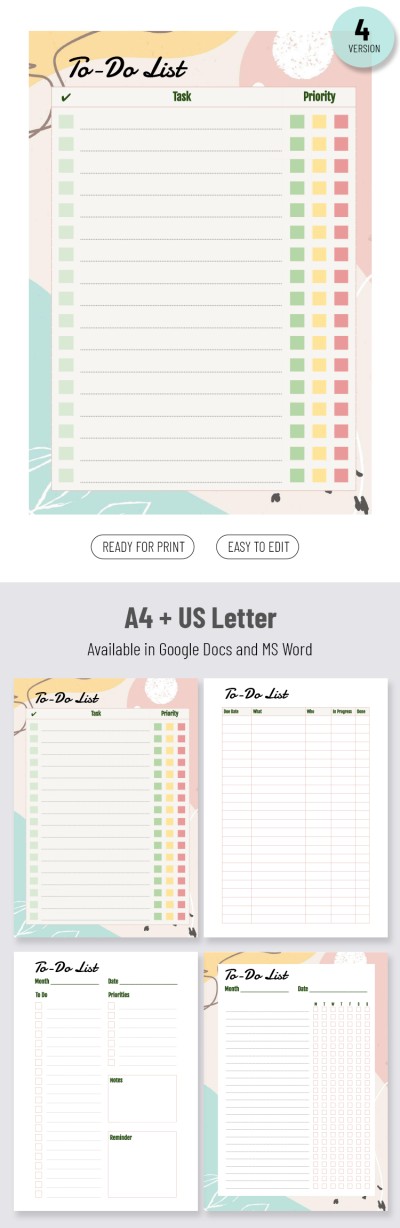
Priority To-do List
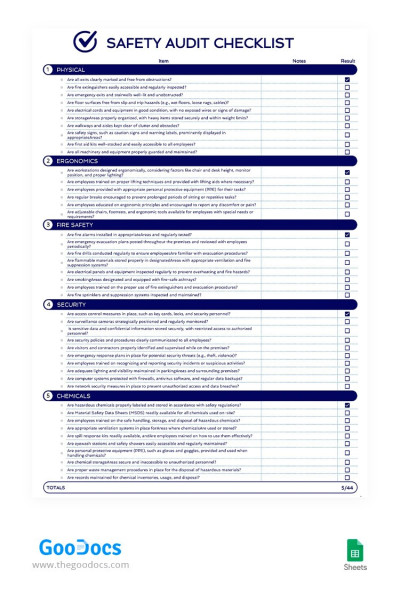
Safety Audit Checklist
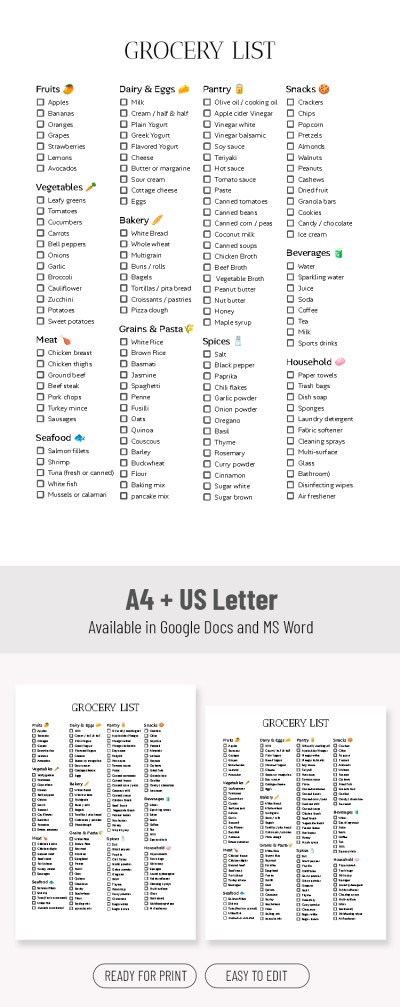
Grocery Shopping List Template – Plan Your Shopping Fast
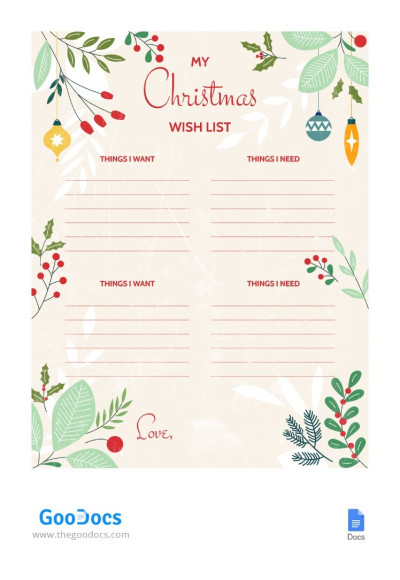
Gentle Christmas Wish List
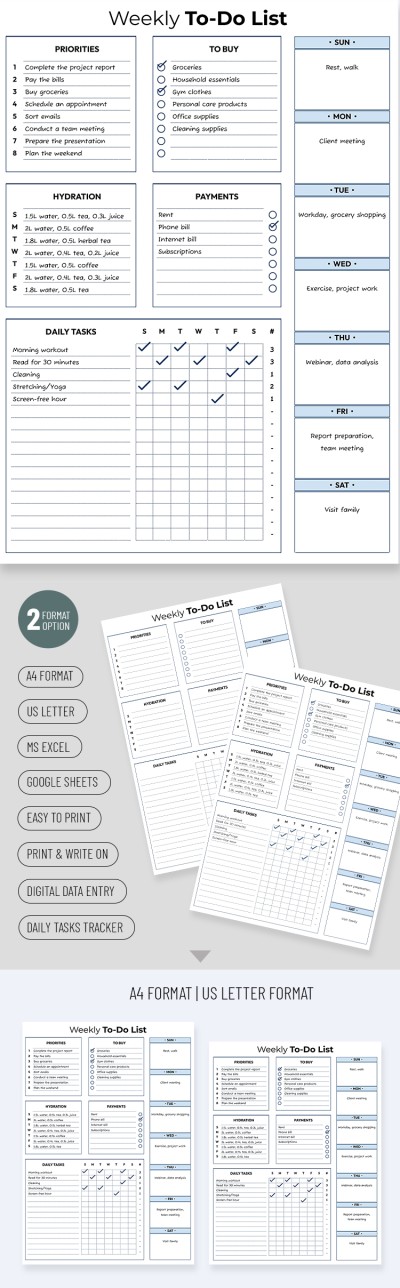
Cute Weekly To-Do List
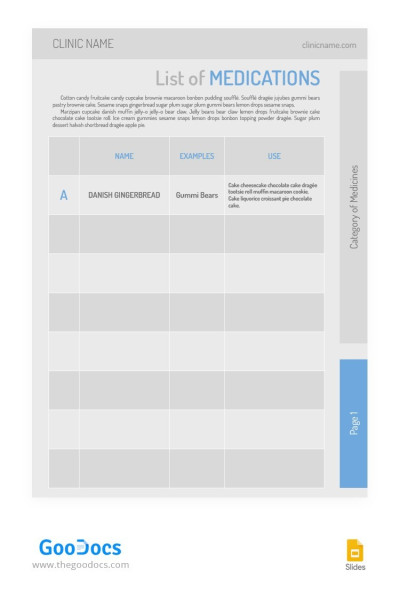
Simple List of Medications
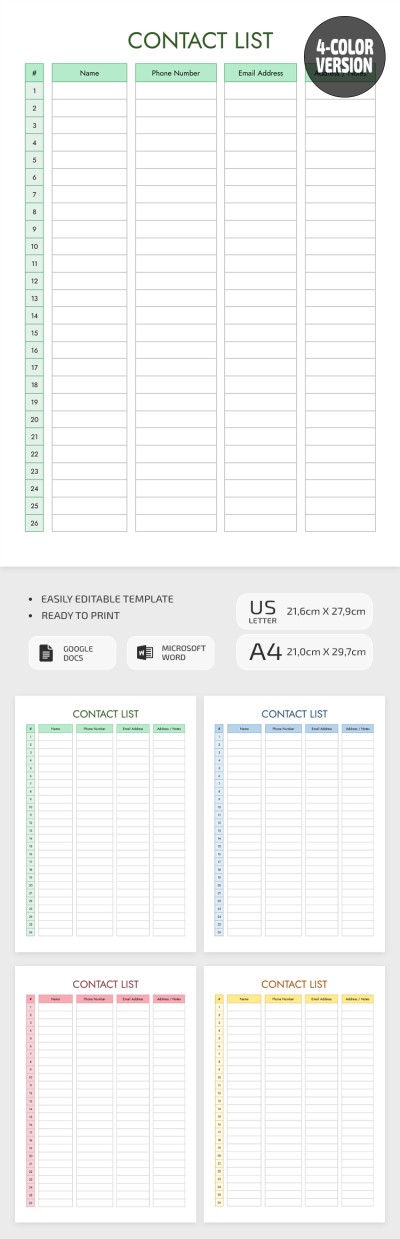
Printable Contact List Template
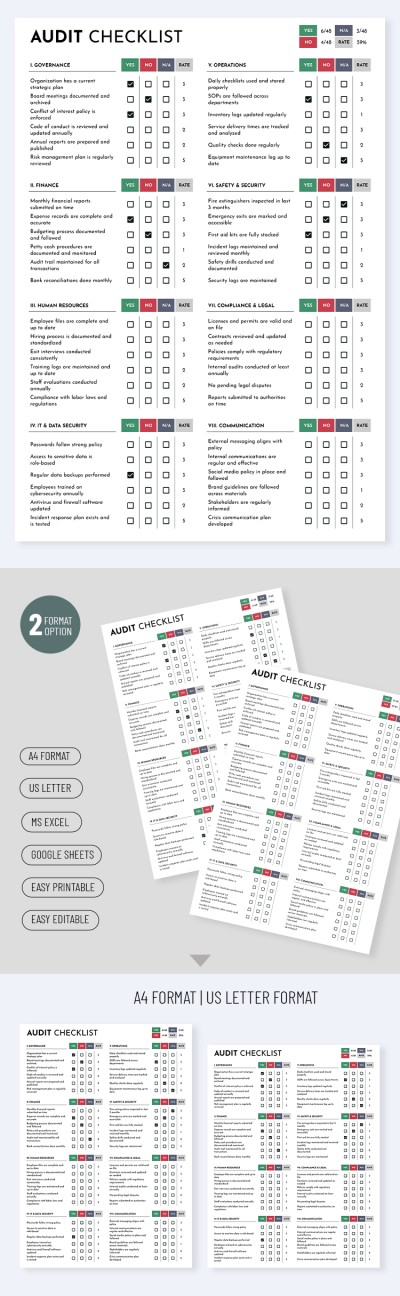
Simple Audit Checklist Template
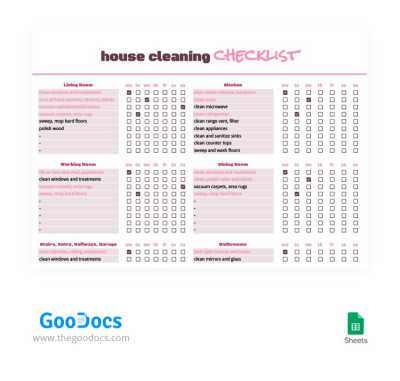
Detailed Weekly Cleaning Checklist
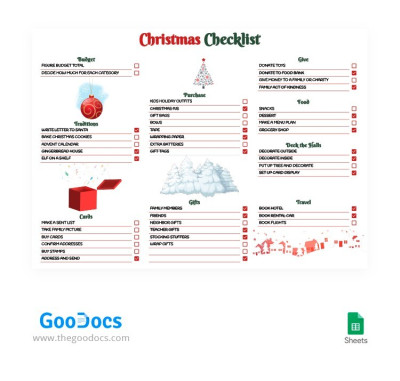
Bright Detailed Christmas Checklist
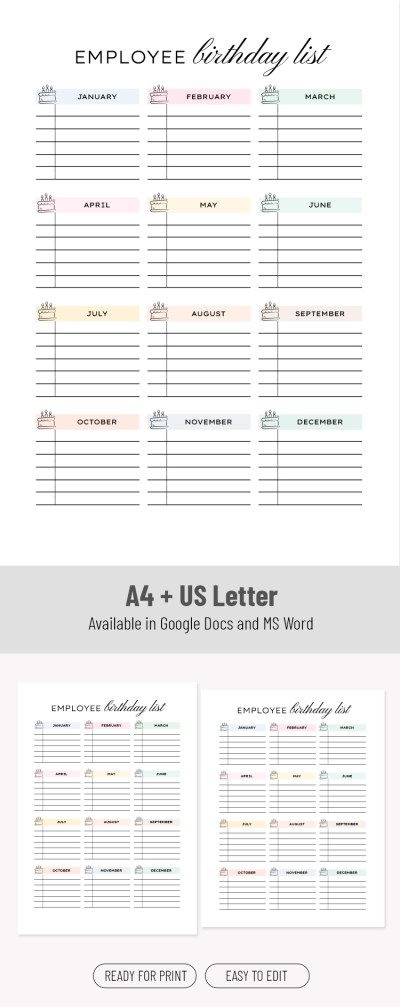
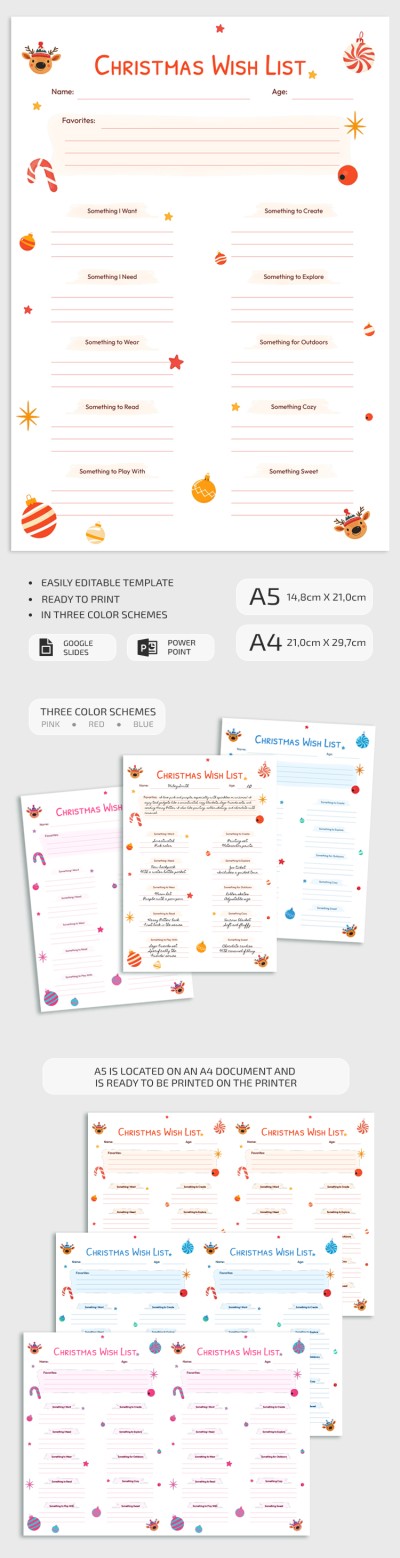
Christmas Wish List
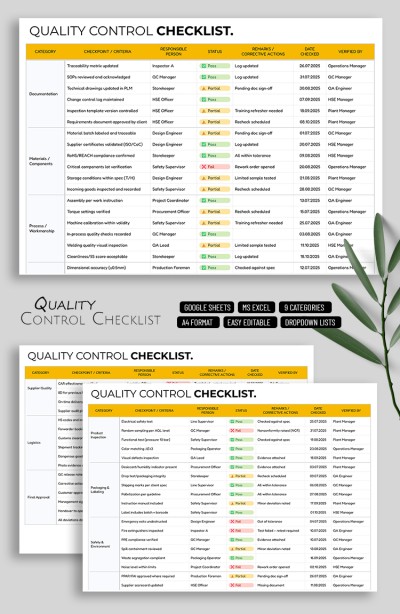
Quality Control Checklist Template
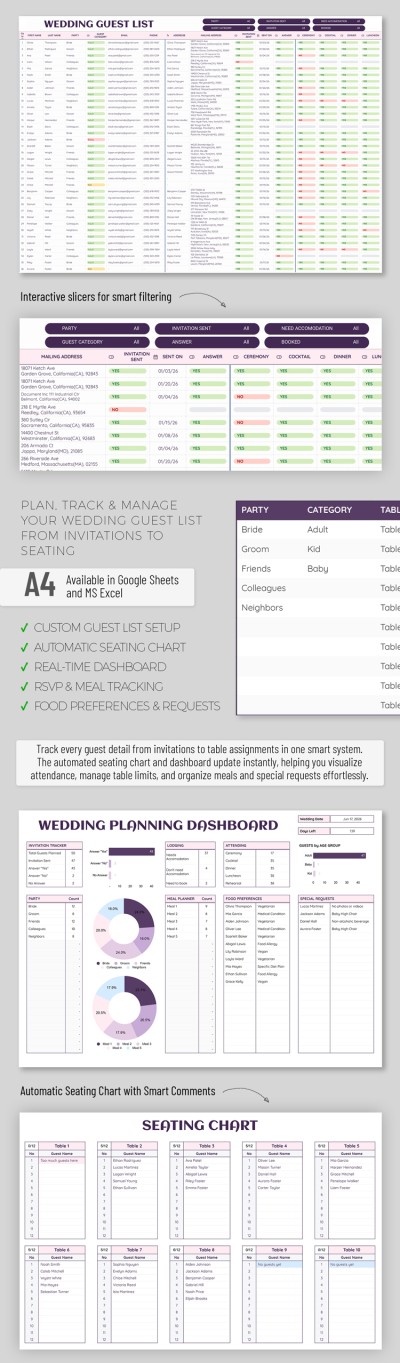
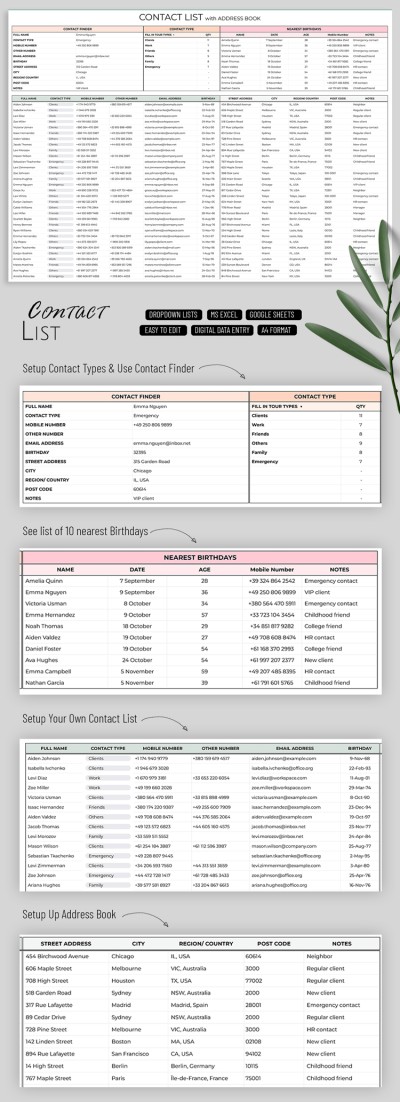
Contact List Template with Address Book
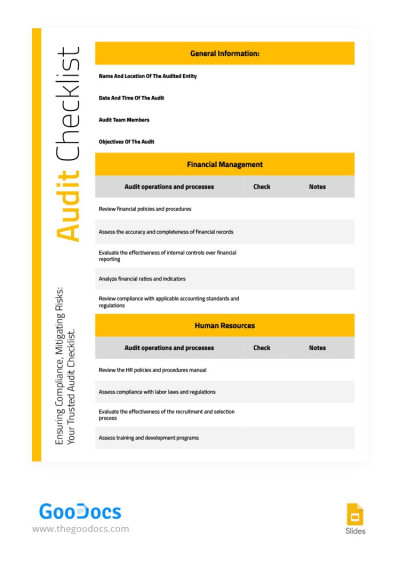
Yellow Structural Audit Checklist
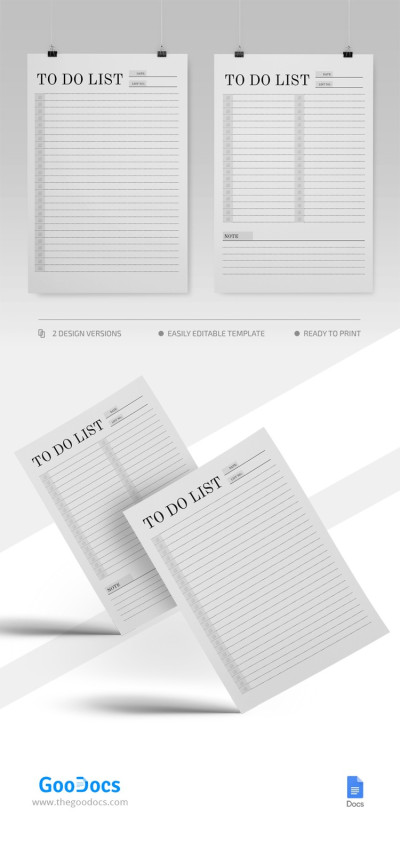
Minimal To Do List
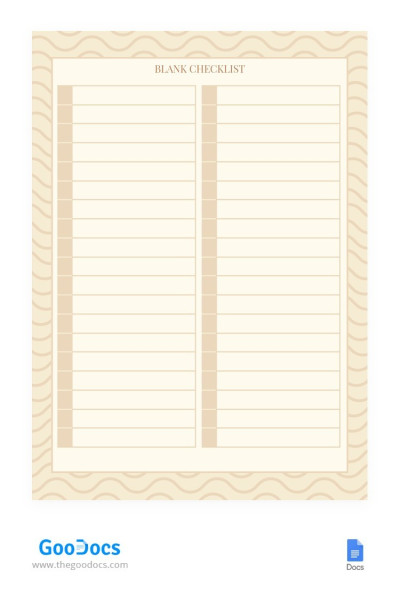
Blank Checklist
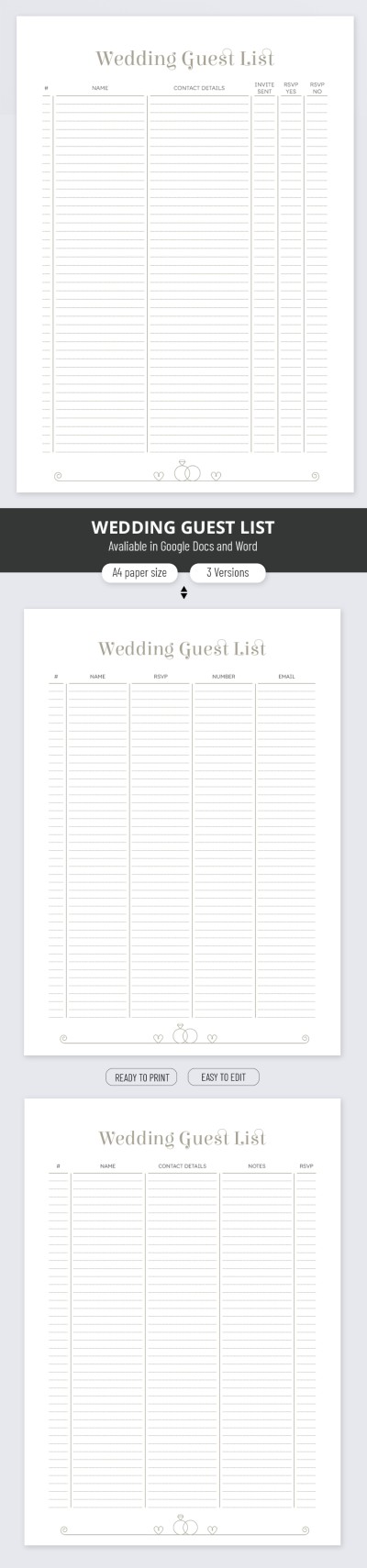
Wedding Guest List
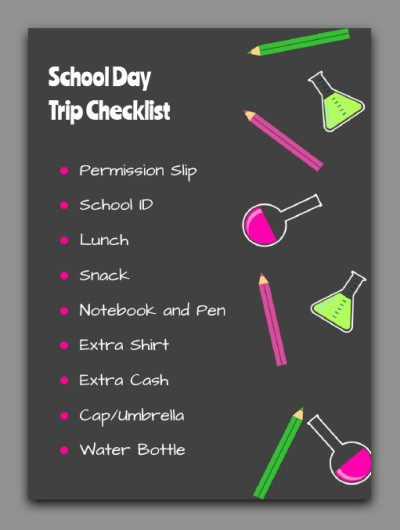
School Day Trip Checklist
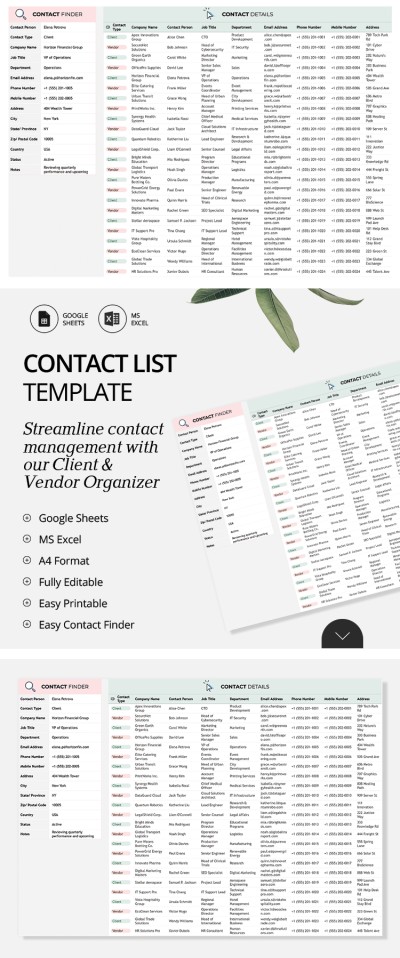
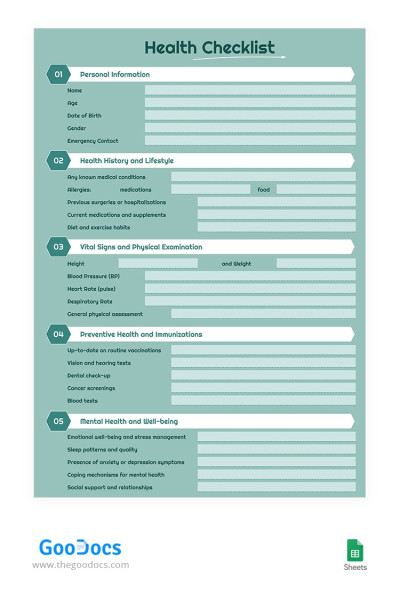
Green Health Checklist
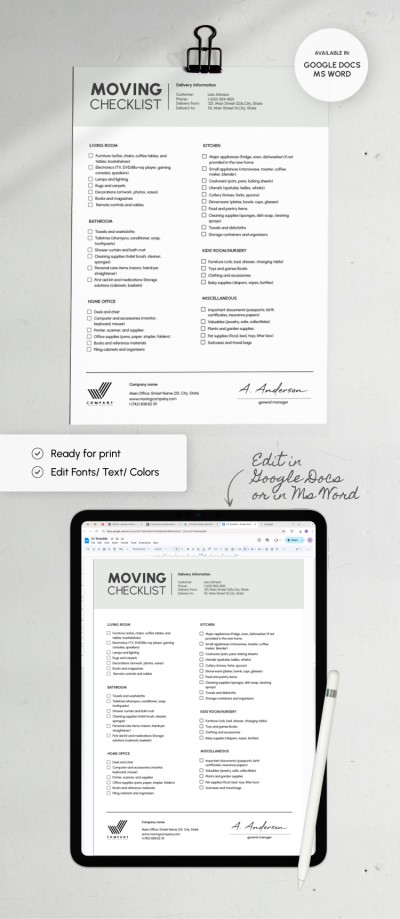
Moving Checklist
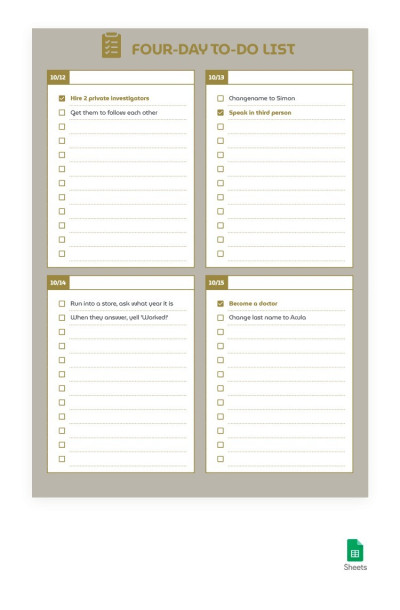
Golden Four-Day To-Do List

Minimalist Grocery List Template For Quick Print
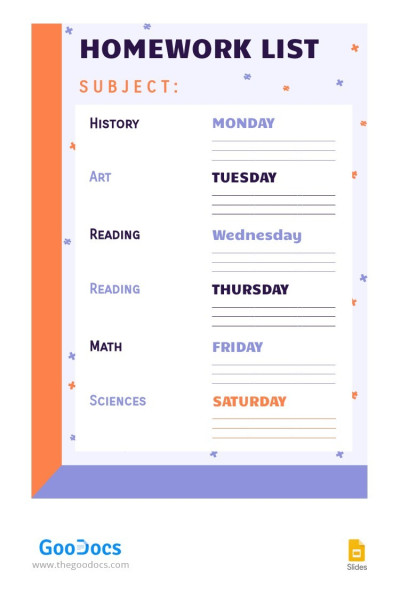
Cute Homework List
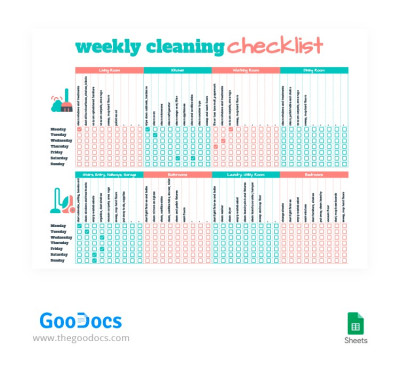
Cute Weekly Cleaning Checklist
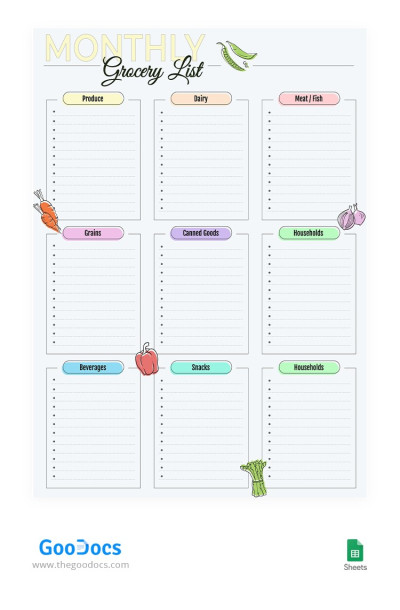
Monthly Grocery List
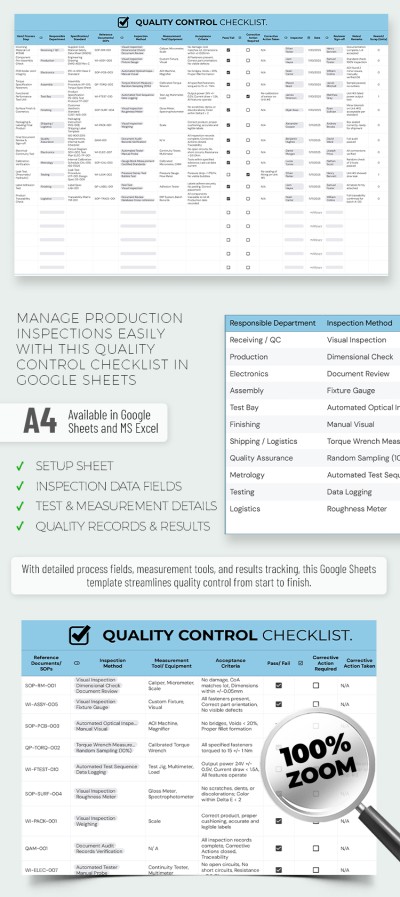
Quality Control Checklist Template – Production & Inspection Sheet
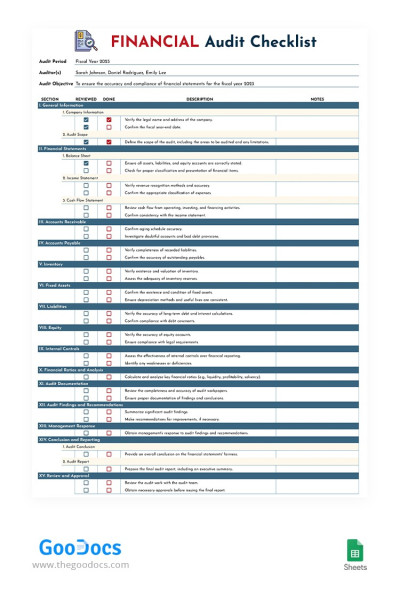
Financial Audit Checklist
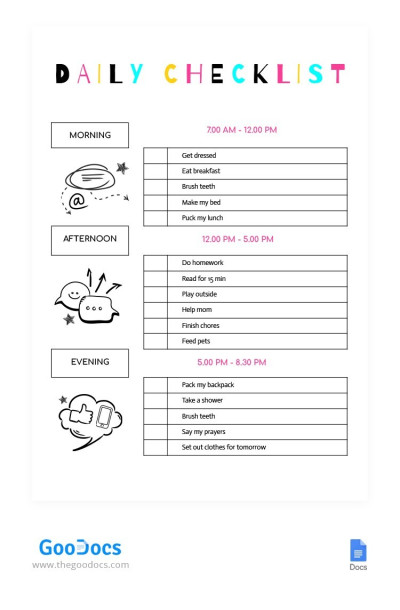
Daily Checklist Chore Chart for Kids
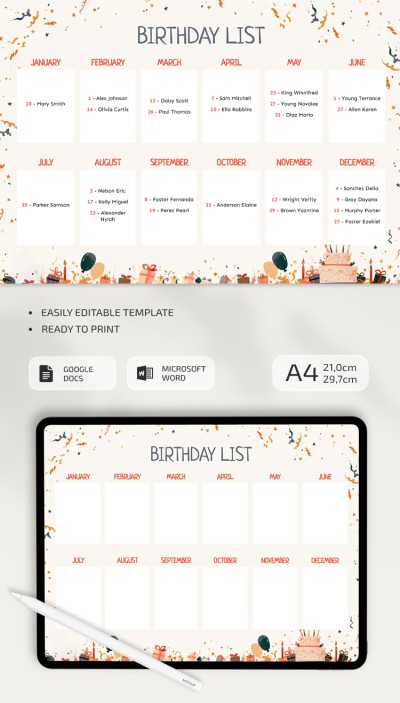
Illustrated Birthday List
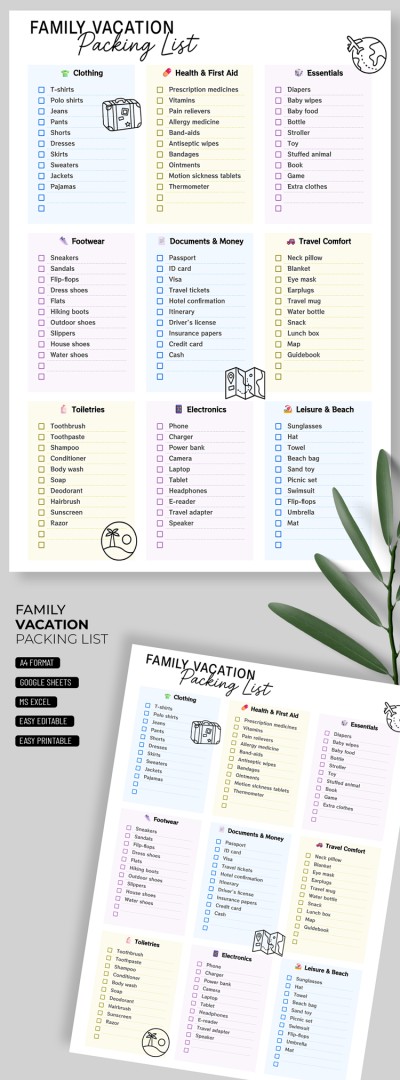
Family Vacation Packing List Template
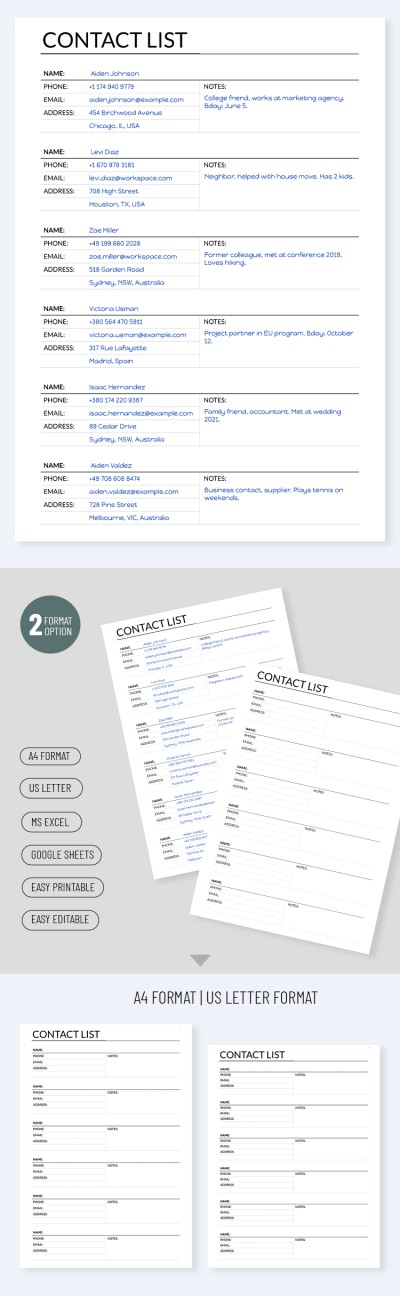
Printable Contact List Template
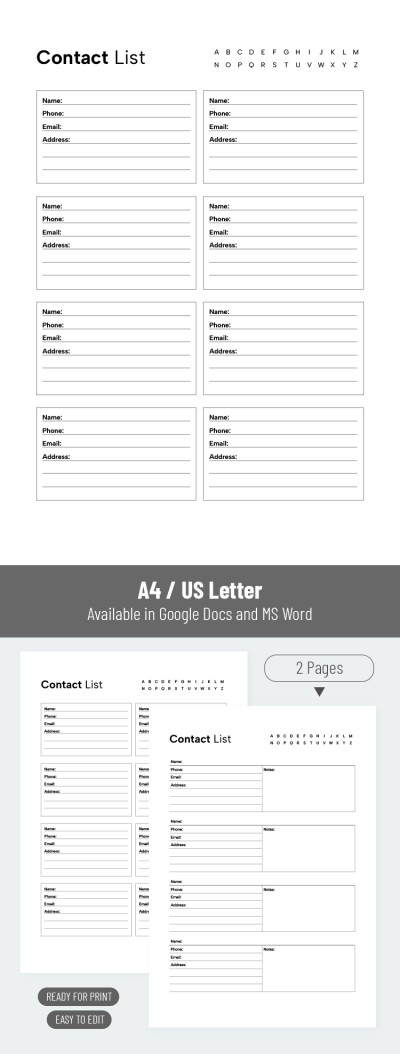
Editable Contact List Template
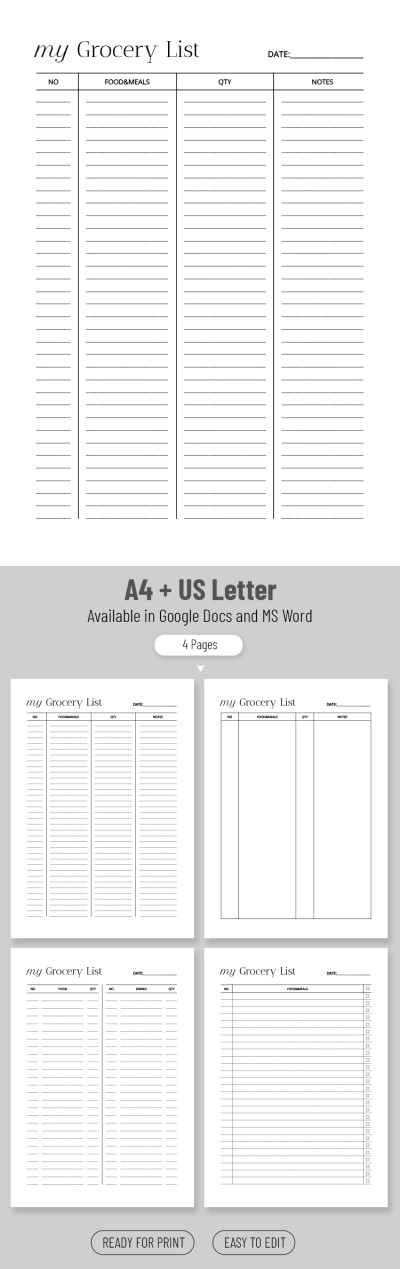
Simple Grocery List
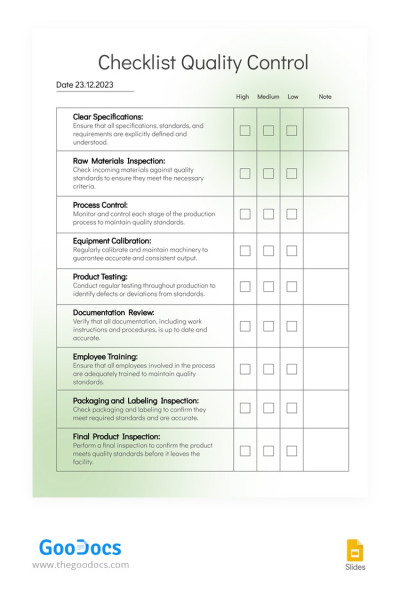
Checklist Light Quality Control
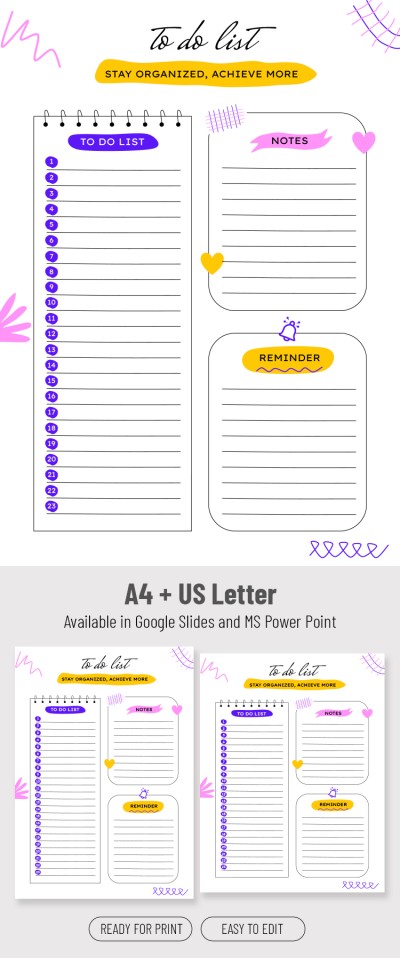
Cute To-Do List
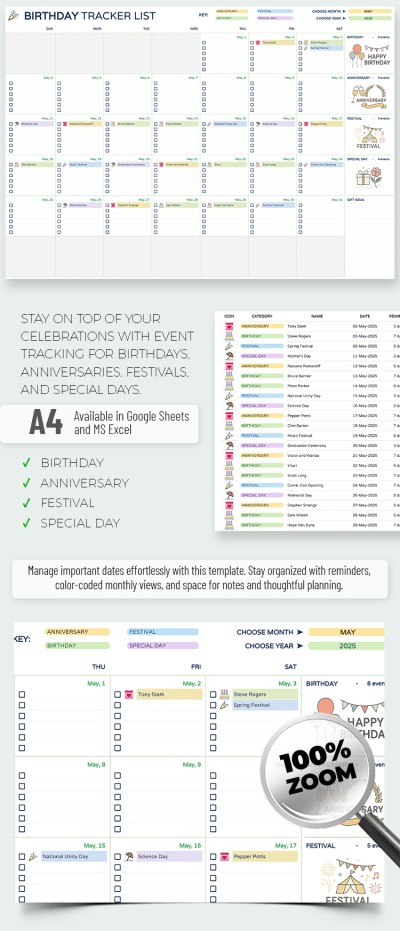
Birthday Tracker List Template
Were you looking for a universal checklist template or an option suitable for your specific task? On this page, you can find printable and editable lists and checklist templates for any occasion. Our templates help establish the correct daily or weekly schedule, organize purchases, cleaning, and even conduct business audits.
Choose the appropriate template and enjoy these benefits:
- The pre-made structure helps to create a checklist or list. Each template features a professional design with a convenient division into blocks, categories, placeholders for check items and tasks, and other fields. You can start filling in immediately and not waste time creating a layout.
- Templates are available in different formats. Convenient built-in tools of Google Docs, Sheets, Word, Excel, Google Slides, and PowerPoint help you quickly fill in and customize the template. You can personalize the design, placeholder positions, fonts, and other details right in the editors.
- Use in digital format or after printing. You can open a checklist template on any device, from a phone to a PC or tablet. Need a printed version? Save a list template as a PDF and print in A4 or US Letter format in just a couple of clicks.
Our checklist and list templates will make the process of creating an effective document much easier. Find out how to break a project into small tasks, correctly format a shopping or bucket list, or use to-do list templates right away.
Lists & Checklists Templates FAQ
Here's how you can quickly create a professional checklist template without design skills:
- Choose a suitable checklist template on this page. Consider the format, design, your tasks, and other key details to pick the matching option.
- Download the template or get a copy. You can download all templates in Word, Excel, or PowerPoint formats, or create a copy for Google Docs, Sheets, and Slides in your Google account. To do this, go to the template page and click "Edit in Google [Docs / Sheets / Slides]" or "Download for [Word / Excel / PowerPoint]".
- After downloading, you can fill out and personalize the template. To do this, use the built-in customization tools of the selected editor. Add the checkpoints and use them, or choose new colors, fonts, and add more blocks - it all depends on your requirements.
- Follow your checklist. You can open the checklist template to mark completed tasks on any device. You can also save the template in PDF and print it.
Now you can create a suitable checklist template for any task in just a few minutes. Use sample text to fill out the blank correctly and set priorities and task lists for the day, week, or even month ahead.

