Editable Contact List Template
Use this free template with Google Docs and Microsoft Word
Template Specification
Key Features of This Template
About this template
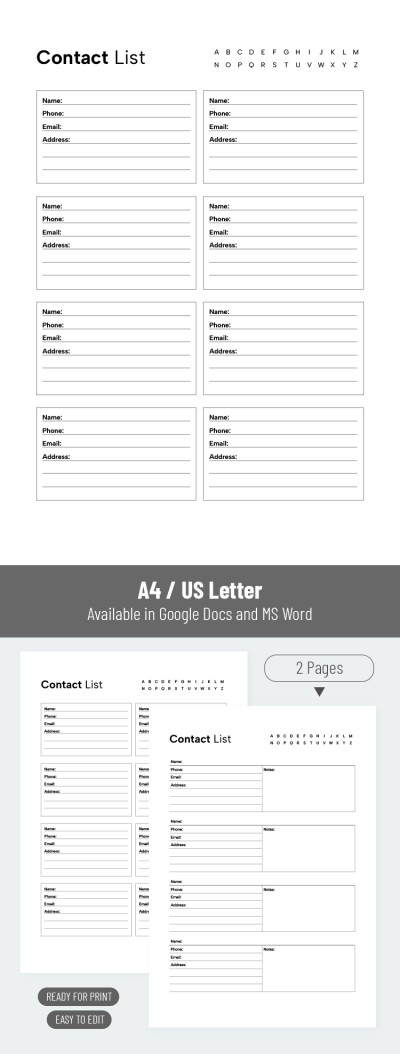
Take advantage of a convenient way to organize your contacts. Use our free Editable Contact List Template in Google Docs and Word. This sample is perfect for creating a document to store the contact information of your coworkers, clients, friends, family, and even additional notes. You can edit the template both online and offline, and print it. Also, check out our printable monthly checklist template for more options.
Customizable Contact List for Home, Work, or School
This contact list template is universal, meaning it can be used in any area of your life. It includes editable fields that you can customize or simply fill in with information about each contact.
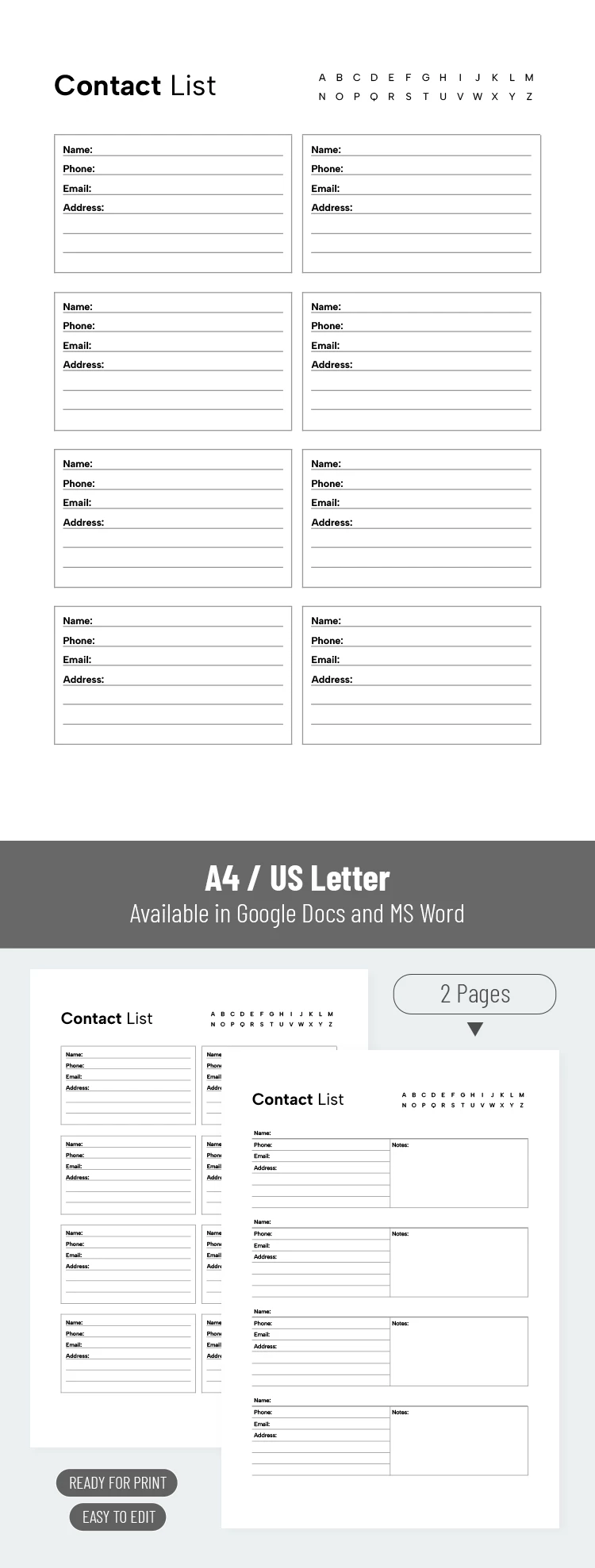
For convenient printing, you can sort different sheets alphabetically by marking the letter with which the contact names begin in the upper-right corner of the page.
Our template also:
- Includes a header where you can enter a custom title.
- Offers two layout options: one accommodates up to eight contacts per sheet, while the other offers spaces for four but provides more room for notes.
- Is divided into tables for quick and easy data entry.
- Is print-ready in both A4 and US Letter formats without requiring any additional setup.
Start using this free option today, or choose another checklist template for any of your tasks on our website.
How to Use and Edit This Template

Get Your Document

Customize Everything

Add Your Content

Print, Export, or Share
Related Templates
Recently Viewed