
Menu Templates
Present your dishes in style using our menu templates. Looking for a classic restaurant menu template or a modern layout? On this page, you'll find options in various styles with placeholders for dish photos, ingredients, prices, and menu sections. Our templates are compatible with Google Docs, Word, Google Sheets, Excel, Google Slides, and PowerPoint. Customize any design element and add your text in just a couple of clicks, all without leaving the editor.
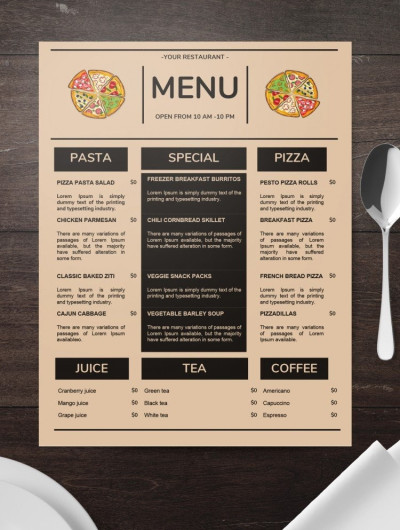
Minimalistic Pizza Restaurant Menu

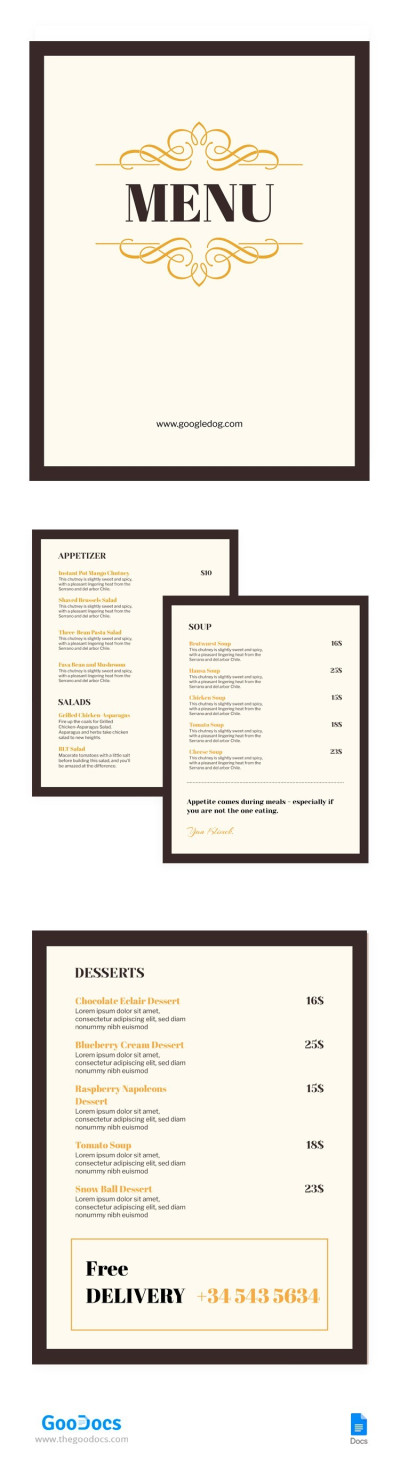
Classic Cafe Menu
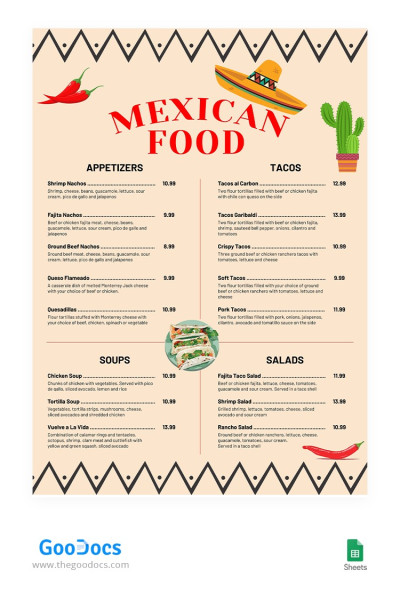
Mexican Food Restaurant Menu
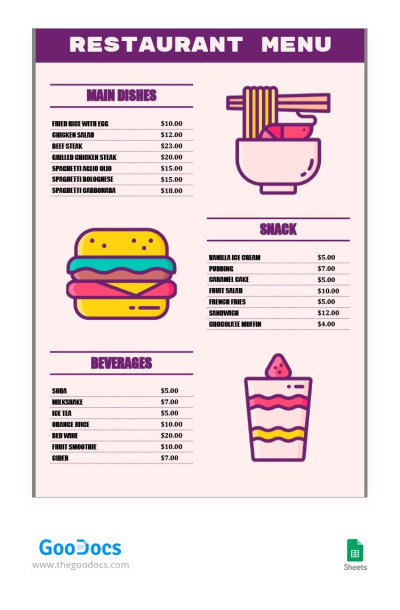
Simple Purple Restaurant Menu
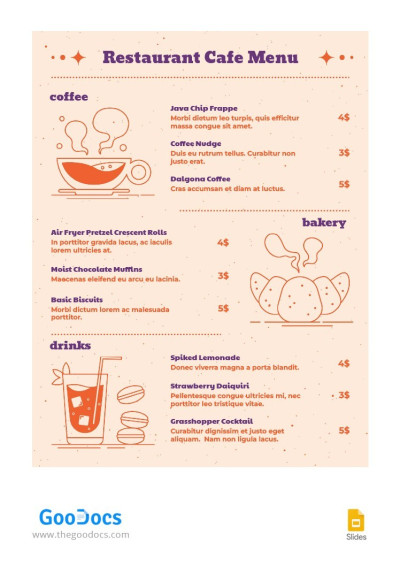
Peach Restaurant Cafe Menu
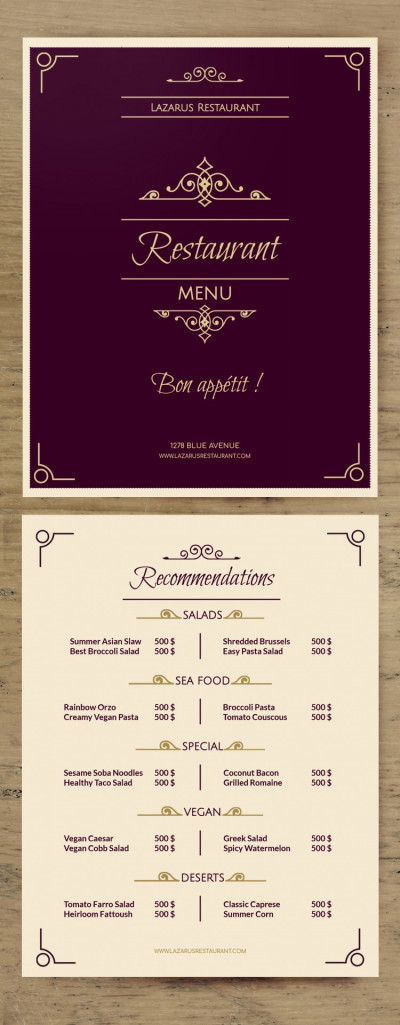
Fancy Menu
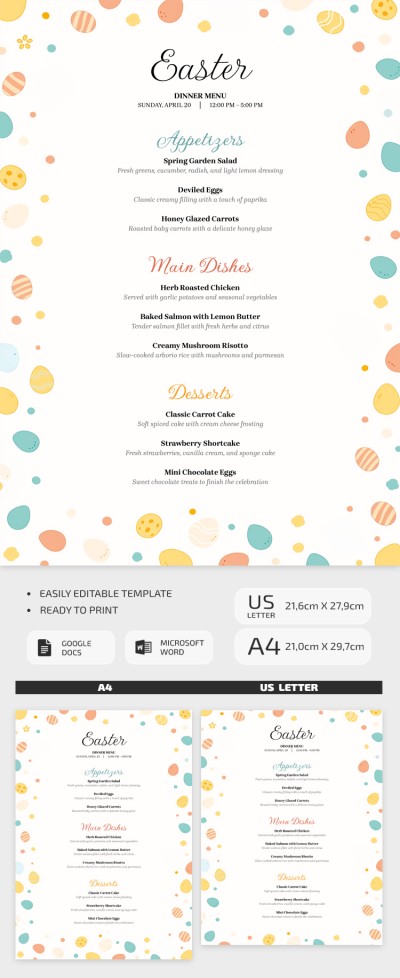
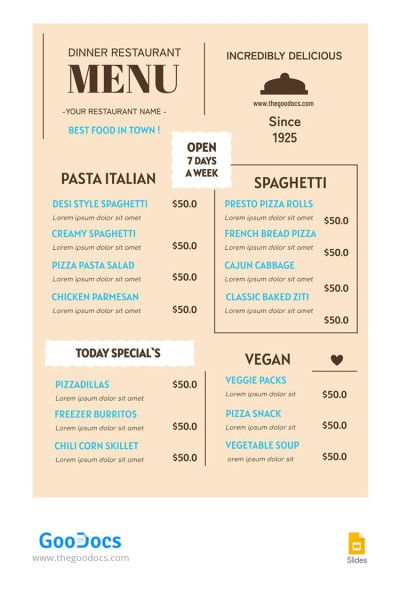
Vintage Dinner Restaurant Menu
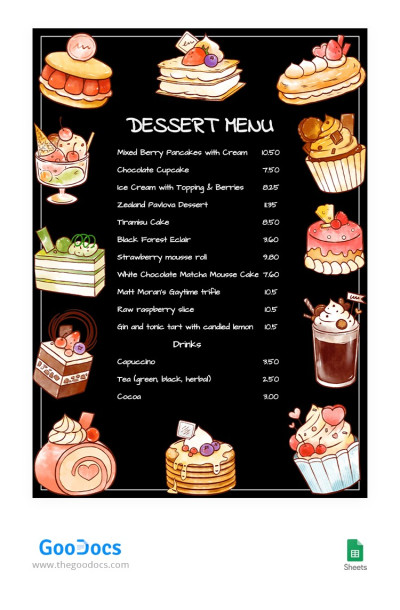
Black Dessert Menu
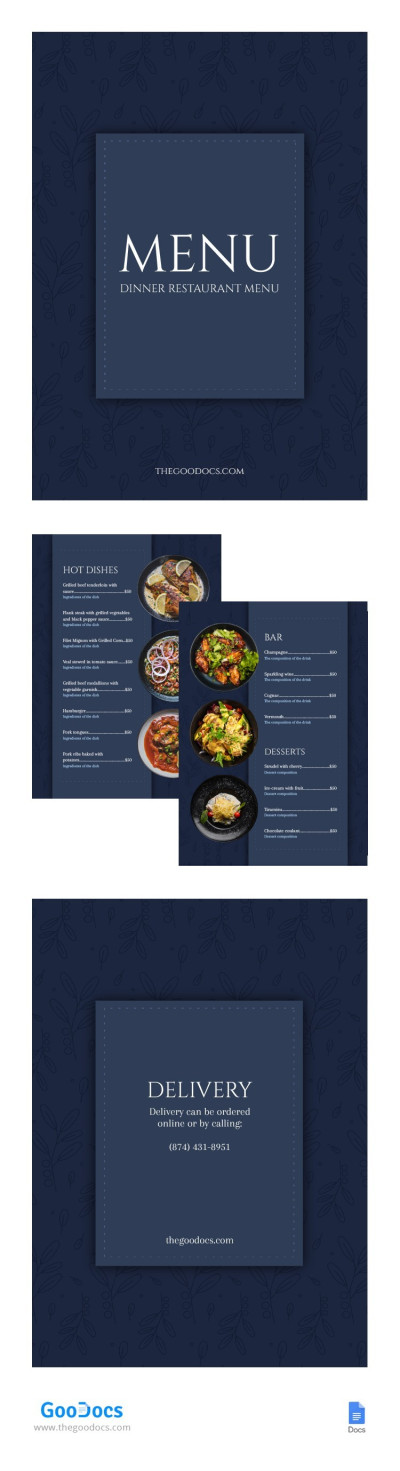
Elegant Dinner Restaurant Menu
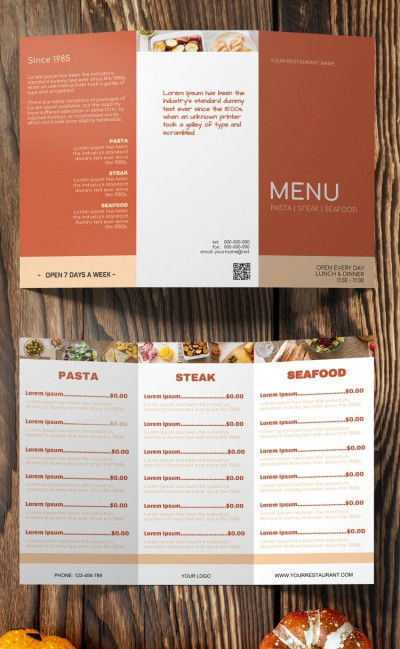
Tri fold Food Menu
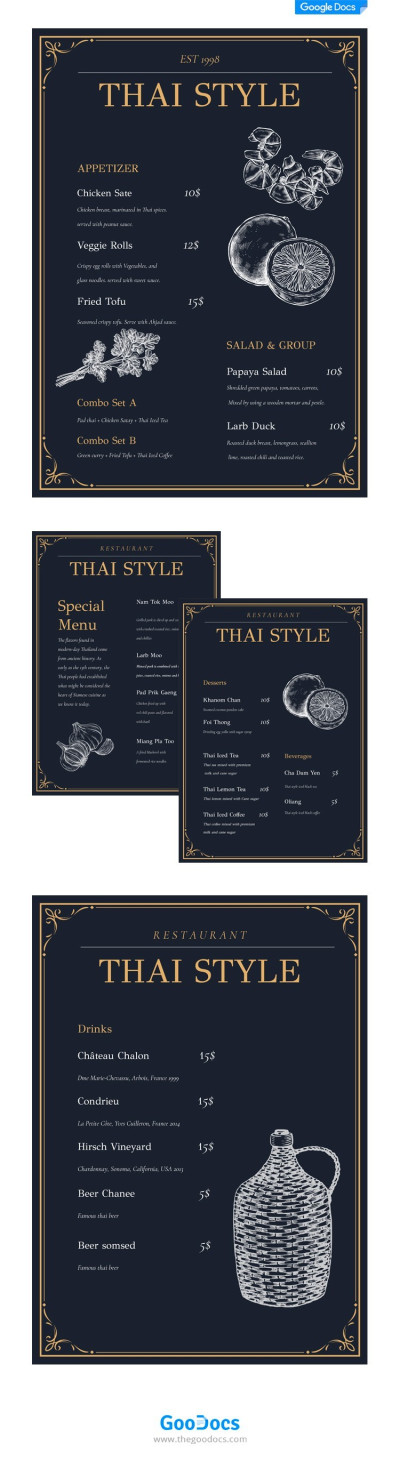
Thai Style Menu
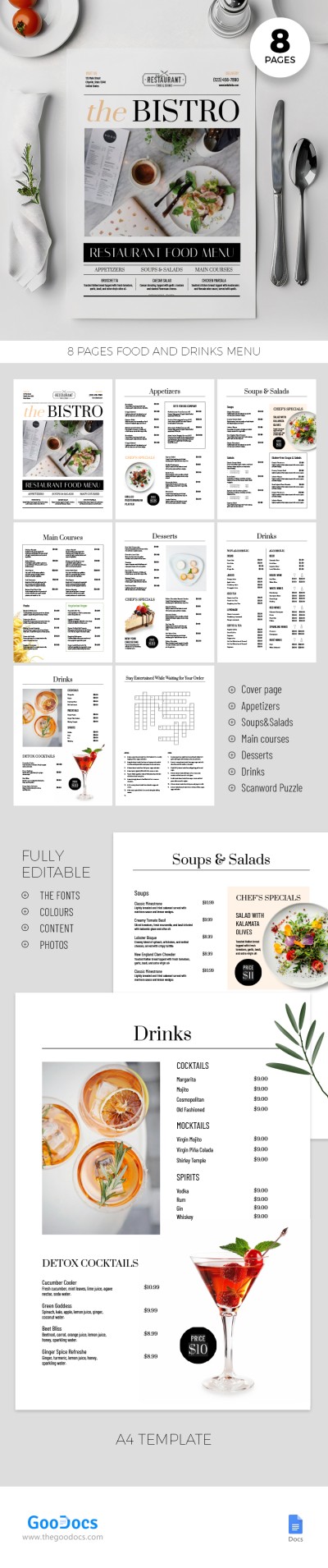
Simple Restaurant Menu
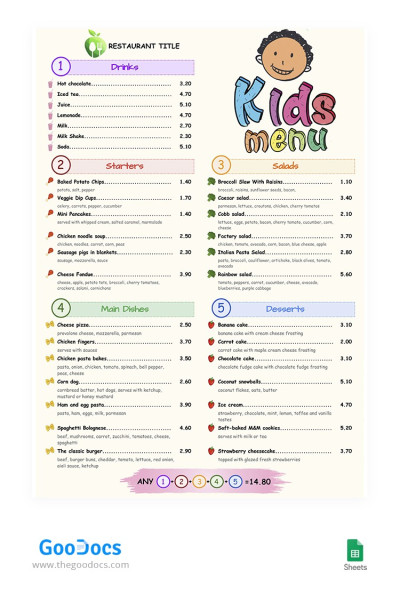
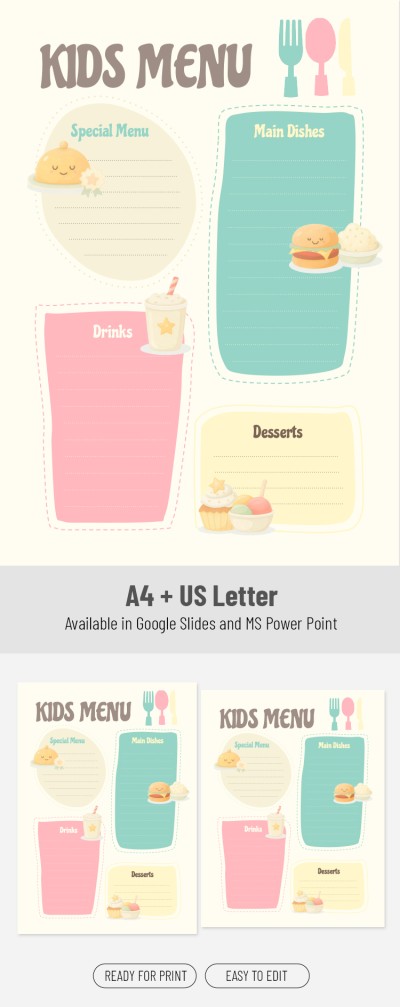
Colorful Kid's Menu
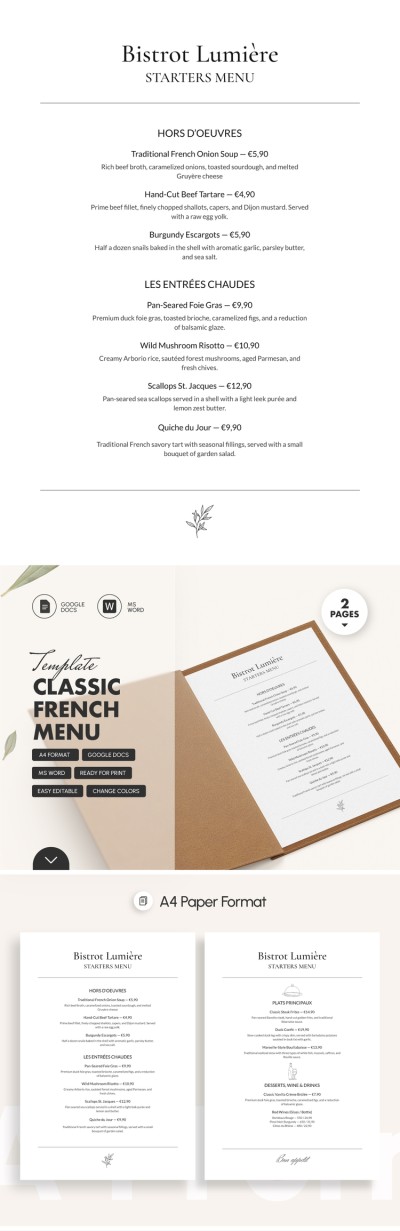
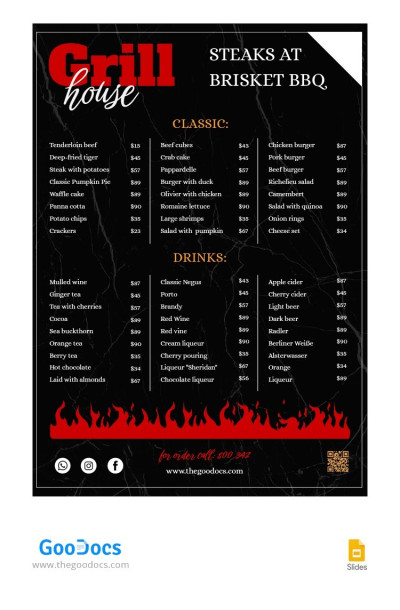
Dark BBQ Restaurant Menu
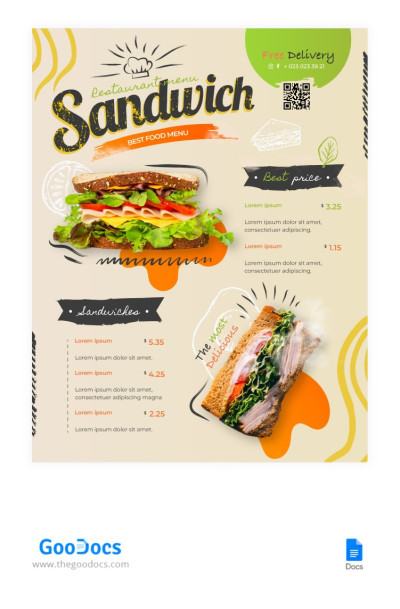
Modern Sandwich Restaurant Menu
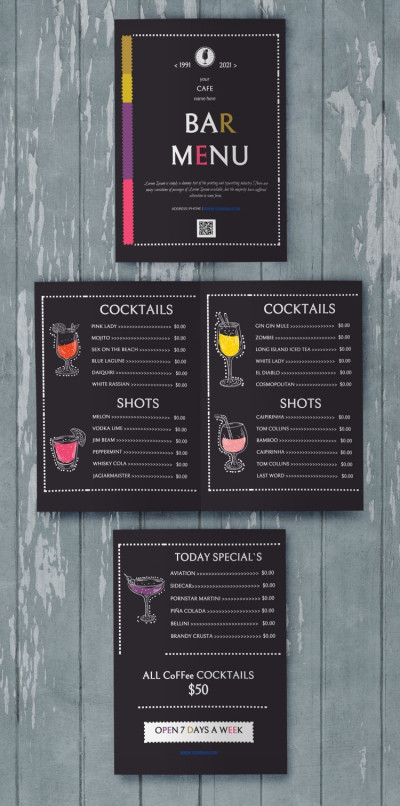
Wonderful Menu Bar
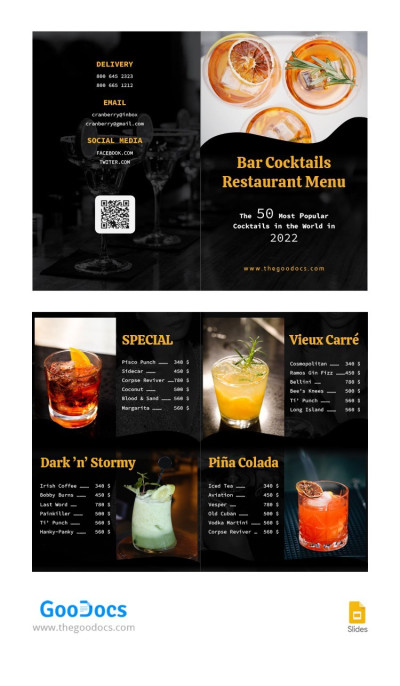
Bar Cocktails Restaurant Menu
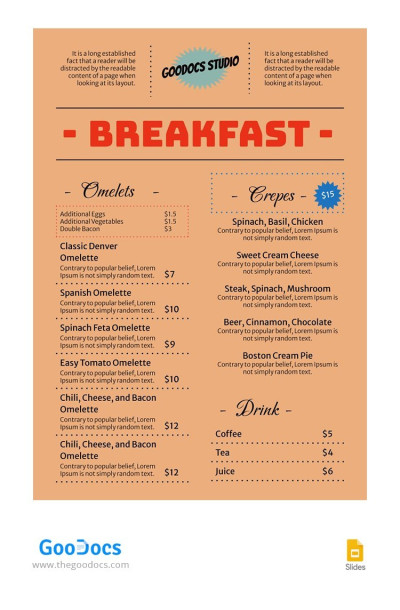
Classic Breakfast Restaurant Menu
Classic Restaurant Menu Template
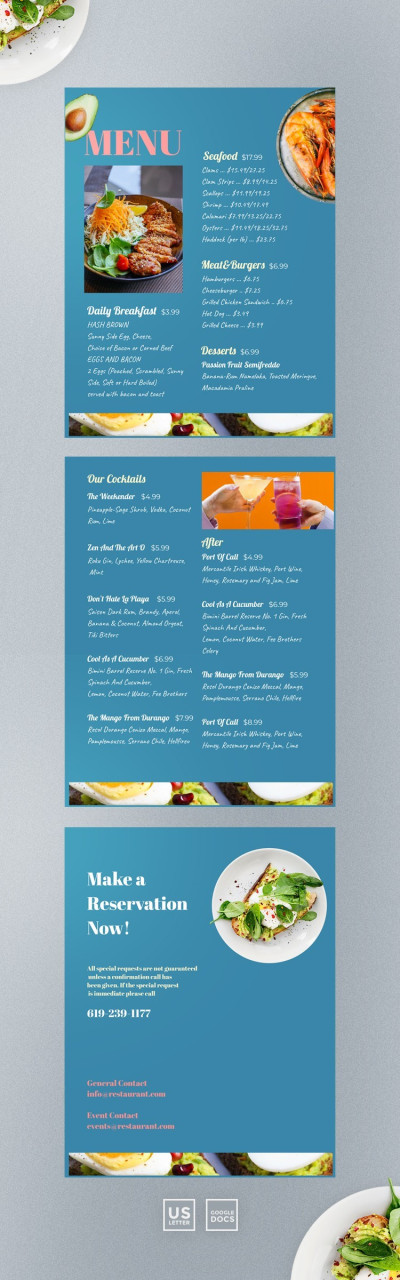
Restaurant Menu Design
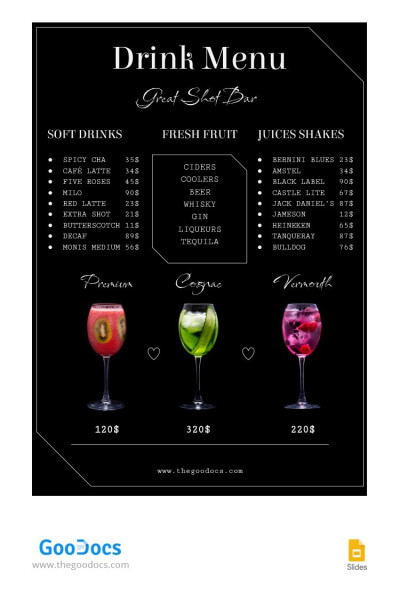
Black Drinks Restaurant Menu
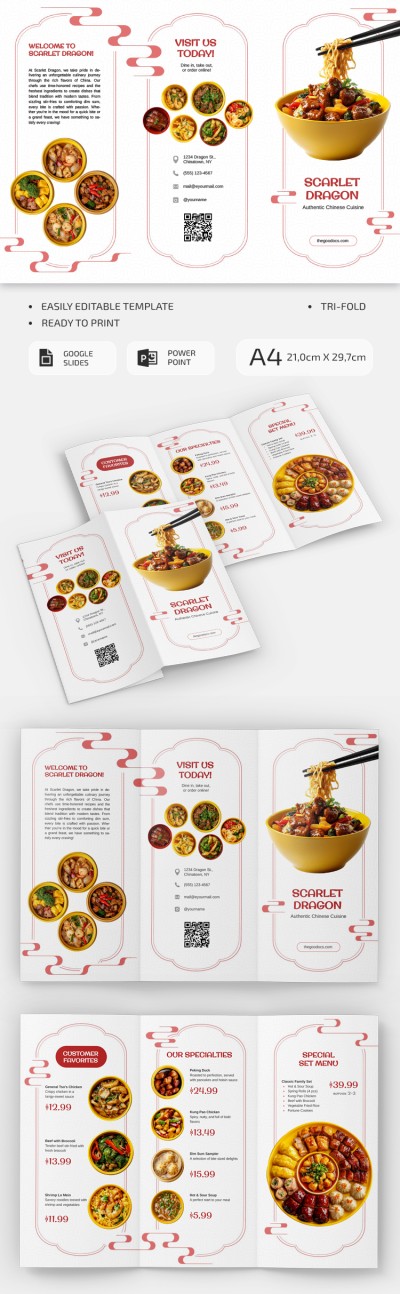
Editable Chinese Restaurant Brochure
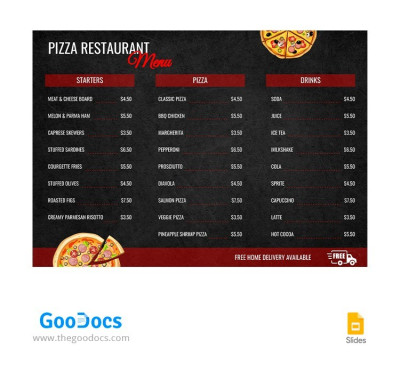
Black Pizza Restaurant Menu
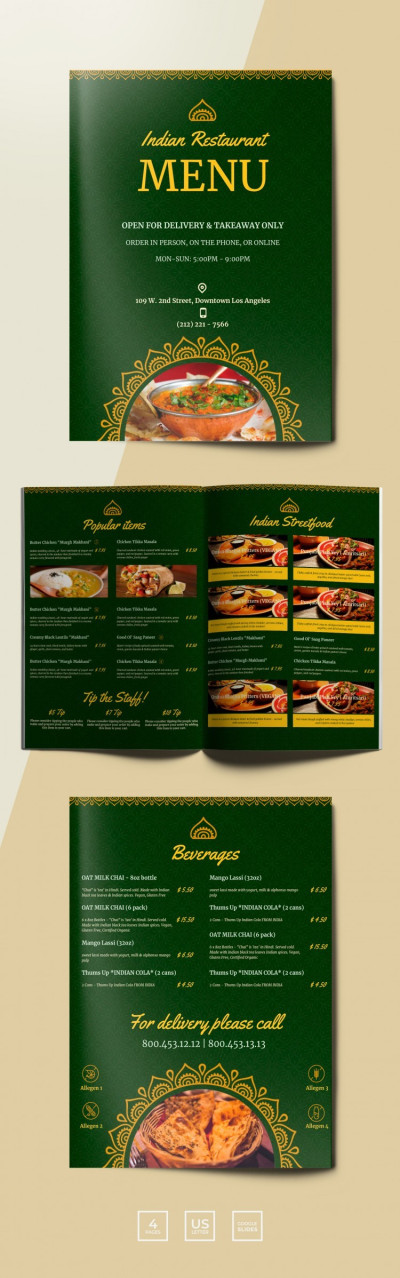
Traditional Indian Restaurant Menu
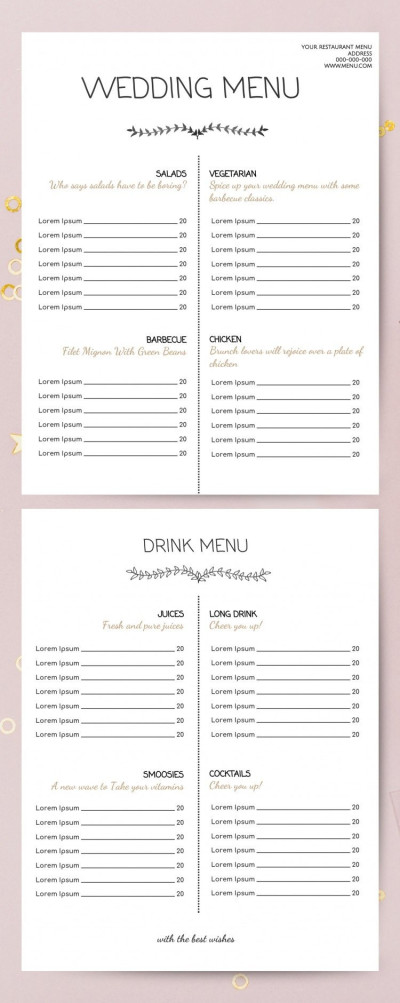
Wedding Menu
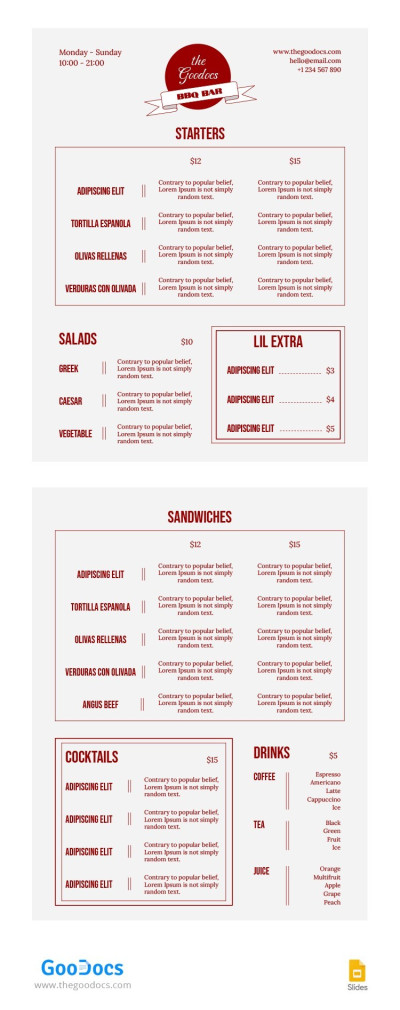
Classic BBQ Restaurant Menu
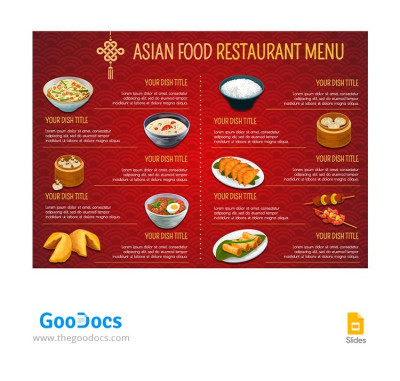
Red Asian Food Restaurant Menu

Pizzeria Restaurant Food Menu Brochure
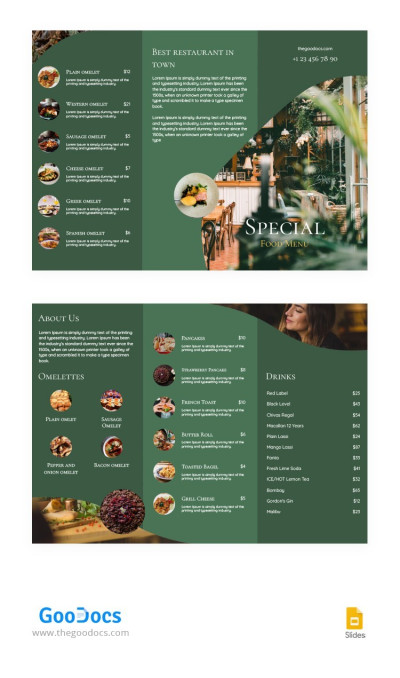
Tri-fold Restaurant Brochure
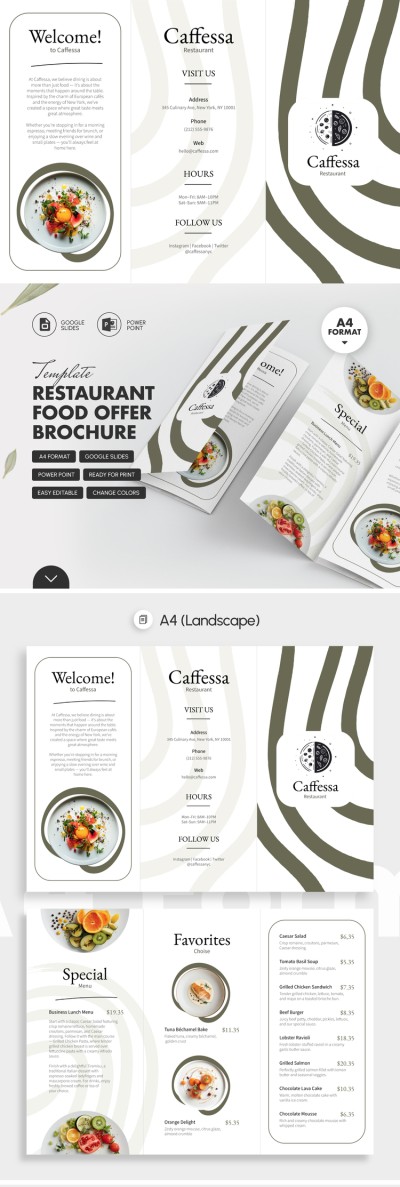
Restaurant Food Offer Brochure
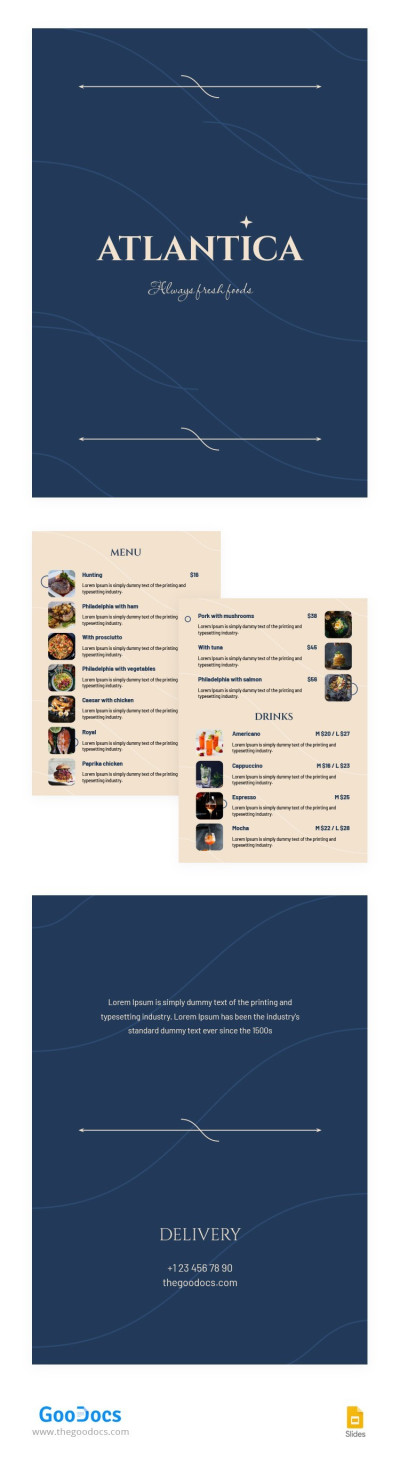
Elegant Restaurant Menu
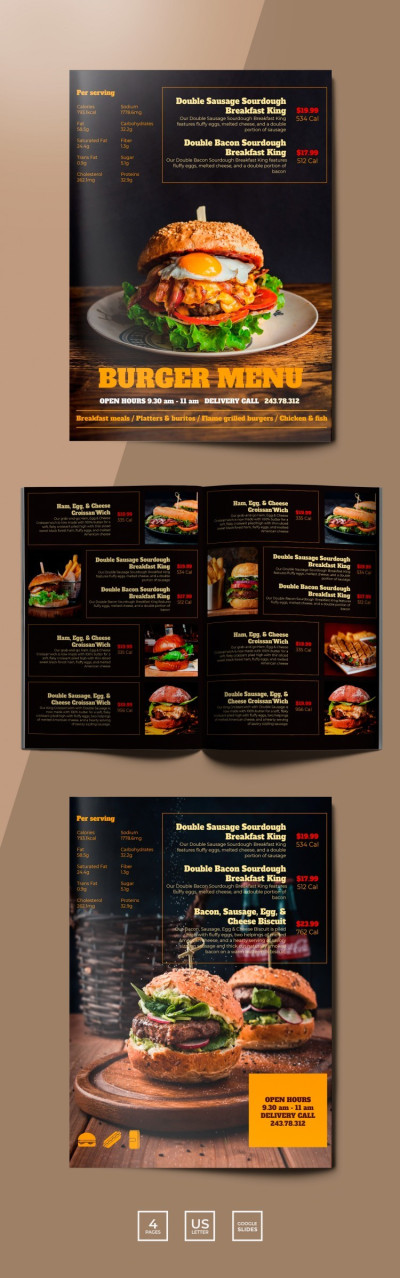
Burger Menu Restaurant
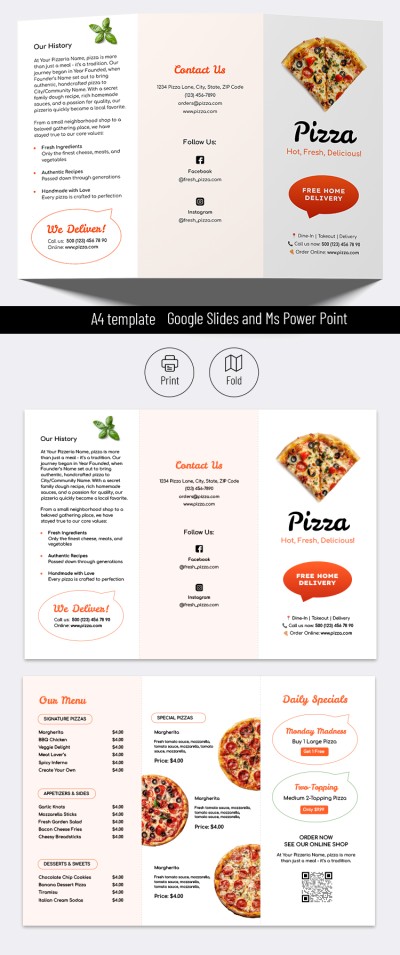
Pizza Restaurant Brochure
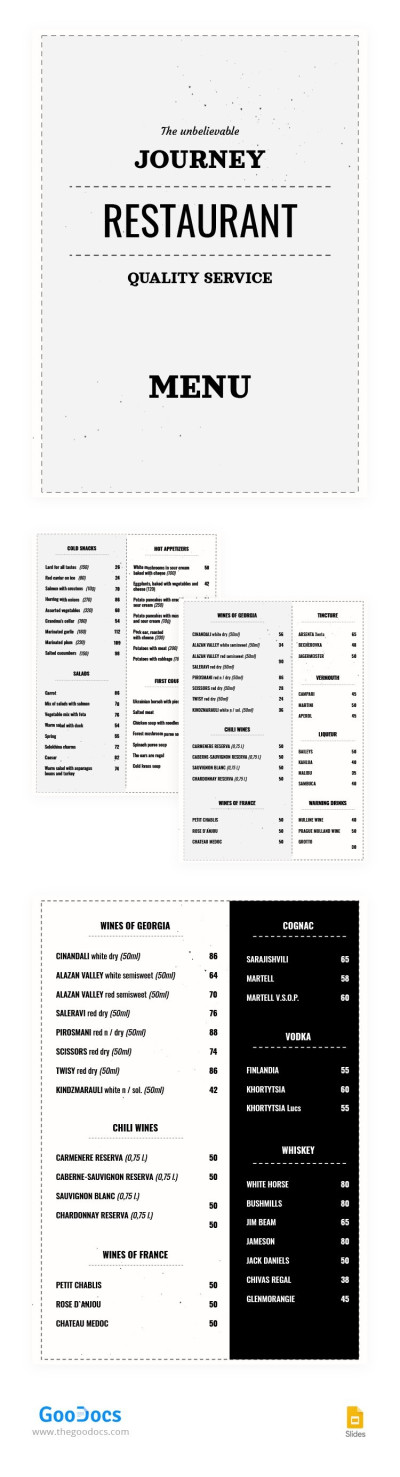
Minimalist Restaurant Menu
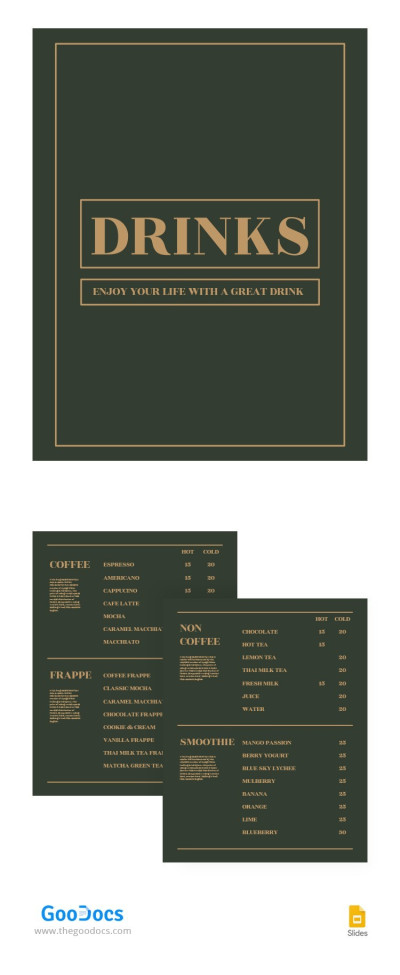
Green Coffee Shop Menu
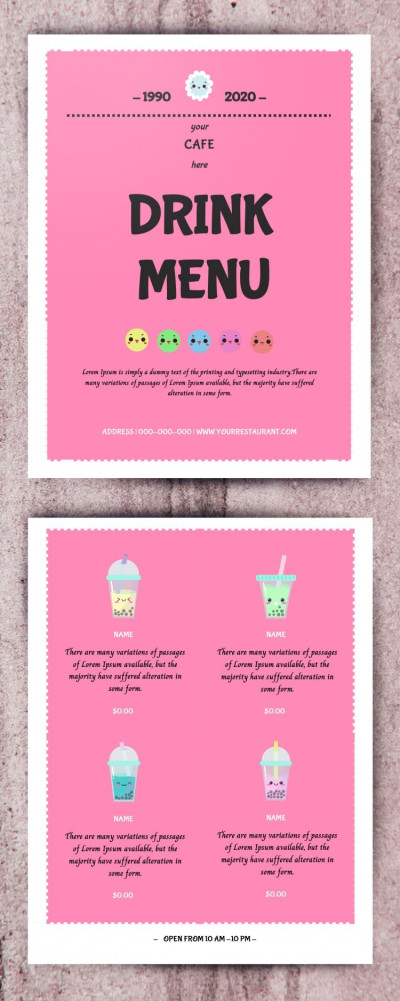
Pink Drink Menu
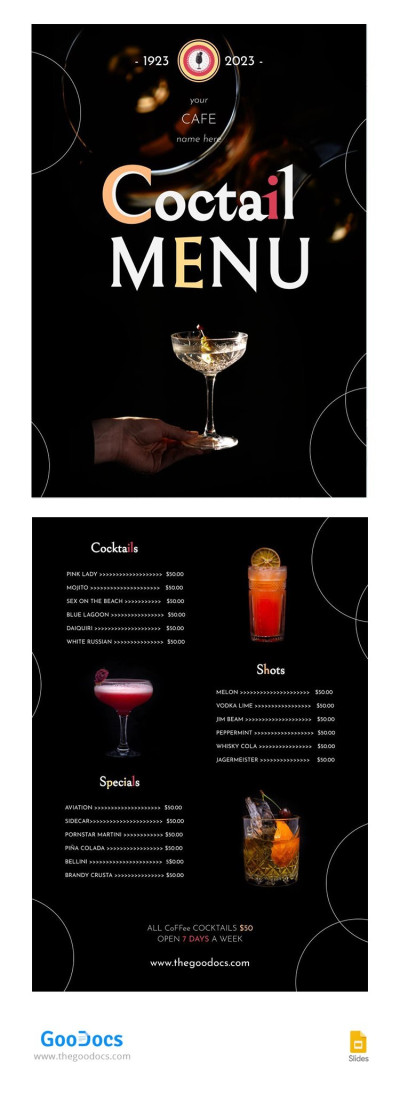
Black Cocktail Restaurant Menu
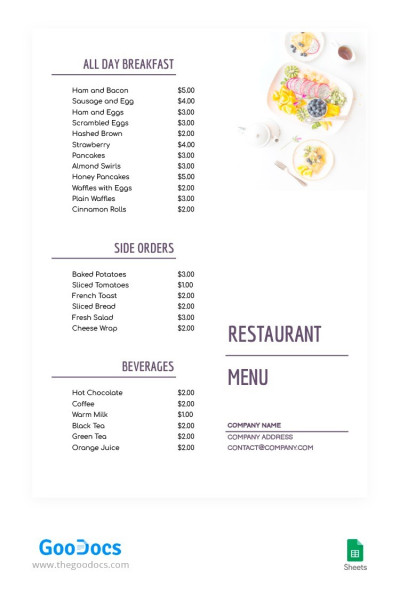
Pure White Restaurant Menu
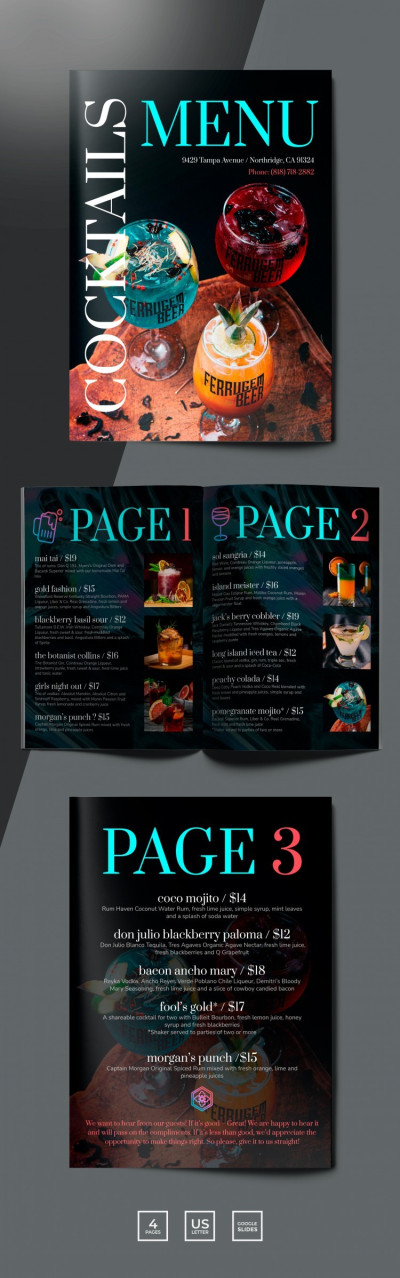
Cocktails Restaurant Menu
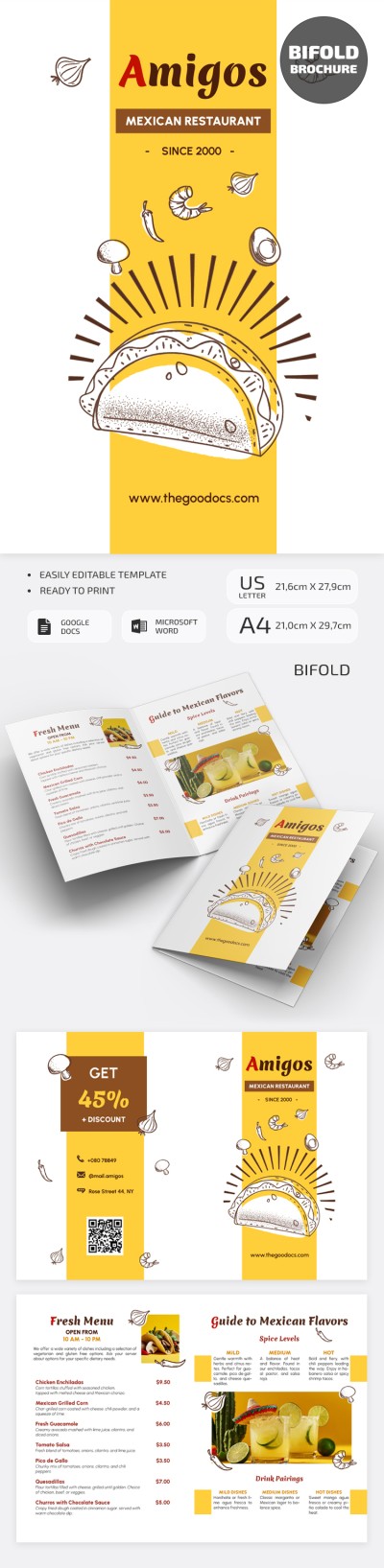
Mexican Restaurant Brochure
Did you know that designing a menu that perfectly fits the style of your restaurant, cafe, coffee shop, or bakery doesn't have to take a lot of time? Use our free menu templates for inspiration or customize a ready-made editable file in one of the convenient formats. From Google Slides menu templates to options available in text and spreadsheet formats, each sample offers a wealth of helpful features.
Get access to all the benefits of our restaurant menu templates:
- Make sure your menu design looks stylish and suits your establishment. This page features dozens of food menu templates and more. Each sample offers a unique design, structure, color palette, and font set, tailored to a specific purpose. This allows you to easily choose a suitable aesthetic, whether it's dark, elegant, illustrated, or any other style.
- Edit the template in your preferred format. All our templates are available in various formats, including Google Docs, Word, Google Slides, and PowerPoint. Each format offers its own unique and versatile features. Customization takes minutes compared to creating a menu from scratch. Simply select any menu item, add a new name, price, ingredients, or photos of the finished dish, and you're done.
- Print your menu or publish it digitally. Our menu templates are formatted for standard print sizes, including A4 and US Letter, and can be saved as PDF, PNG, or JPG files. They are compatible with any printer, and you can also embed your menu on your website, share it via QR code, post it on social media, and more.
Save a lot of time and money without compromising on design quality. All food and drink menu templates have a logical hierarchy of sections, from cocktails to cold appetizers and salads, and offer complete editing freedom without the need for additional software. Choose the right menu template on this page and start using it right away!
Menus Templates FAQ
You can create a menu template yourself by following a few key steps:
- Organize your content and hierarchy. First, you should decide on which sections will be present in your menu. A standard menu layout consists of Appetizers, Mains, Desserts, Cocktails, and Drinks sections.
- Choose a suitable format. Modern formats include single-page or book-style (the most versatile), bi-fold and tri-fold menus (for a large selection of dishes), and digital menus with a QR code (a modern option that doesn’t require printing).
- Define your design. Each page should be consistent with the overall atmosphere of your establishment. It’s also important to use no more than three different fonts: one for headings, one for dish names, and a clean sans-serif font for descriptions and ingredients.
- Use high-quality visuals. If you include photos, ensure they are professional, clear, and taken against a consistent background. Alternatively, you can use icons. If you aren't using images, make sure the dish description, weight, and price are detailed.
- Configure for print or digital use. If you plan to print, include a 3mm bleed area and save your template as a PDF, Google Docs, Word, or Slides file for quick future edits.
There’s a much easier way than creating a menu from scratch.
You can skip the technical setup and design process with ready-made, editable menu templates from TheGoodocs. No need to waste time on hierarchy, fonts, or visuals. Simply download or get a copy of a template in your preferred format (Google Docs, Word, Google Slides, or PowerPoint), replace the placeholders with your items, add prices, photos, and you're done. Our templates come with print settings and the ability to save the file as a PDF. Try our free menu templates today!


