
ATS-Friendly Resume Templates
Your resume won’t get lost in automated filters thanks to our free ATS-friendly resume templates. Our blanks are specially made to pass Applicant Tracking Systems used by major companies. The main features of these editable and printable Google Docs and Word blanks are clean formatting, standard fonts, and examples of relevant keywords. Fill in your work experience and other details, and apply for a new job in no time.
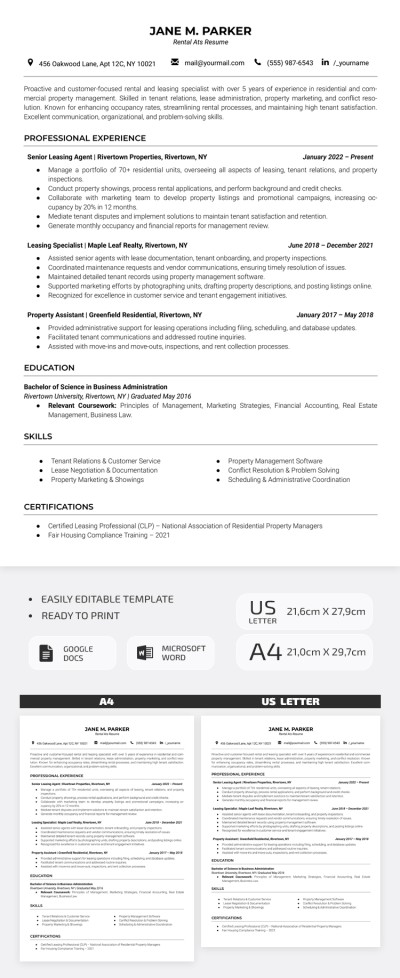
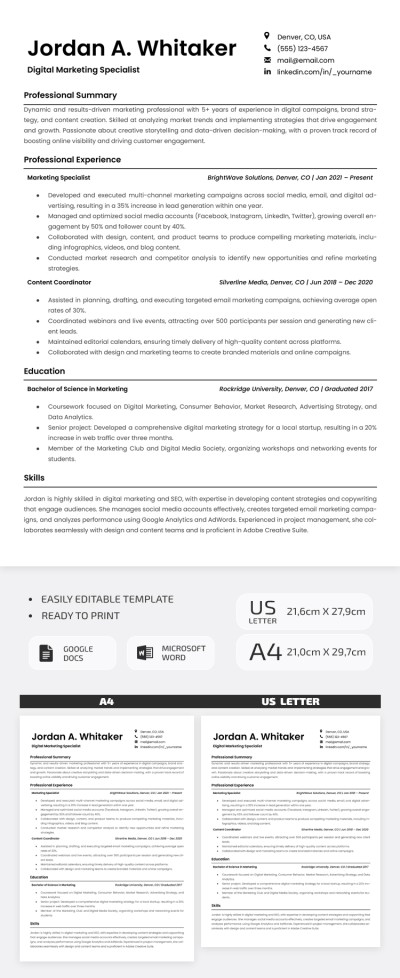
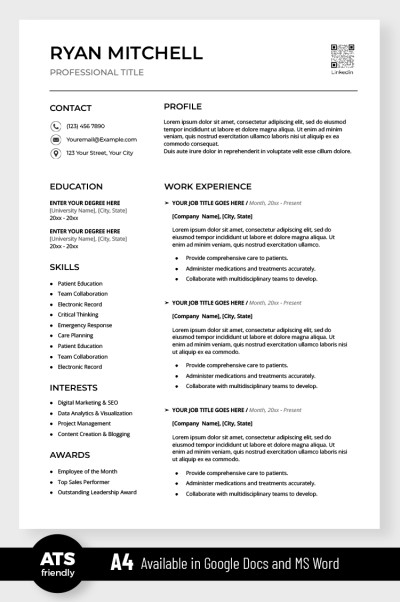
Simple ATS Resume
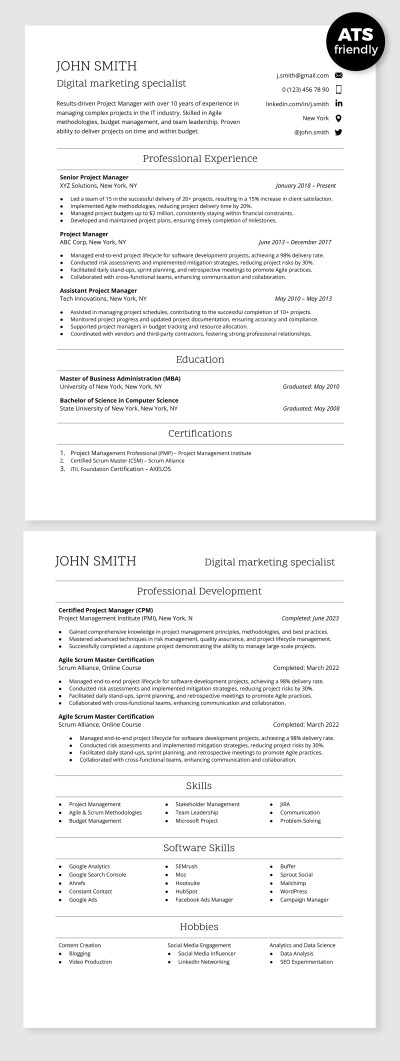
ATS Compatible Digital Marketing Specialist Resume Template
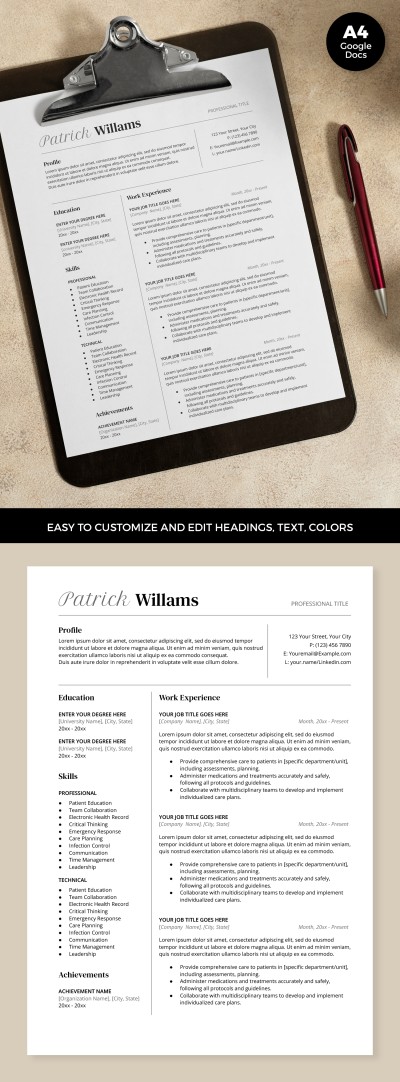
ATS Optimized Resume
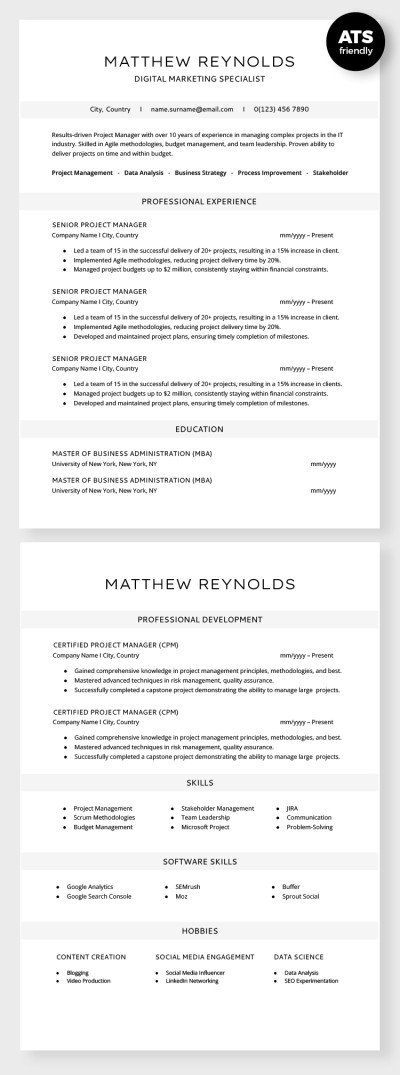
ATS Compatible Digital Marketing Specialist Resume
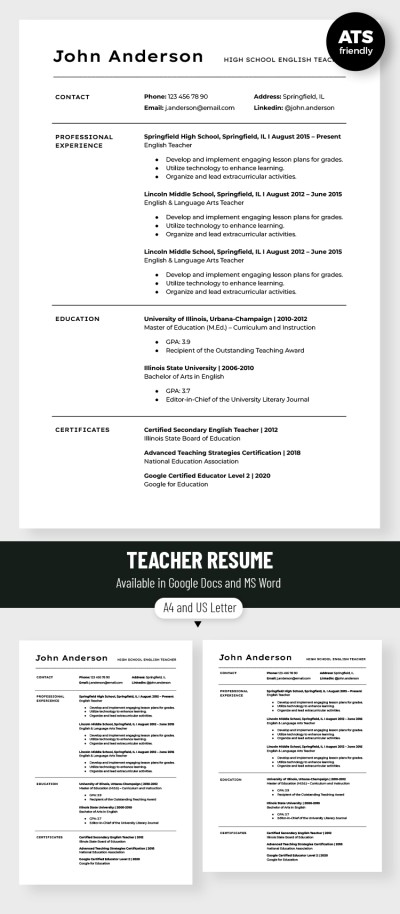
Editable Teacher Resume Template
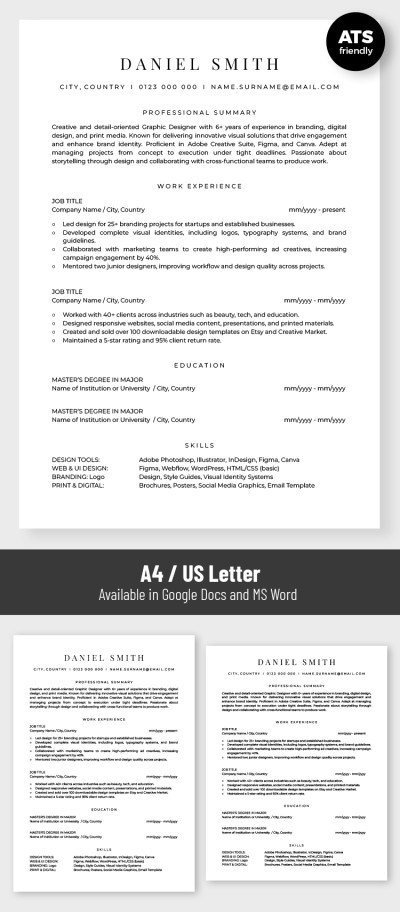
Basic ATS Friendly Graphic Designer Resume Template
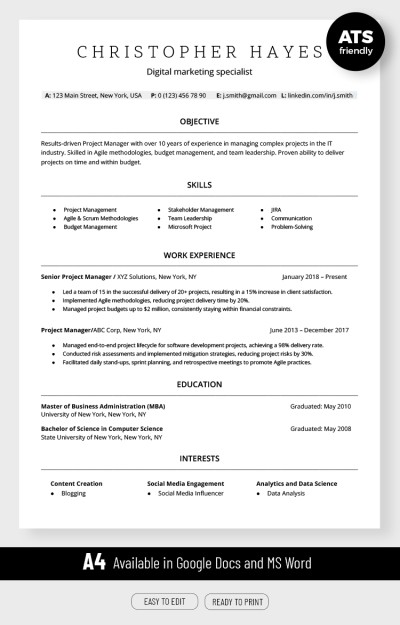
ATS Compatible Digital Marketing Resume Template
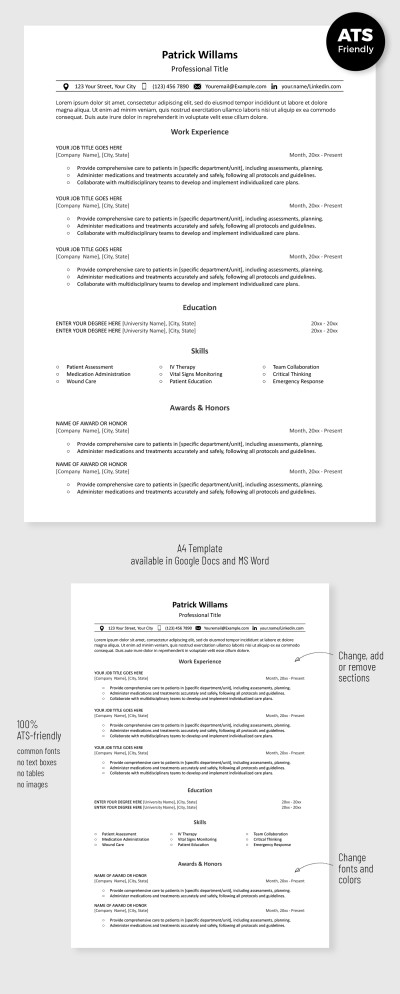
Simple ATS Resume Template
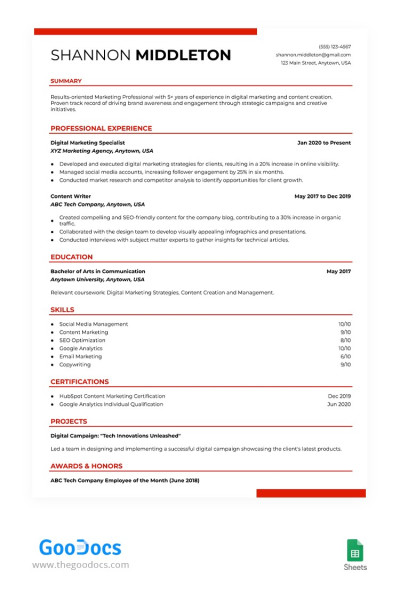
ATS Compliant Digital Marketing Resume Template
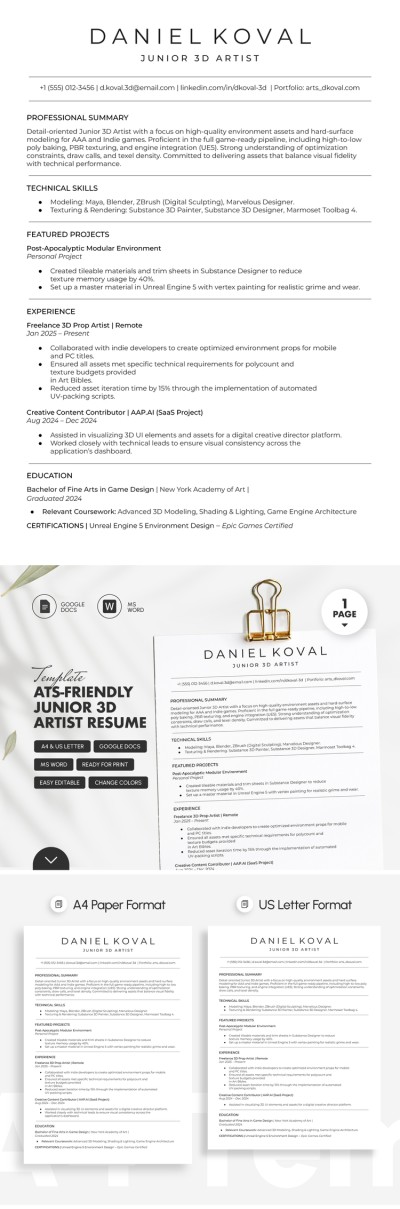
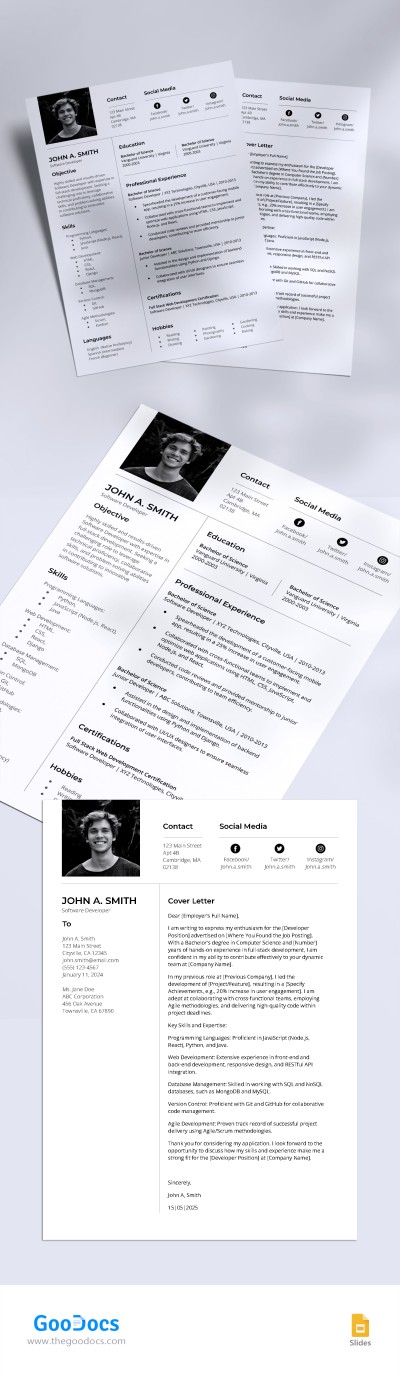
Simple Ats Friendly Software Developer Resume Template
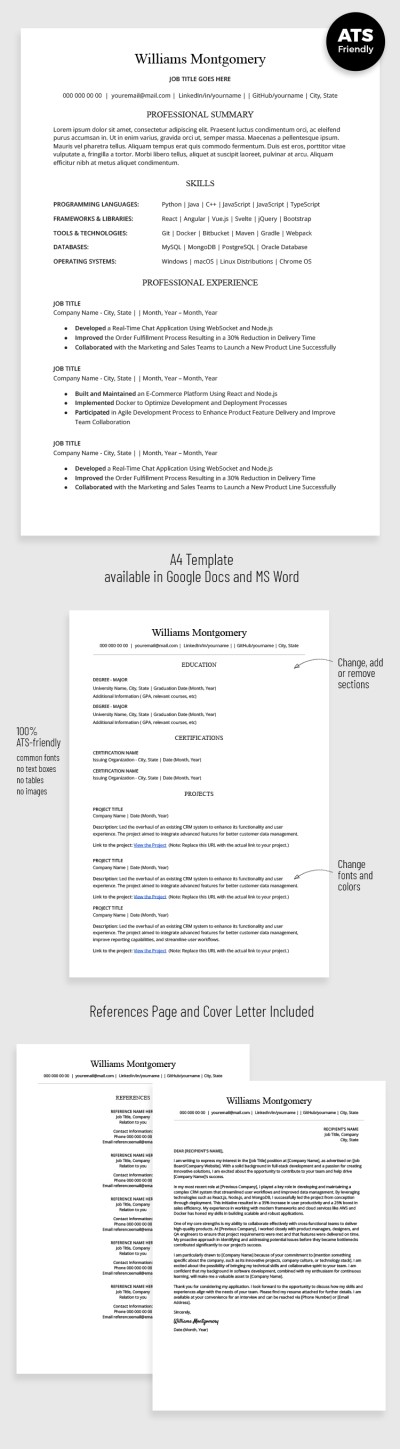
ATS Optimized Developer Resume with Cover Letter
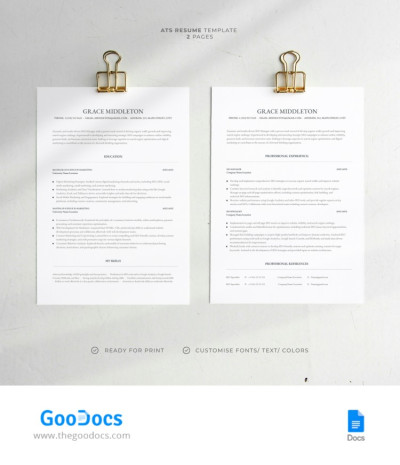
ATS Resume
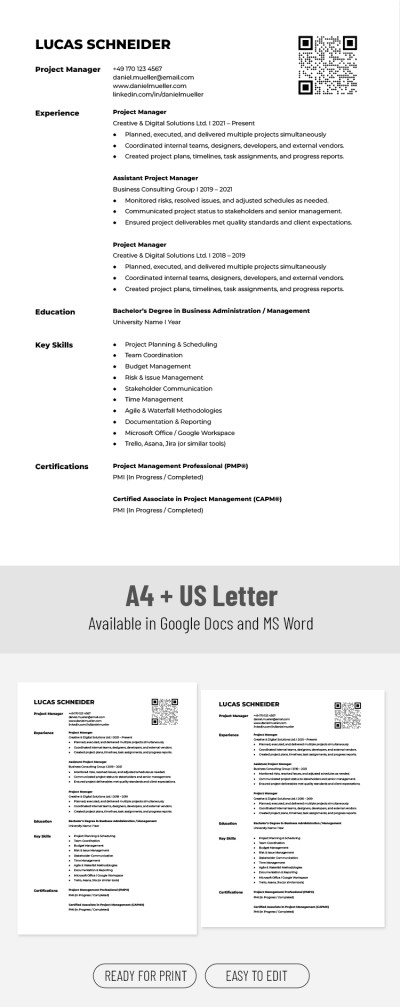
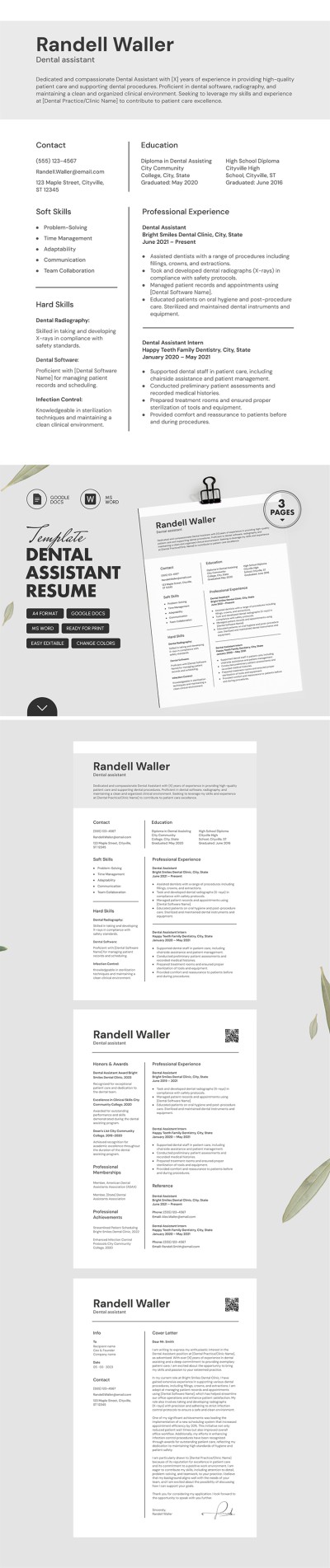
ATS Friendly Dental Assistant Resume Template with Cover Letter
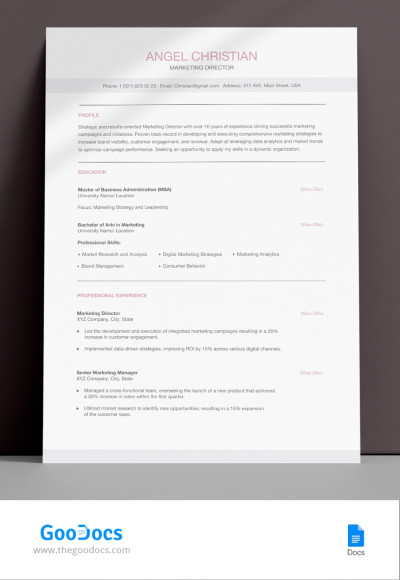
Perfect ATS Friendly Marketing Director Resume Template
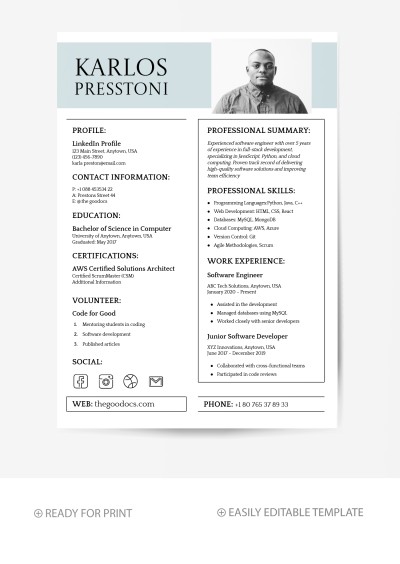
Minimalist Software Engineer Resume Template
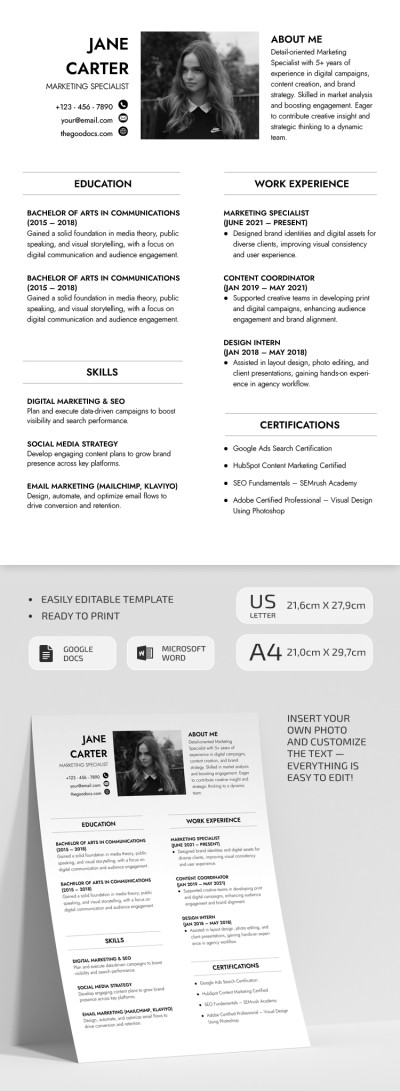
ATS Friendly Marketing Specialist Resume
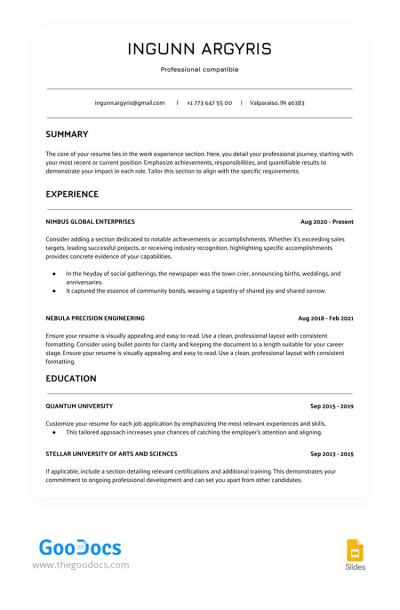
White ATS Сompatible Resume

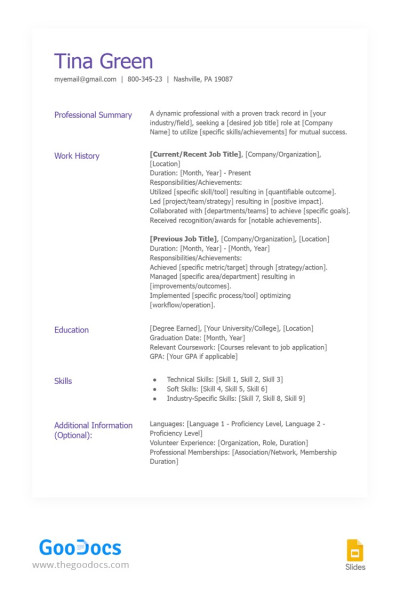
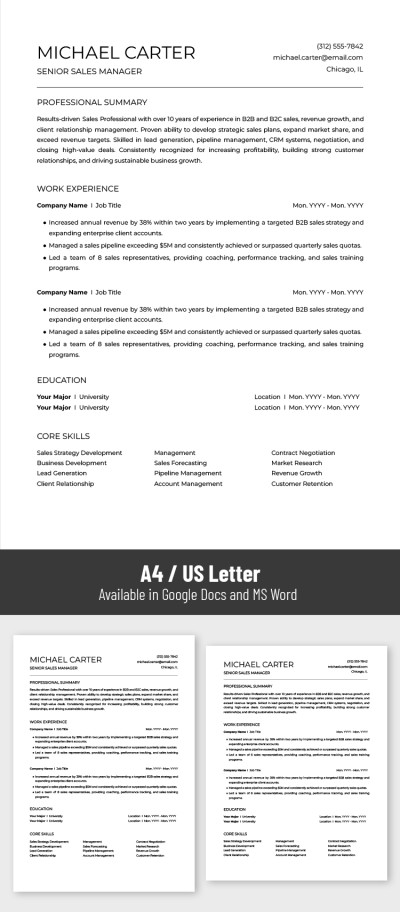
ATS Friendly Resume
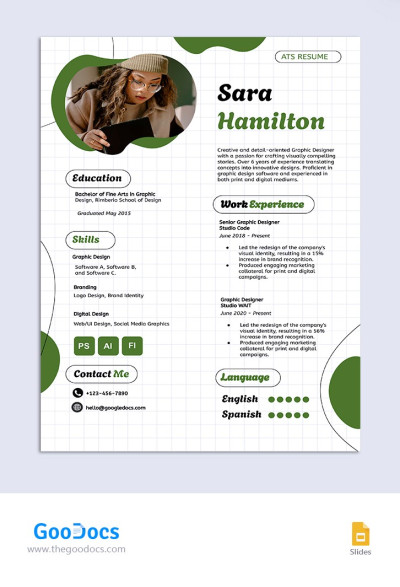
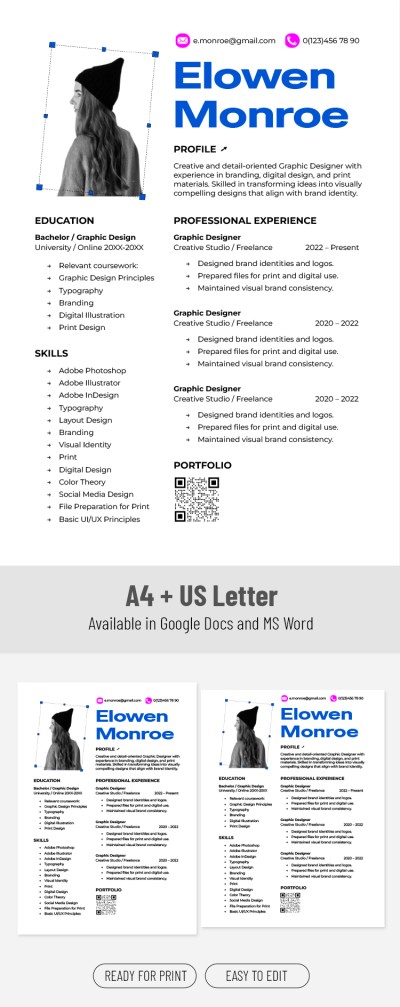
Creative ATS Graphic Designer Resume Template
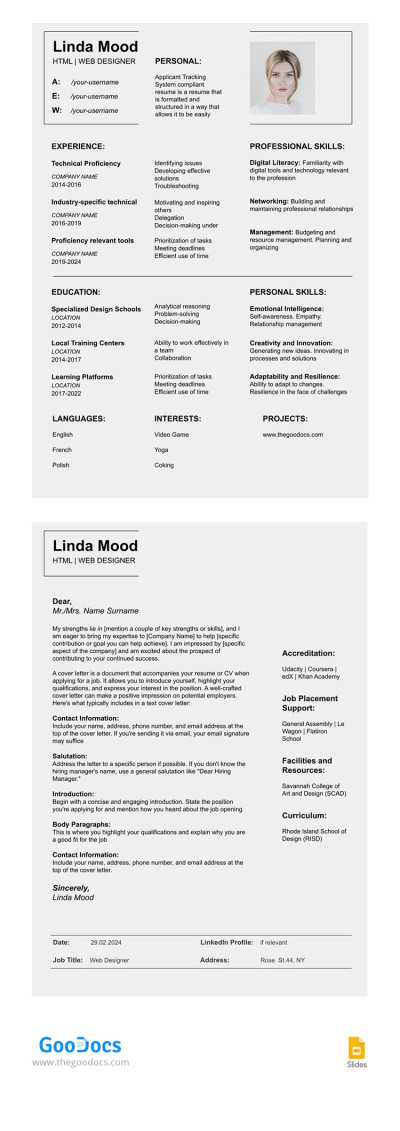
Structured ATS Compliant Resume Template with Cover Letter
The ATS-friendly resume template is a must-have tool for most specialists looking to land their dream job. Now, it is not enough to compose a correct resume structure, indicate skills, work experience, and other details.
To visit more interviews, your resume must be Applicant Tracking System friendly. Our ATS-compatible resumes are designed specifically for this purpose, and using any template on this page, you can ensure that your application successfully passes through automated screening systems.
Learn more about the benefits of our ATS resume templates:
- No complex formatting. We've made resume templates that are fully compatible with ATS software. These samples contain simple formatting. There are no tables, graphs, columns, or other overwhelming formatting. The main distinguishing features are standard fonts and spacing, correct headings, and examples of filling for you to include keywords.
- Fully editable layouts. Our templates are available in different formats, including Google Docs and Word. These platforms allow you to edit every element of your resume, from headings and key skills to experience in a reverse chronological order and education. After filling in your details, you can easily export your resume to PDF.
- Lots of free ATS resumes. You can easily find the right ATS-compatible format on this page. We offer universal options suitable for any field, from marketing and management to software engineering and design.
Find a free ATS-friendly resume template on this page. Opt for even more relevant Google Docs resume templates for any profession through the link.
ATS-Friendly Resume Templates FAQ
ATS-friendly resume templates are a new concept in resume creation. Most large companies now use Applicant Tracking Systems to filter out candidates who lack experience or skills. Are you still designing documents without taking the requirements of these systems into account? If a vacancy states that your resume must be ATS-friendly, it is essential to follow that requirement. Otherwise, your application may be automatically rejected by the system, and it won't even reach the recruiter’s desk.
ATS Resume templates by TheGoodocs are created to meet all the requirements of these systems. They contain simple formatting, keywords, and are prepared in suitable formats. We offer blanks in Google Docs and Word, which fully meet the requirements of most companies. You can also save the template as a PDF file - this is one of the other most popular ATS formats.
You can download or get a copy of the ATS-friendly resume template for free on this page. Choose a universal format or a blank that suits the requirements of your industry or job.

