
Novel Book Templates
Explore our collection of versatile novel templates in Google Docs, Word, Slides, and PowerPoint formats. Use a premade structure that's perfect for fiction in any genre. Each template on this page features a professional, well-thought-out heading hierarchy, customized indents, and margins suitable for both self-publishing and traditional publishing. The templates are fully editable, so you can add your own text and customize the design of every page of your novel. Get your book ready for publication in no time without sacrificing quality.
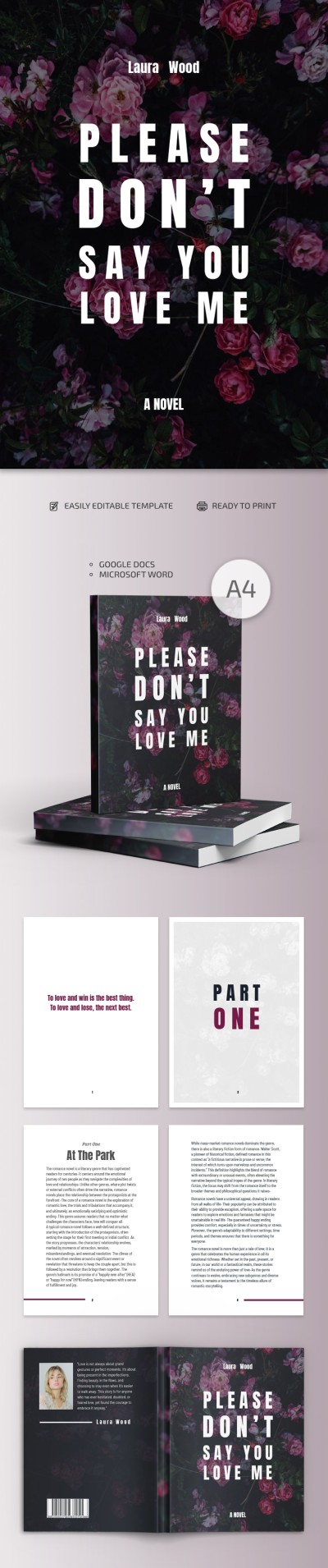
Stylish Novel Book
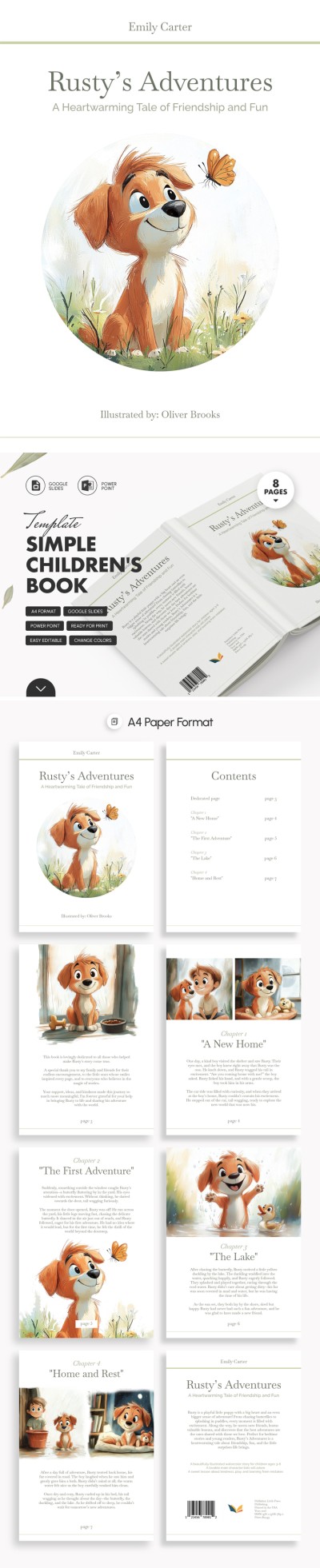
Simple Children's Book Template

Charming Children's Book
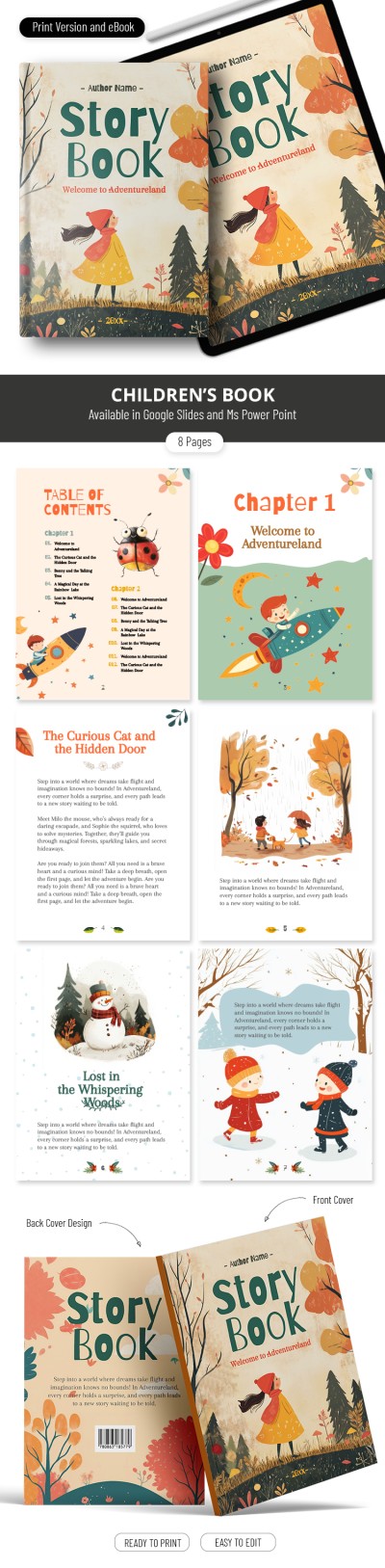
Perfect Children's Book
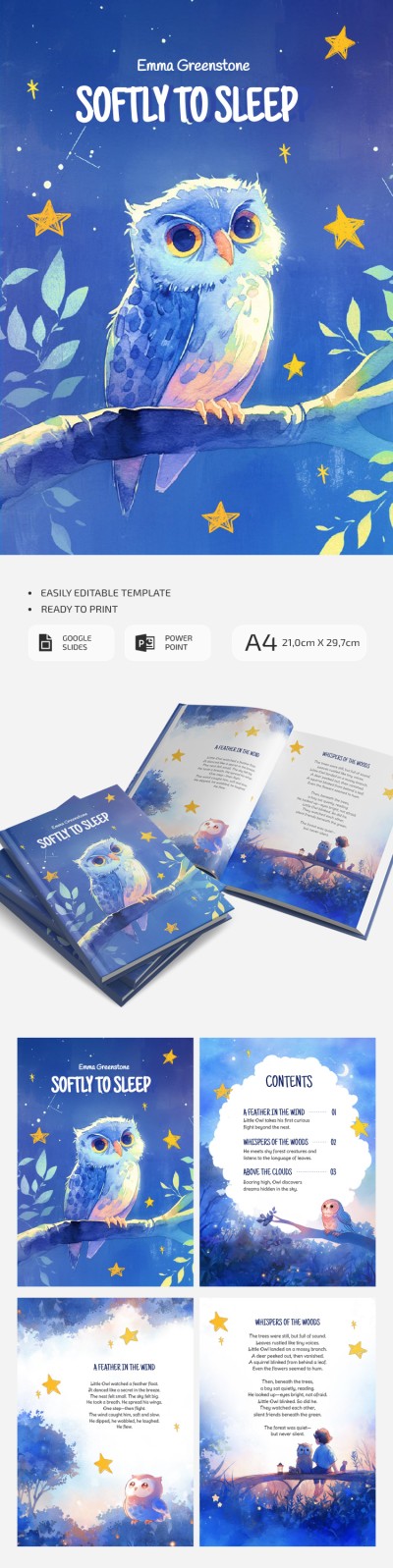
Watercolor Children's Book Template With Cute Owl
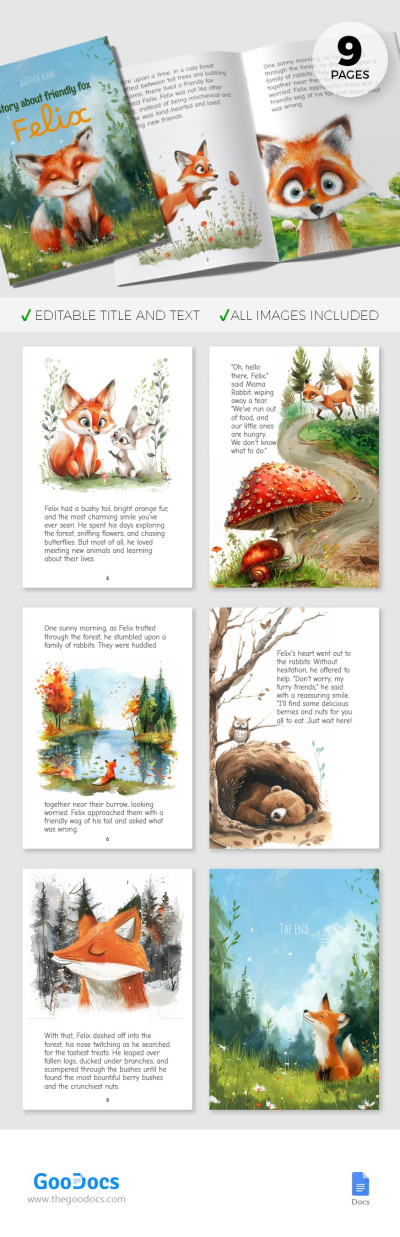
Illustrated Children's Book
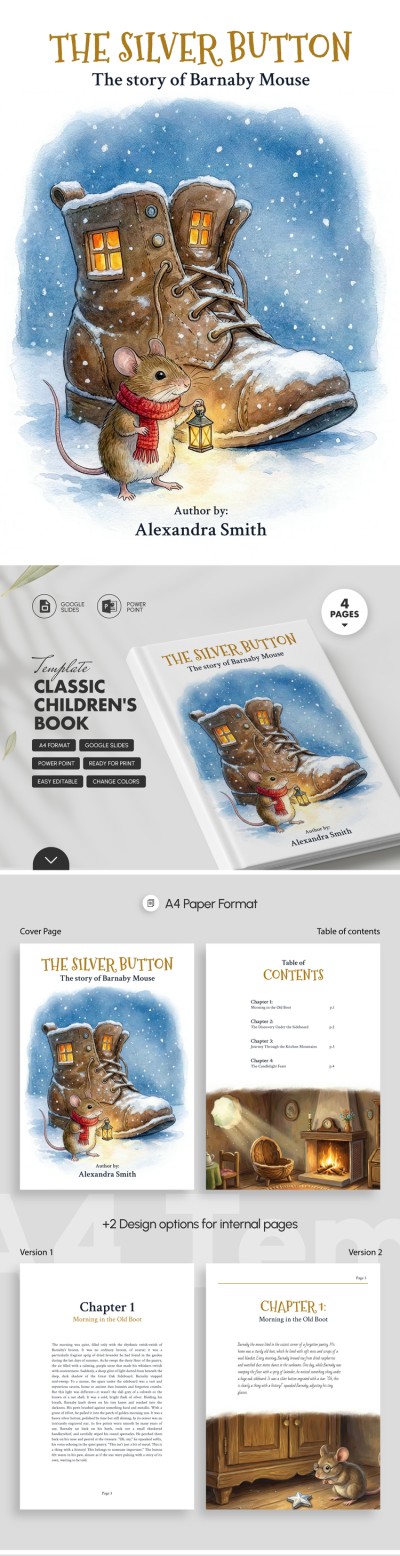

Picture Book Template for Children
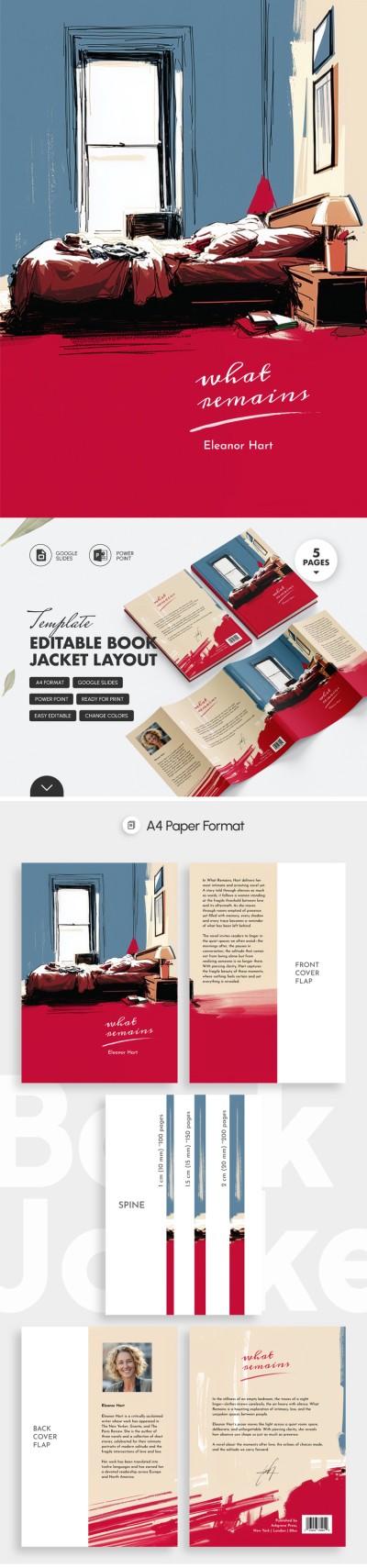
Editable Book Jacket Layout – Front | Spine | Back
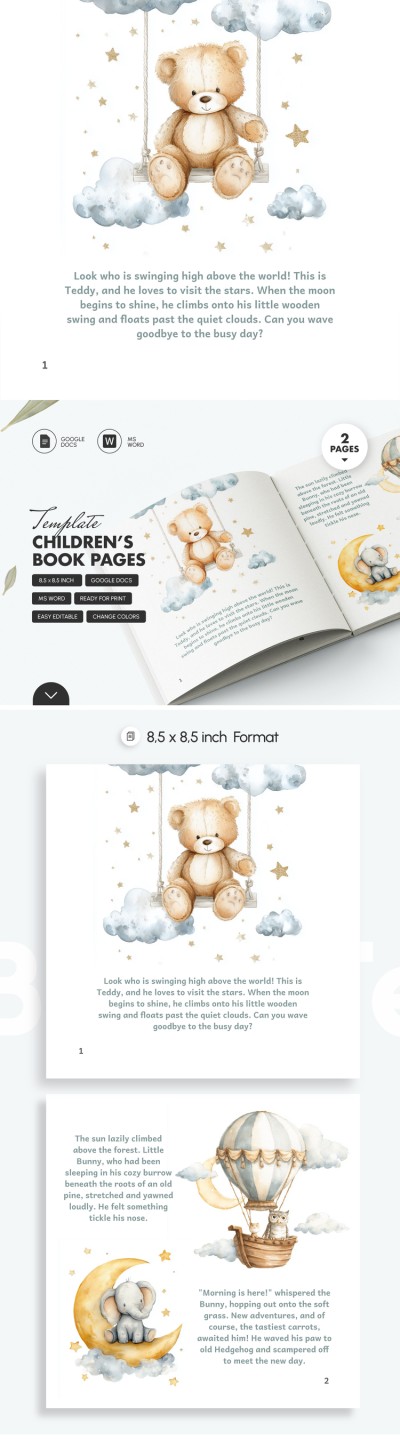
Children’s Book Page Template
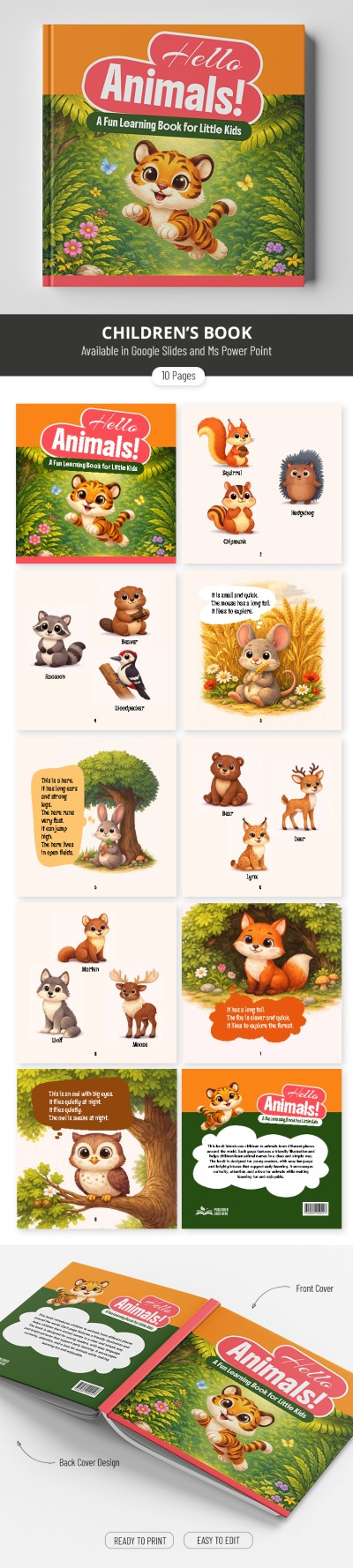
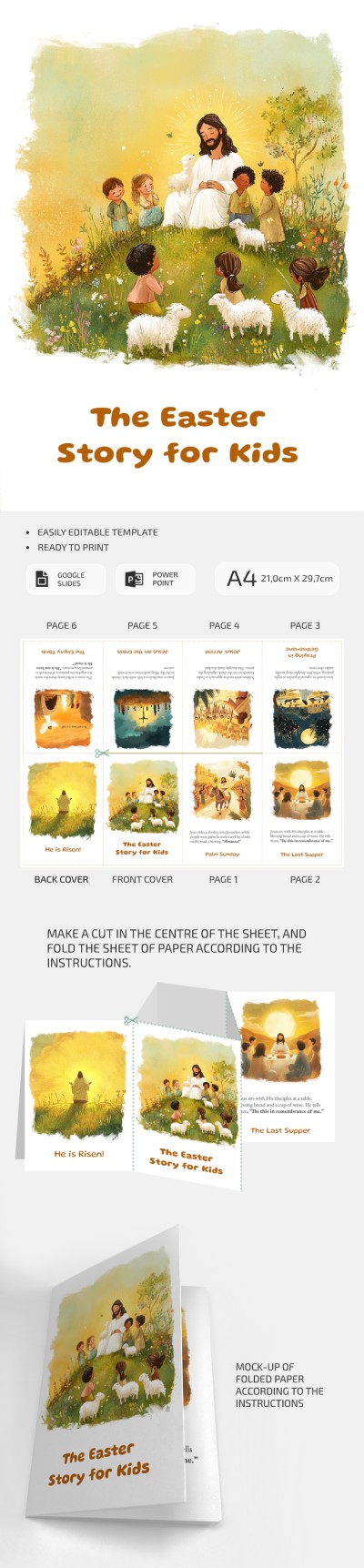
The Easter Story For Kids – Printable Mini Book Template

Picture Book
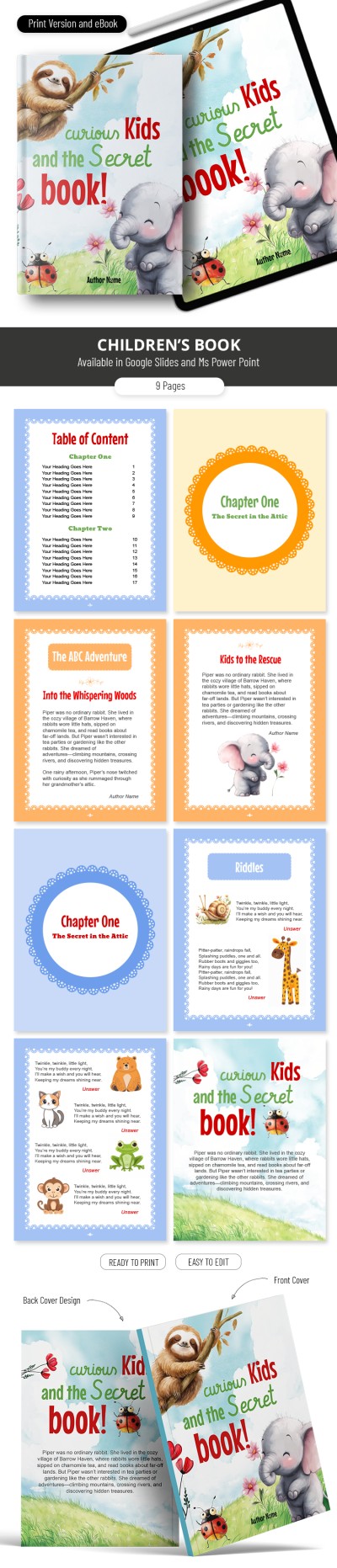
Amazing Children's Book

Children’s Book Layout Template
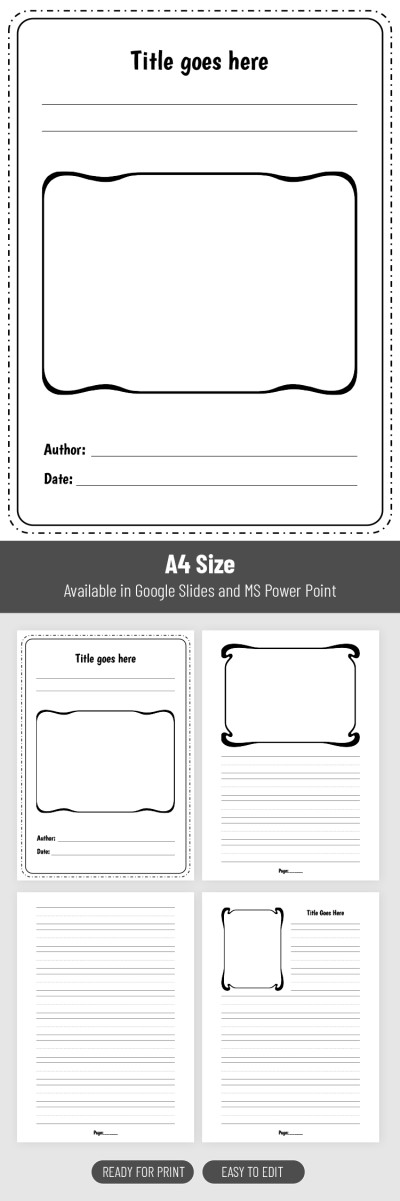
Printable & Digital Student Storybook Template
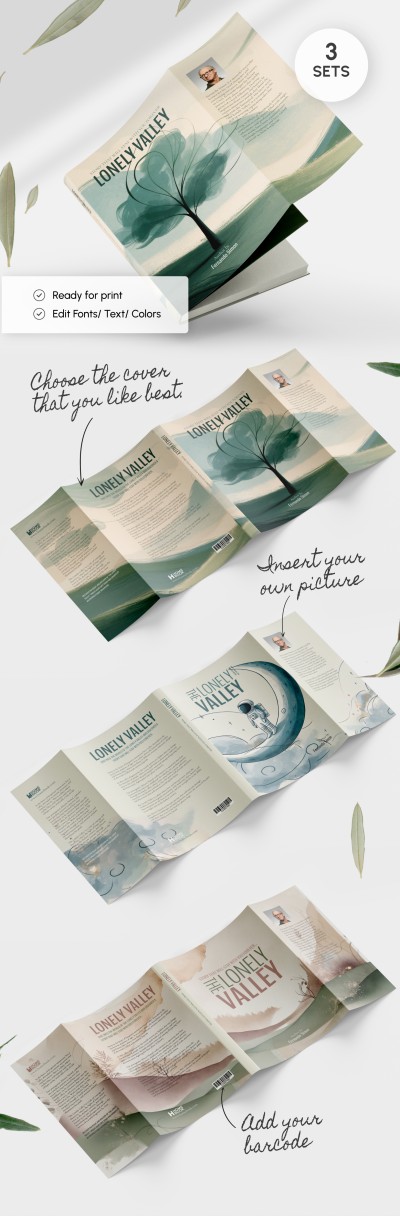
Book Jacket Project
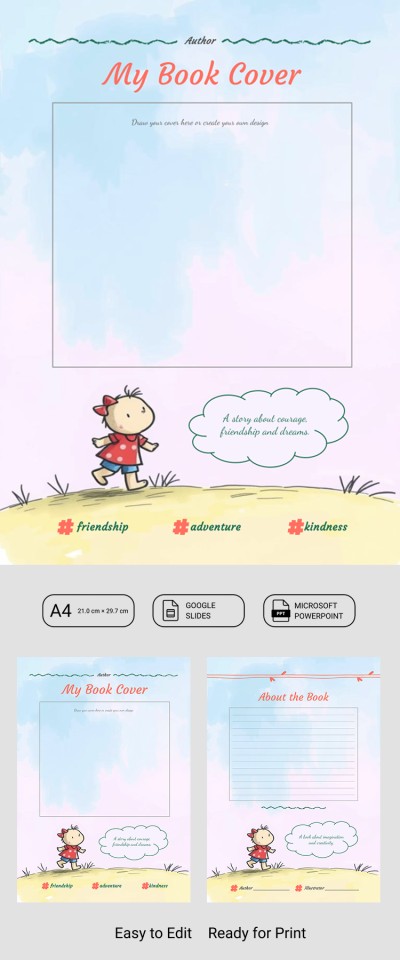
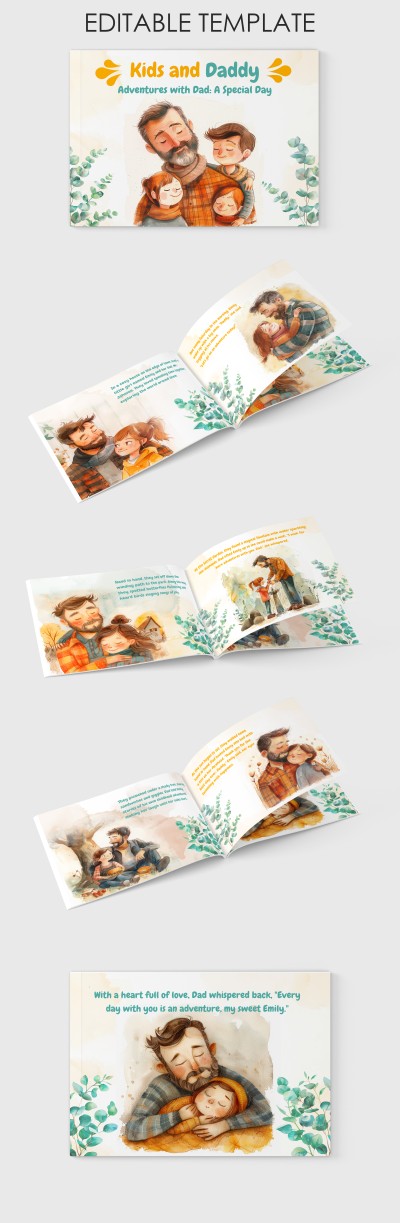
Cute Children's Book
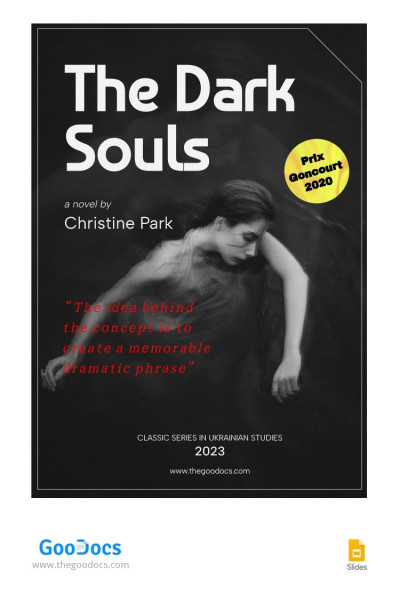
Novel Cover Book
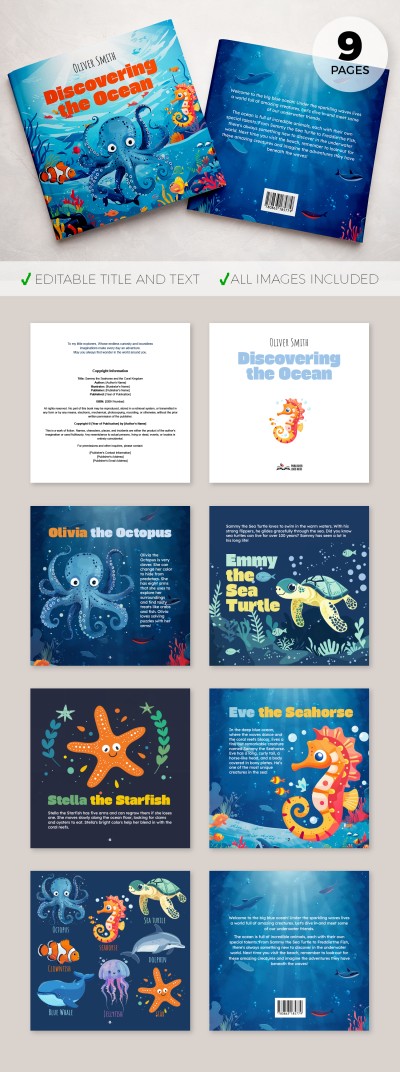
Bright Children's Book
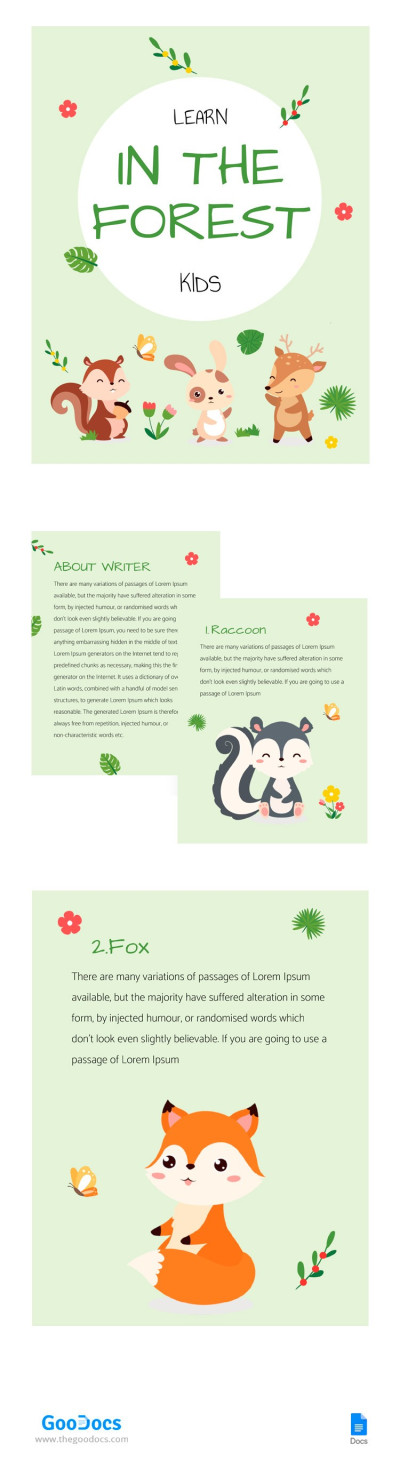
Forest Animal Book
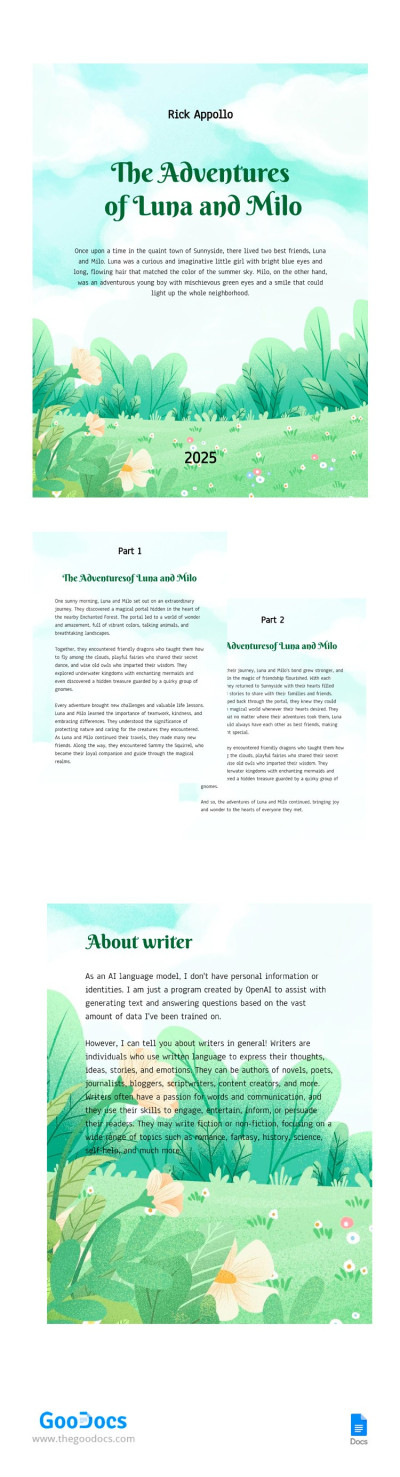
Adventure Kids Book
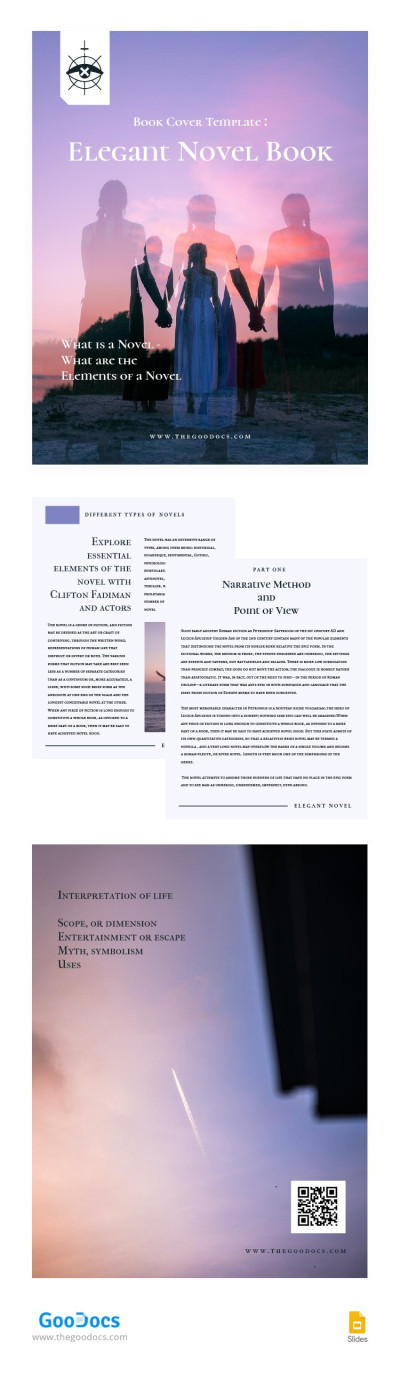
Elegant Novel Book
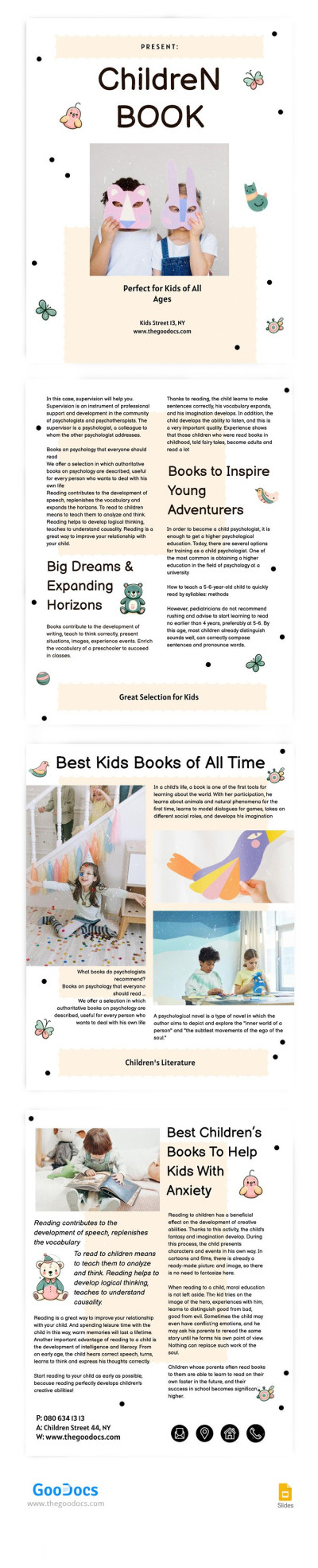
Ilustrated Children Book
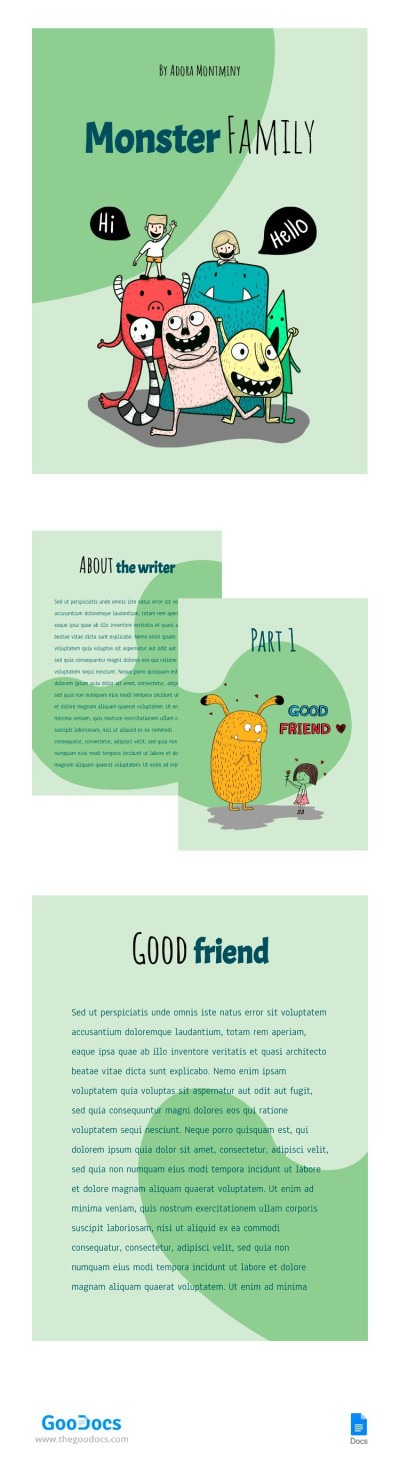
Family Monster Book
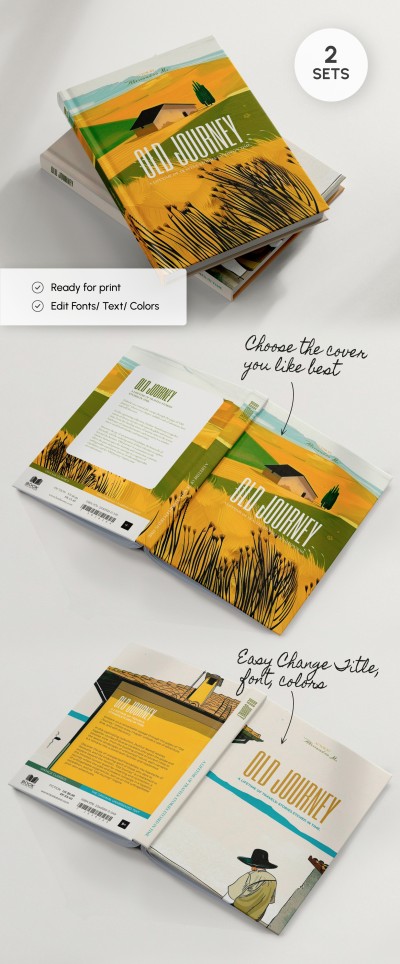
Sleek Book Cover Layout
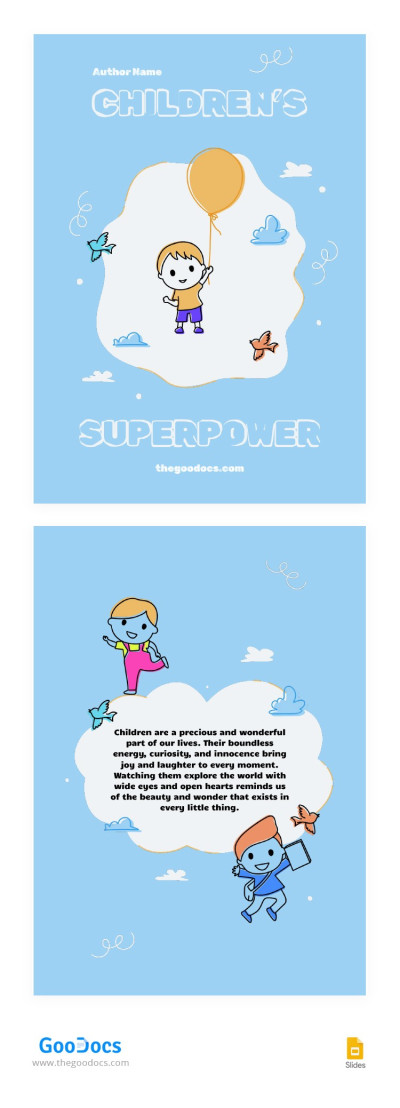
Bright Kids Book Cover
Make the journey from the first idea to the finished book much easier with our novel templates. Formatting shouldn't hinder your creativity, and now you can use pre-made designs for pages, covers, tables of contents, and even images for free. Our collection of versatile templates includes options for novels on a variety of topics, from dramatic, profound works to innovative science fiction.
Top advantages of our novel book templates:
- A precise design and structure for every book element. Each novel template is designed in a specific, consistent style. The front and back covers, chapter intros, and interior pages are created using elements that blend seamlessly. Every image, font, heading style, and line spacing ensures that your publication has bookstore quality.
- Fully editable layouts and convenient formats. Instead of learning a new platform, you can customize any of our templates in a familiar format. All you have to do is choose Google Docs, Slides, Word, or PowerPoint, download or receive a copy, and add your text. You can leave the formatting as is or customize it to suit your vision.
- The best settings for printing and self-publishing. It's important that your book retains its appearance after printing or digital publication. That's why we've taken care of technical specifications, including paragraph indents, optimal line spacing, and more. You can print your book or upload it to any platform, and your text will be easy to read.
We save you time and money by offering ready-to-customize novel templates. No need to spend money on layout and design services; simply get a design that includes everything you need. Beginners and professional writers alike can find the best book template in Google Docs for their next project on our website.
Novel Book Templates FAQ
The format of your novel depends on whether you're submitting it to an editor or self-publishing.
For submissions to publishers, the standard manuscript format is used:
- A title page with the author's name, title of the work, and contact information.
- The page size is 8.5 x 11 inches or A4.
- The body text should use a 12-point serif font.
- Double line spacing is required (so the editor can make notes between the lines).
- 1-inch (2-2.54 cm) margins at the top and bottom.
- Print on one side of the sheet only.
Technical formatting for self-publishing:
- PDF format for print and EPUB for digital publication.
- 5.5 x 8.5, 6 x 9 inches, or A5 page sizes (trim sizes).
- 1.15 to 1.3 line spacing.
- Equal margins on all sides (1 inch or 2.54 cm).
- Each chapter starts on a new page (with the chapter title placed a third of the way down).
On this page, you'll find ready-to-use novel templates with premade typography, layouts, front and back covers, and even a spine. You can add your own text and customize our novel book templates in Google Docs or Word, then save them as PDFs for high-quality printing.

